




RGB Backlight Mouse with Breathing-Circle LED Colors
1.Wired Gaming Mouse with Breathing-Circle LED Colors.Mice resolution 3 leves :1200/1600/2400 3moving ,change cursor sensitivity freely,meet your different demands when working .
2.Ergonomic Design based on human mechanics help you relieving fatigue even after long time working,

Backlight key
1.FN+Backlight key Turn on/off the backlight of the keyboard
2.FN+ Pageup/Pagedown key Increase/decrease LED lighting brightness
3.FN+ Down key Turn off the backlit/you could also press backlight button three times

Mutimedia function Shortcut keys
FN+ F1-F12 To unlock different functions for each buttons
Multi-function combination keys,Simplify Function,Shortcut Keys,Easy Operation.

Friendly Tips
There is no single Backlight control button for the RGB mouse, that means if you connects the mouse with your PC,it will keep light. If
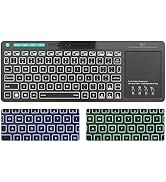
you mind this, pls consider it before order ;The keyboard switchs areNot Real mechanical ; The keyboard backlight has 3 colors:Red ,Green,Blue;
If you have any problem during the use ,hope you could send message to Ruige service team firstly and we will try to help you in time
How to control the Backlit
FN+Backlight key Turn on/off the backlight of the keyboard; FN+ Pageup/Pagedown key Increase/decrease LED lighting brightness;FN+ F1-F12 To unlock different functions for each buttons; FN+ Down key Turn off the backlit/you could also press backlight button three times.
Specification
*Keys: 104 keys ;Backlit: 3 Colors Red,Green, Blue;Weight: 450g;Size:43*13.6*2.6cm;Compatibility: Win 10/ 8/7/Mac/Raspberry Pi/PC;19 Keys Anti-ghosting
What's in the box?
1 x Mechanical feeling Gaming Keyboard;1 x Gaming mouse;1 x User manual

Rii keyboard and mouse

Rii aims at providing elegant, fashion and ease-of-use products for all people who need the wireless mouse and keyboard, especially for the young friends and kids with its youthful design
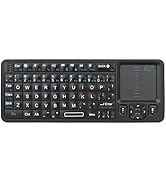
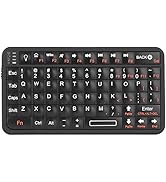
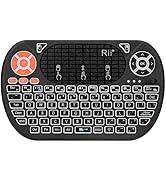
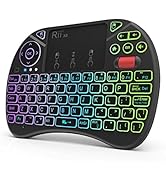
Rii Mini Keyboard
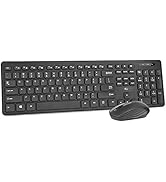
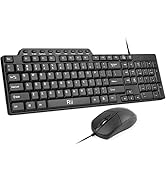
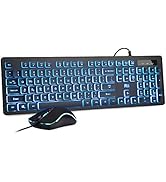
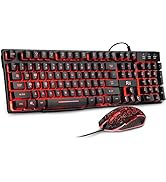
keyboard and mouse combo
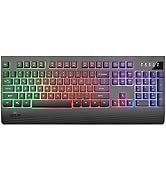
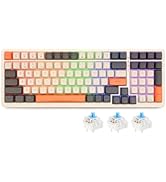
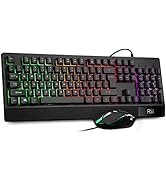
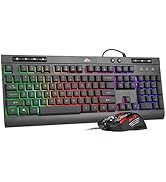
gaming keyboard
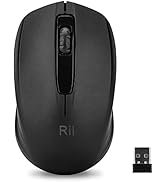
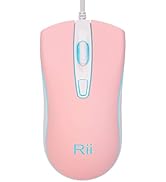
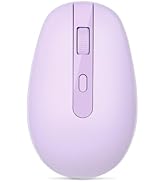
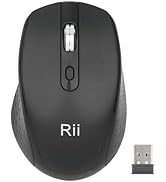
Mouse
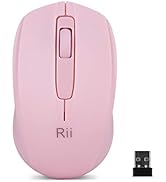
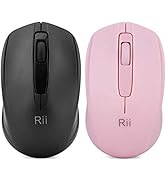

Mouse
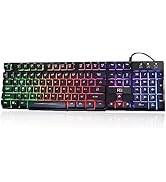
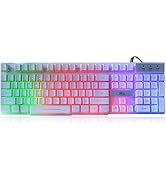
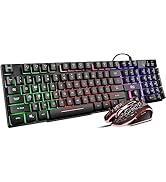
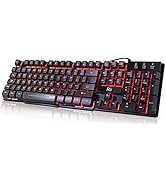
gaming keyboard
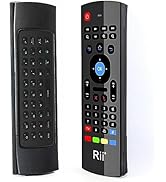
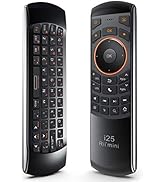
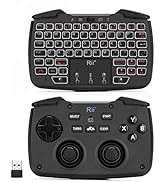
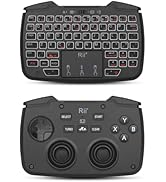
remote ,gaming controller
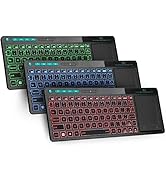
keyboard and mouse

RGB Backlight Mouse with Breathing-Circle LED Colors
1.Wired Gaming Mouse with Breathing-Circle LED Colors.Mice resolution 3 leves :1200/1600/2400 3moving ,change cursor sensitivity freely,meet your different demands when working .
2.Ergonomic Design based on human mechanics help you relieving fatigue even after long time working,
Backlight key
1.FN+Backlight key Turn on/off the backlight of the keyboard
2.FN+ Pageup/Pagedown key Increase/decrease LED lighting brightness
3.FN+ Down key Turn off the backlit/you could also press backlight button three times
Mutimedia function Shortcut keys
FN+ F1-F12 To unlock different functions for each buttons
Multi-function combination keys,Simplify Function,Shortcut Keys,Easy Operation.
Friendly Tips
There is no single Backlight control button for the RGB mouse, that means if you connects the mouse with your PC,it will keep light. If
you mind this, pls consider it before order ;The keyboard switchs areNot Real mechanical ; The keyboard backlight has 3 colors:Red ,Green,Blue;
If you have any problem during the use ,hope you could send message to Ruige service team firstly and we will try to help you in time
How to control the Backlit
FN+Backlight key Turn on/off the backlight of the keyboard; FN+ Pageup/Pagedown key Increase/decrease LED lighting brightness;FN+ F1-F12 To unlock different functions for each buttons; FN+ Down key Turn off the backlit/you could also press backlight button three times.
Specification
*Keys: 104 keys ;Backlit: 3 Colors Red,Green, Blue;Weight: 450g;Size:43*13.6*2.6cm;Compatibility: Win 10/ 8/7/Mac/Raspberry Pi/PC;19 Keys Anti-ghosting
What's in the box?
1 x Mechanical feeling Gaming Keyboard;1 x Gaming mouse;1 x User manual
Rii keyboard and mouse
Rii aims at providing elegant, fashion and ease-of-use products for all people who need the wireless mouse and keyboard, especially for the young friends and kids with its youthful design
Rii Mini Keyboard
keyboard and mouse combo
gaming keyboard
Mouse
Mouse
gaming keyboard
remote ,gaming controller
keyboard and mouse





