


NOT SUPPORTED:
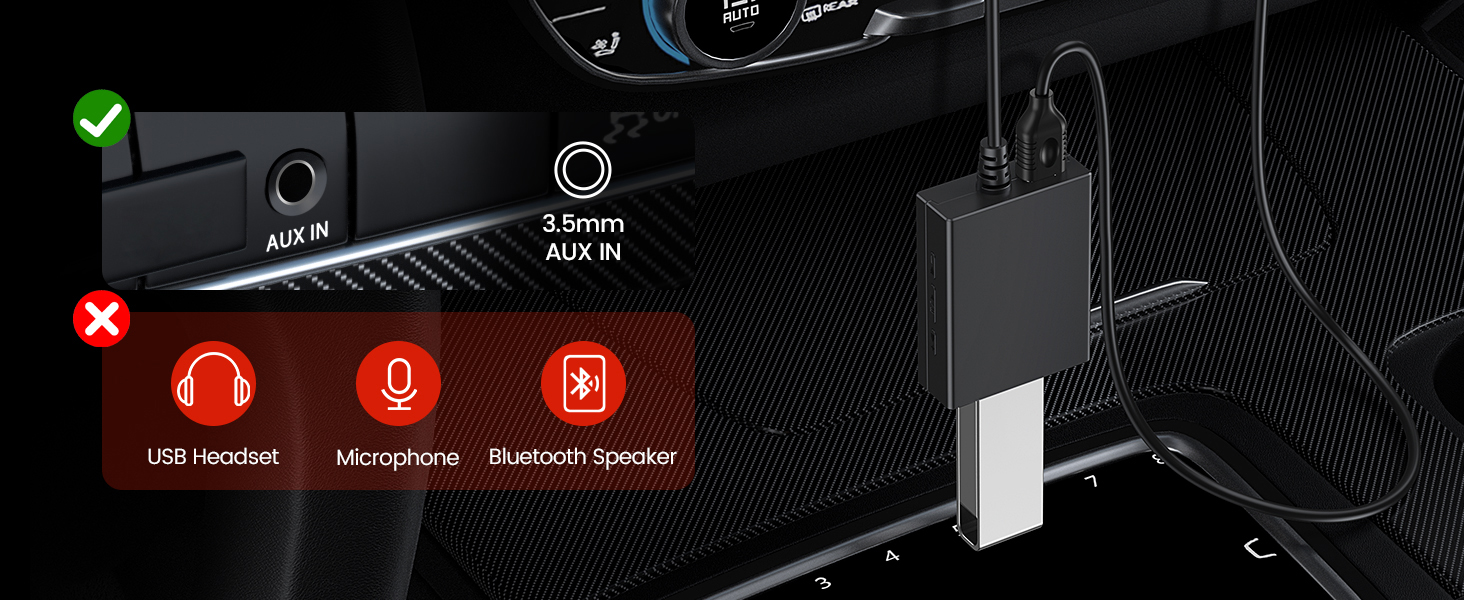
- U disk in NFTS format is not supported (Support FAT32 and EXFAT).
- It's Not a signal converter! Only supports the player.
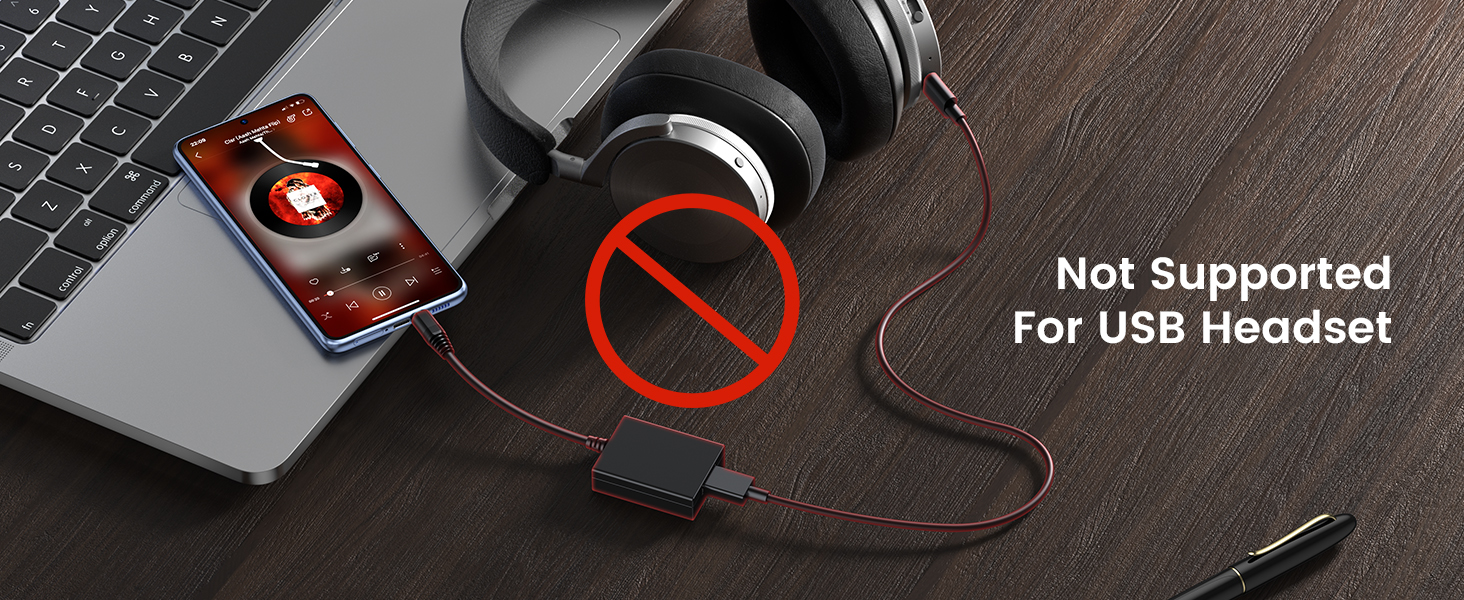
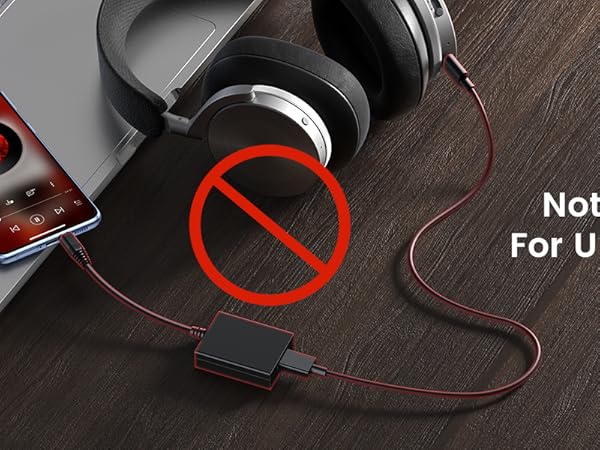
- Not Compatible with USB Headphones.
- Does Not support microphone.
- Not available for Bluetooth devices.
- Does Not support iPod these decoder devices.
- Cannot connect to a Mobile phone.
- Cannot connect to Laptop/ PC.
- Cannot connect USB speakers to the TV.
- Cameras are not supported.
IMPORTANT REMINDER:
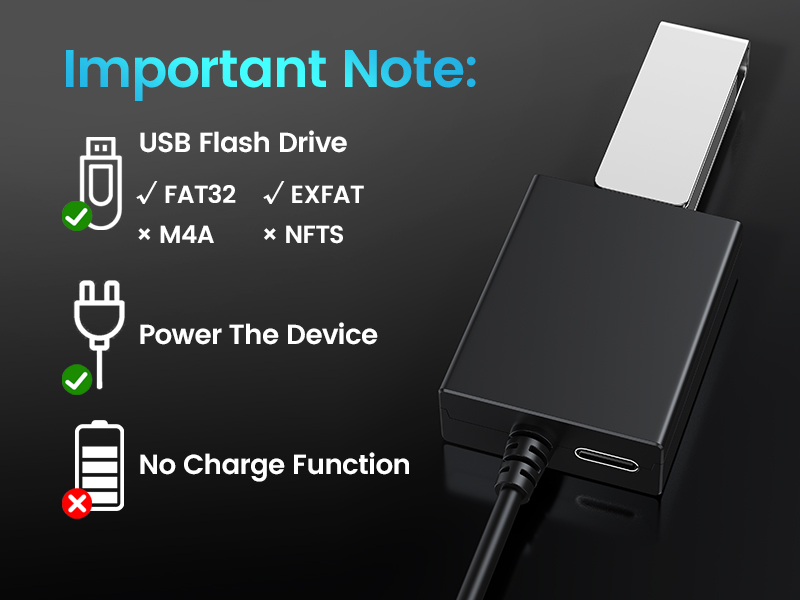
COMPATIBILITY: U disk in NFTS format is not supported. Support FAT32 and EXFAT. (DO NOT support charge any device).
- It's Not a signal converter!
- Only supports the player. Not suitable for USB headphone.
- Cannot connect to Laptop/ PC. Cannot connect USB speakers to the TV.
- Does not support iPod these decoder devices.
CONNECTOR FEATURES
- Color: black
- Size : 10*1.7*1.2 inch
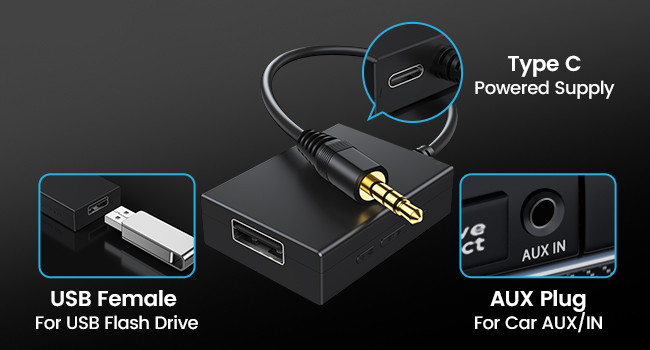
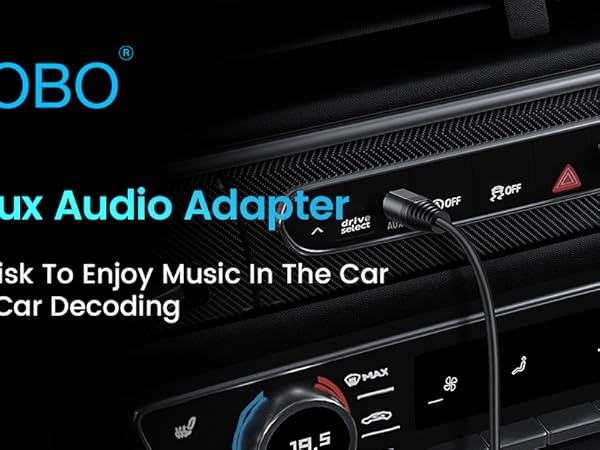
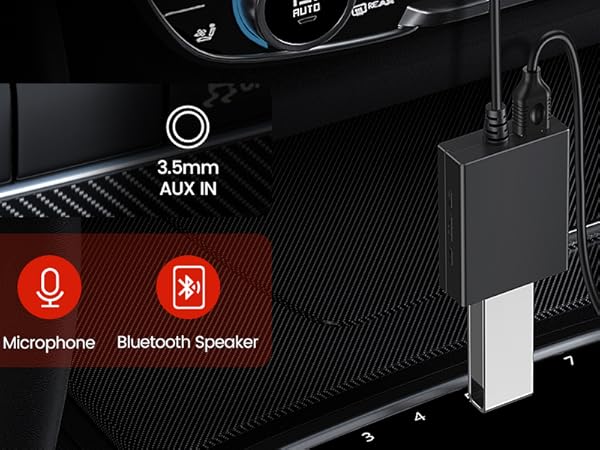
- 3.5mm Male: Plug in AUX port
- USB Female : connect the U-Disk, can read the mp3 form U flash
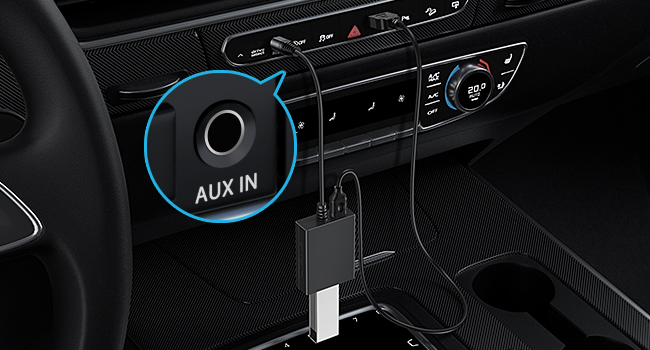
HOW TO USE IT?
- Plug in your USB flash drive that has mp3 music files.
- Connect the adapter to a USB power source.
- Plug the aux plug into your car's AUX port.


![ANDTOBO [10Gbps] USB C Female to USB Male Adapter, USB 3.1 A to USB C Adapter SuperSpeed Data Syn...](http://c1.neweggimages.com/sellingpilot/modules/product/a-plus/38db33b8acda6a6418809d8623d49fca991581b53a900a3ab3c54b78b4af6e3c.jpg)




NOT SUPPORTED:
- U disk in NFTS format is not supported (Support FAT32 and EXFAT).
- It's Not a signal converter! Only supports the player.
- Not Compatible with USB Headphones.
- Does Not support microphone.
- Not available for Bluetooth devices.
- Does Not support iPod these decoder devices.
- Cannot connect to a Mobile phone.
- Cannot connect to Laptop/ PC.
- Cannot connect USB speakers to the TV.
- Cameras are not supported.
IMPORTANT REMINDER:
COMPATIBILITY: U disk in NFTS format is not supported. Support FAT32 and EXFAT. (DO NOT support charge any device).
- It's Not a signal converter!
- Only supports the player. Not suitable for USB headphone.
- Cannot connect to Laptop/ PC. Cannot connect USB speakers to the TV.
- Does not support iPod these decoder devices.
CONNECTOR FEATURES
- Color: black
- Size : 10*1.7*1.2 inch
- 3.5mm Male: Plug in AUX port
- USB Female : connect the U-Disk, can read the mp3 form U flash
HOW TO USE IT?
- Plug in your USB flash drive that has mp3 music files.
- Connect the adapter to a USB power source.
- Plug the aux plug into your car's AUX port.
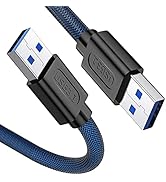
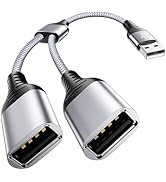
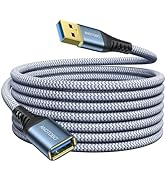
USB Cable
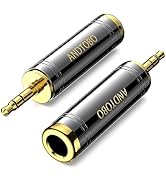
Audio Adapter
![ANDTOBO [10Gbps] USB C Female to USB Male Adapter, USB 3.1 A to USB C Adapter SuperSpeed Data Syn...](//c1.neweggimages.com/sellingpilot/modules/product/a-plus/38db33b8acda6a6418809d8623d49fca991581b53a900a3ab3c54b78b4af6e3c.jpg)
USB C Adapter
Quality Factory
You Deserve the Best
- Security is the best gift!
- Driving safety includes physical and personal safety.
We Value Your Experience
- 7*24H for you
- 18 months worriless support





