


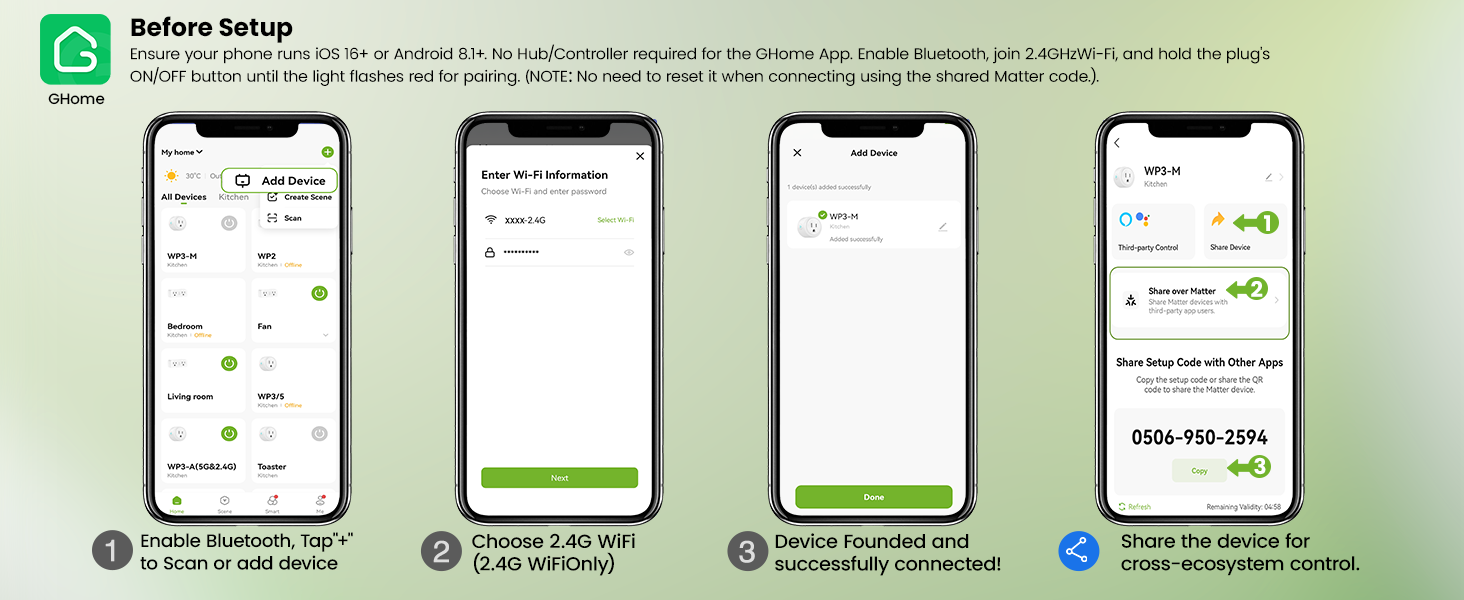
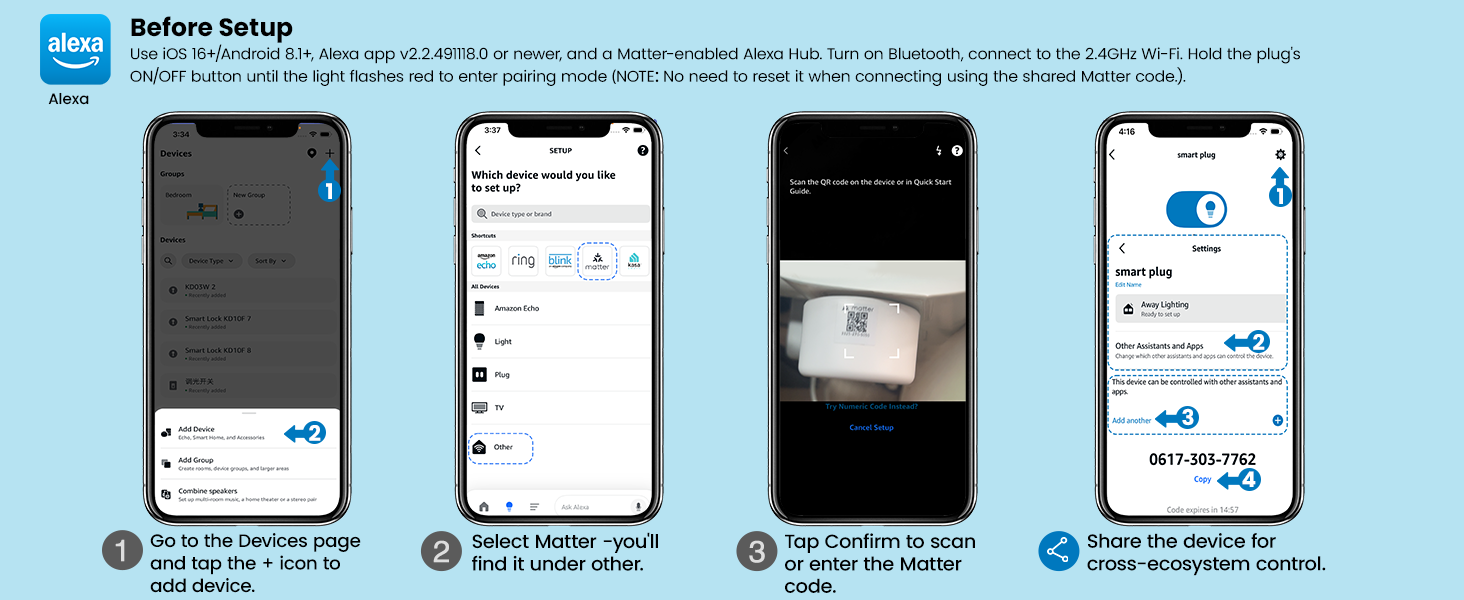
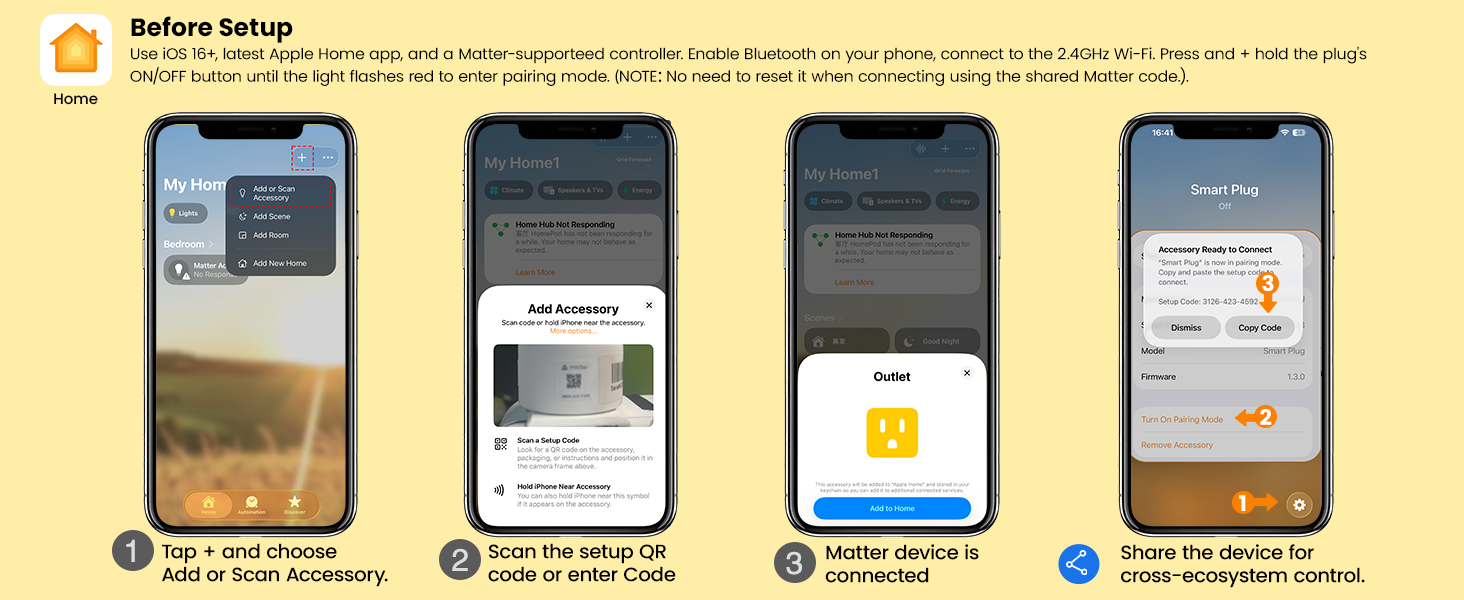
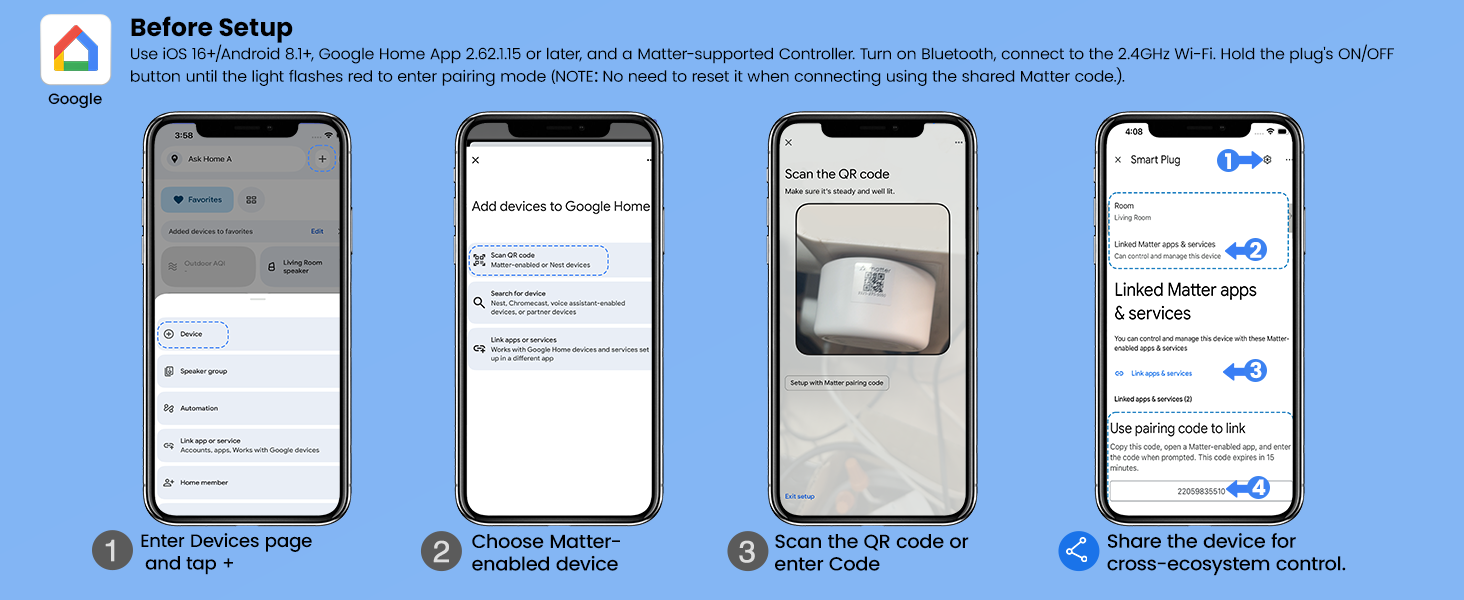
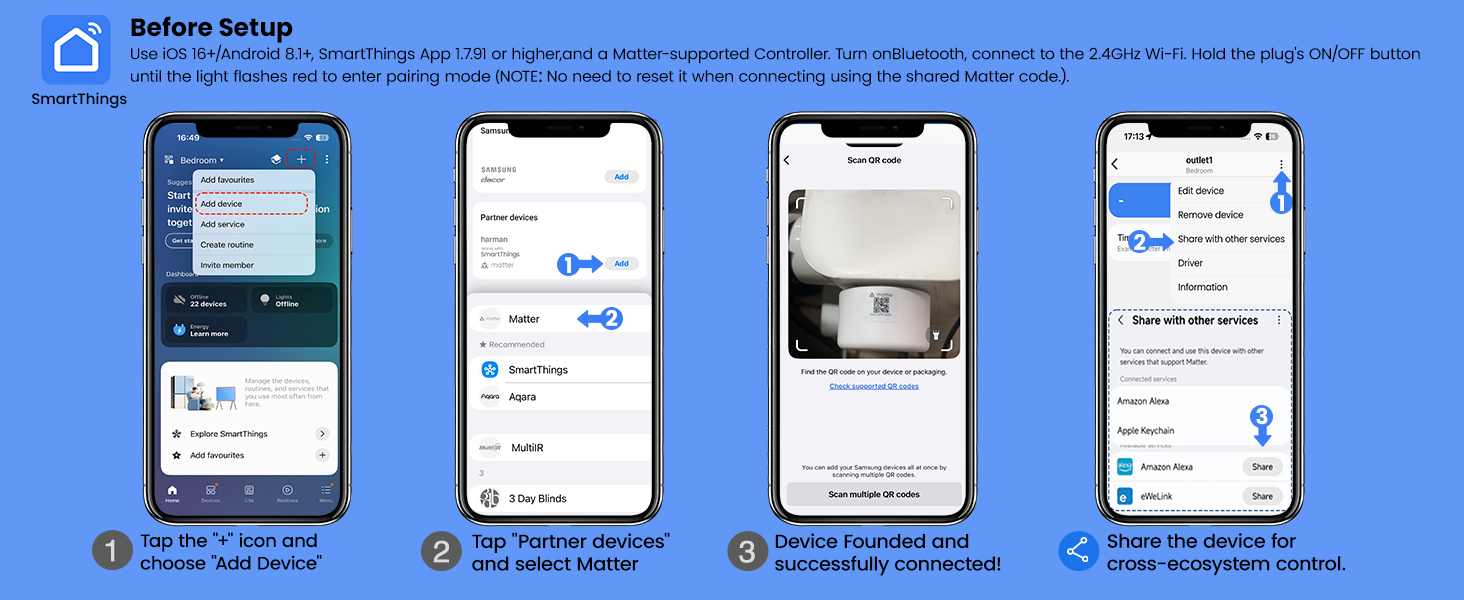
What are the available methods to set up a Matter Smart Plug, and is a hub required?
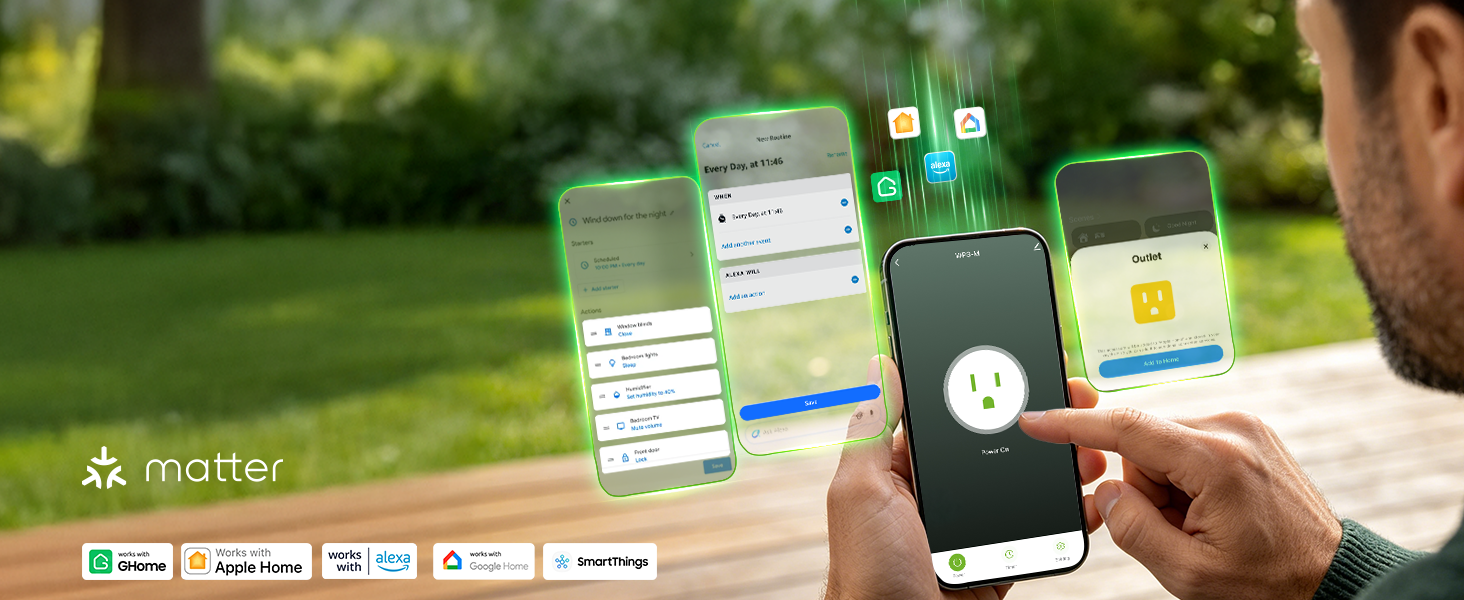
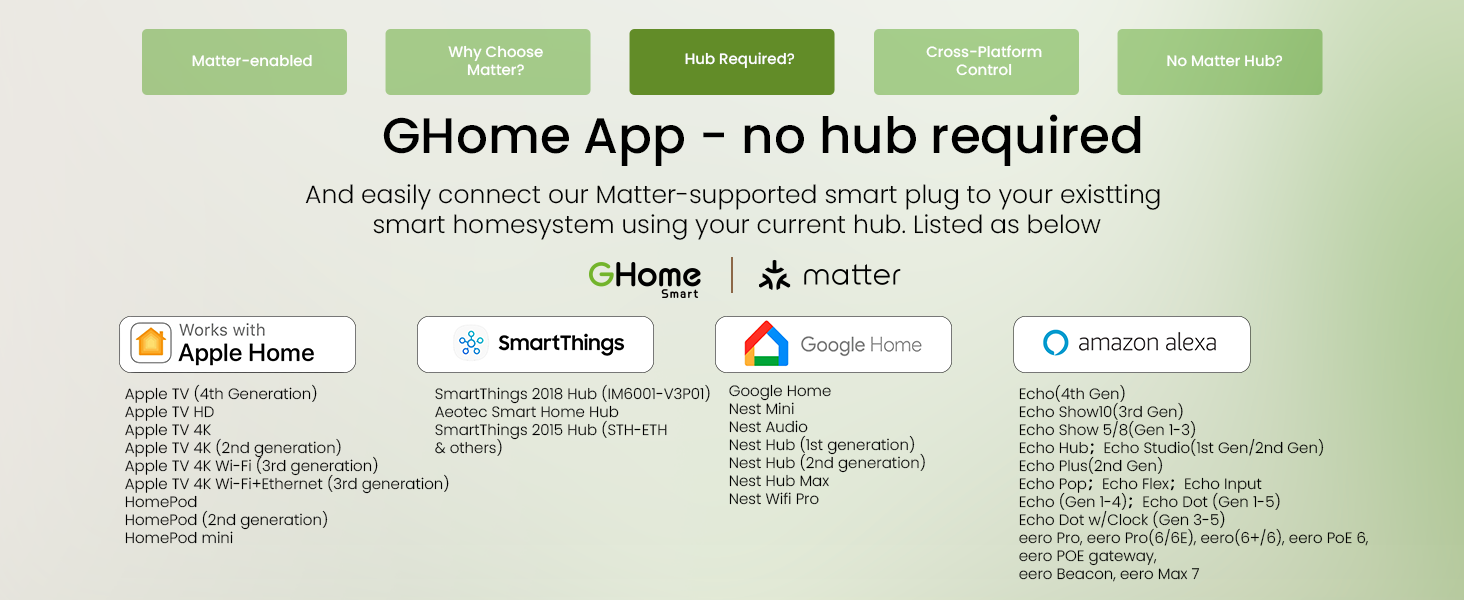
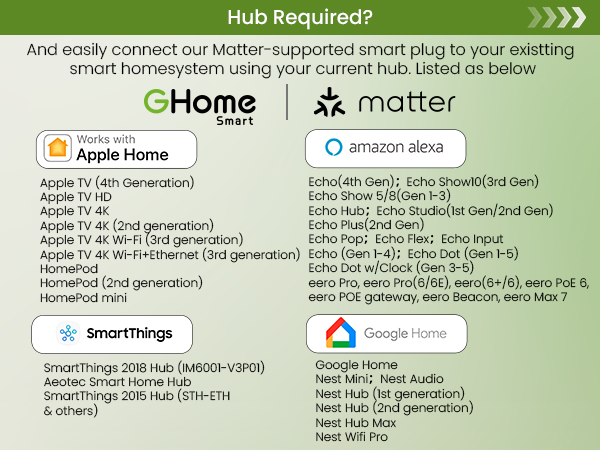
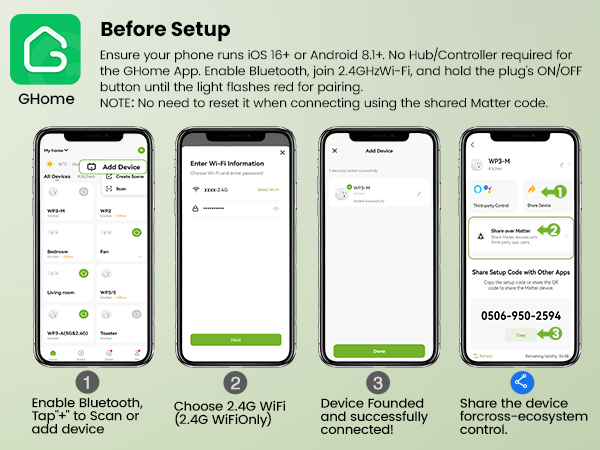
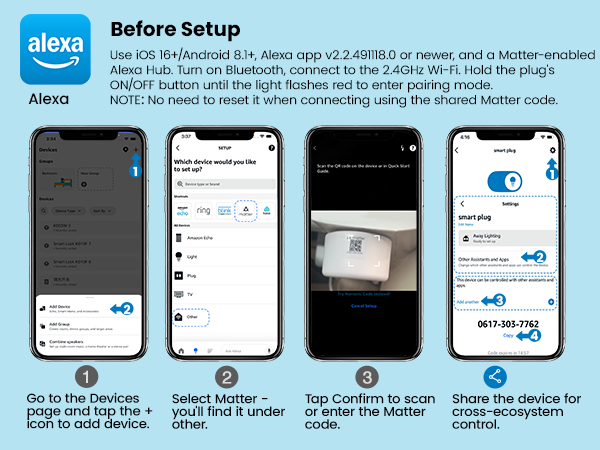
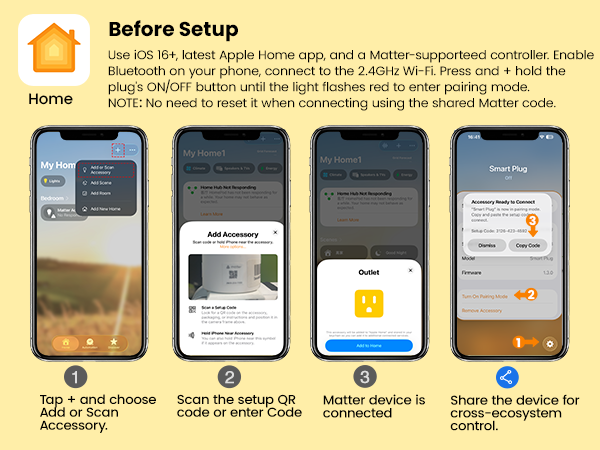
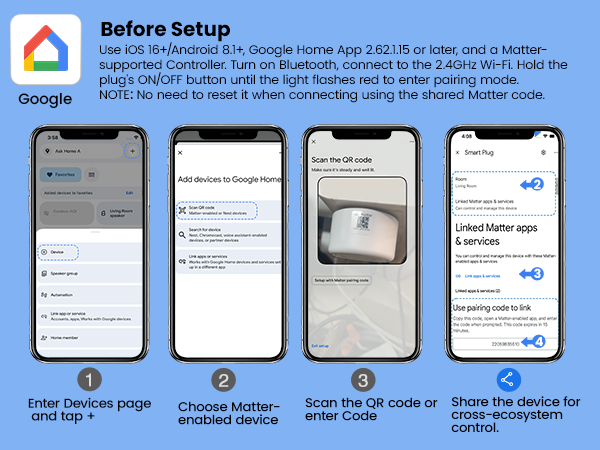
There are two ways. Option 1 (recommended): via the GHome App, no hub required. This ensures full functionality and avoids compatibility issues. Option 2: via a third-party Matter-enabled app, but a Matter-compatible hub is required.
How to control the same Matter device across multiple platforms? Need to reset the device when adding another ecosystem?
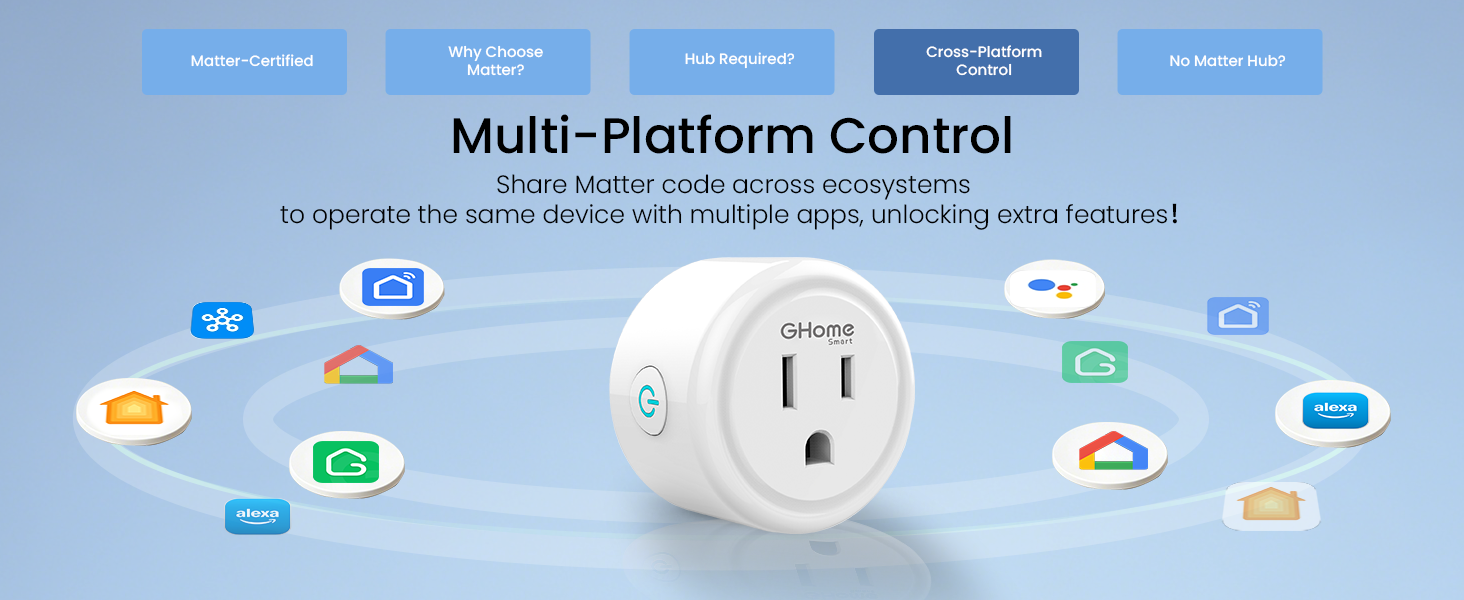
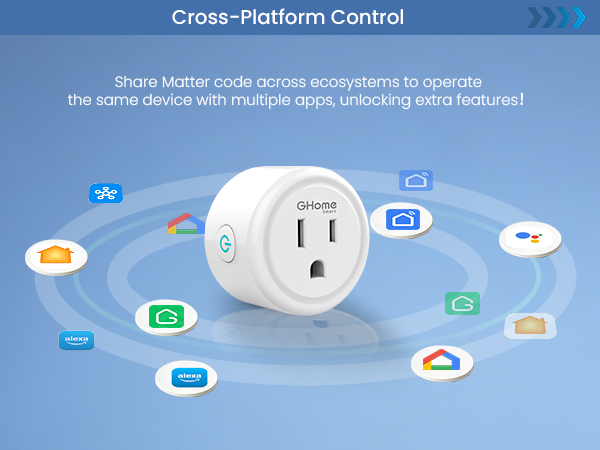
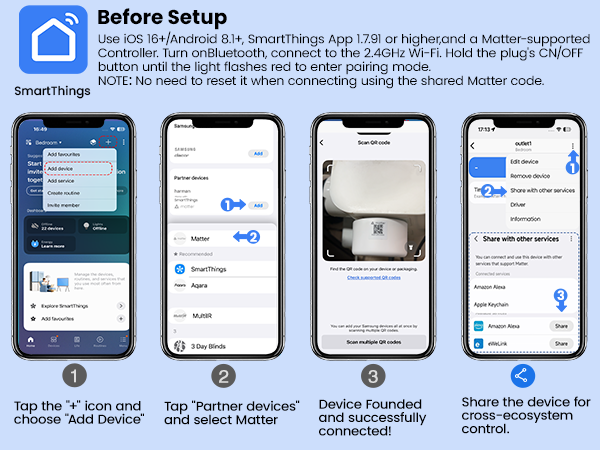
Share the Matter code across ecosystems to operate the same device with multiple apps — unlocking extra features. Note: No need to reset the device when using a shared Matter code to connect another ecosystem.
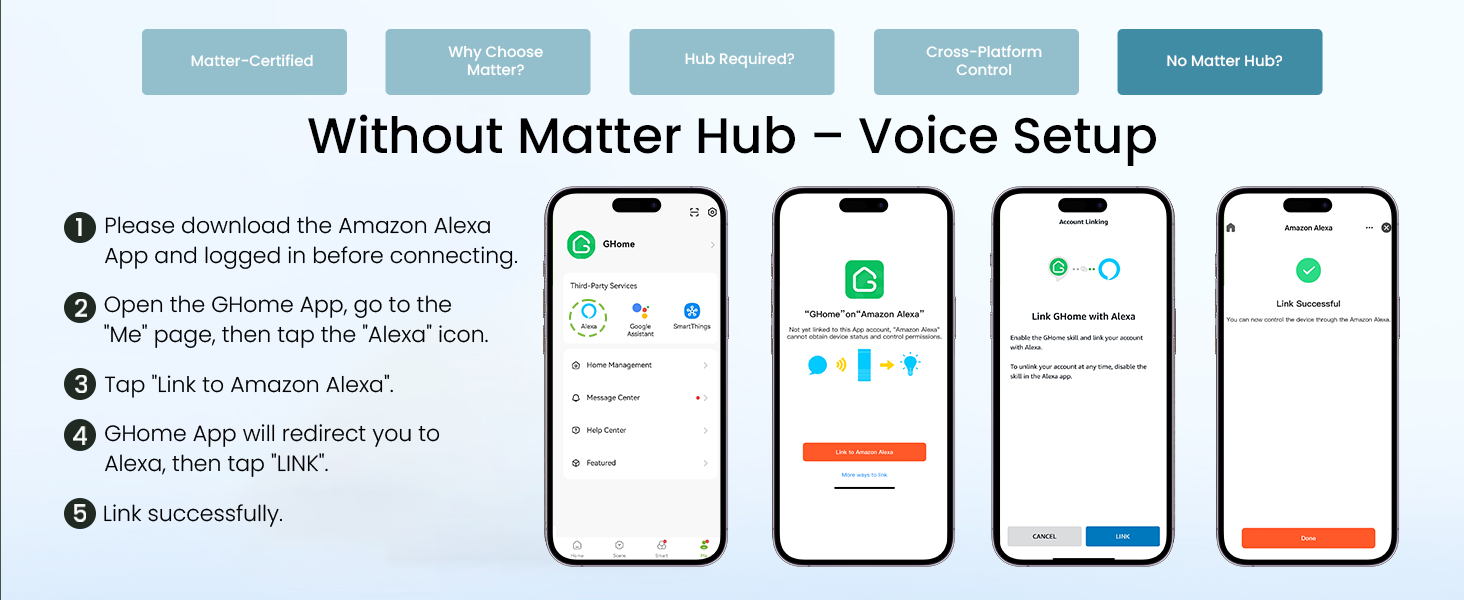
How to link voice assistant without Matter?
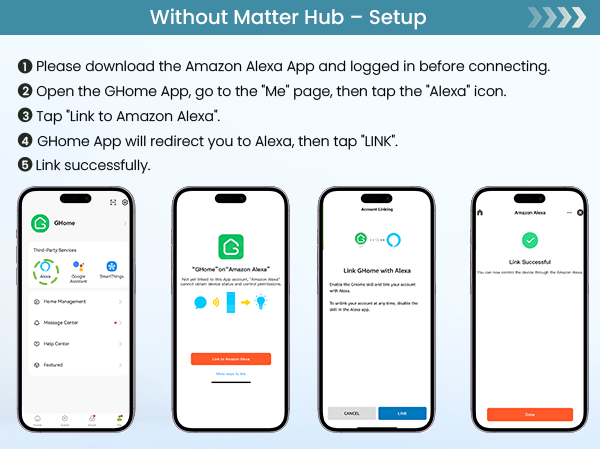
If you are not using Matter or do not have a Matter-compatible hub, please refer to the video or user guide on for instructions on linking Alexa, Google, or SmartThings via the GHome App.
Why cannot connect to the Internet? (Wi-Fi setup & router limits)
Make sure the router has 2.4G band on and connect to it. Avoid special symbols in the password. Keep the AP away from interference. Also, a single router has limited bandwidth — a 300M router may not support 50+ devices. Try restarting the router.
Why does the Internet often disconnect?
Some devices may be taking up too much network resources. Consider blacklisting them to free up bandwidth. Also, upgrading your router may be an effective solution. For unstable connections, check 2.4G band settings and reduce interference sources.
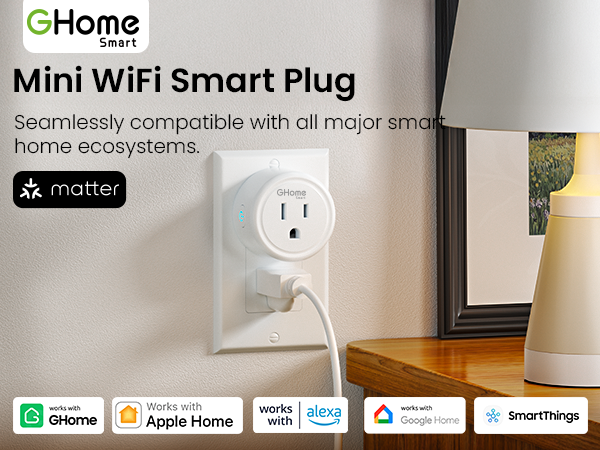
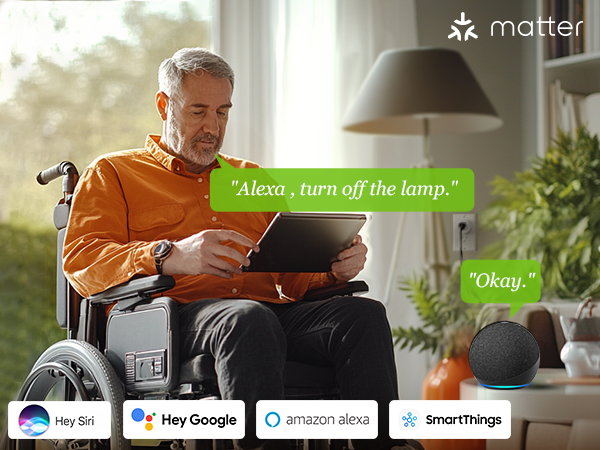
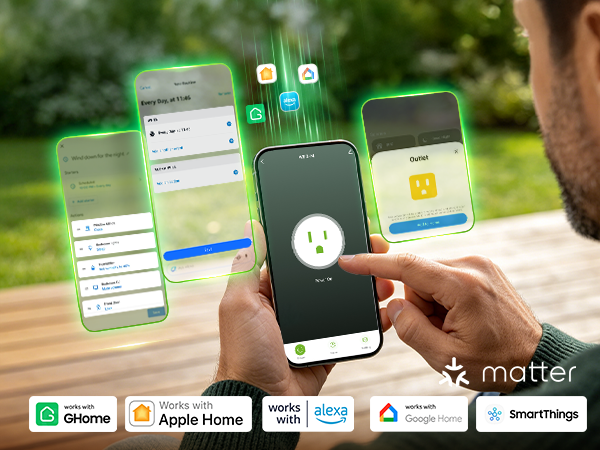
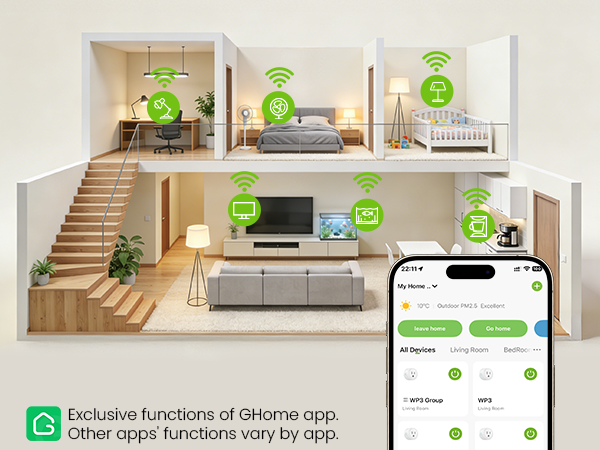
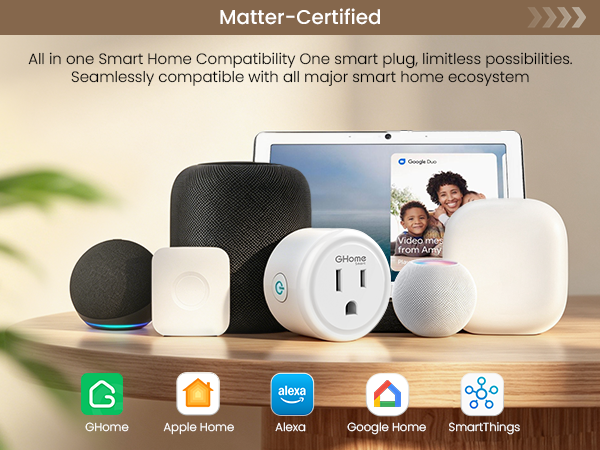
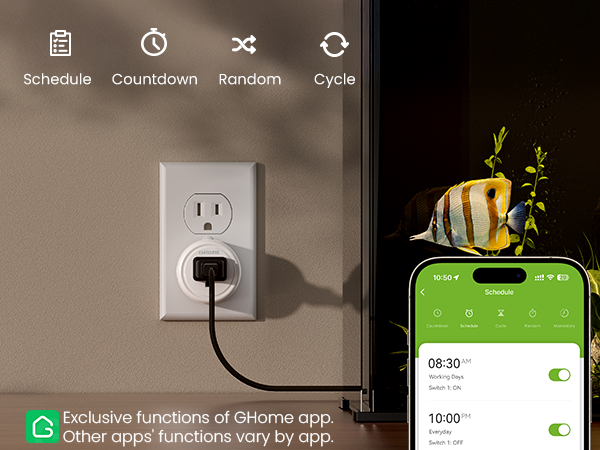
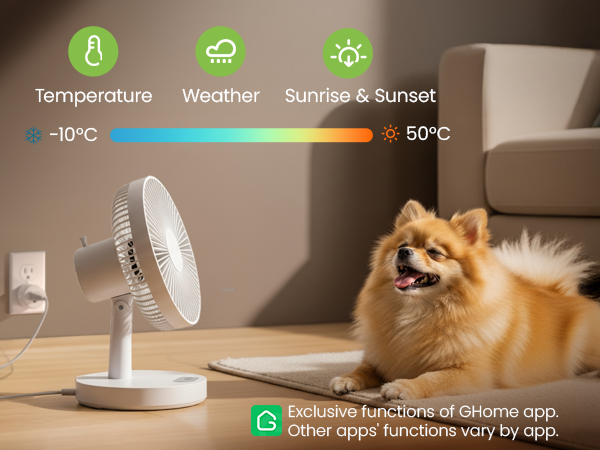
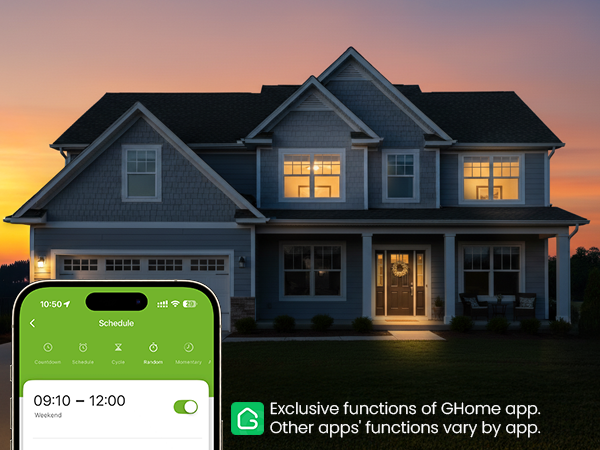
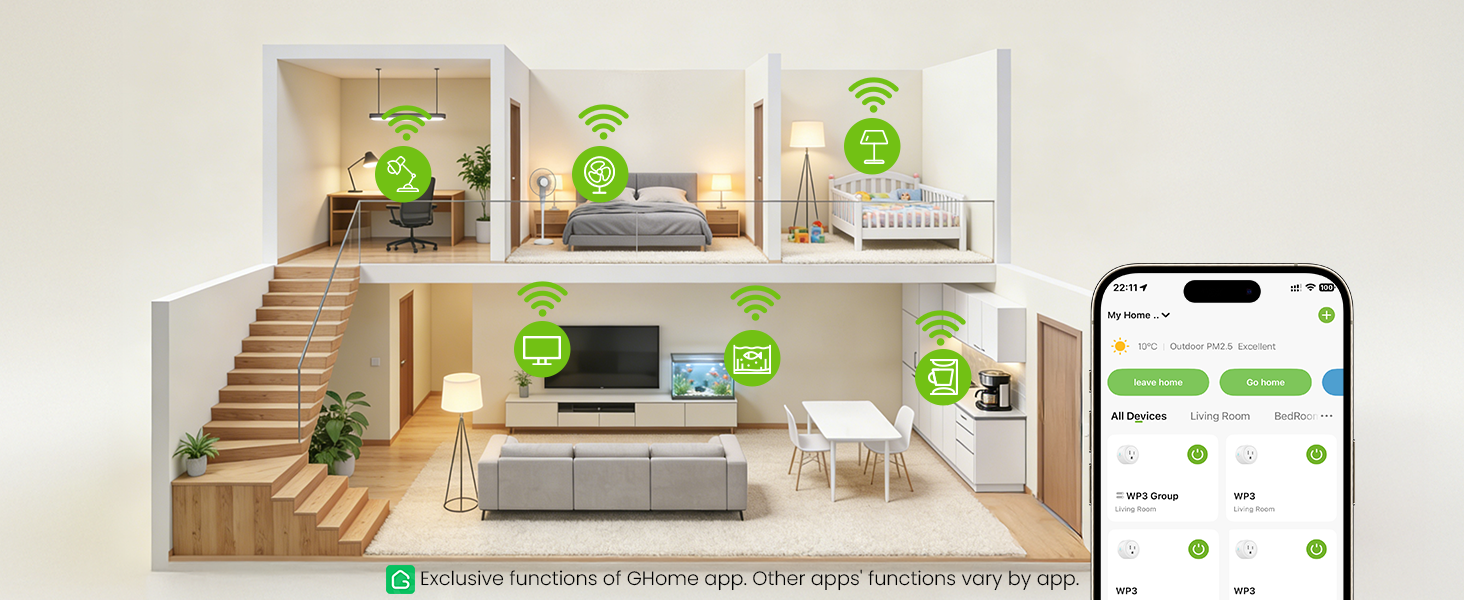
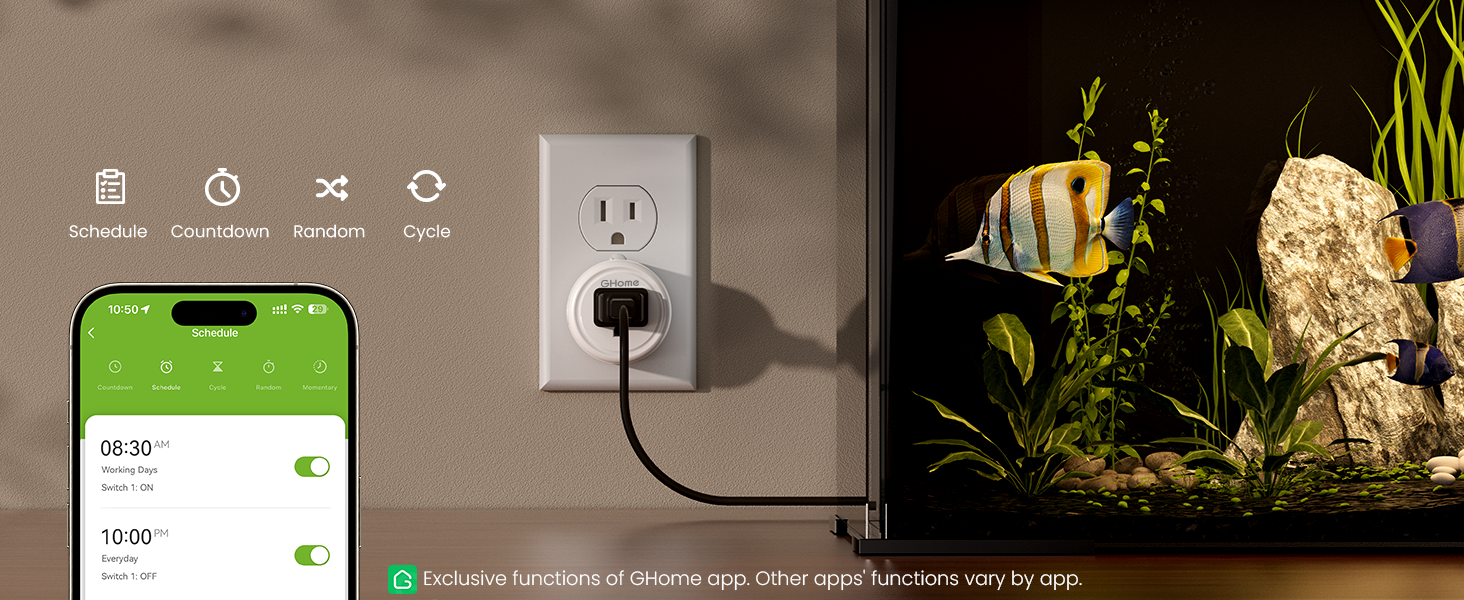
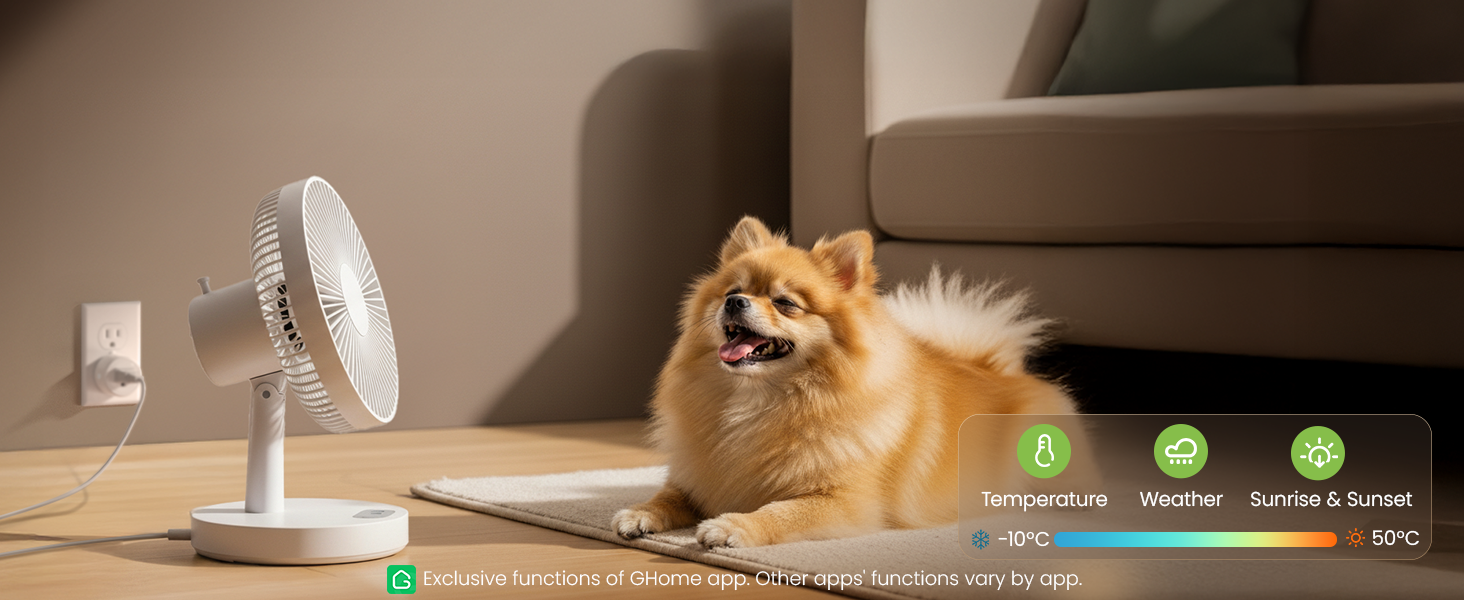
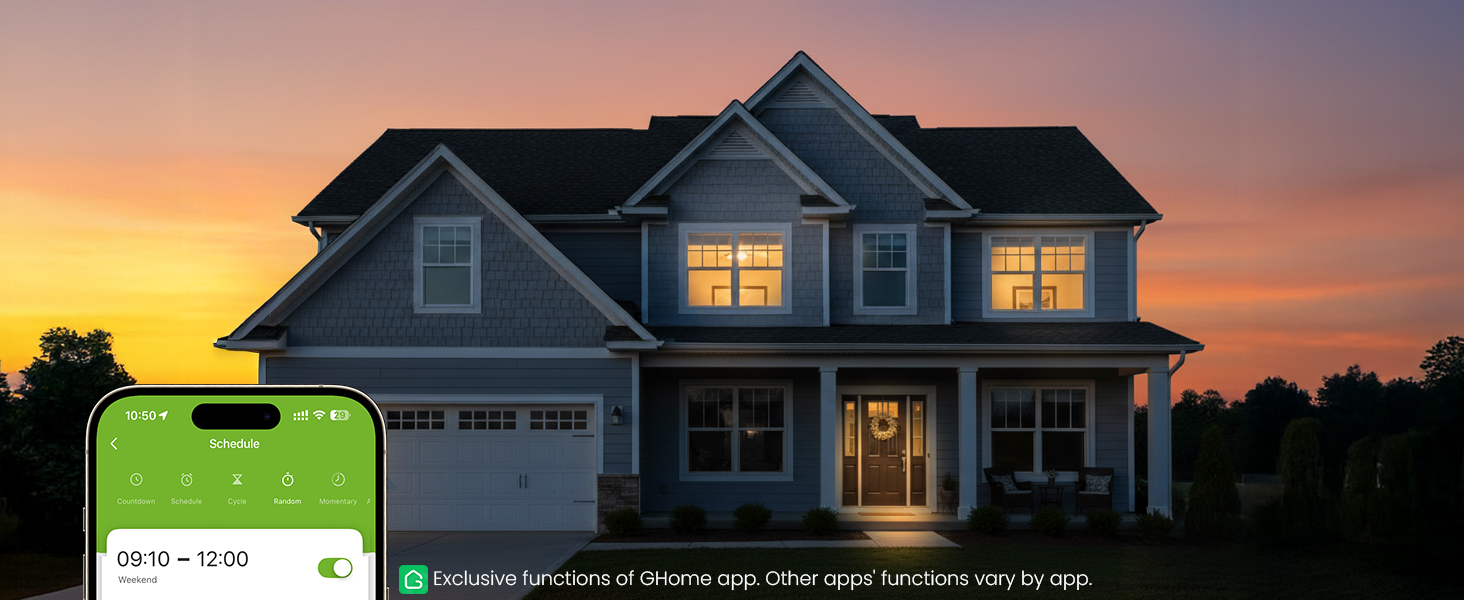
Exclusive functions of GHome app. Other apps' functions vary by app.
Creat Scene
The devices automatically turn on and off based on weather temperature, sunrise and sunset times.
Random Timer
Random timer, turns lights on and off randomly to make it look like someone is home.
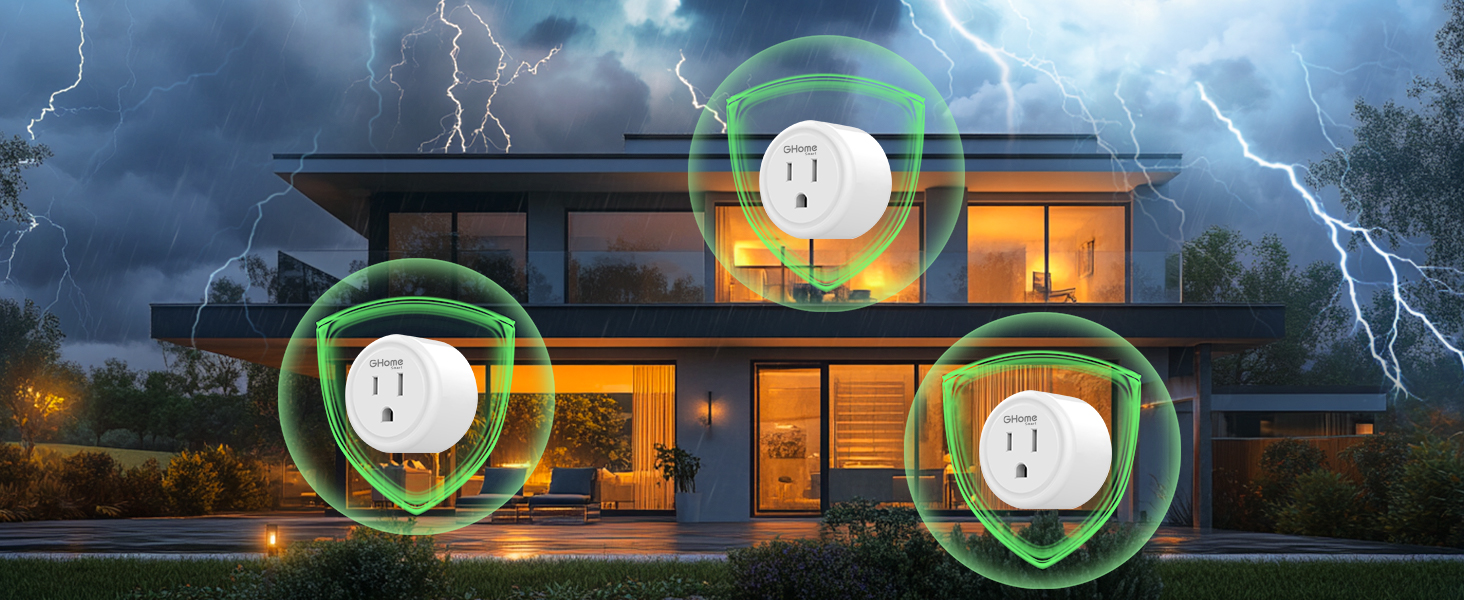
Built-in surge protector
The surge protector can conduct and divert current in a short period of time to prevent surges.
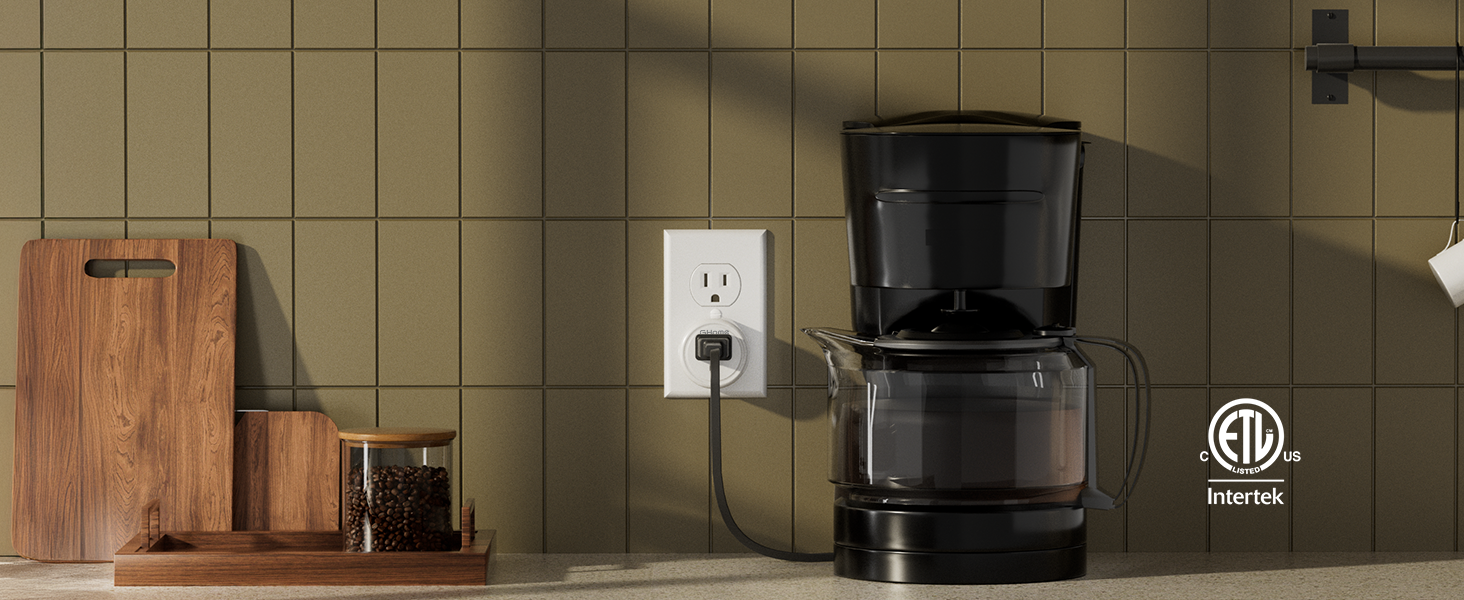
Power to 1800W
Rated for a maximum load of 15A (120V/1800W)

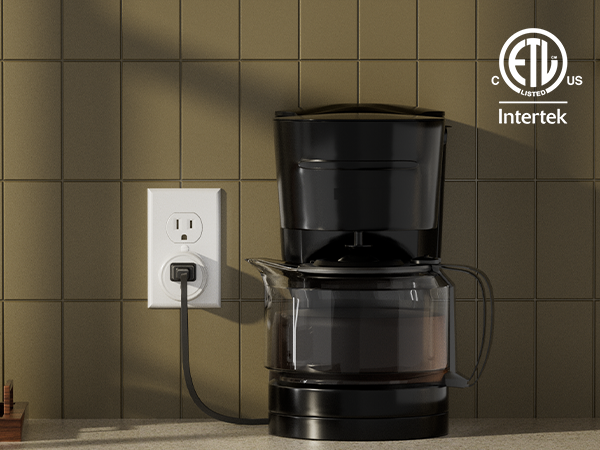
User Guide for GHome, Alexa, Apple, Google & SmartThings.
What are the available methods to set up a Matter Smart Plug, and is a hub required?
There are two ways. Option 1 (recommended): via the GHome App, no hub required. This ensures full functionality and avoids compatibility issues. Option 2: via a third-party Matter-enabled app, but a Matter-compatible hub is required.
How to control the same Matter device across multiple platforms? Need to reset the device when adding another ecosystem?
Share the Matter code across ecosystems to operate the same device with multiple apps — unlocking extra features. Note: No need to reset the device when using a shared Matter code to connect another ecosystem.
How to link voice assistant without Matter?
If you are not using Matter or do not have a Matter-compatible hub, please refer to the video or user guide on for instructions on linking Alexa, Google, or SmartThings via the GHome App.
Why cannot connect to the Internet? (Wi-Fi setup & router limits)
Make sure the router has 2.4G band on and connect to it. Avoid special symbols in the password. Keep the AP away from interference. Also, a single router has limited bandwidth — a 300M router may not support 50+ devices. Try restarting the router.
Why does the Internet often disconnect?
Some devices may be taking up too much network resources. Consider blacklisting them to free up bandwidth. Also, upgrading your router may be an effective solution. For unstable connections, check 2.4G band settings and reduce interference sources.





