




Comparison
 40Gbps Mac mini M4 Dock |  DisplayLink Adapter |  USB C Docking Station DP |  10G USB C Hub Long Cable |  USB C Hub 10Gbps (Black) |  NVME To USB | 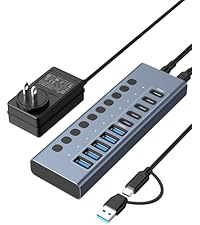 Hybrid 10 Port USB Hub | |
|---|---|---|---|---|---|---|---|
Customer Reviews | — | — | — | — | — | — | — |
Price | — | — | — | — | — | — | — |
SSD interface | ? | ? | ? | ? | ? | ? | ? |
Speed | 40G | Displaylink | 10G | 10G | 10G | 10G | 10G |
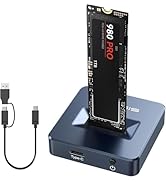
How to choose | Used for Mac mini M4 | Used for Mac mini M1/M2/M3/M4 | Used for Windows | 4FT long cable | Basic Model | For M2 NVMe & B+M Key SATA SSD | For High-Power USB Devices |
Power Supply | ? | ? | ? | ? | ? | ? | ? |
Video interface | 2*DP | 2*HDMI | DP+2*HDMI | HDMI | HDMI | No port | No port |
Number of interfaces | 11 | 6 | 14 | 6 | 6 | 1 | 10 |
Interface List 1 | 40G Host; DP*2; PD; SD/TF | 2*HDMI; PD; USB A*3 | RJ45; HDMI*2; USB2.0*1;3.5mm | HDMI;PD;USBC;USBA*3 | HDMI;PD;USBC;USBA*3 | USB | USB A ; USB C |
Interface List 2 | USB A*3; M2 Port*2 | / | USB3.1*2;PD;USBC3.1*3;DP;SD/TF | / | / | USB | / |
Price | 179.99 | 79.99 | 45.99 | 19.99 | 11.99 | 28.99 | 52.99 |
HDMI Port Does Not Work?
(1) NOT ALL TYPE C CAN DO VIDEO AND AUDIO TRANSMISSSION! Make sure your computer type c port can support video transmission( USB 4.0/Thouderbolt 3/Thouderbolt 3 can support ).
(2) Mobile phone must support OTG function to transmit video
Not Charging——Charging instructions for use 1
Make sure your computer's port supports the PD3.0 charging protocol
Make sure the charger supports PD3.0 charging protocol(20V5A 100W power recommended)
The HDMI interface is not displaying.
Check the power connection.
Check the HDMI cable.
Switch input source. ?
Adjust display settings.
Check the driver program.
Does the USB or HDMI port suddenly not respond?
Remove all USB devices (keep HDMI) to test.
Reconnect the dock-cable.
Don't connect two portable HDDs or multiple devices together.
If recurring, use a PD charger to power the dock.
Charging——Charging instructions for use 2
Make sure the computer supports 5V2A/9V2.44A12V2.33A/15V2.47A/20V4.25A(otherwise it may not be able to supply power,or prompts slow charging power/please use theoriginal power supply and other prompts)
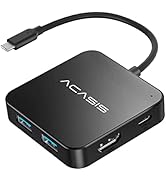
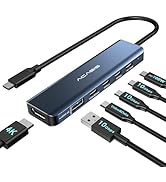
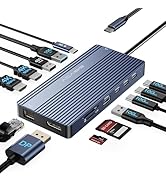
USB HUB
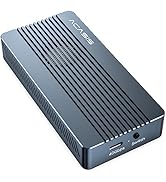
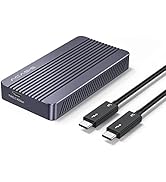
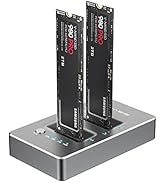
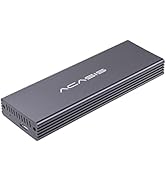
SSD Enclosure
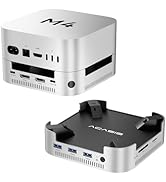
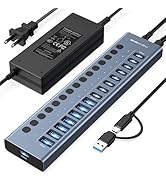
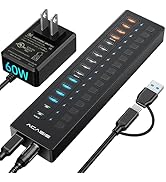
NEW PRODUCTS

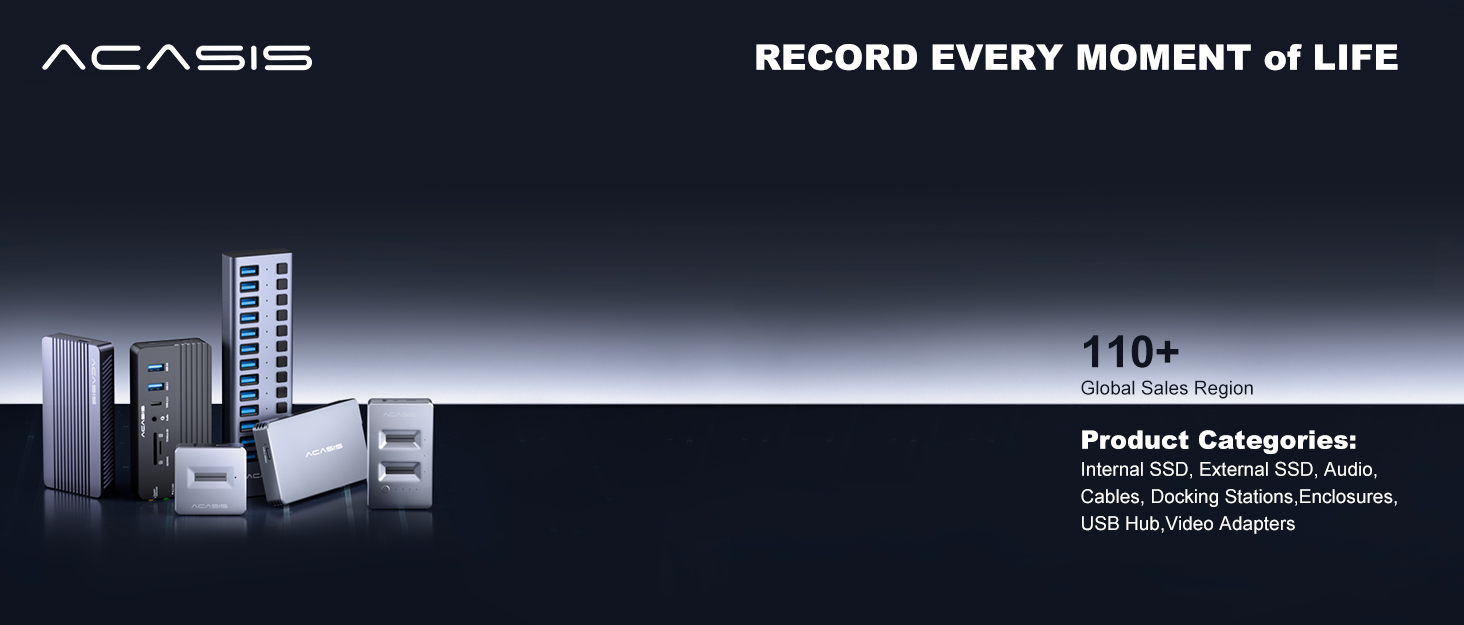
ACASIS develop and market a wide range of computer accessories & peripherals, including SSD Enclosues, USB Hubs, USB Docking Station, Capture Card and more. To make top products, we have established a professional team including top designer, top engineer and professional after-sales team.
Our vision is to bring a better using experience for digital products users. Keep working to supply a wide range of well-designed, superior quality products.
Just Released
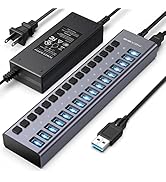
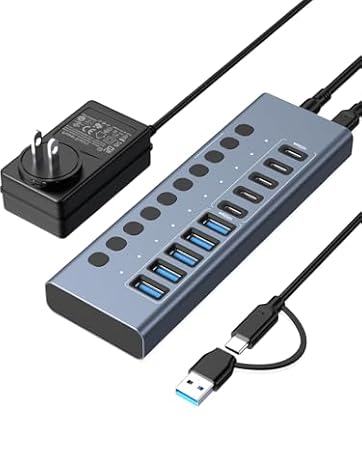
Features 10 ports (5 USB-A 3.2 Ports+5 USB-C 3.2 Ports) with 10Gbps transfer speed, which Is For High-Power USB Devices.




Comparison
40Gbps Mac mini M4 Dock | DisplayLink Adapter | USB C Docking Station DP | 10G USB C Hub Long Cable | USB C Hub 10Gbps (Black) | NVME To USB | Hybrid 10 Port USB Hub |
|---|---|---|---|---|---|---|
| Customer Reviews | ||||||
| — | — | — | — | — | — | — |
| Price | ||||||
| — | — | — | — | — | — | — |
| SSD interface | ||||||
| ? | ? | ? | ? | ? | ? | ? |
| Speed | ||||||
| 40G | Displaylink | 10G | 10G | 10G | 10G | 10G |
| How to choose | ||||||
| Used for Mac mini M4 | Used for Mac mini M1/M2/M3/M4 | Used for Windows | 4FT long cable | Basic Model | For M2 NVMe & B+M Key SATA SSD | For High-Power USB Devices |
| Power Supply | ||||||
| ? | ? | ? | ? | ? | ? | ? |
| Video interface | ||||||
| 2*DP | 2*HDMI | DP+2*HDMI | HDMI | HDMI | No port | No port |
| Number of interfaces | ||||||
| 11 | 6 | 14 | 6 | 6 | 1 | 10 |
| Interface List 1 | ||||||
| 40G Host; DP*2; PD; SD/TF | 2*HDMI; PD; USB A*3 | RJ45; HDMI*2; USB2.0*1;3.5mm | HDMI;PD;USBC;USBA*3 | HDMI;PD;USBC;USBA*3 | USB | USB A ; USB C |
| Interface List 2 | ||||||
| USB A*3; M2 Port*2 | / | USB3.1*2;PD;USBC3.1*3;DP;SD/TF | / | / | USB | / |
| Price | ||||||
| 179.99 | 79.99 | 45.99 | 19.99 | 11.99 | 28.99 | 52.99 |
HDMI Port Does Not Work?
(1) NOT ALL TYPE C CAN DO VIDEO AND AUDIO TRANSMISSSION! Make sure your computer type c port can support video transmission( USB 4.0/Thouderbolt 3/Thouderbolt 3 can support ).
(2) Mobile phone must support OTG function to transmit video
Not Charging——Charging instructions for use 1
Make sure your computer's port supports the PD3.0 charging protocol
Make sure the charger supports PD3.0 charging protocol(20V5A 100W power recommended)
The HDMI interface is not displaying.
Check the power connection.
Check the HDMI cable.
Switch input source. ?
Adjust display settings.
Check the driver program.
Does the USB or HDMI port suddenly not respond?
Remove all USB devices (keep HDMI) to test.
Reconnect the dock-cable.
Don't connect two portable HDDs or multiple devices together.
If recurring, use a PD charger to power the dock.
Charging——Charging instructions for use 2
Make sure the computer supports 5V2A/9V2.44A12V2.33A/15V2.47A/20V4.25A(otherwise it may not be able to supply power,or prompts slow charging power/please use theoriginal power supply and other prompts)
USB HUB
SSD Enclosure
NEW PRODUCTS
ACASIS develop and market a wide range of computer accessories & peripherals, including SSD Enclosues, USB Hubs, USB Docking Station, Capture Card and more. To make top products, we have established a professional team including top designer, top engineer and professional after-sales team.
Our vision is to bring a better using experience for digital products users. Keep working to supply a wide range of well-designed, superior quality products.
Just Released
Features 10 ports (5 USB-A 3.2 Ports+5 USB-C 3.2 Ports) with 10Gbps transfer speed, which Is For High-Power USB Devices.





