



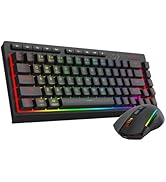
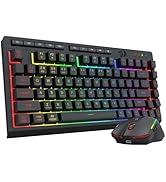
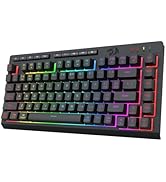
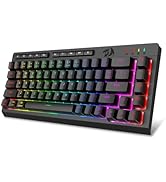




Why do the numbers keys stop working?
Simply double dlick the FN key and it will allow you to use the number keys. Double-press the FN Key,change the number keys: 1,2,3,4, 5, 6,7,8, 9, 0, -, =, to F1-F12
Does it compatible with Mac OS?
Yes, just switch the button to Mac
Where can I download the K519RGB-PRO driver software?
1. Visit the official Redragon website (redragonzone.com )
2. Click the "Download" module, then click "Keyboards" ,search for model "K519RGB-PRO", and download the driver software.


Why do the numbers keys stop working?
Simply double dlick the FN key and it will allow you to use the number keys. Double-press the FN Key,change the number keys: 1,2,3,4, 5, 6,7,8, 9, 0, -, =, to F1-F12
Does it compatible with Mac OS?
Yes, just switch the button to Mac
Where can I download the K519RGB-PRO driver software?
1. Visit the official Redragon website (redragonzone.com )
2. Click the "Download" module, then click "Keyboards" ,search for model "K519RGB-PRO", and download the driver software.
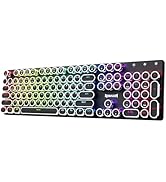
Typewriter Keyboard Wireless
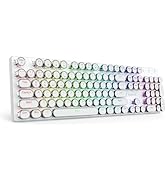
Wireless Gaming Keyboard
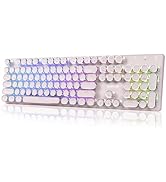
Wireless Gaming Keyboard
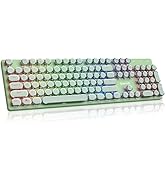
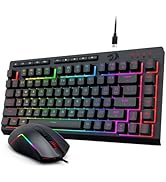
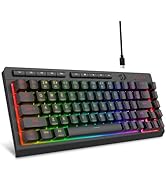
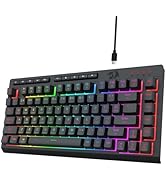
Wired Gaming Keyobard
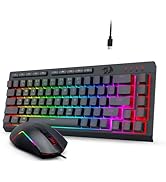
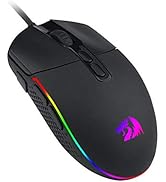
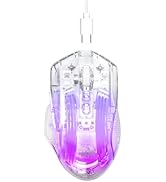
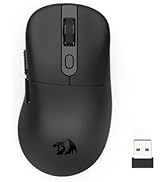
Redragon Gaming Mouse





