




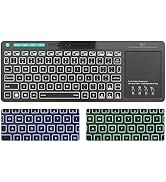
How to control the keyboard Backlit
1.FN+Backlight key:Turn on/off the backlight of the gaming keyboard 2.FN+Pageup/Pagedown key:Increase/decrease LED lighting brightness of the business keyboard
3.FN+ Down key:Turn off the keyboard backlit/you could also press backlight button three times
4.Backlit: 3 Colors Red,Purple, Blue


Support system
Easy to Install & Widely Used No Driver Needed: Support Windows10,windows 8, Windows 7, Windows Vista, Windows XP.PC Laptop Pad Google Android TV Box HTPC IPTV Smart TV Mac IOS Raspberry Pi all version63+ etc.

Multimedia shortcut
FN+ F1-F12:To unlock different functions for each buttons

Mouse 4 moving speed levels
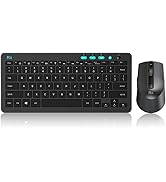
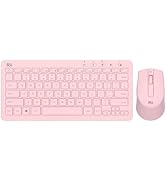
4 moving speed levels (1200/1600/2400/3200 ) ,Laser carved characters, non-slip design


Rii keyboard and mouse

Rii aims at providing elegant, fashion and ease-of-use products for all people who need the wireless mouse and keyboard, especially for the young friends and kids with its youthful design
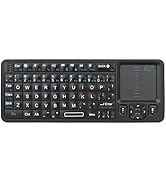
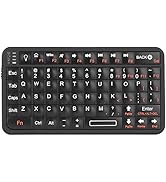
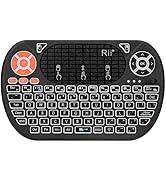
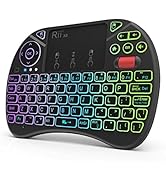
Rii Mini Keyboard
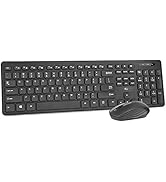
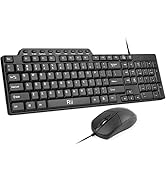
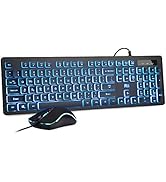
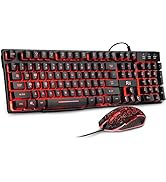
keyboard and mouse combo
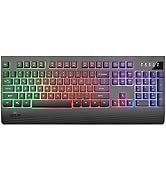
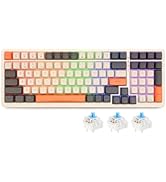
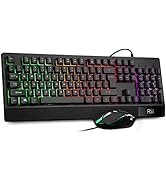
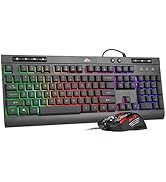
gaming keyboard
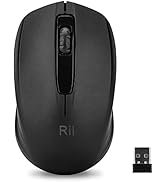
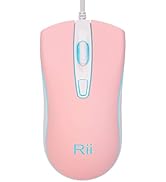
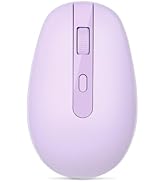
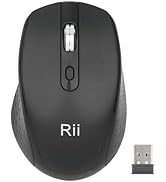
Mouse
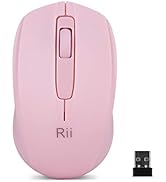
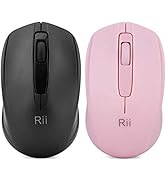

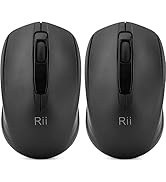
Mouse
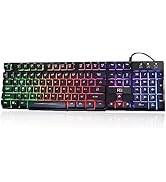
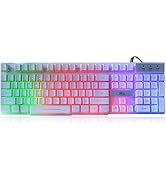
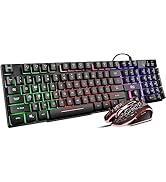
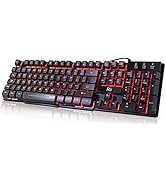
gaming keyboard
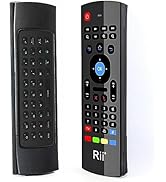
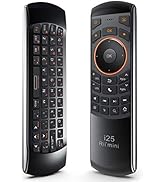
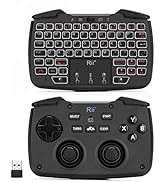
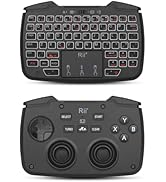
remote ,gaming controller
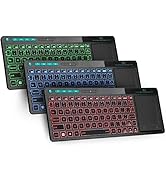
keyboard and mouse

How to control the keyboard Backlit
1.FN+Backlight key:Turn on/off the backlight of the gaming keyboard 2.FN+Pageup/Pagedown key:Increase/decrease LED lighting brightness of the business keyboard
3.FN+ Down key:Turn off the keyboard backlit/you could also press backlight button three times
4.Backlit: 3 Colors Red,Purple, Blue
Support system
Easy to Install & Widely Used No Driver Needed: Support Windows10,windows 8, Windows 7, Windows Vista, Windows XP.PC Laptop Pad Google Android TV Box HTPC IPTV Smart TV Mac IOS Raspberry Pi all version63+ etc.
Multimedia shortcut
FN+ F1-F12:To unlock different functions for each buttons
Mouse 4 moving speed levels
4 moving speed levels (1200/1600/2400/3200 ) ,Laser carved characters, non-slip design
Rii keyboard and mouse
Rii aims at providing elegant, fashion and ease-of-use products for all people who need the wireless mouse and keyboard, especially for the young friends and kids with its youthful design
Rii Mini Keyboard
keyboard and mouse combo
gaming keyboard
Mouse
Mouse
gaming keyboard
remote ,gaming controller
keyboard and mouse





