



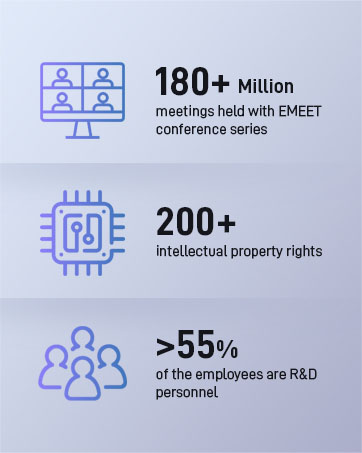

EMEET values the contributions of every individual in meetings and knows that everyone should be heard and seen. Established in August 2016, with the mission of "better communication, better world", we endeavored to create an intelligent mobile collaboration space. Today, EMEET is a prominent global company, specializing in R&D, production, and sales of AI-driven intelligent audio and video communication products and cloud services.
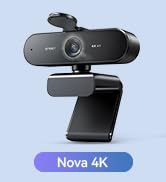
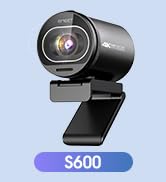
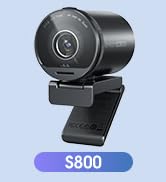
EMEET New Release

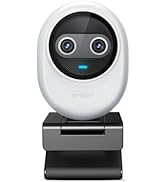


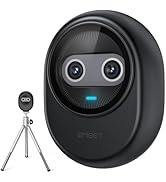
Piko 4K Webcams with Clip


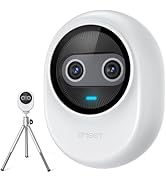
Piko 4K Webcams with Tripod
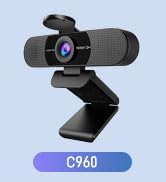
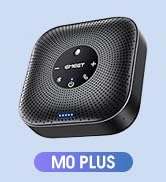
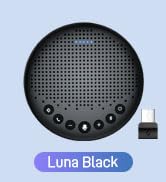
EMEET Best Sellers
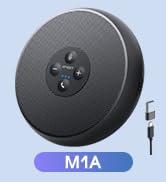

Cost-Effective Speakerphones
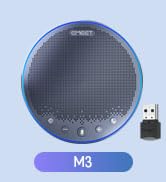
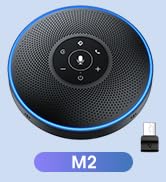
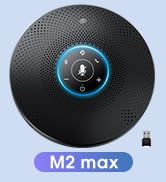
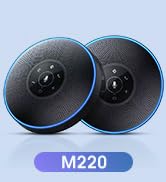
High-End Speakerphones
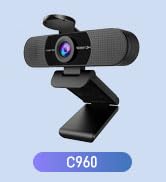
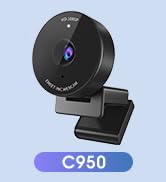
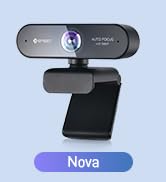
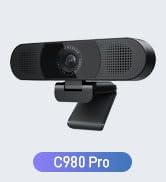
1080P Webcams
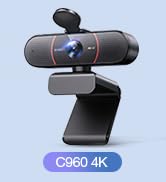
4K Webcams
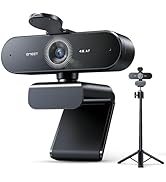
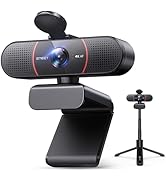
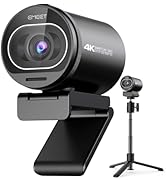
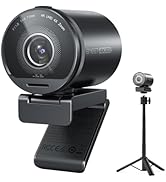
Webcams with Tripod
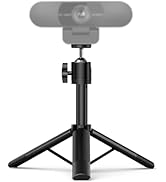
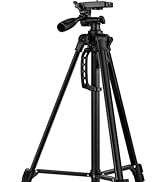


EMEET Accessories
Other Choices
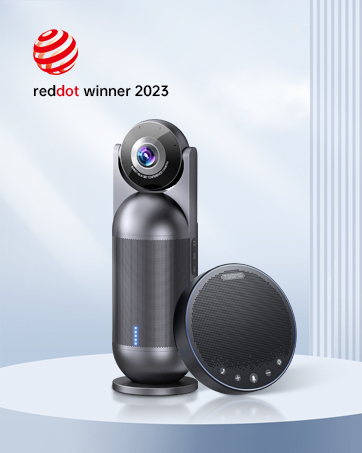
EMEET C950 1080P USB Webcam with Microphone
Merchant Video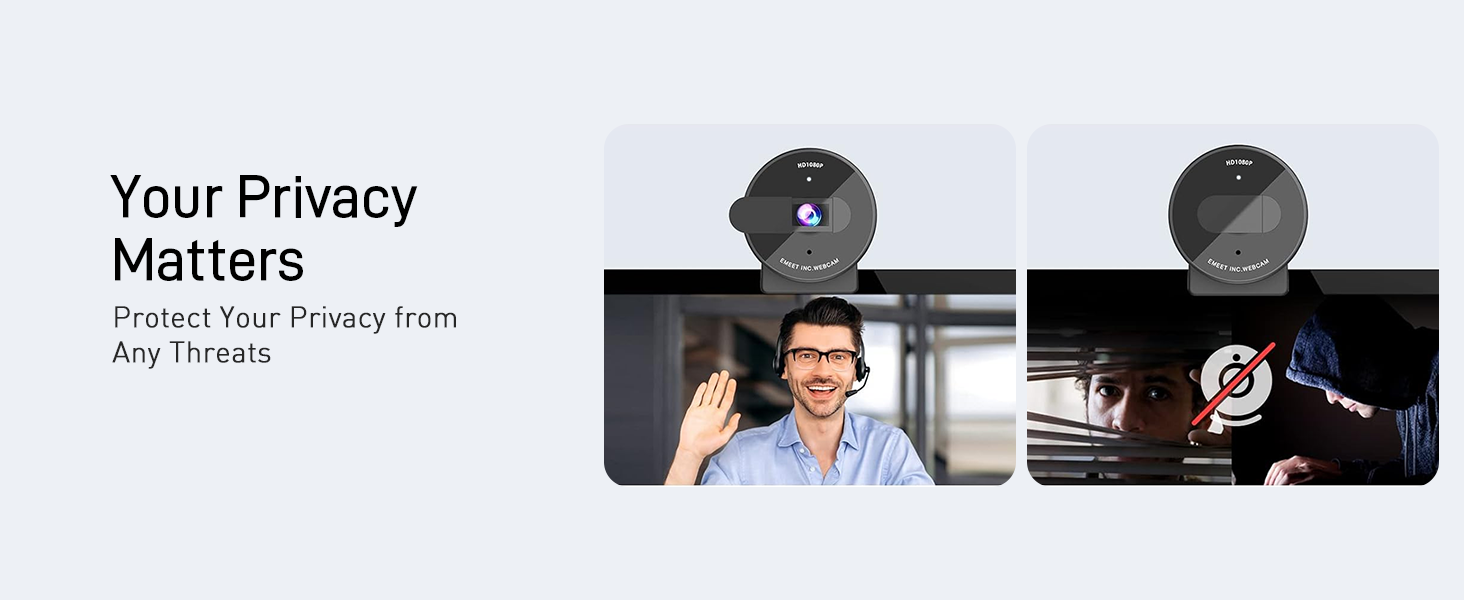
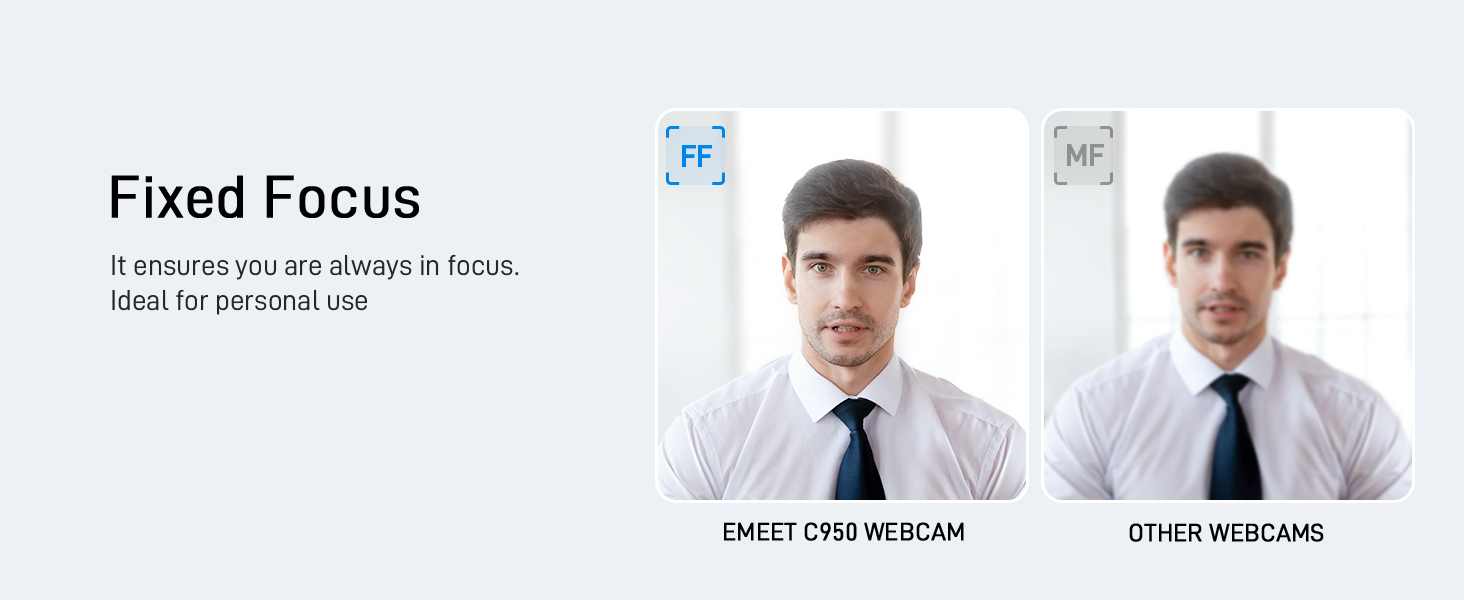
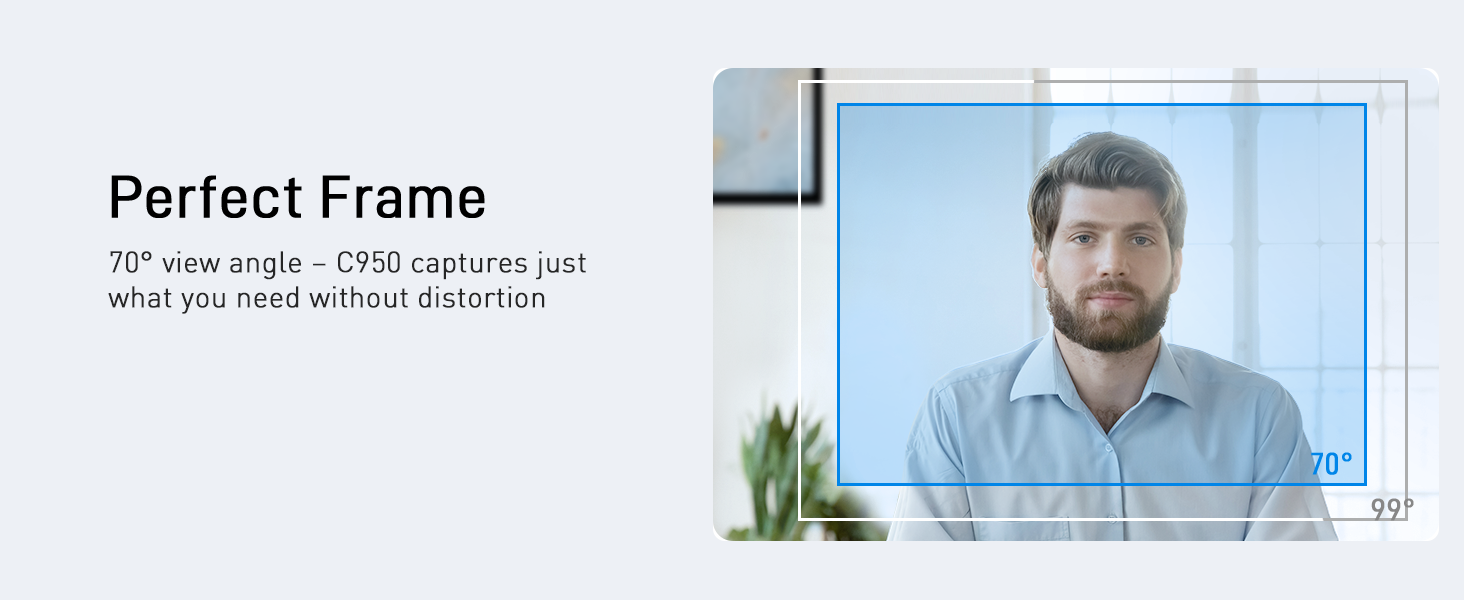

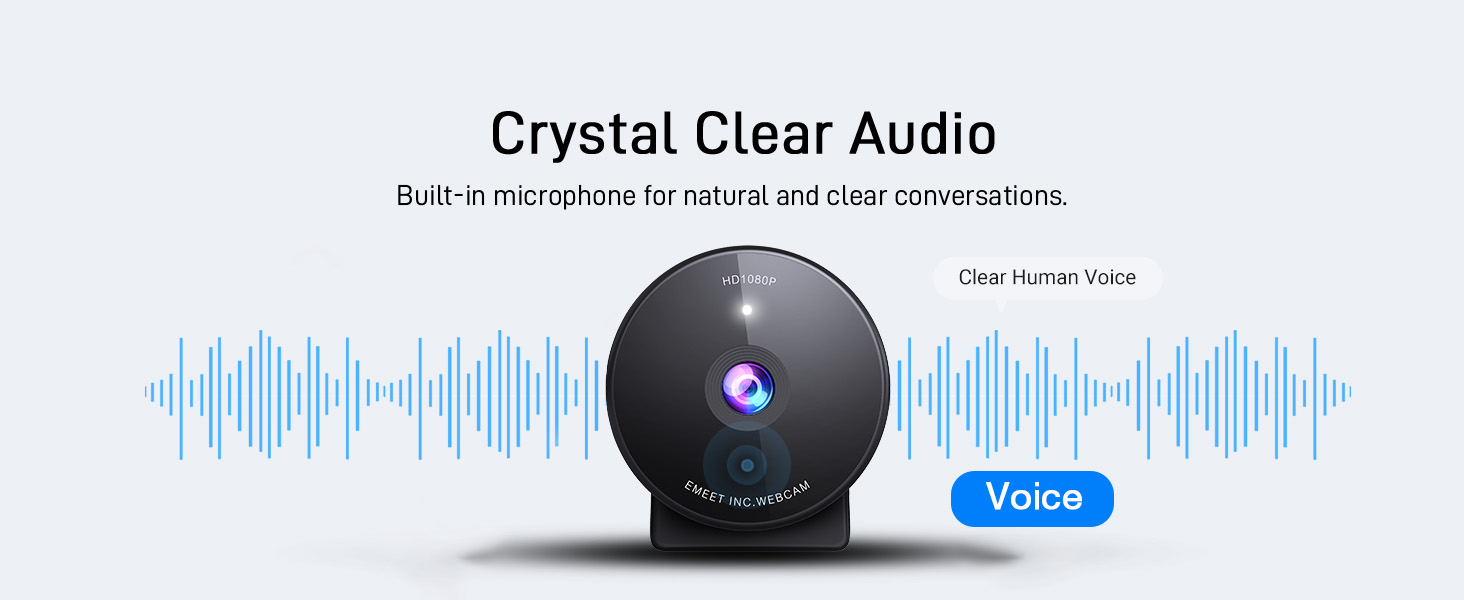
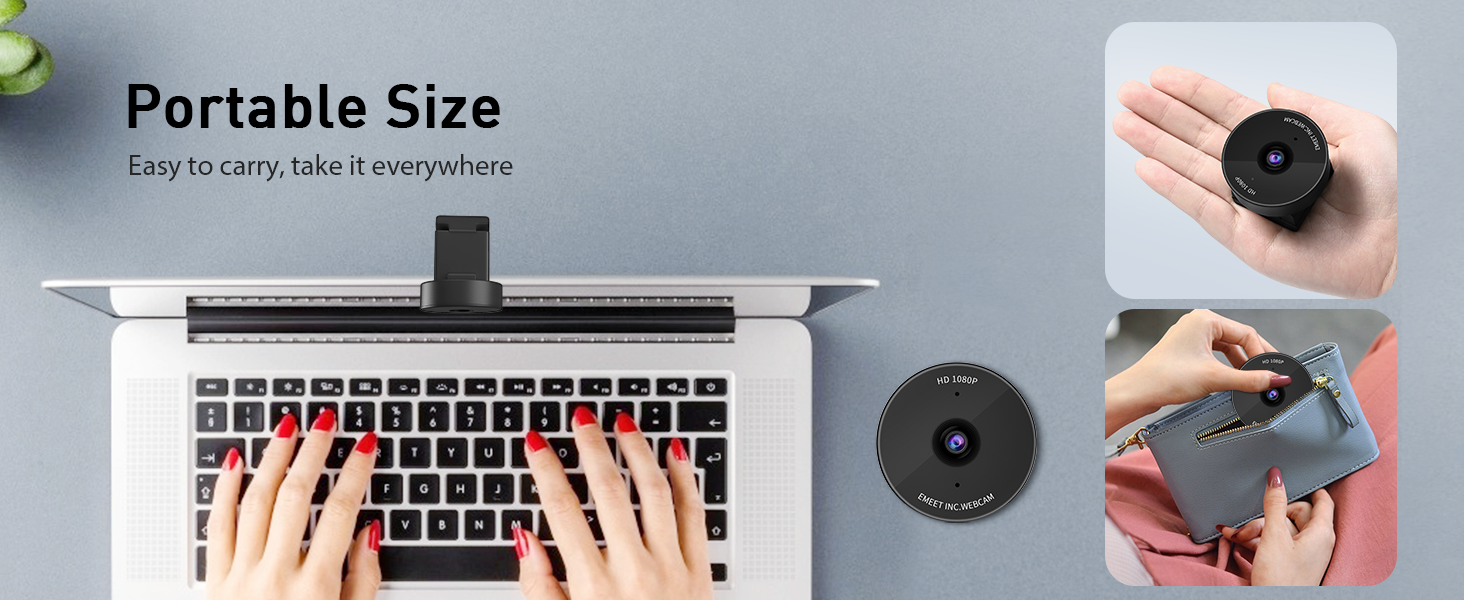
Feature Comparison among 1080P USB Webcams
 EMEET C950 | 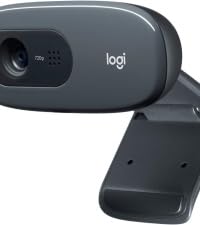 Logitech C270 |  Logitech Brio 101 | 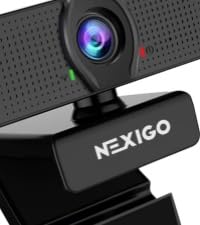 Nexigo N60 | |
|---|---|---|---|---|
Offer | 19.99 | 23.99 | 39.99 | 29.99 |
Release Time | 2024 Latest Model | 2010 | 2023 | 2020 |
Resolution/FPS | 1080P/30FPS | 720P/30FPS | 1080P/30FPS | 1080P/30FPS |
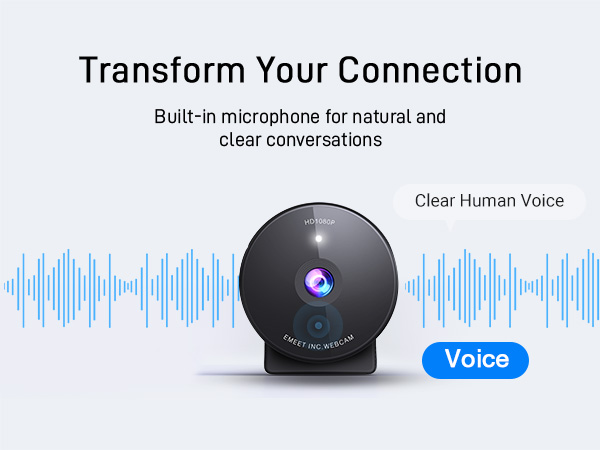
Microphone | 1 Omnidirectional Mic | Single Mic | Single Mic | Single Mic |
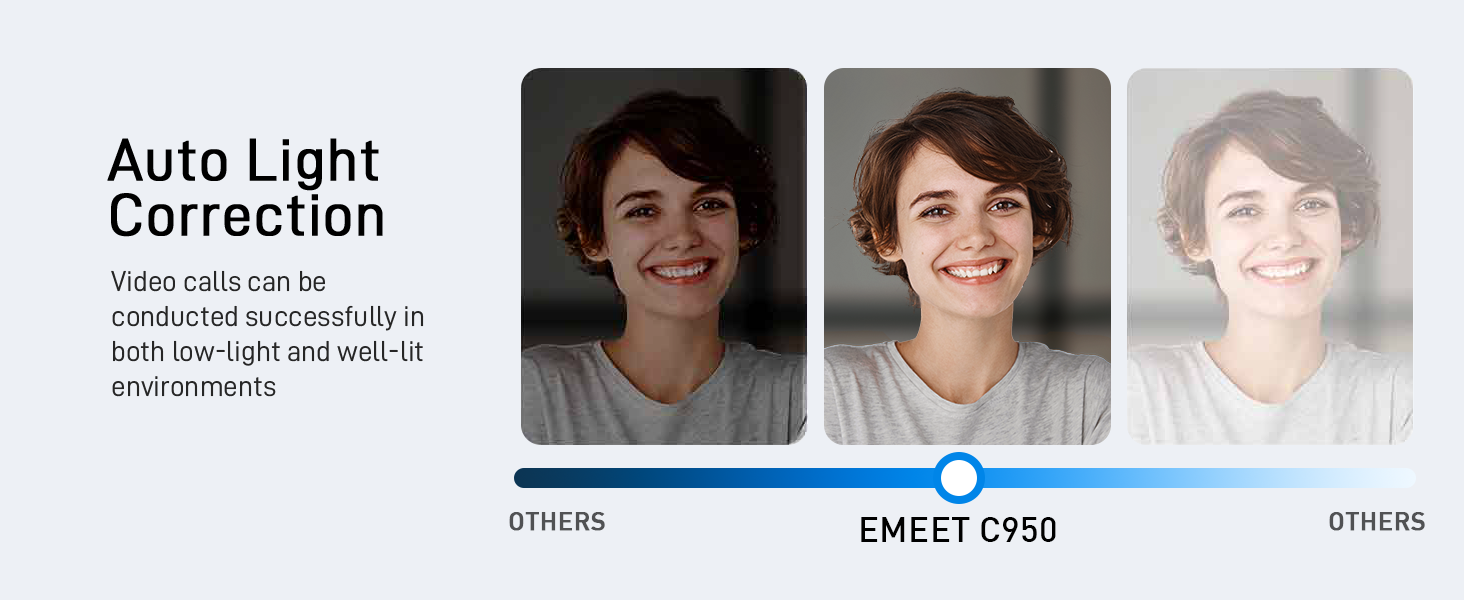
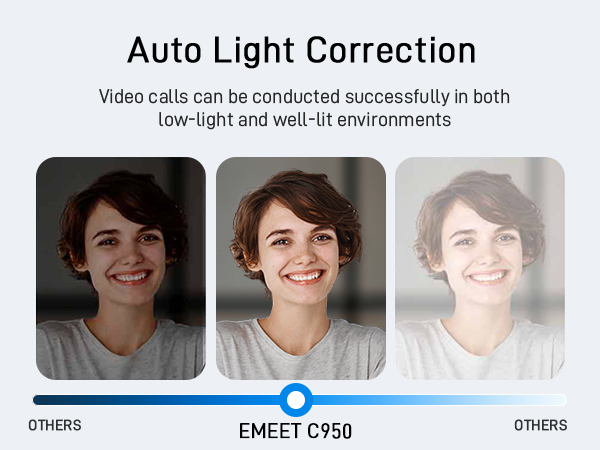
Light Correction | YES | YES | YES | YES |
Camera Material | 4 Plastic | Plastic | Plastic | Plastic |
Privacy Cover | YES | NO | YES | YES |
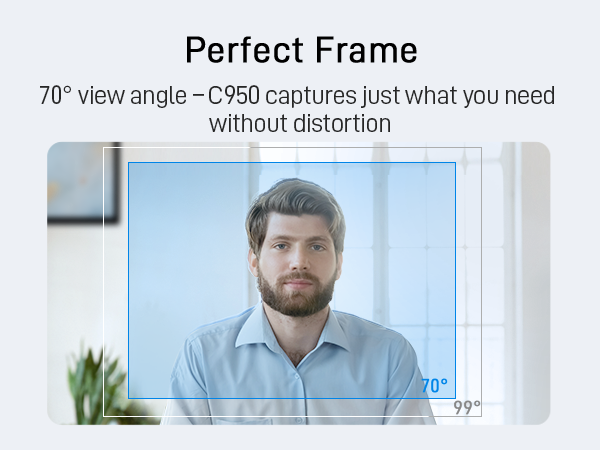
FOV | 70° Perfect for Individual Use | 60° too Small for Person | 60° too Small for Person | 110° too Wide for Person |
What operating systems are compatible with the C950 webcam?
Compatible with Windows 10/11, macOS 10.14+, Android TV 7.0+, Linux, and UVC devices. Not all Chrome OS versions are supported—C950 works on version 76.0.3809.136. For help, please reach to us via ’s messaging system.
What should I do if the operating system’s privacy settings block the C950 webcam from being accessed or started?
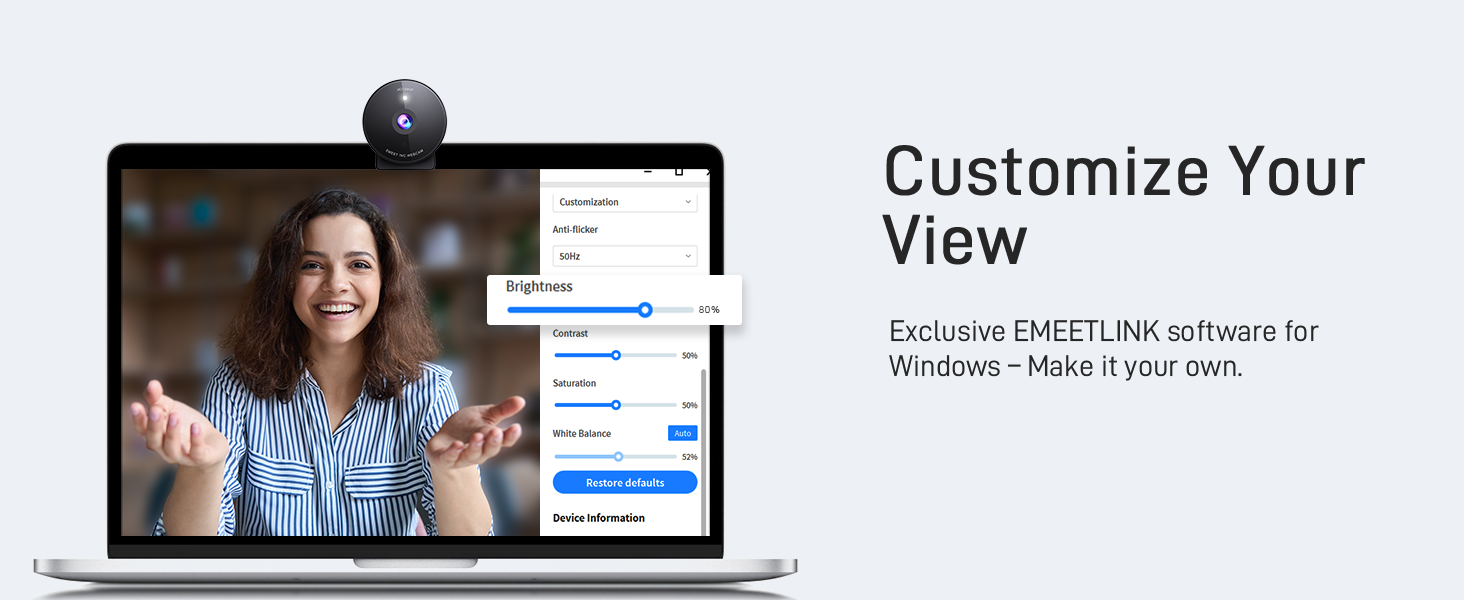
For Windows: go to "Settings > Privacy > webcam" and ensure webcam access is enabled for both the system and specific applications.
For macOS: go to "System Preferences > Security & Privacy > webcam" and enable access for necessary applications.
Which video conferencing tools are supported by the C950 webcam?
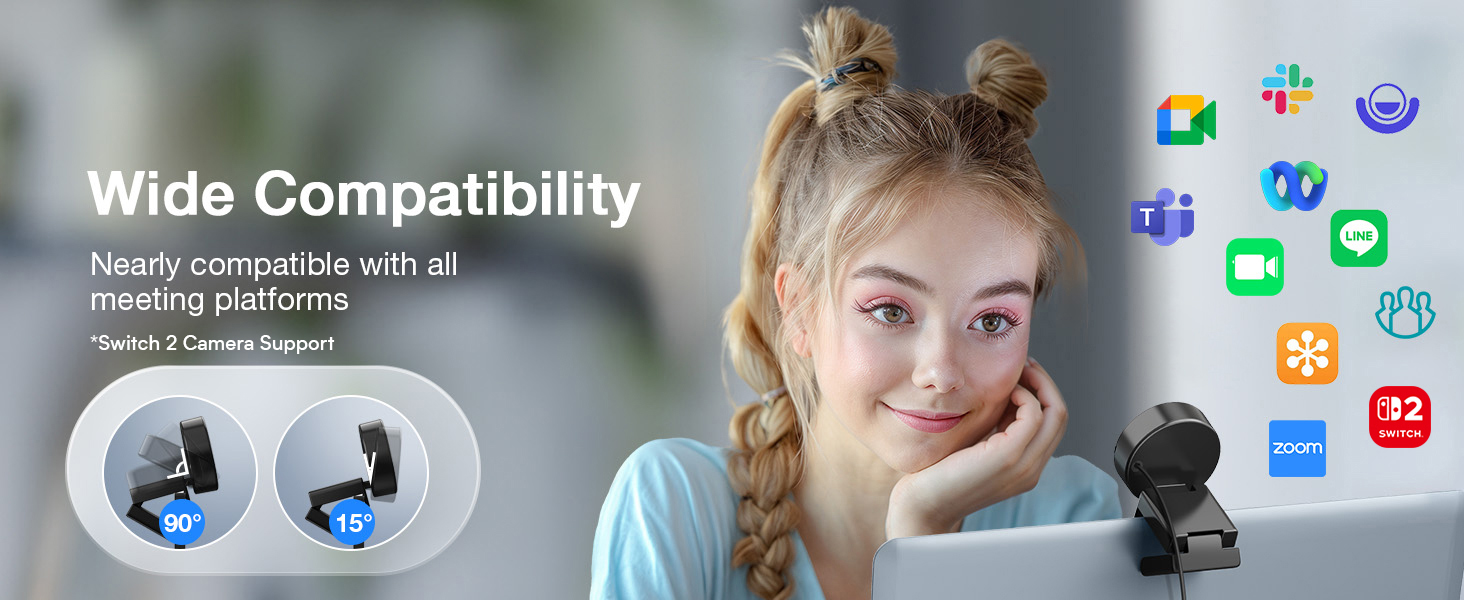
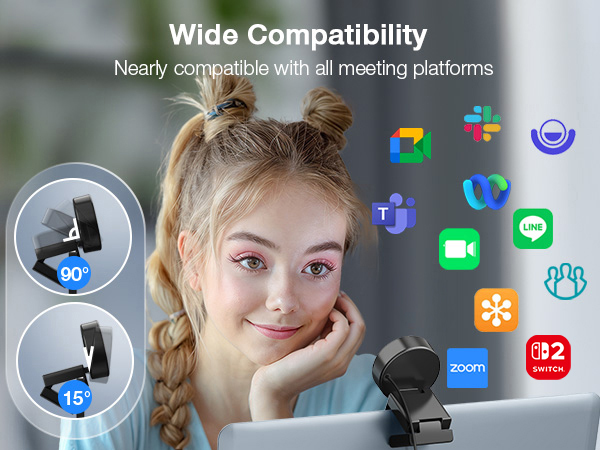
C950 works with Zoom, Teams, Google Meet, Webex, Facetime & more. Please close other webcam apps (e.g., conferencing or streaming tools) when using your preferred platform to avoid conflicts.
How to ensure C950 webcam powers on properly?
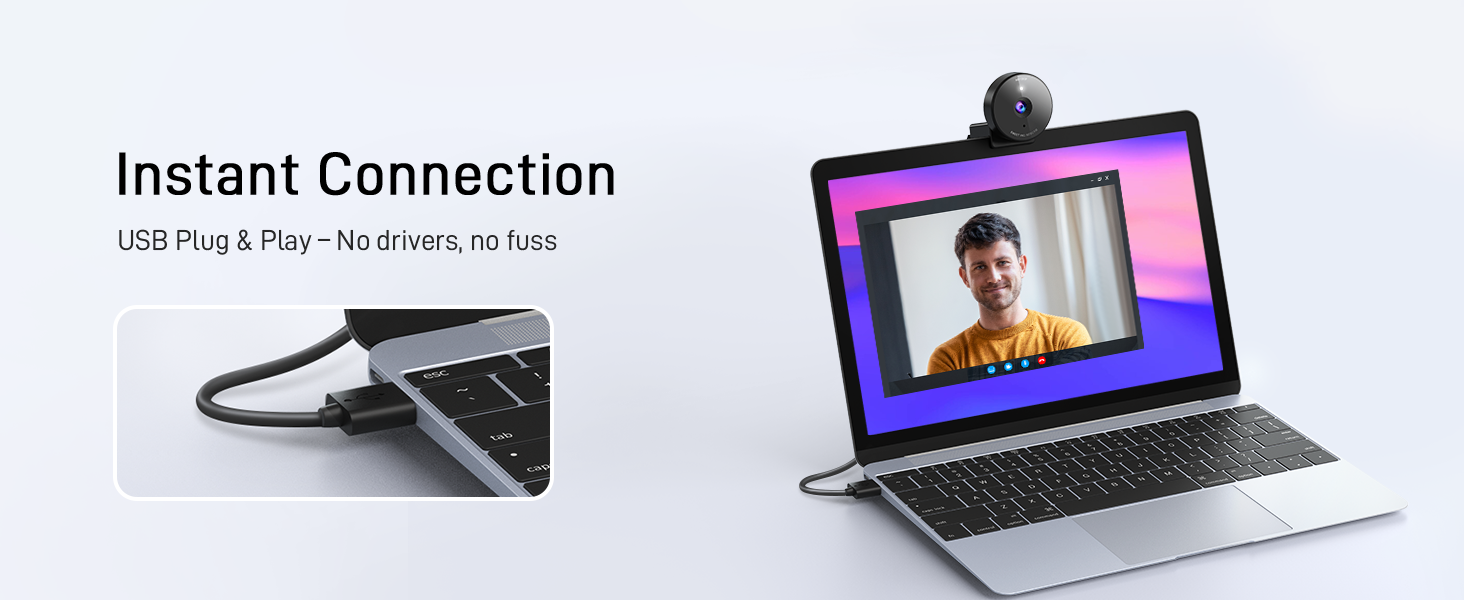
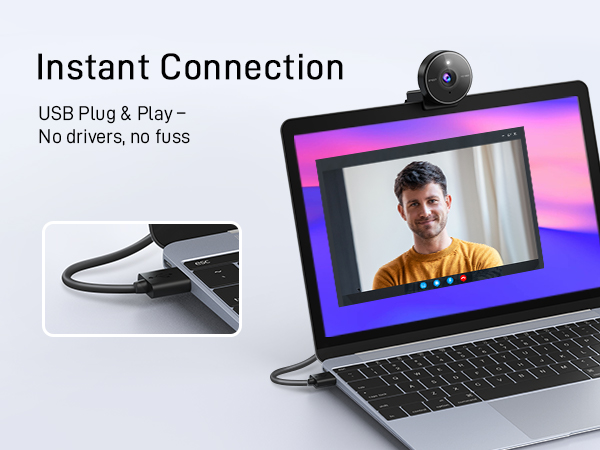
1. Correct Connection: Connect the webcam directly to a USB 2.0 port (avoid hubs/extensions).
2. First-Time Use: PC should auto-detect it; restart if not.
3. After Service: If it still doesn’t turn on, please find us for further assistance.
How to ensure the test image quality with C950 webcam?
1. Set C950 as the default camera in system settings and adjust resolution to 1080P.
2. Some apps only support 720P, which compresses the image, but it still looks better than native 720P.
3. For sharper video, consider upgrading to C950 4K model.
EMEET C950 1080P USB Webcam with Microphone
Merchant Video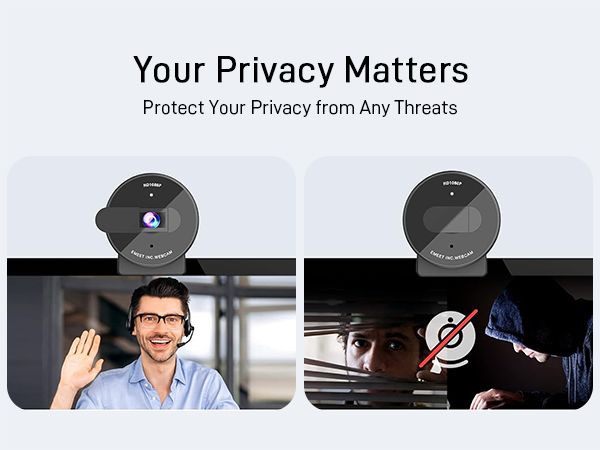

Feature Comparison among 1080P USB Webcams
EMEET C950 | Logitech C270 | Logitech Brio 101 | Nexigo N60 |
|---|---|---|---|
| Offer | |||
| 19.99 | 23.99 | 39.99 | 29.99 |
| Release Time | |||
| 2024 Latest Model | 2010 | 2023 | 2020 |
| Resolution/FPS | |||
| 1080P/30FPS | 720P/30FPS | 1080P/30FPS | 1080P/30FPS |
| Microphone | |||
| 1 Omnidirectional Mic | Single Mic | Single Mic | Single Mic |
| Light Correction | |||
| YES | YES | YES | YES |
| Camera Material | |||
| 4 Plastic | Plastic | Plastic | Plastic |
| Privacy Cover | |||
| YES | NO | YES | YES |
| FOV | |||
| 70° Perfect for Individual Use | 60° too Small for Person | 60° too Small for Person | 110° too Wide for Person |
What operating systems are compatible with the C950 webcam?
Compatible with Windows 10/11, macOS 10.14+, Android TV 7.0+, Linux, and UVC devices. Not all Chrome OS versions are supported—C950 works on version 76.0.3809.136. For help, please reach to us via ’s messaging system.
What should I do if the operating system’s privacy settings block the C950 webcam from being accessed or started?
For Windows: go to "Settings > Privacy > webcam" and ensure webcam access is enabled for both the system and specific applications.
For macOS: go to "System Preferences > Security & Privacy > webcam" and enable access for necessary applications.
Which video conferencing tools are supported by the C950 webcam?
C950 works with Zoom, Teams, Google Meet, Webex, Facetime & more. Please close other webcam apps (e.g., conferencing or streaming tools) when using your preferred platform to avoid conflicts.
How to ensure C950 webcam powers on properly?
1. Correct Connection: Connect the webcam directly to a USB 2.0 port (avoid hubs/extensions).
2. First-Time Use: PC should auto-detect it; restart if not.
3. After Service: If it still doesn’t turn on, please find us for further assistance.
How to ensure the test image quality with C950 webcam?
1. Set C950 as the default camera in system settings and adjust resolution to 1080P.
2. Some apps only support 720P, which compresses the image, but it still looks better than native 720P.
3. For sharper video, consider upgrading to C950 4K model.
EMEET values the contributions of every individual in meetings and knows that everyone should be heard and seen. Established in August 2016, with the mission of "better communication, better world", we endeavored to create an intelligent mobile collaboration space. Today, EMEET is a prominent global company, specializing in R&D, production, and sales of AI-driven intelligent audio and video communication products and cloud services.
EMEET New Release
Piko 4K Webcams with Clip
Piko 4K Webcams with Tripod
EMEET Best Sellers
Cost-Effective Speakerphones
High-End Speakerphones
1080P Webcams
4K Webcams
Webcams with Tripod
EMEET Accessories
Other Choices





