• In Stock
  • Sold by NeweggBusiness
  • New
Brands
Show More
Price
Show More
Network Connection
Network Speed
Printer Connection
Sold by
All Top Brands
Availability
Condition
Useful Links
Customer Ratings
Sort By:
View:
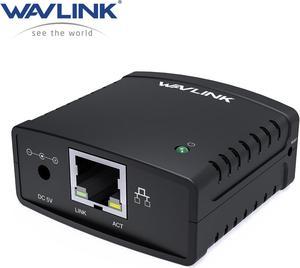
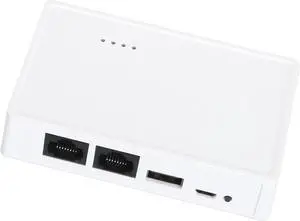
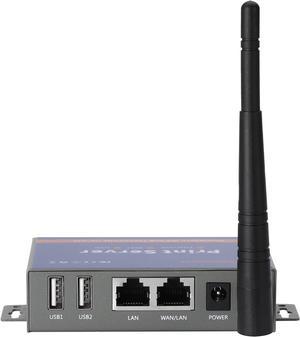
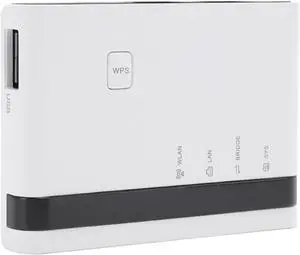
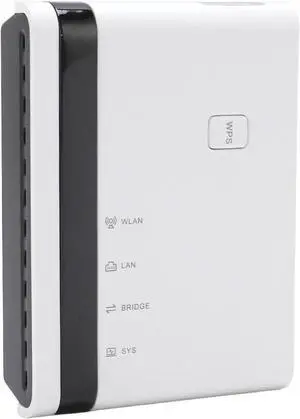
Wavlink USB2.0 Network Print Server, LAN Print Share Server for USB Printers, LPR Print Protocol 10/100Mbps Computer Print Server Adapter for Windows 7/8/8.1/XP/10/11/Vista, MacOS 10.7 or above
Quick View
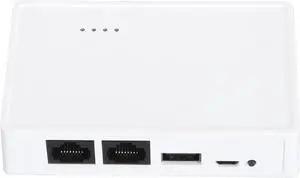
Wavlink USB2.0 Network Print Server, LAN Print Share Server for USB Printers, LPR Print Protocol 10/100Mbps Computer Print Server Adapter for Windows 7/8/8.1/XP/10/11/Vista, MacOS 10.7 or above

Limited time offer, ends 10/09
  • Brand: Wavlink
  • Network Connection: 802.11b/g/n
  • Network Speed: 10/100Mbps
  • Printer Connection: USB 2.0
  • Model #: WL-NU72P11
  •  
  • $39.99 –
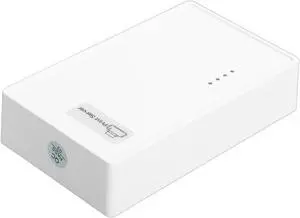
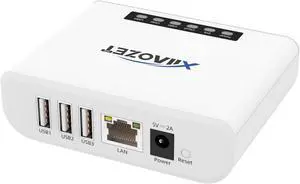
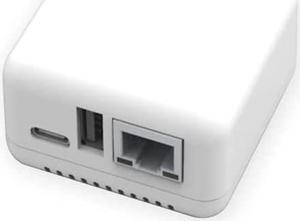
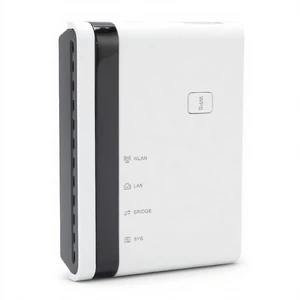
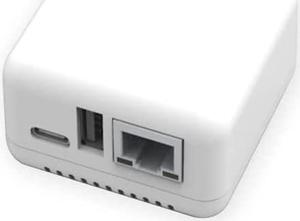
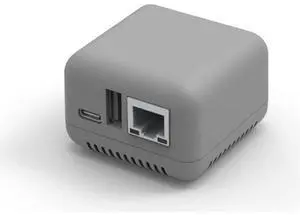
NP330 USB 2.0 Print Server Mini Network Server Support for Cable/Phone/Computer Printing (Cable/WiFi Print)
Quick View
  •  
  • $39.09 –
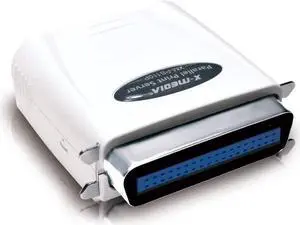
X-MEDIA XM-PS110P 1-Port 10/100Mbps Fast Ethernet Parallel Print Server
Quick View
  •  
  • $135.99 –
Xenon 1250G-2USB-1 , SINGLE LINE LASER , 1D.PDF417 , BLACK , RS232 USB KIT W/STAND
Quick View
Xenon 1250G-2USB-1 , SINGLE LINE LASER , 1D.PDF417 , BLACK , RS232 USB KIT W/STAND

Limited time offer, ends 10/14
  • Model #: G3F1C783-XM6151274
  •  
  • $85.89 –
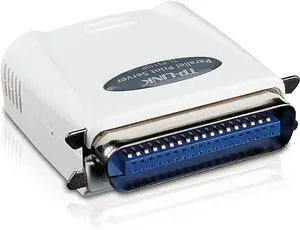
TP-LINK TL-PS110P Single Parallel Port Fast Ethernet Print Server
Quick View
  •  
  • $90.67 –
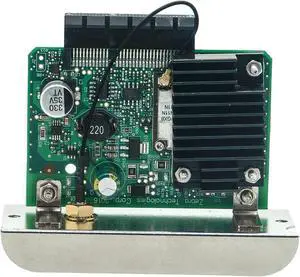
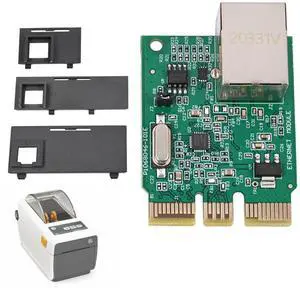
For 140E62482A S2X Printer Workstation Card 960K25342
Quick View
  •  
  • $145.00 –
DS-700AC USB to WiFi 5 Adapter Device Server with IPv4/IPv6 Support
Quick View
  •  
  • $257.99 –
HEWLETT PACKARD ENTERPRISE R2E09A HPE SN1610Q 32GB 2P FC HBA
Quick View
  •  
  • $4,847.99 –
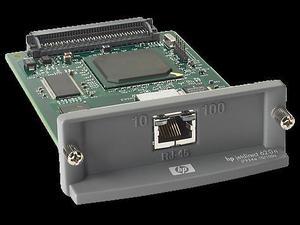
HP J7934G Jetdirect 620n Fast Ethernet Internal Print Server
Quick View
HP
Refurbished HP J7934G Jetdirect 620n Fast Ethernet Internal Print Server

OUT OF STOCK

  • Network Connection: RJ45
  • Network Speed: 10/100Mbps
  • Protocols: TCP/IP, IPX/SPX, AppleTalk, IP Direct Mode, LPD, FTP Printing, IPP, Netware NDS, Bindery, NDPS, iPrint, Telnet, SLP, IGMP, BOOTP/DHCP, WINS, SNMP, HTTP, Auto-IP, Apple Bonjour Compatible (Mac OS 10.2.4 or higher)
  • Device Management: HP Web Jetadmin, HP Easy Printer Care Software, HP Embedded Web Server
  • Model #: J7934G
  •  
  • $47.99 –

What is a Print Server?

Introduction

A print server is a device that can connect one or more printers directly to a computer network. Without a print server, a computer would have to share the printer with the rest of the network. An inefficient setup, as the computer needs to be turned on for the printer to be used. With a network print server, all computers can directly send print jobs to the printer. Below, you will find more information on network print servers and tips for setting up a print server.

Most print servers are wired, with only a few supporting Wi-FiTM connectivity. One advantage of a wireless print server is that you can place the printer and wireless print server anywhere you have space, as long as it is in range of the wireless network. With a wired print server, you will be limited to placing both devices near an Ethernet connection or use a longer Ethernet cable. Some print servers also offer Bluetooth® support, which allows devices to use the printer even if they do not have access to the Ethernet or Wi-Fi network.

Print Server Tips

Below are some general usage tips for print servers.
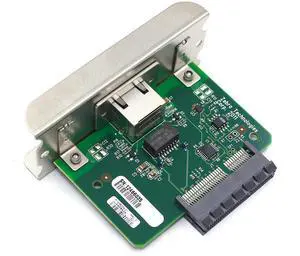
  • If you already have two or more network printers, you can still benefit from connecting them to a print server. The advantage is that the print server will consolidate multiple print queues into one, and it can intelligently distribute print jobs across several printers to manage load.

  • Some USB print servers also have parallel connections, which will allow you to not only keep using your older parallel-port printers, but also give them network functionality.

  • Select wireless print servers have the ability to be used as wireless range extenders and repeaters. So if sections of an office are not in range of a wireless router, a print server can be used to extend the Wi-Fi network to those areas.
  • Wireless print servers will also have Ethernet ports, as an Ethernet connection is required for initial setup. If your organization does not have a Wi-Fi network, you can utilize that Ethernet connection to turn the print server into a wireless access point(WAP) and broadcast the network.

  • Before setting up your network print server, ensure that your printer is in working order by plugging it into a computer directly. If the computer can detect and use the printer, then you can proceed to connect the printer to the print server. If the printer is not detected, then you will have to see if there is a hardware issue with the printer before continuing. This will make troubleshooting easier if you have problems later on during setup.

  • If the print server is connected to a router rather than to the computers directly, set up a static IP address for the print server in your router’s web configuration tool. Otherwise, the IP address for the print server can change, and your computers will need to be redirected to the new IP every time it updates.