Built for How Business Buys.
Your Browsing History




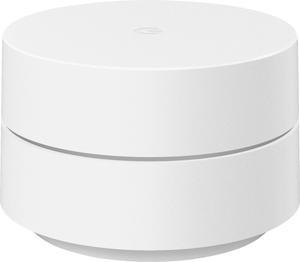
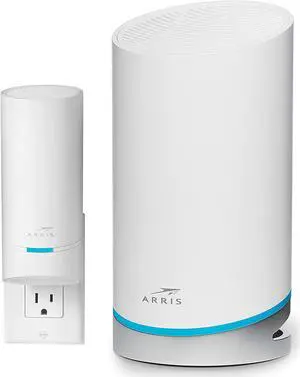
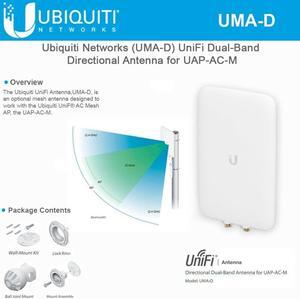
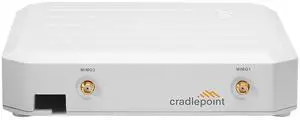
![Zyxel True WiFi6 AX1800 Wireless Access Point (802.11ax Dual Band), 1.77 Gbps with Quad Core CPU and Dual 2x2 MU-MIMO Antenna, Manageable via Nebula APP/Cloud or Standalone [NWA110AX] (NWA110AX)](https://c1.neweggimages.com/productimage/nb300/AKVHD2107127KMH6.jpg "Zyxel True WiFi6 AX1800 Wireless Access Point (802.11ax Dual Band), 1.77 Gbps with Quad Core CPU and Dual 2x2 MU-MIMO Antenna, Manageable via Nebula APP/Cloud or Standalone [NWA110AX] (NWA110AX)")

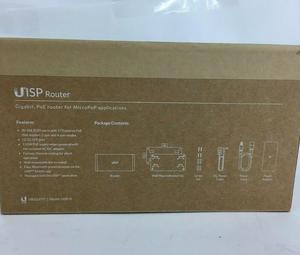
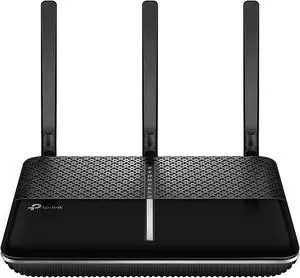
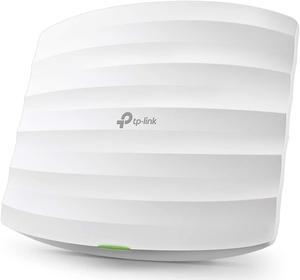

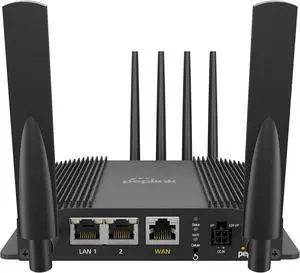
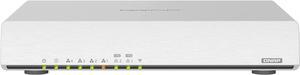
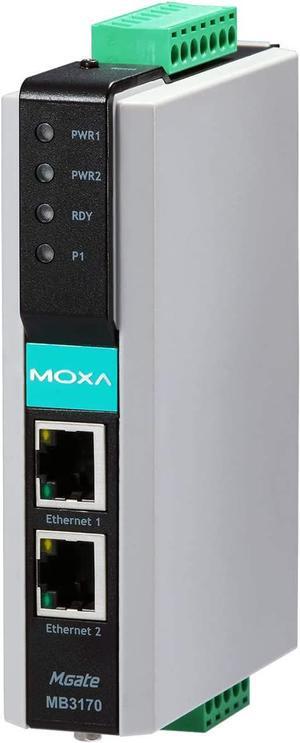
Wireless router technology is constantly improving, with new models being quicker, more feature-packed, and having longer ranges than their predecessors. The wireless router is also becoming more essential, as Wi-Fi™ mobile devices such as tablets and cell phones are increasingly used in offices. If you are shopping for a new wireless router for your business network, the guidance below will help you understand the tech and specifications commonly associated with them.
Ever notice that wireless routers usually have a rated megabit per second (Mbps) or gigabit per second (Gbps) speed? For instance, you will commonly see 150 Mbps, 300 Mbps, or 1.9 Gbps on router packaging and product descriptions. Those numbers are maximum theoretical data transfer rates, which can serve as indicators for performance.
However, real-world speeds can vary, as interference and distance can negatively affect performance. A wireless router’s data rate only applies to wireless communication within its network, and a faster router does not necessarily mean faster data transfers from external networks.
One method of protecting your network aside from a hardware-based firewall is to utilize a wireless router’s built-in security features. Below, NeweggBusiness outlines several common security technologies.
A wireless router’s band is the frequency that it uses to communicate with wireless devices and has an impact on network performance. The more crowded a wireless band is, the more interference the devices on that band will experience.
The two commonly used bands for wireless routers are 2.4 GHz and 5 GHz. The advantage of a dual band wireless router is that it can broadcast on both 2.4 GHz and 5 GHz bands.
There are several wireless standards that are commonly used, some of which are listed below.
Standard | Band | Maximum Speed |
|---|---|---|
802.11ac | 5 GHz | 6933.6 Mbps |
802.11n | 2.4 GHz / 5 GHz | 600 Mbps |
802.11g | 2.4 GHz | 54 Mbps |
802.11b | 2.4 GHz | 11 Mbps |