1.
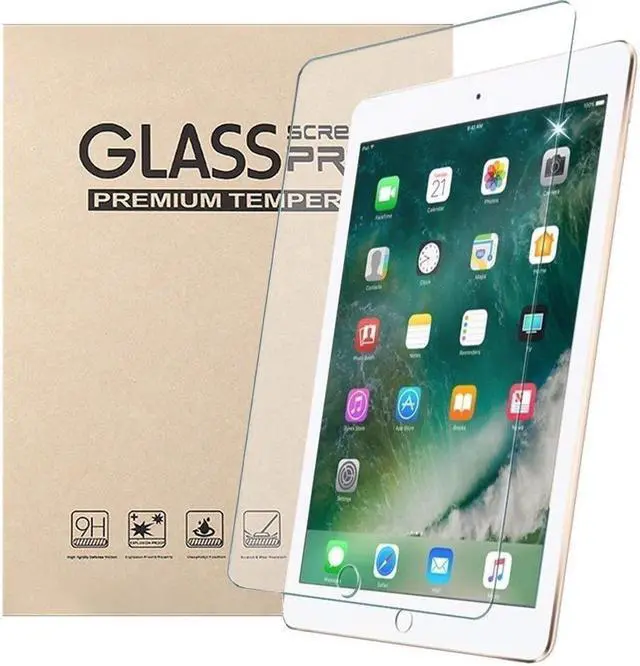
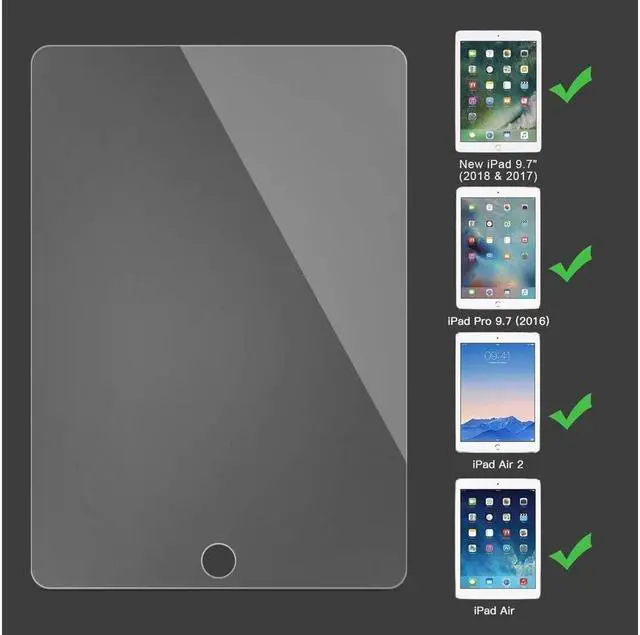
PERFECT MATCH: For the New iPad 9.7 (2018 & 2017 Release), iPad Air 1, iPad Air 2, iPad Pro 9.7, In addition to these 5 models don’t fit for any other ipad model. You can find your iPad model number on the back cover. 2.
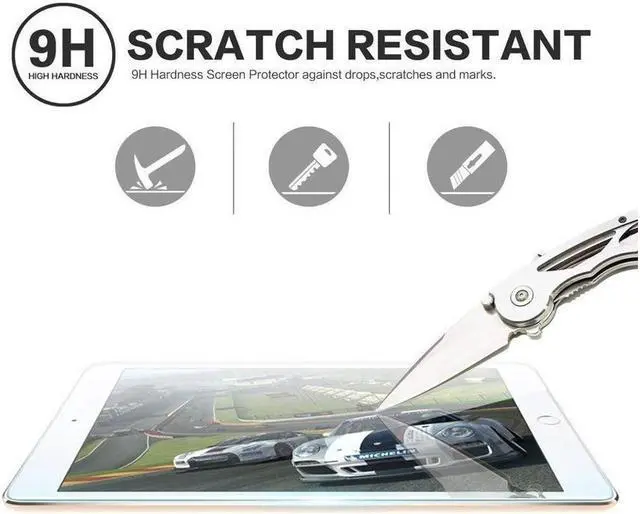
SCRATCH RESISTANT PROTECTION: 9H hardness new iPad 9.7 screen protector can protect your device against dirt, dust and scratches by keys or other hard items. 3.
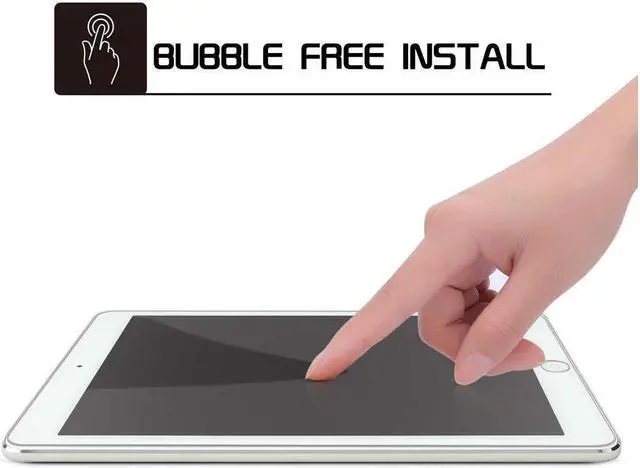
EASY INSTALLATION: The air-exhausting adhesive makes the tempered glass automatically attaches to your iPad screen smoothly, hassle-free and bubble-free, no residue when removing the screen protector. 4.
HIGH DEFINITION: Features high-resolution retina display as the original screen of 9.7 -inch iPad, bringing immersive experience. 5.
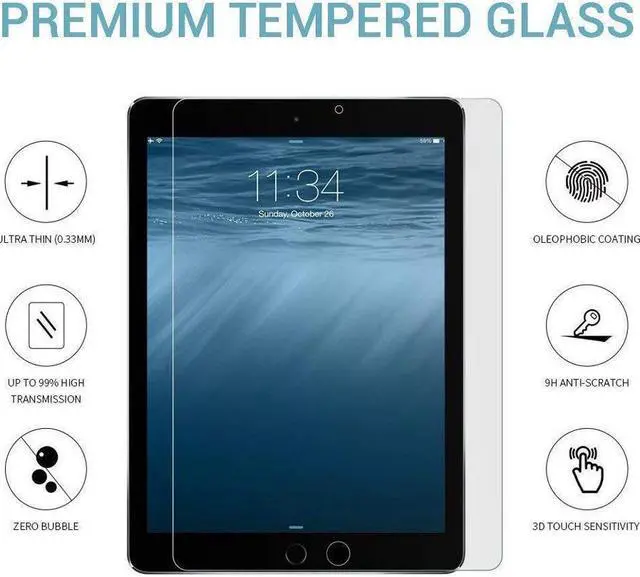
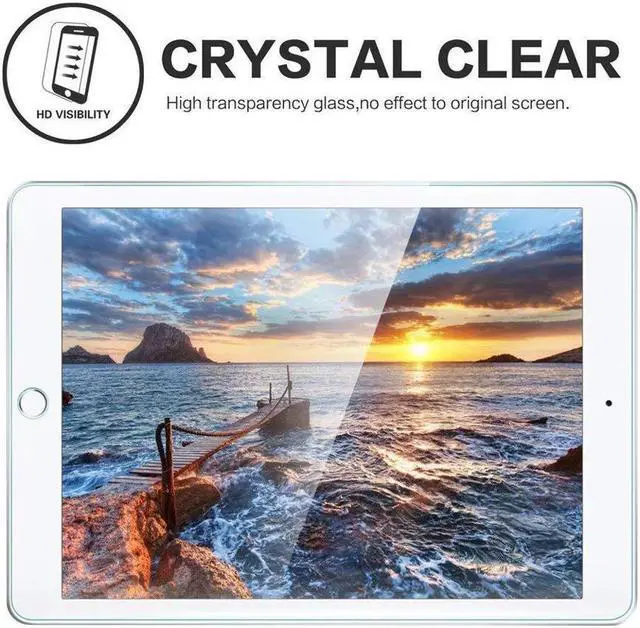
HIGH TOUCH SENSITIVITY: 96% transparency, 0.3 mm thickness and oleophobic coating preserve your iPad HD viewing experience and high touch sensitivity.
Note: If you have a cracked or shattered screen protector it should be slowly lifted from the sides and removed. Please put on the gloves before lifting or removing the screen protector to avoid cutting your fingers. HISSP Anti-scratch bubble free Tempered Glass Screen Protector *Works with: New iPad 9.7 inch 2018 (iPad 6th Gen), iPad 9.7 inch 2017 (iPad 5th Gen), iPad Pro 9.7, iPad Air 1, ipad
Air 2 iPad 9.7 2017/2018: A1822/A1823 /A1893/A1954 iPad
Pro 9.7: A1673/A1674/A1675 iPad
Air 1: A1474/A1475/A1476 iPad
Air 2: A1566/A1567
Highlights: -9H
Hardness: The screen guard is amazingly resistant to any scratches. - 0.3 mm thickness and high transparency. -Compatible with Apple pencil. -Easy application, no bubbles.
-Lifetime warranty: If the screen protector is defective or broken, please contact us freely to get a replacement.
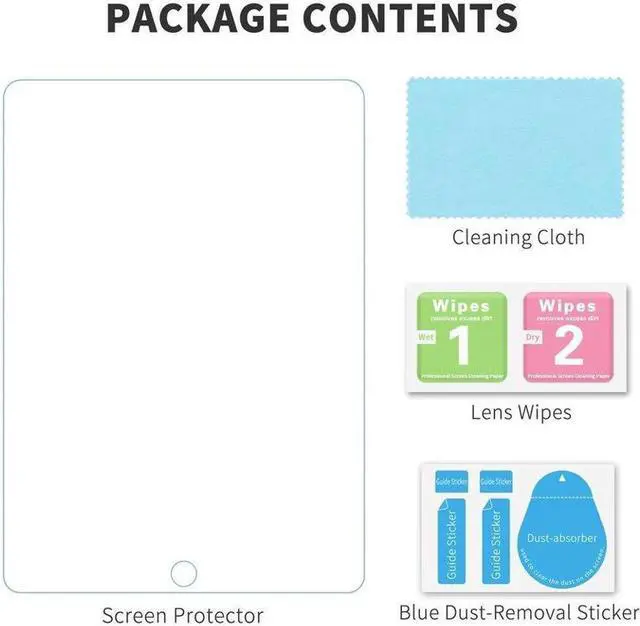
Package Includes: 1 x Tempered Glass Screen Protector 1 x Cleaning Cloth 1 x Wet Wipe 1 x Dry Wipe 1 x
Dust-Removal Sticker Installation Guide:
1. Wash and dry hands to remove oils and dirt.
2. Clean the iPad and screen with wet and dry wipes.
3. Grasp the Set 1 Tab to remove the protective film layer. Do not touch the adhesive side once the protective film layer is removed.
4. Ensure that the adhesive side of the screen protector is facing down. With your fingertips, carefully hold the two tabs on either end of the screen protector.
5. Using the tabs, carefully align the screen protector with tablet. Now, slowly lower the screen protector onto your device.
6. Once the screen protector is in place, lightly press the center of the screen protector and then gently slide your fingertip across the screen, allowing the screen protector to adhere itself to the tablet.
7. Eliminate any bubbles by using the included Squeeze Card to push bubbles out.
8. Finally, hold one of the two tabs and slowly peel back the second protective plastic film.



 All Categories