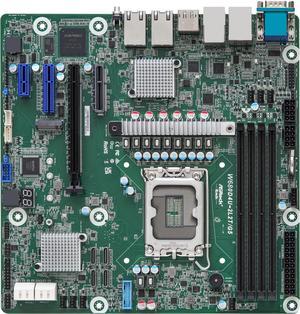
• Workstations – Enterprise Power for Every Vision
  • RTX PRO 6000 Series – From AI to Render
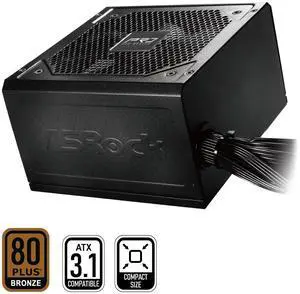
  • Protect Your Power – Power Managment Your Way
  • DGX Spark – AI from Idea to Impact
  • ABS x Phison - AI Training PCs
  • AMD EPYC 4005 Series
  • Free HPE Server Webinar - Register Now!
  • Free HPE Server Webinar - Register Now!
  • DGX Spark – AI from Idea to Impact
  • PROTECT YOUR POWER – POWER MANAGEMENT YOUR WAY
  • Workstations – Enterprise Power for Every Vision
  • RTX PRO 6000 SERIES – From AI to Render
  • Featured Brands

    See Deals from AMDSee Deals from SAMSUNGSee Deals from G.SKILLSee Deals from Western DigitalSee Deals from Seagate

Computer Hardware Featured Items

See All Featured Shop all products
NVIDIA MCX755106AS-HEAT ConnectX-7 Adapter Card - 200GbE/NDR200 -  Crypto Disabled - PCI Express 5.0 x16 - 2 Ports - Optical Fiber - HHHL Bracket Height - QSFP112 - Plug-in Card
NVIDIA
NVIDIA MCX755106AS-HEAT ConnectX-7 Adapter Card - 200GbE/NDR200 - Crypto Disabled - PCI Express 5.0 x16 - 2 Ports - Optical Fiber - HHHL Bracket Height - QSFP112 - Plug-in Card
  • Brand: NVIDIA
  • Part Number: MCX755106AS-HEAT
  • Speed: InfiniBand: NDR200/HDR/HDR100/EDR/FDR/ SDR Ethernet (Default Mode): 200/100/50/25/10 Gb/s
  • Interface: PCI Express Interface: Gen 5.0/4.0: SERDES @ 16/32GT/s, x16 lanes (4.0 and 3.0 compatible) Networking Ports: Dual QSFP112 InfiniBand and Ethernet
  • Model #: MCX755106AS-HEAT
  • Item #: 9B-0XP-00VH-00099
  • Return Policy: 15-Day Return Policy
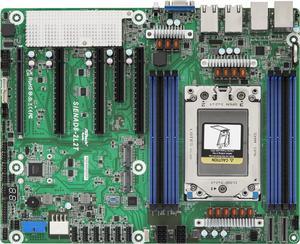
ASRock Rack Server Motherboard SIENAD8UD3 Deep Micro-ATX Single Socket SP6 (LGA 4844), AMD EPYC™ 8004 series
ASRock Rack
ASRock Rack Server Motherboard SIENAD8UD3 Deep Micro-ATX Single Socket SP6 (LGA 4844), AMD EPYC™ 8004 series
  • Brand: AsRock Rack
  • CPU Socket Type: Socket SP6
  • CPU Type: Supports AMD EPYC 8004 series processors
  • Number of Processor Support: 1
  • Model #: SIENAD8UD3
  • Item #: 9B-13-140-154
  • Return Policy: Standard Return Policy
  •  
  • $521.60 
GIGABYTE Gaming Radeon RX 9070 16GB GDDR6 PCI Express 5.0 x16 ATX Graphics Card GV-R9070GAMING OC-16GD
GIGABYTE Gaming Radeon RX 9070 Graphics Card GV-R9070GAMING OC-16GD
  • Max Resolution: 7680 x 4320
  • DisplayPort: 2 x DisplayPort
  • HDMI: 2 x HDMI
  • Card Dimensions (L x H): 288 x 132 x 50 mm
  • Model #: GV-R9070GAMING OC-16GD
  • Item #: 9B-14-932-752
  • Return Policy: Standard Return Policy
ASRock Rack Server Motherboard EC266D2I Mini-ITX 2x 1GLan Single Socket  (LGA 1700) Intel Xeon E-2400 series
ASRock Rack Server Motherboard EC266D2I Mini-ITX 2x 1GLan Single Socket (LGA 1700) Intel Xeon E-2400 series
  • Brand: AsRock Rack
  • CPU Socket Type: LGA 1700
  • CPU Type: Supports Intel Xeon E-2400 series and Intel Pentium Gold G7400/G7400T processors
  • Number of Processor Support: 1
  • Model #: EC266D2I
  • Item #: 9B-13-140-140
  • Return Policy: Standard Return Policy
  •  
  • $369.00 
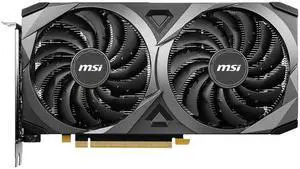
ASUS Dual GeForce RTX 4070 12GB GDDR6 PCI Express 4.0 ATX Graphics Card DUAL-RTX4070-O12GD6-EVO
Refurbished: ASUS Dual GeForce RTX 4070 Graphics Card DUAL-RTX4070-O12GD6-EVO 12GB GDDR6

+ $30 off w/ promo code BBTSF359, limited offer

  • Core Clock: 2520 MHz
  • Max Resolution: 7680 x 4320
  • DisplayPort: 3 x DisplayPort 1.4a
  • HDMI: 1 x HDMI 2.1a
  • Model #: DUAL-RTX4070-O12GD6-EVO
  • Item #: 9B-14-126-767
  • Return Policy: Standard Return Policy
  •  
  • $475.99 
XFX Quicksilver AMD Radeon RX 9070 XT Gaming Edition with 16GB GDDR6 HDMI 3xDP, AMD RDNA 4 RX-97TQICKBA
  • Core Clock: 1660 MHz
  • Max Resolution: 7680 x 4320
  • DisplayPort: 3 x DisplayPort 2.1
  • HDMI: 1 x HDMI 2.1
  • Model #: RX-97TQICKBA
  • Item #: 9B-27N-0002-001K1
  • Return Policy: Standard Return Policy
  •  
  • $729.99 
GIGABYTE Gaming Radeon RX 9070 XT 16GB GDDR6 PCI Express 5.0 x16 Graphics Card GV-R9070XTGAMING-16GD
GIGABYTE Gaming Radeon RX 9070 XT Graphics Card GV-R9070XTGAMING-16GD
  • Max Resolution: 7680 x 4320
  • DisplayPort: 2 x DisplayPort
  • HDMI: 2 x HDMI
  • Card Dimensions (L x H): 288 x 132 x 56 mm
  • Model #: GV-R9070XTGAMING-16GD
  • Item #: 9B-14-932-783
  • Return Policy: Standard Return Policy
ASRock Steel Legend Radeon RX 9070 XT 16GB GDDR6 PCI Express 5.0 x16 ATX Graphics Card RX9070XT SL 16G
ASRock Steel Legend Radeon RX 9070 XT Graphics Card RX9070XT SL 16G

OUT OF STOCK

  • Max Resolution: 7680 x 4320
  • DisplayPort: 3 x DisplayPort 2.1a
  • HDMI: 1 x HDMI 2.1b
  • Card Dimensions (L x H): 298 x 131 x 58 mm
  • Model #: RX9070XT SL 16G
  • Item #: 9B-14-930-136
  • Return Policy: Standard Return Policy
  • COMING SOON
GIGABYTE MC13-LE2 Server Motherboard - AMD EPYC™ 4005/4004 & Ryzen™ 9000/7000 - microATX UP 1Gb/s LAN
GIGABYTE
GIGABYTE MC13-LE2 Server Motherboard - AMD EPYC™ 4005/4004 & Ryzen™ 9000/7000 - microATX UP 1Gb/s LAN

OUT OF STOCK

  • Brand: GIGABYTE
  • CPU Socket Type: Socket AM5
  • CPU Type: AMD EPYC 4004 Series / AMD EPYC 4005 Series / AMD Ryzen 7000 Series / AMD Ryzen 9000 Series
  • Number of Processor Support: 1
  • Model #: MC13-LE2
  • Item #: 9B-13-145-577
  • Return Policy: Standard Return Policy
  •  
  • $334.99 
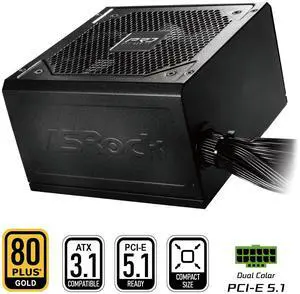
ASRock Steel Legend SL-750G 750W 80 PLUS GOLD & Cybenetics PLATINUM Full Modular Power Supply, ATX3.1 & PCIe5.1 Ready with Dual Color 12V-2x6 Cable, 10 Years Warranty
ASRock SL-750G 750W Power Supply
  • Brand: ASRock
  • Type: ATX3.1 & PCIe5.1
  • Maximum Power: 750 W
  • Modular: Full Modular
  • Model #: SL-750G
  • Item #: 9B-17-955-010
  • Return Policy: Standard Return Policy
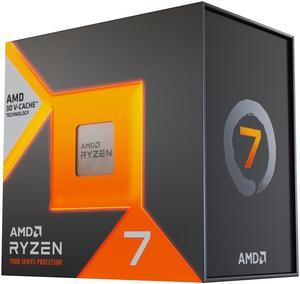
AMD Ryzen 7 7700X - Zen 4 8-Core 4.5 GHz - Socket AM5 - 105W Desktop Processor (100-100000591WOF)
  • Series: Ryzen 7 7000 Series
  • L3 Cache: 32MB
  • L2 Cache: 8MB
  • Cooling Device: Cooling device not included - Processor Only
  • Model #: 100-100000591WOF
  • Item #: 9B-19-113-768
  • Return Policy: Standard Return Policy
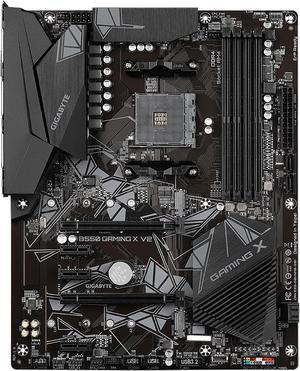
ASRock B860 Challenger WiFi LGA 1851 Intel B860 ATX Motherboard
ASRock B860 Challenger WiFi LGA 1851 ATX Motherboard
  • Memory Standard: Supports up to 8666+(OC)
  • Number of Memory Slots: 4x288pin (DDR5)
  • Brand: ASRock
  • CPU Socket Type: LGA 1851
  • Model #: B860 Challenger WiFi
  • Item #: 9B-13-162-245
  • Return Policy: Standard Return Policy
  •  
  • $129.99 

Computer Parts and Hardware Guide

Introduction

Assembling a desktop or server workstation can be an easy and straightforward process, provided that you have all the necessary computer parts. There are several advantages to building a computer in-house, including potentially lower costs and more customizability. Below, NeweggBusiness will outline various computer parts that will be needed to assemble a system.

Computer Parts

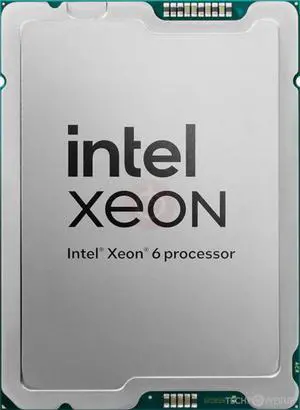
Processors

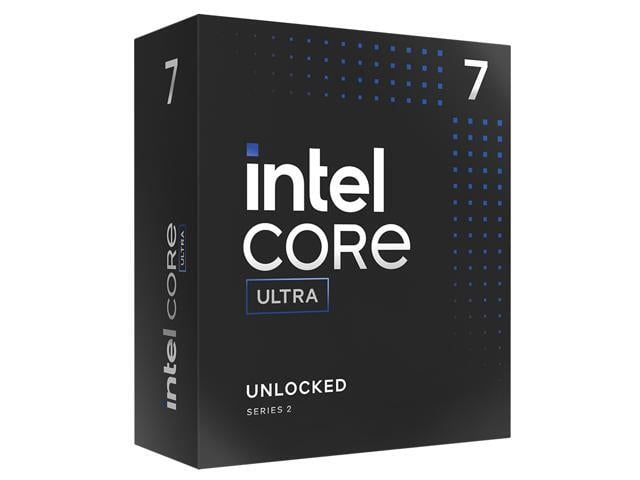
The processor directly affects overall computer performance, more than other components such as the sound card or power supply.

When selecting a processor, some important considerations include the number of cores, the clock speed of those cores, and the amount of cache memory.

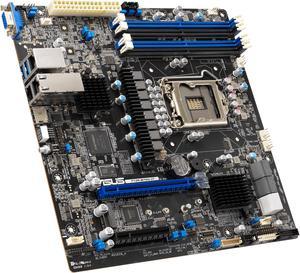
Motherboards

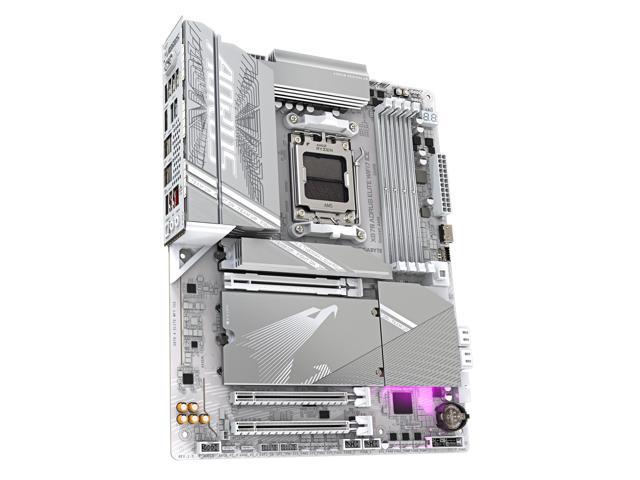
The motherboard is the component that unifies the internal hardware. You will need to ensure that the processor, memory, and other computer parts are compatible with the motherboard.

Though the motherboard can affect system performance, it can be difficult to quantify how much of an impact it has. Several important considerations include, the maximum amount of memory supported, compatible processors, data interface standards, and expansion card slots.

Random Access Memory (RAM)

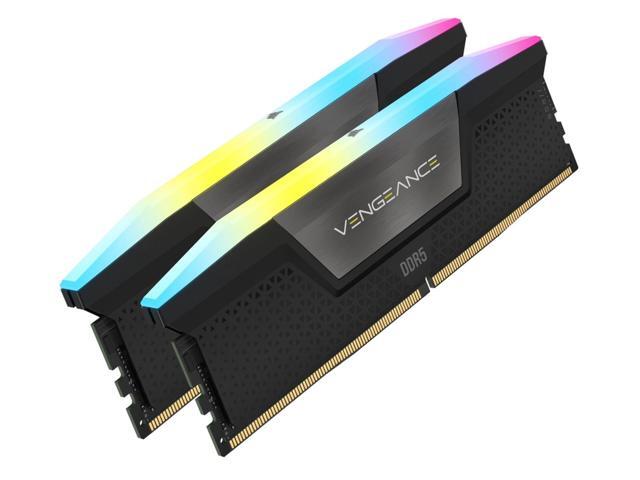
Both the amount and speed of memory are quantifiable factors that directly affect computer performance. Generally, the more memory a computer has, the better it will be able to multitask. Faster memory can speed up tasks that require data to be frequently loaded and retrieved.

Computer Cases

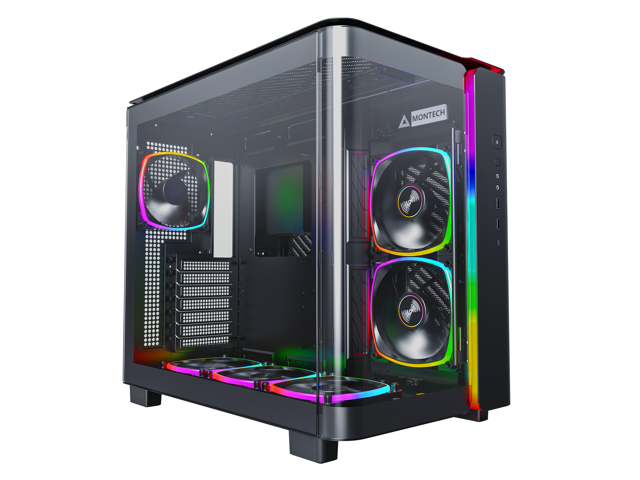
There are many different types of computer cases, from small portable ITX cases to larger E-ATX cases for servers and workstations.

When selecting a case, you should consider how and where the computer will be used. Also, determine if the case’s internal dimensions are adequate for the components that you plan to use.

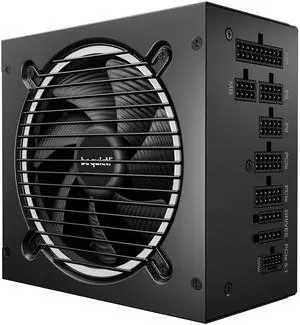
Power Supply Unit (PSU)

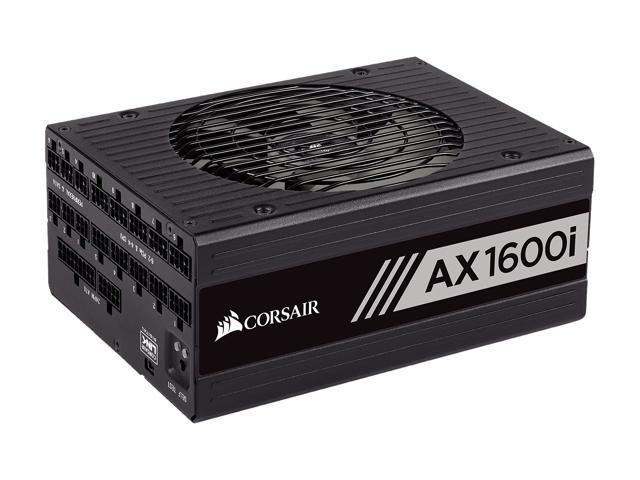
Computer power supplies are components that connect to an electrical outlet and send power to the individual computer parts. When selecting a power supply, you will need to determine if can handle the total power requirement of all the components.

To do that, add up the power loads of all the internal components and ensure that the PSU can supply at least that much power. It is recommended that you choose a power supply well above that minimum for more flexibility.

Hard Drives

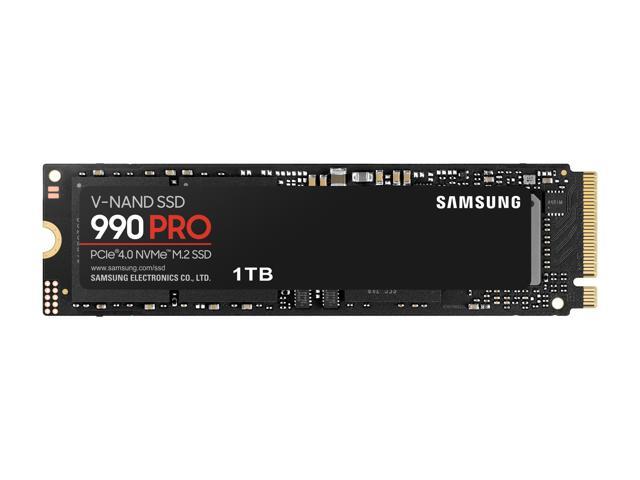
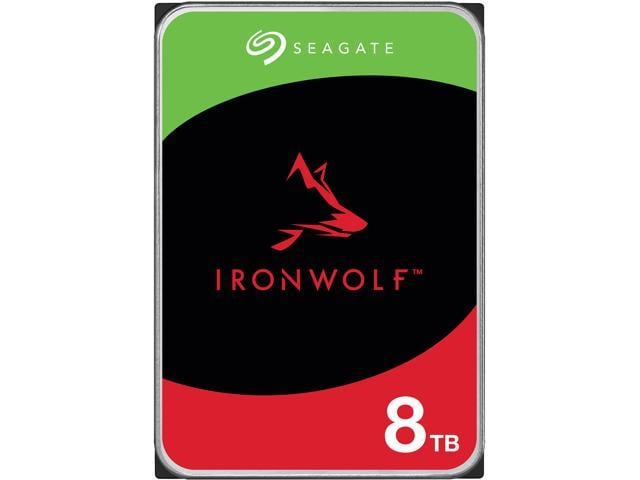
The hard drive is a data storage device that can be used to store the operating system, programs, documents, and other important files. When selecting a hard drive, ensure that it is compatible with the motherboard as well as being large and quick enough for your needs.

Alternatively, you can use a solid state drive for increased data transfer speeds, lower noise output, and better energy efficiency.

Video Cards

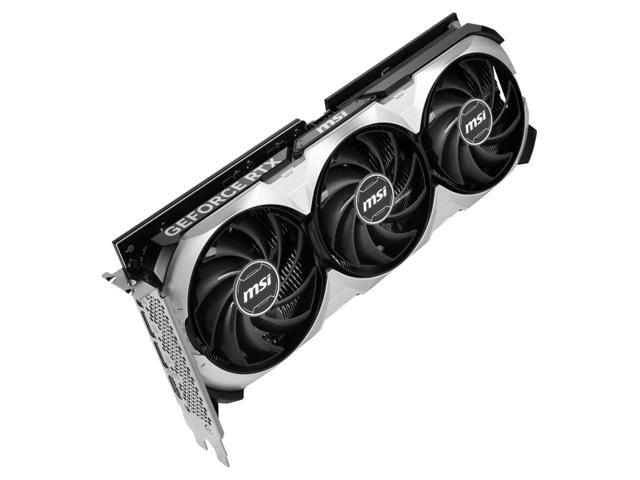
A video card is a required component, but many motherboards already have one built-in. However, some tasks may require the use of a dedicated video card even if the motherboard has onboard video capabilities. Tasks such as 3D rendering and simulation can sometimes require the use of workstation-grade video cards.

Network Adapters

While not required for the computer to be used, network connectivity is necessary for internet and local area network (LAN) access. Some motherboards have network adapters built into them, so separate adapters are not always required.

There are two main types of network adapters, internal and external. Internal network adapters utilize expansion slots while external variants are usually USB.

Sound Cards

Many desktop motherboards have sound cards built-in, allowing for audio playback without the need for a dedicated sound card. However, the quality of these built-in sound cards is generally not on par with high-end dedicated sound cards. For tasks that require high definition audio playback, dedicated sound cards are usually better than onboard solutions.

Optical Drives

An optical drive is beneficial for many uses, including backing up data, installing software, and playing multimedia content. Before shopping for an optical drive however, you should check what type of data connector the motherboard utilizes and if any are available for use.

Conclusion

If a pre-assembled desktop or server workstation is not within your budget, assembling one in-house can be a lower cost alternative. For underperforming desktop computers, upgrading individual computer parts may be more cost-effective than replacing the entire system.