
Built for How Business Buys.
Your Browsing History
Shipped by Bisi Global Purchase
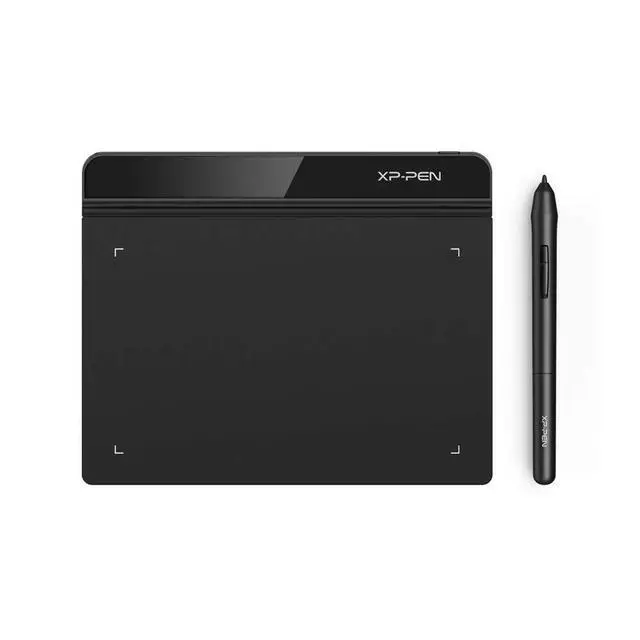
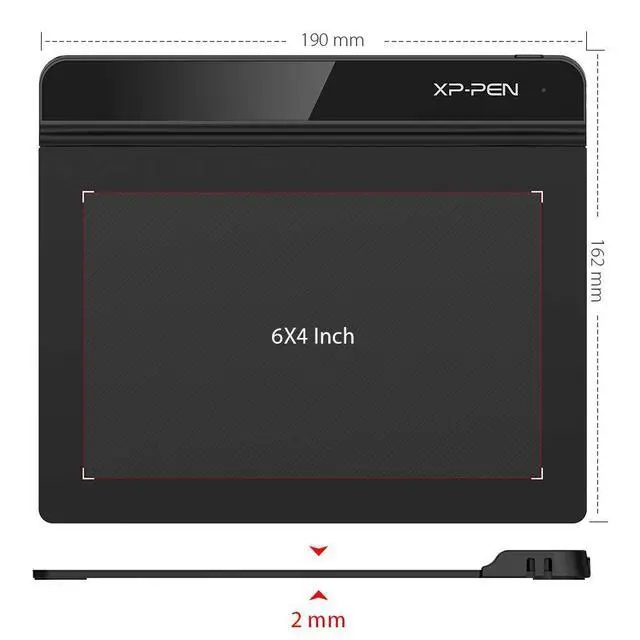
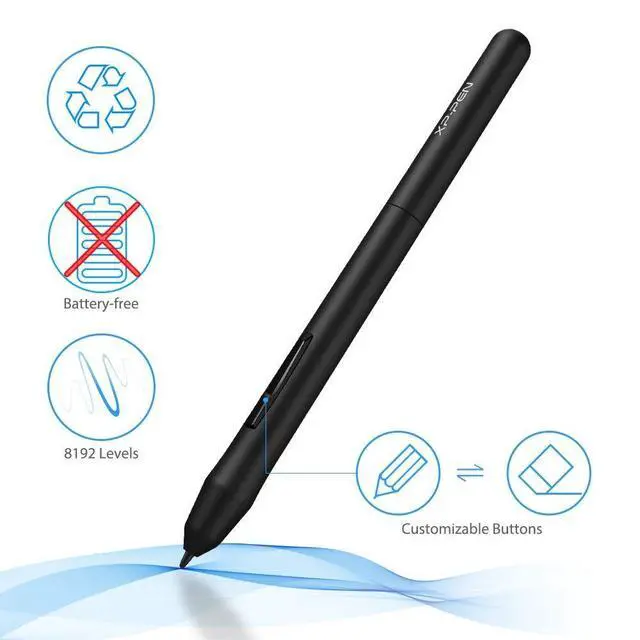
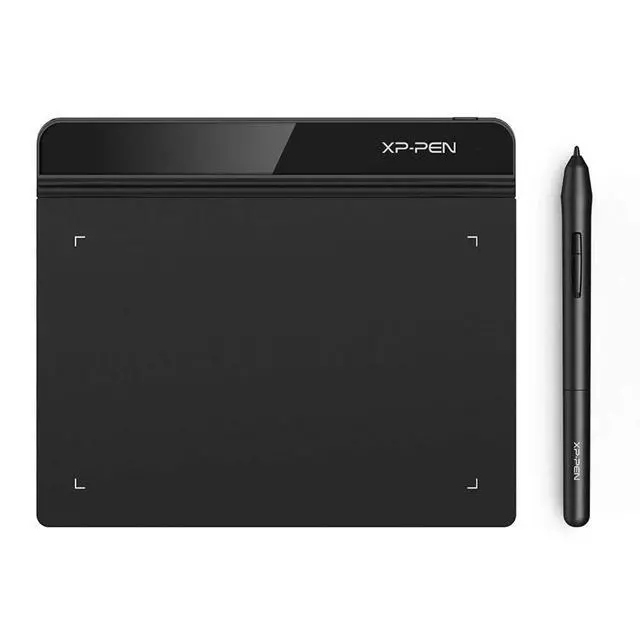


1. Important Reminder
XP-PEN StarG640 graphics drawing tablet must be connected to a Laptop/desktop/Chromebook to work, it's compatible with Windows 7 and above, MAC OS 10.10 or above OS, Chrome OS 88.0.4324.109 and above OS.
2. Connection Tips
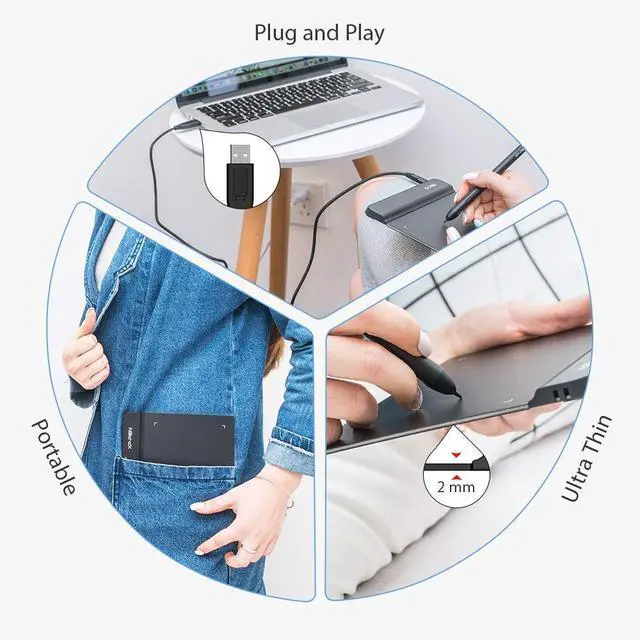
Your laptop/desktop needs to have USB-A port available for the connection. If your computer does not have USB-A port, then you need an extra converter for the connection, such as USB-C to USB-A etc. (Depends on what ports that your laptop/desktop has).
3. Install the XP-PEN Driver on Your Computer
1-Before Driver Installation: Please Remove Other Brands Driver from your computer and reboot before installing the XP-PENs driver, or there will driver conflict problems.
2-Driver Download: Our driver will be regularly updated, so please go to our official web to download the newest driver, and install it on your computer.
3-For Windows UsersPlease close all drawing programs and run the XP-PEN driver as Administrator when installing. (IMPORTANT)
4. For Mac Mojave (10.14), Catalina (10.15) and above OS Users:
Mac Mojave (10.14) or above OS has upgraded in the security section, you need to put programs you newly downloaded into the accessibility list first to normally use it. Details steps please see the FAQ section on the XP-PEN web.
5. After-sale Service from XP-PEN
Please checks the Quick Guide, or search XP-PEN online to find a way to us for further assistance whenever you encounter problems with the use of the StarG640 graphics tablet, we are always standing by to help! XP-PEN provides a one-year warranty and lifetime tech support.
6. Programs
Please install a programs to your computer before your art creation/online teaching/remote work.
Free drawing programs like gimp, firealpaca, krita , medibang, etc.
Or register your xppen StarG640 graphics tablet on xp-pen web to apply for the Explain Everything program.
| Brand | XP-PEN |
| Connectivity Technology | USB |
| Pressure Sensitivity | 8192 Levels |
| Operating System | Windows 7 and above, Mac OS X version 10.10 or later |
| Special Feature | Battery-free Stylus Pen |
| Model Name | Star G640 |
| Built-In Media | Battery-free Stylus Pen, USB Cable, Quick Start Guide, Power Cord |
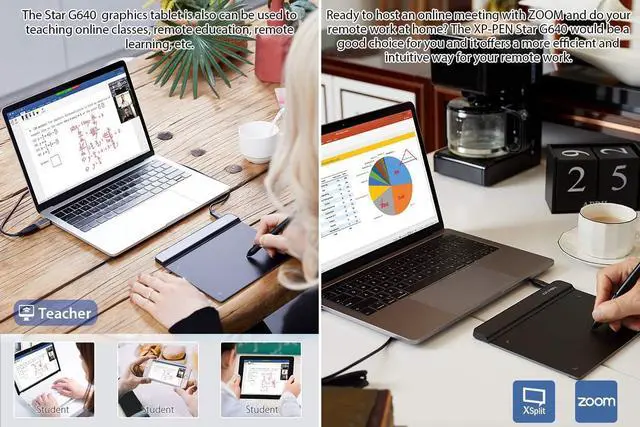
| Target Audience | Teacher |
| Model Number | G640 |
| Manufacturer | XP-PEN |
| UPC | 758232357569 758232357163 |
| Mfr Part Number | StarG640 |
| Warranty Description | One-Year Warranty |
| External Testing Certification | Não aplicável |
| Unit Count | 1.0 Count |
| Additional Features | Battery-free Stylus Pen |
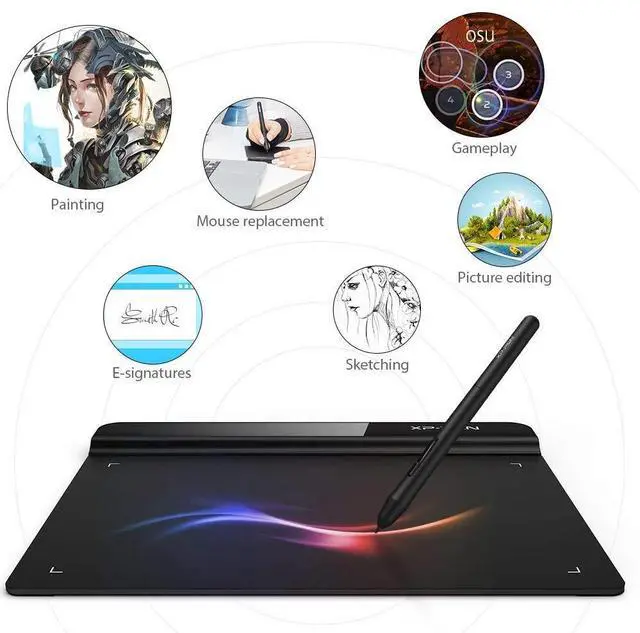
| Specific Uses For Product | Drawing, Painting, Writing, Teaching, Editing, Designing, Animation, Remote Work |
| Compatible Devices | Windows 7 and above, Mac OS X 10.10 (or later), Chrome OS 88 (or later) |
| Display Type | LCD |
| Native Resolution | 8192 levels |
| Screen Size | 6 Inches |
| Item Weight | 170 Grams |
