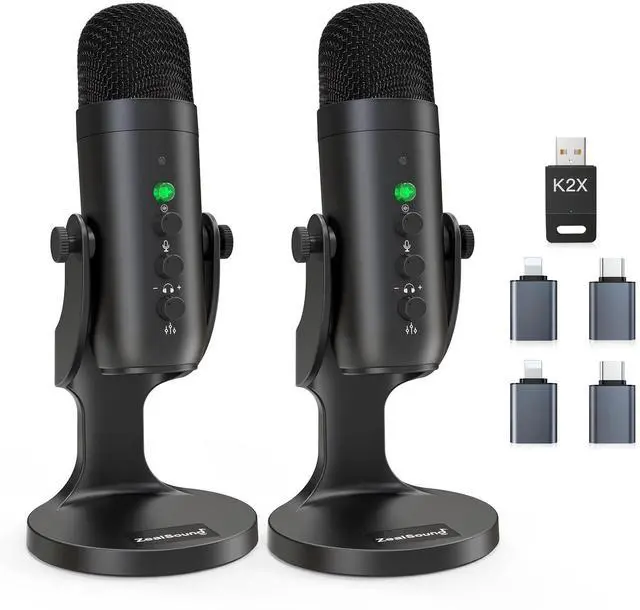
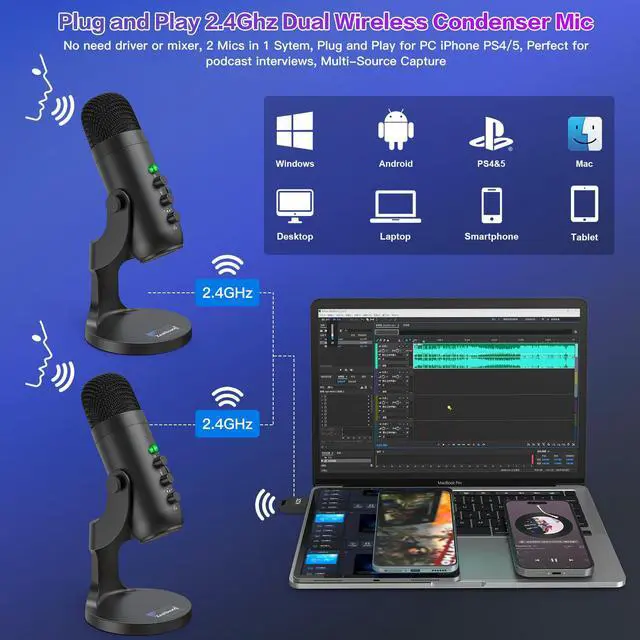
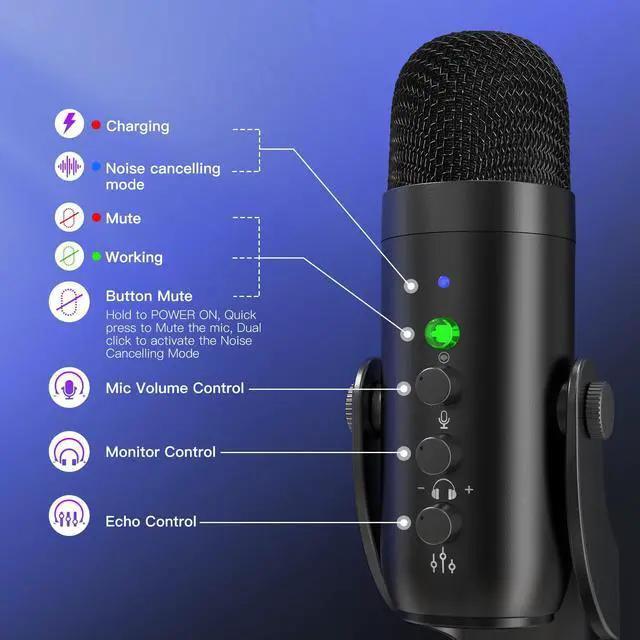
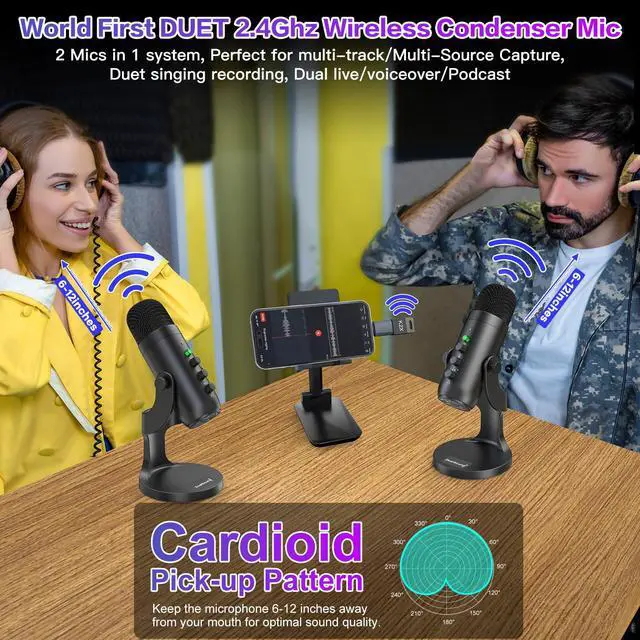
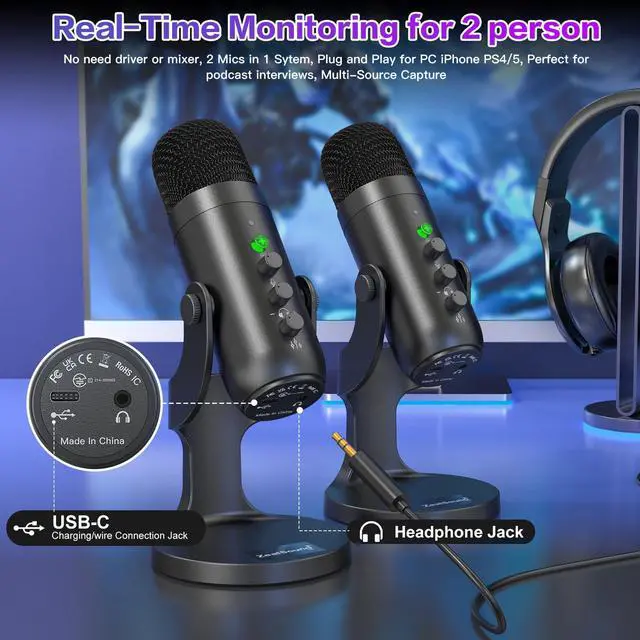
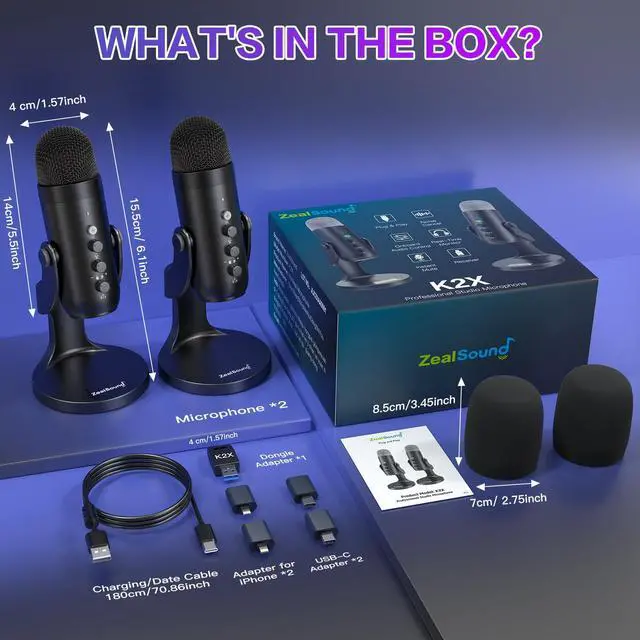
Dual Wireless Microphones for Co-Host Podcasting The included 2.4 GHz receiver connects both wireless podcast microphone to one computer or mobile device, allowing two hosts to record together without a mixer or audio interface. The wireless design reduces cable clutter and gives each speaker more flexibility to position the microphone comfortably. Ideal for co-host podcasts, interviews, video podcasts, livestreams, and other two-person content.
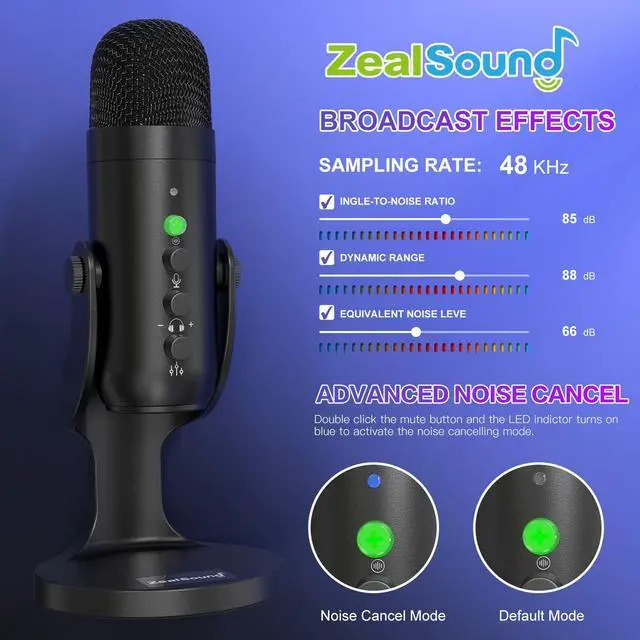
Clear 48 kHz/24-Bit Sound for Detailed Vocals Each podcast microphone for PC features a sensitive condenser capsule that captures clear, natural voice with balanced detail. The cardioid pickup pattern focuses on sound directly in front of the microphone, helping speech remain centered and present. Capture consistent vocals for podcasting, interviews, voice-over work, video creation, online classes, and livestreaming.
Flexible Wireless & Wired Use Use one or both microphones wirelessly through the 2.4 GHz receiver for a cleaner, more flexible setup. For wired operation, connect a single podcast microphone directly to a supported device with the USB cable. Each mic also operates independently, allowing two creators to connect the microphones to two separate devices. Note: Using both microphones on one device requires wireless mode.
+
+
Overview
Specs
Reviews
Wireless Podcast Microphone for PC & iPhone, Dual Desktop Mics with Noise Reduction, Tap-to-Mute, Gain & Echo Controls, Zero-Latency Monitoring for Podcasting & Streaming YouTube TikTok
Learn more about the Generic Brand K66DG Series
Model
Brand
ZealSound
Model
K66DG Series
Part Number
K66DG Series
Details
Color
Phantom Black
Microphone Sensitivity
125 decibels
Microphone Impedance
2.2 kiloohms
Microphone Signal to Noise Ratio(SNR)
85 decibels
Manufacturer Warranty
Parts
Manufacturer warranty for 365 days from date of purchase.
Labor
Manufacturer warranty for 365 days from date of purchase.
Additional Information
First Listed on Newegg
August 13, 2026
Customer Reviews of the Generic Brand K66DG Series
There are no reviews yet.
Do you own this product?
Warranty & Returns
Warranty, Returns, And Additional Information
Warranty
Please contact the Seller directly for warranty information. Warranty information may also be found on the Manufacturer's website.