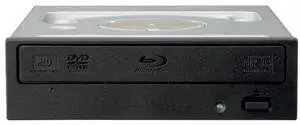
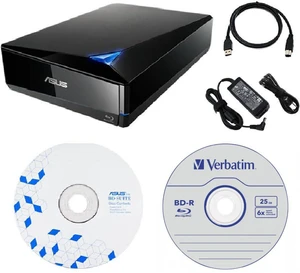
- BD-ROM Access Time: 180 ms
- BD-R: 16X
- BD-RE: 2X
- DVD+R: 12X
- Model #: BW-16D1HT/BK/UHD/CN
- $220.00 –
- More options from $162.88 - $220.00

Limited time offer, ends 09/28
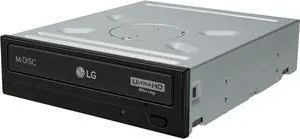
- Model #: G3F1C783-XM6151839
- $147.89 –

Limited time offer, ends 09/29
- Model #: LJ12-1359-C731
- $47.51 –

- BD-R: 16X
- BD-RE: 2X
- DVD+R: 16X
- DVD+RW: 8X
- Model #: BW-16D1HT
- $164.27 –
- More options from $164.27 - $183.56

- Panel Color: Silver
- Interface: USB 3.0
- Type: External Blu-ray Burner
- DVD+R: 8X
- Model #: 4F9ES84F1BHG
- $149.79 –
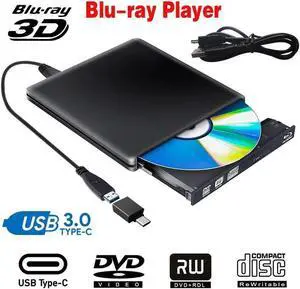
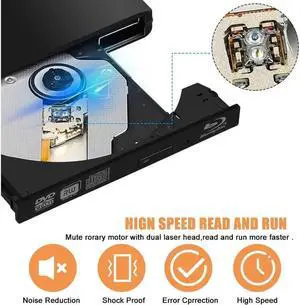
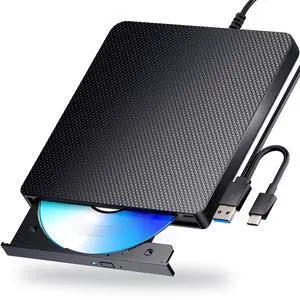
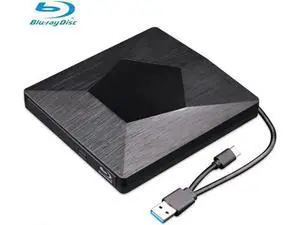
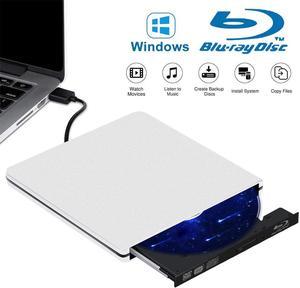
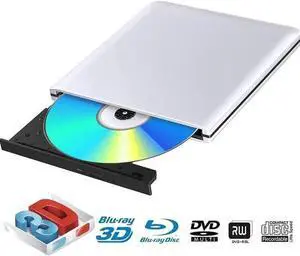
![[Upgraded] External Bluray Drive, 3D Blu Ray CD/DVD Burner Reader USB 3.0 and Type-C Blu-Ray Burner Writer Slim BD CD DVD Optical Bluray for Windows XP/7/8/10, MacOS for MacBook, Laptop, Desktop [Upgraded] External Bluray Drive, 3D Blu Ray CD/DVD Burner Reader USB 3.0 and Type-C Blu-Ray Burner Writer Slim BD CD DVD Optical Bluray for Windows XP/7/8/10, MacOS for MacBook, Laptop, Desktop](https://c1.neweggimages.com/productimage/nb300/V2JUD25102514147K73.jpg)
- Interface: USB 3.0
- BD-R: 6X
- DVD+R: 8X
- DVD+RW: 8X
- Model #: A03#Q1692_B
- $96.99 –

- BD-ROM Access Time: 180 ms
- BD-R: 16X
- BD-RE: 2X
- DVD+R: 16X
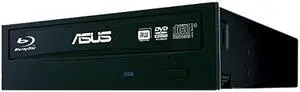
- Model #: 90DD0200-B30000
- $187.95 –
- More options from $187.95 - $220.87

- Brand: Pioneer
- Panel Color: Black
- Interface: Serial ATA Revision 3.0
- Type: Internal Blu-ray Burner
- Model #: BDR-212DBK
- $299.96 –
- More options from $246.83 - $299.96

- Brand: aelrsoch
- Panel Color: Black
- Type: Plug & Play
- Data Transfer Rate: 100 megabits_per_second
- Model #: 030037967789
- $138.99 –

- BD-R: 6X
- Model #: BU20N
- $81.99 –
- More options from $81.99

- Brand: ASUS
- Panel Color: Black
- Interface: USB 3.0
- Model: BW-16D1X-U
- Model #: ASUS-BW-16D1X-U-BDR
- $380.00 –

Limited time offer, ends 09/20
- Model #: BZ59-1220-Z24
- $25.19 –

Limited time offer, ends 09/30
- Model #: ZZL-RNU-ASD827833
- $16.59 –
- More options from $16.59

- Model #: BZ59-0302-1
- $273.85 –
- More options from $273.85 - $277.40

- Brand: Pioneer
- Panel Color: Black
- Interface: SATA
- Type: Internal Blu-ray Burner
- Model #: C BDR-209DBK
- $199.99 –
- More options from $199.99 - $269.88

- Brand: Pioneer
- Interface: Serial ATA/150
- BD-R: 16X
- DVD+RW: 8X
- Model #: BDR-206
- $179.99 –

- Model #: WLC78S.0730.Pallet0634
- $117.18 –
- More options from $117.18 - $118.98

Limited time offer, ends 09/20
- Model #: C43K-Z0326-18
- $116.74 –

OUT OF STOCK
- Cache: 4 MB
- BD-ROM Access Time: 250 ms
- BD-R: 6X
- BD-RE: 2X
- Model #: BU40N
- $147.43 –
Blu-ray Burner Tips You Should Know
Introduction
As Blu-ray™ media becomes more common, the prices of Blu-ray burners and readers have slowly decreased. In addition to being the new optical standard for high definition multimedia entertainment, Blu-ray media has many advantages as a data storage solution. A single-sided, single-layer Blu-ray disc is capable of storing up to 25 GB of data. Below, NeweggBusiness provides tips and advice to users shopping for a Blu-ray burner.
Blu-ray Burner Write Speeds
The write speed of a Blu-ray burner greatly impacts the amount of time required to burn data onto Blu-ray media. Similar to other types of optical recorders such a DVD burner, a Blu-ray burner’s speed is rated as a factor of X. For DVD and Blu-ray discs, 1X is equal to 1.35 MBps and 4.39 MBps respectively.
Authoring Blu-ray Media
In order to properly author Blu-ray discs so they can be played with other Blu-ray drives and players, you will need to use authoring software. While operating systems typically have built-in burning capabilities that allow users to burn data discs, they often cannot burn Blu-ray multimedia discs for playback with Blu-ray players.
Blu-ray Disc Playback
Playing encoded Blu-ray discs such as movies requires Blu-ray-specific codecs to be installed. Unfortunately, PC operating systems typically do not have such codecs preinstalled. However, Blu-ray codecs are included with specialized multimedia playback software such as PowerDVD or WinDVD®.
Adding a Blu-ray Burner to a Laptop
To add Blu-ray functionality to a laptop, you can either use an external optical drive or upgrade the laptop’s existing internal optical drive if it has one. However, there may be some compatibility issues with internal Blu-ray burners and laptops. If you want to add a Blu-ray burner to your laptop, an external model is easier to install.