


Quick View
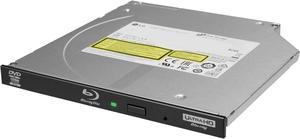
LG BU40N Blu-ray Writer - BD-R/RE Support - 24x CD Read/24x CD Write/16x CD Rewrite - 6x BD Read/6x

- Cache: 4 MB
- BD-ROM Access Time: 250 ms
- BD-R: 6X
- BD-RE: 2X
- Model #: BU40N
- $128.97 –
Quick View
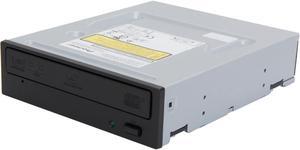
Pioneer Black 16X BD-R 2X BD-RE 16X DVD+R 12X BD-ROM 4 MB Cache SATA Blu-ray Burner BDR-209DBK - OEM
- Brand: Pioneer
- Panel Color: Black
- Interface: SATA
- Type: Internal Blu-ray Burner
- Model #: C BDR-209DBK
- $199.99 –
Quick View
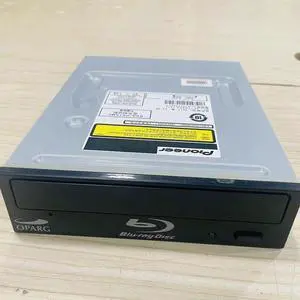
Blu-ray burner 16x BDR-S09 XLB/209 supports BD128G compatible Pioneer
- Model #: BZ59-0302-1
- $239.16 –
- More options from $239.16 - $266.69
Quick View
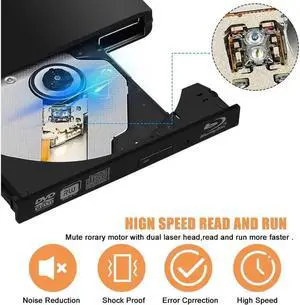
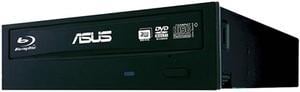
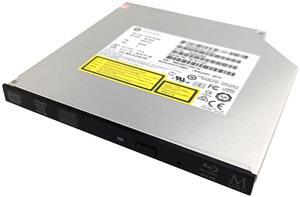
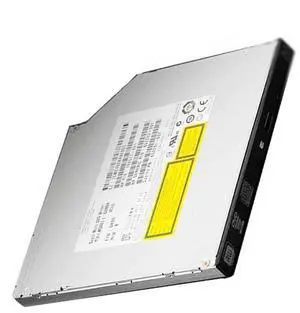
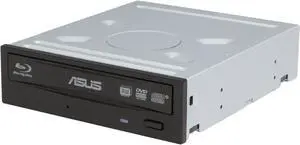
ASUS Black ultra-fast 16X Blu-ray burner with M-DISC support for lifetime data backup SATA BW-16D1HT (90DD0200-B30000)

- BD-ROM Access Time: 180 ms
- BD-R: 16X
- BD-RE: 2X
- DVD+R: 16X
- Model #: 90DD0200-B30000
- $165.00 –
- More options from $165.00 - $220.87
Quick View
Refurbished ASUS Black Blu-ray Burner SATA BW-12B1ST
- Cache: 8MB
- BD-R: 12X
- BD-RE: 2X
- DVD+R: 16X
- Model #: BW-12B1ST
- $245.23 –
- More options from $245.23
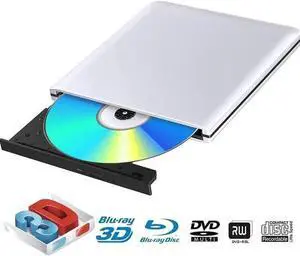
Quick View
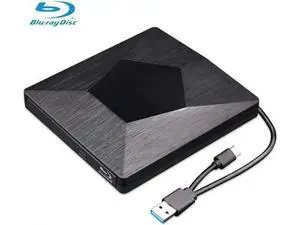
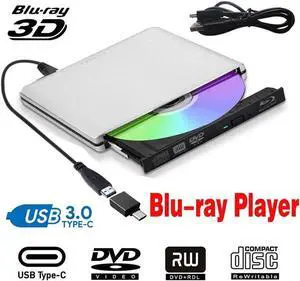
External Blu Ray DVD Drive Burner 3D, Portable USB 3.0 Bluray Disc Burner Player Reader Writer BD DVD CD RW ROM Player for Mac OS, Linux, Windows XP/Vista/7/8/10, PC, Aluminum SIlver
- Panel Color: Silver
- Interface: USB 3.0
- Type: External Blu-ray Burner
- BD-R: 8X
- Model #: Z3#Q0204_S
- $92.99 –
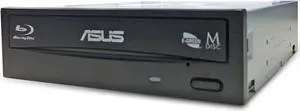
Quick View
ASUS Blu-ray Burner Bundle with DVD-Cloner Software Download Installation Code
- BD-ROM Access Time: 180 ms
- BD-R: 16X
- BD-RE: 2X
- DVD+R: 12X
- Model #: BW-16D1HT/BK/UHD/CN
- $234.00 –
- More options from $162.88 - $234.00
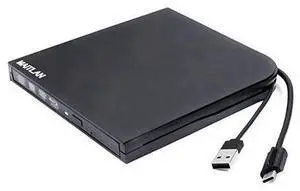
Quick View
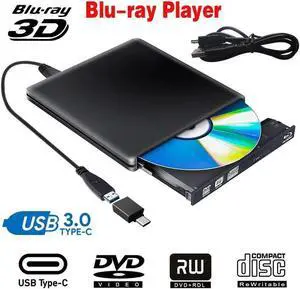
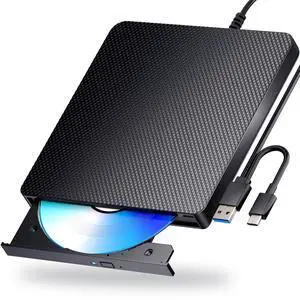
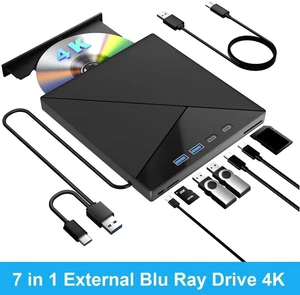
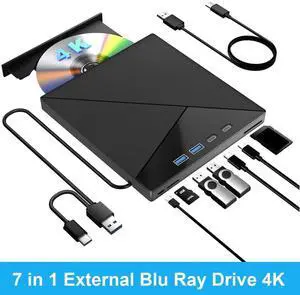
External 4K UHD HD 3D Blu-Ray Disc Player USB3.0 Type-C USB-C 2-In-1 6X BD-R BD-RE DL BDXL 100GB DVD-R M-Disc Burner Portable Optical Drive for Windows 10 For Mac OS Laptop & Desktop PC
Limited time offer, ends 11/22
- Model #: G3F1C783-XM6150765
- $128.56 –
- More options from $128.56 - $179.99
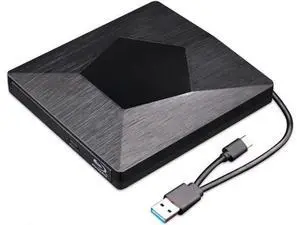
Quick View
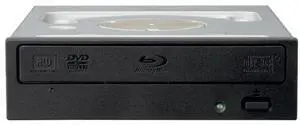
Pioneer BDR-206 Internal Blu-ray Writer
- Brand: Pioneer
- Interface: Serial ATA/150
- BD-R: 16X
- DVD+RW: 8X
- Model #: BDR-206
Quick View
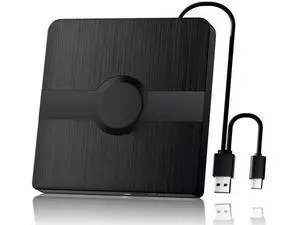
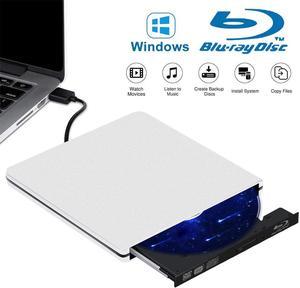
External Blu Ray CD DVD Drive Burner 3D, USB 3.0 BD ROM DVDRW CDRW Bluray Burner Player Writer Rewriter Reader for Macbook Notebook Laptop Mac OS Windows 10 8 7 XP
- Panel Color: Silver
- Interface: USB 3.0
- Type: External Blu-ray Burner
- BD-R: 6X
- Model #: Q0204_S
- $89.98 –
Quick View
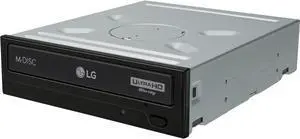
LG Black 12X BD-ROM 16X DVD-ROM 48X CD-ROM SATA Internal Blu-ray Burner
- Cache: 4MB
- BD-ROM Access Time: 180 ms
- BD-R: 16X, UHD/4K
- BD-RE: 2X
- Model #: WH16NS60
- $168.00 –
- More options from $168.00 - $279.99
Quick View
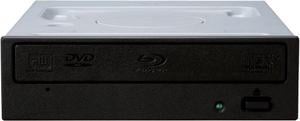
Pioneer Black Blu-ray Burner Serial ATA Revision 3.0 BDR-212DBK
- Brand: Pioneer
- Panel Color: Black
- Interface: Serial ATA Revision 3.0
- Type: Internal Blu-ray Burner
- Model #: BDR-212DBK
- $196.11 –
- More options from $196.11 - $246.83
Blu-ray Burner Tips You Should Know
Introduction
As Blu-ray™ media becomes more common, the prices of Blu-ray burners and readers have slowly decreased. In addition to being the new optical standard for high definition multimedia entertainment, Blu-ray media has many advantages as a data storage solution. A single-sided, single-layer Blu-ray disc is capable of storing up to 25 GB of data. Below, NeweggBusiness provides tips and advice to users shopping for a Blu-ray burner.
Blu-ray Burner Write Speeds
The write speed of a Blu-ray burner greatly impacts the amount of time required to burn data onto Blu-ray media. Similar to other types of optical recorders such a DVD burner, a Blu-ray burner’s speed is rated as a factor of X. For DVD and Blu-ray discs, 1X is equal to 1.35 MBps and 4.39 MBps respectively.
Authoring Blu-ray Media
In order to properly author Blu-ray discs so they can be played with other Blu-ray drives and players, you will need to use authoring software. While operating systems typically have built-in burning capabilities that allow users to burn data discs, they often cannot burn Blu-ray multimedia discs for playback with Blu-ray players.
Blu-ray Disc Playback
Playing encoded Blu-ray discs such as movies requires Blu-ray-specific codecs to be installed. Unfortunately, PC operating systems typically do not have such codecs preinstalled. However, Blu-ray codecs are included with specialized multimedia playback software such as PowerDVD or WinDVD®.
Adding a Blu-ray Burner to a Laptop
To add Blu-ray functionality to a laptop, you can either use an external optical drive or upgrade the laptop’s existing internal optical drive if it has one. However, there may be some compatibility issues with internal Blu-ray burners and laptops. If you want to add a Blu-ray burner to your laptop, an external model is easier to install.