All Categories
Built for How Business Buys.
All Categories









Limited time offer, ends 10/25
Limited time offer, ends 10/25
Limited time offer, ends 10/25
Limited time offer, ends 10/25
Limited time offer, ends 10/25
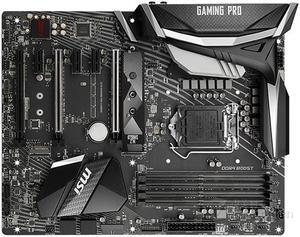
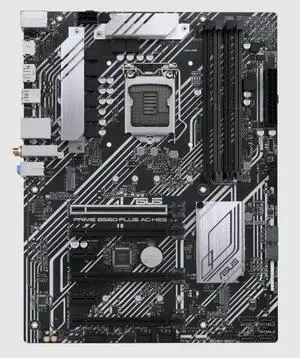
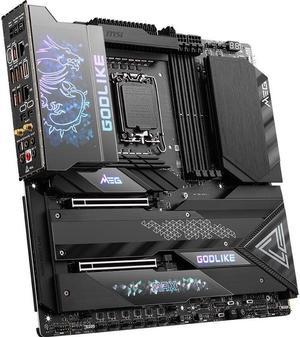
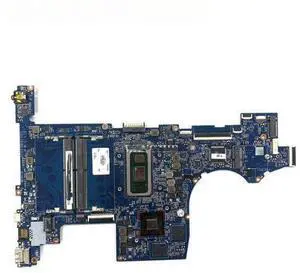
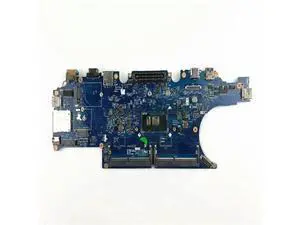
A compatible Intel® motherboard is an essential component when assembling a desktop with an Intel processor. The motherboard determines what type of processor you can use, how many data storage drives you can install, the maximum amount of system memory supported, and more. To help you find the ideal Intel motherboard for your desktop build, NeweggBusiness answers several common questions about motherboards.
A motherboard chipset is a collection of components on the motherboard designed to integrate the processor with the rest of the system hardware. The chipset has a major impact on overall system performance and device compatibility. For each family of Intel processors, a different chipset is typically used. When shopping for an Intel motherboard, you will have to ensure that its chipset is compatible with the processor you intend to use.
The CPU socket is the component on the motherboard that holds and locks the processor in place. In order for a processor to be installed onto a motherboard, they both must have the same socket type. For example, an LGA 1150 processor can only be installed onto an Intel motherboard with a LGA 1150 socket.
However, having the same socket type does not necessarily mean that the processor and motherboard are compatible. Sometimes, multiple generations of processors can have the same socket type but use different chipsets.
Both PCI and PCIe are computer expansion card standards that are used by devices such as video cards, sound cards, network adapters, and more. PCIe is a newer standard designed to replace PCI and is not backwards compatible. It is capable of faster data transfer rates, which allows for better performance from expansion cards.
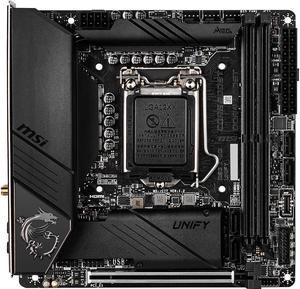
Many ATX form factor Intel motherboards will have a combination of both PCI and PCIe expansion slots. Unfortunately, some motherboards—mainly small form factor motherboards such as Mini ITX—only have one PCIe slot due to space limitations.
It is an acronym that stands for Basic Input/Output System and is the very first program that starts when a computer is powered on. Stored on the motherboard, BIOS is the intermediary that interconnects the components and launches the operating system. The interface for BIOS is rather limited because it is mainly text based with a small color palette. Many motherboards include BIOS, though there is now a transition to the newer Unified Extensible Firmware Interface (UEFI).
Like BIOS, UEFI is an intermediary for the main operating system and the hardware. It is designed to replace BIOS as the standard operating system included on AMD and Intel motherboards. Compared to BIOS, UEFI is much more user friendly and secure, supports larger hard drives, reduces startup times, and more. Many new Intel motherboards now include UEFI instead of BIOS, though such motherboards may sometimes be advertised as having UEFI BIOS.