• In Stock
  • Sold by NeweggBusiness
  • New
Brands
Show More
Price
Show More
Type
Show More
Keyboard Interface
Show More
Mouse Included
Design Style
Show More
Mechanical Keyboard
Key Switch
Show More
Backlit
Mouse Interface
Sold by
Tracking Method
All Top Brands
Availability
Condition
Discount
Useful Links
Customer Ratings
  • Featured Brands

    See Deals from RosewillSee Deals from MicrosoftSee Deals from Logitech
Sort By:
View:
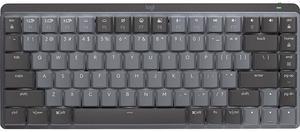
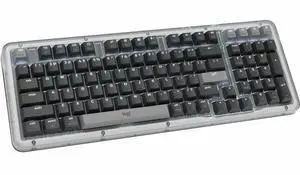
Logitech MX Mechanical Mini Wireless Illuminated Keyboard, Linear Switches, Backlit, Bluetooth, USB-C, macOS, Windows, Linux, iOS, Android, Graphite
Quick View
Logitech MX Mechanical Mini Wireless Illuminated Keyboard, Linear Switches, Backlit, Bluetooth, USB-C, macOS, Windows, Linux, iOS, Android, Graphite
  • Keyboard Interface: Bluetooth
  • Design Style: Mechanical
  • Keyboard Color: Graphite
  • Brand: Logitech
  • Model #: 920-010551
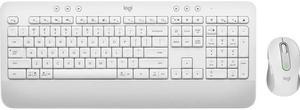
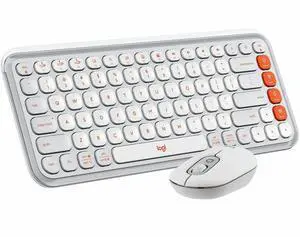
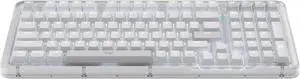
Logitech Signature MK650 Combo for Business Wireless Mouse and Keyboard Off-White (920-011018)
Quick View
Logitech
Logitech Signature MK650 Combo for Business Wireless Mouse and Keyboard Off-White (920-011018)
  • Keyboard Color: White
  • Brand: Logitech
  • Type: Wireless
  • Model #: 920011018
Logitech MX Mechanical Mini Wireless Illuminated Keyboard, Tactile Quiet Switches, Backlit, Bluetooth, USB-C, macOS, Windows, Linux, iOS, Android, Graphite
Quick View
Logitech
Logitech MX Mechanical Mini Wireless Illuminated Keyboard, Tactile Quiet Switches, Backlit, Bluetooth, USB-C, macOS, Windows, Linux, iOS, Android, Graphite
  • Keyboard Interface: Bluetooth
  • Design Style: Mechanical
  • Keyboard Color: Graphite
  • Brand: Logitech
  • Model #: 920-010550
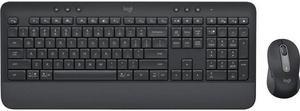
Logitech Signature MK650 Combo for Business Wireless Mouse and Keyboard Graphite (920-010909)
Quick View
Logitech Signature MK650 Combo for Business Wireless Mouse and Keyboard Graphite (920-010909)
  • Design Style: Modern
  • Keyboard Color: Black
  • Brand: Logitech
  • Type: Wireless
  • Model #: 920-010909
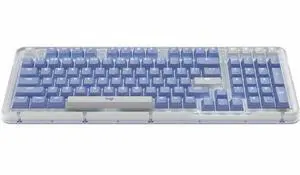
Logitech MX Mechanical Mini for Mac Wireless Illuminated Keyboard, Low-Profile Performance Switches, Tactile Quiet Keys, Backlit, Bluetooth, USB-C, Apple, iPad - Space Grey
Quick View
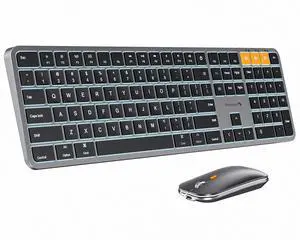
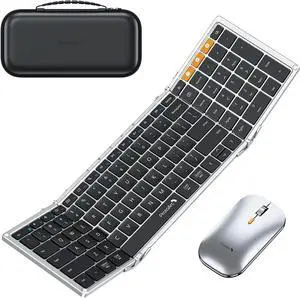
ProtoArc Backlit Bluetooth Keyboard and Mouse for Mac - Multi-Device Wireless Keyboard Mouse for Mac, Full Size Rechargeable for MacBook Pro/Air, iPhone, iPad - Space Gray
Quick View
  •  
  • $45.99 
Logitech MX Mechanical Mini Wireless Illuminated Keyboard, Clicky Switches, Backlit, Bluetooth, USB-C, macOS, Windows, Linux, iOS, Android, Graphite
Quick View
Logitech MX Mechanical Mini Wireless Illuminated Keyboard, Clicky Switches, Backlit, Bluetooth, USB-C, macOS, Windows, Linux, iOS, Android, Graphite
  • Keyboard Interface: Bluetooth
  • Design Style: Mechanical
  • Keyboard Color: Graphite
  • Brand: Logitech
  • Model #: 920-010552
Logitech MX Mechanical Wireless Illuminated Performance Keyboard, Clicky Switches, Backlit Keys, Bluetooth, USB-C, macOS, Windows, Linux, iOS, Android, Graphite
Quick View
Logitech MX Mechanical Wireless Illuminated Performance Keyboard, Clicky Switches, Backlit Keys, Bluetooth, USB-C, macOS, Windows, Linux, iOS, Android, Graphite
  • Keyboard Interface: Bluetooth
  • Design Style: Standard
  • Keyboard Color: Graphite
  • Brand: Logitech
  • Model #: 920-010549
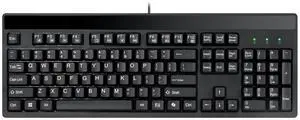
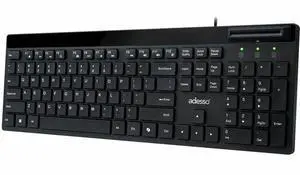
ADESSO AKB-139EB Black USB Wired Standard Large Print Illuminated Desktop Keyboard
Quick View
ADESSO AKB-139EB Black USB Wired Standard Large Print Illuminated Desktop Keyboard
  • Normal Keys: 104-key US Layout
  • Operating System Supported: Windows 2000 / XP / Vista / 7 / 8 / 10
  • System Requirement: Connectivity Interface: USB
  • Dimensions: 1.00" x 18.30" x 7.90"
  • Model #: AKB-139EB
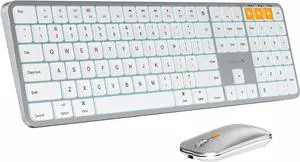
ProtoArc Backlit Bluetooth Keyboard and Mouse for Mac - Multi-Device Wireless Keyboard Mouse for Mac, Full Size Rechargeable for MacBook Pro/Air, iPhone, iPad - White Silver
Quick View
  • $59.99
  •  
  • $49.99 
  • Save: 16%
Logitech MX Mechanical Wireless Illuminated Performance Keyboard, Tactile Quiet Switches, Backlit Keys, Bluetooth, USB-C, macOS, Windows, Linux, iOS, Android, Graphite
Quick View
Logitech MX Mechanical Wireless Illuminated Performance Keyboard, Tactile Quiet Switches, Backlit Keys, Bluetooth, USB-C, macOS, Windows, Linux, iOS, Android, Graphite
  • Keyboard Interface: Bluetooth & RF
  • Design Style: Standard
  • Keyboard Color: Graphite
  • Brand: Logitech
  • Model #: 920-010547
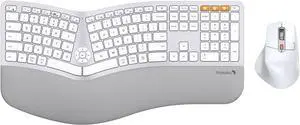
ProtoArc Full Size Wireless Bluetooth Ergo Keyboard Mouse Combo - Split Design, Wrist Rest, Multi-Device, Rechargeable, for Windows/Mac OS, EKM01 PLUS - Silver
Quick View
  •  
  • $109.99 
Logitech MX Mechanical Wireless Illuminated Performance Keyboard, Linear Switches, Backlit Keys, Bluetooth, USB-C, macOS, Windows, Linux, iOS, Android, Graphite
Quick View
Logitech MX Mechanical Wireless Illuminated Performance Keyboard, Linear Switches, Backlit Keys, Bluetooth, USB-C, macOS, Windows, Linux, iOS, Android, Graphite
  • Keyboard Interface: Bluetooth
  • Design Style: Standard
  • Keyboard Color: Graphite
  • Brand: Logitech
  • Model #: 920-010548
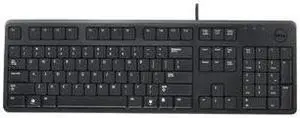
DELL - IMSOURCING DJ454 104KEY USB 469-2457
Quick View
  •  
  • $58.99 
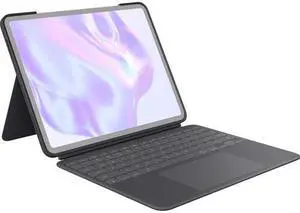
Belkin Connect Keyboard/Cover Case (Folio) - Scratch Resistant, Anti-slip Interior - Faux Leather Exterior Material - 0.7" Height x 9.1" Width x 11.2" Depth  BBZ003tt-V1
Quick View
Belkin Connect Keyboard/Cover Case (Folio) - Scratch Resistant, Anti-slip Interior - Faux Leather Exterior Material - 0.7" Height x 9.1" Width x 11.2" Depth BBZ003tt-V1
  • Keyboard Interface: Bluetooth
  • Brand: BELKIN
  • Name: Pro Keyboard Case with Magnetic Stand for iPad Air 13" and iPad Pro 12.9"
  • Type: Tablet & iPad Cases, Covers & Keyboards
  • Model #: BBZ003TT-V1
ERGONOMIC TOUCHPAD KEYBOARD USB
Quick View
ERGONOMIC TOUCHPAD KEYBOARD USB
  • Design Style: Ergonomic
  • Keyboard Color: Black
  • Brand: ADESSO
  • Model: AKB-450UB
  • Model #: AKB-450UB
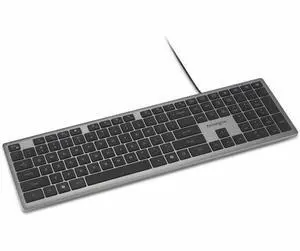
Kensington K72357US Slim Type USB Keyboard Compatible with PC or Mac (Black)
Quick View
Kensington K72357US Slim Type USB Keyboard Compatible with PC or Mac (Black)
  • Keyboard Interface: USB
  • Keyboard Color: Black
  • Brand: Kensington
  • Name: Advance Fit
  • Model #: K72357USA
  •  
  • $48.99 
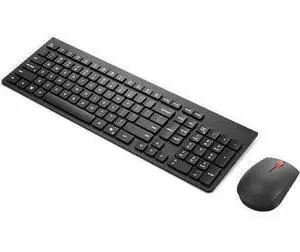
Lenovo Essential Wireless Combo Keyboard & Mouse 4X31R64453
Quick View
Lenovo
Open Box Lenovo Essential Wireless Combo Keyboard & Mouse 4X31R64453
  • Keyboard Color: Black
  • Brand: Lenovo
  • Type: See Description
  • Mouse Color: Black
  • Model #:
  •  
  • $24.00 
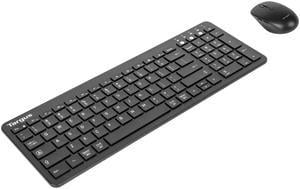
Targus Full-Size Wireless EcoSmart Keyboard AKB873US
Quick View
Targus Full-Size Wireless EcoSmart Keyboard AKB873US
  • Brand: Targus
  • Type: RF Wireless
  • Model #: AKB873US
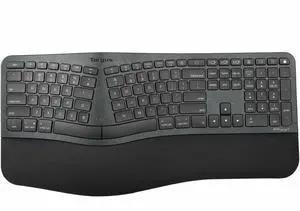
PRO FIT ERGO WRLS KEYBOARD AND
Quick View
Targus KM610 Keyboard & Mouse AKM610BT
Quick View
Targus KM610 Keyboard & Mouse AKM610BT
  • Parts: 1 Year
  • Model #: AKM610BT

Computer Keyboard Buying Tips

Introduction

Your staff may sometimes be at their workstations for hours on end, which means that they will need to have ergonomic computer keyboards that are adequate for the tasks that they will be performing. Purchasing keyboards with features that your staff will not utilize is not good use of your budget however, and you should try to find a balance between price and features. Below, NeweggBusiness will outline some considerations so that you can decide if they will be of value to your staff.
Connectivity

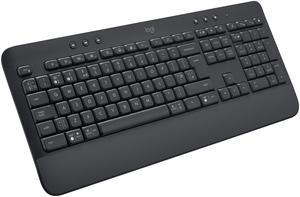
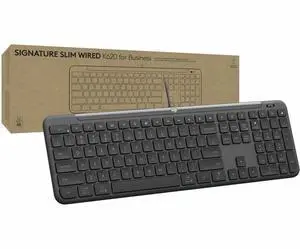
Keyboards can be connected to computers in one of two ways, wired or wireless. In terms of cost, wired keyboards can be found at much lower prices than wireless keyboards; however wireless keyboards can be used in situations where using wired keyboards would not be practical. Generally, most desktop workstations for completing general office tasks do not require wireless keyboards except in rare cases.

Wired computer keyboards have several advantages over wireless keyboards, including better responsiveness, not requiring additional software, and no need for batteries. Wireless keyboards on the other hand, decrease cable clutter and can be used with media center computers. If the computer will be used from a distance, a wireless keyboard is better than using a wired keyboard with long extension cables.

In addition to computers, keyboards can also be used with tablets to give them laptop-like functionality. For use with tablets, a keyboard will need Bluetooth® functionality, as tablets typically lack support for USB keyboards. Bluetooth keyboards can also be used with laptops and desktops, but they will need to have support for Bluetooth.

Layout

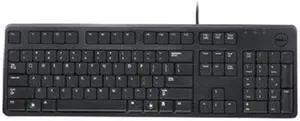
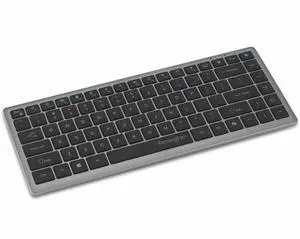
A standard Windows® compatible QWERTY computer keyboard has a 104-key layout, but there are specialized keyboards with additional keys or altered key placement. For example, a standard full-sized QWERTY keyboard will typically have a number pad to the right side of the keyboard but other layouts may drop the number pad in favor of slimmer dimensions.

Then there are multimedia keyboards and gaming keyboards that have programmable buttons, program-specific keys, and more. A standard Windows QWERTY keyboard is more than sufficient for most office tasks, and specialized keyboards are only needed for workstations that will be used for tasks that require those extra keys and functionality.

Ergonomics

Ergonomics are a very important consideration when selecting keyboards to use with your organization’s computers, as poor ergonomics can result in wrist injuries. To alleviate concerns about ergonomics, keyboard manufacturers have designed and market keyboards with comfortable ergonomics in mind. These keyboards typically have designs that split the QWERTY pattern in half and angle them so that the wrist is not bent when typing. Another approach that manufacturers may take to improve ergonomics is including wrist rests, which are often detachable. Ergonomic keyboards are usually more expensive but can reduce injury, so you may want to consider equipping workstations with them if their users will be typing for very long periods of time.
Conclusion

Selecting a keyboard for your organization’s workstations will require you to balance the needs of your staff and cost. Maximize your budget by selecting keyboards that will be more than adequate for the tasks that they will be used for and avoid keyboards that have features and functions that are not needed.


By NeweggBusiness Staff