Built for How Business Buys.
Your Browsing History

Limited time offer, ends 09/06
Limited time offer, ends 09/19
Limited time offer, ends 09/19
Limited time offer, ends 09/13
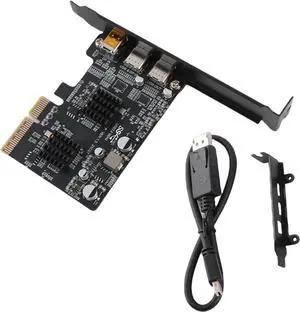
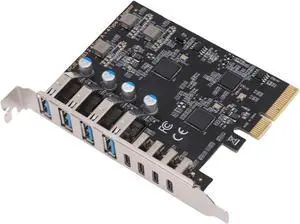
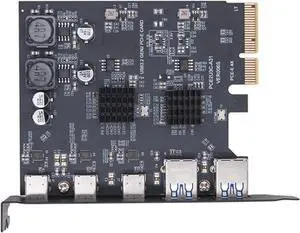
![PCIe USB C Card, PCIe 3.0 x4 to 2X USB 3.2 (Gen 2) Type-C Adapter [10Gbps]](https://c1.neweggimages.com/productimage/nb300/C7CCD2607090LM6G01B.jpg "PCIe USB C Card, PCIe 3.0 x4 to 2X USB 3.2 (Gen 2) Type-C Adapter [10Gbps]")
Limited time offer, ends 09/19
Limited time offer, ends 09/19
Limited time offer, ends 09/19
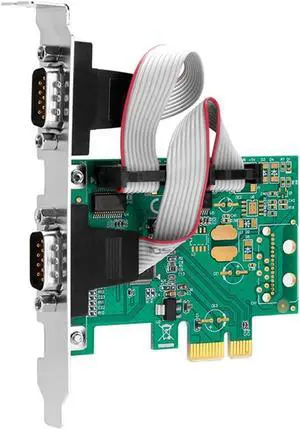
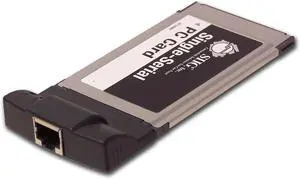
Similar to USB devices, ExpressCard, CardBus, and PCMCIA expansion cards can enhance your organization’s laptops so that they can be adapted to fit the needs of your staff. Also like USB devices, laptop expansion cards can be quickly installed and removed. For example, a professional that requires his or her laptop to have serial connector support for an older printer will be able to add that capability swiftly with expansion cards. There are a variety of features and functionality that can be added to laptops with expansion cards, such as: additional USB ports, IEEE 1394 support, eSATA support, Ethernet, and more.
Below are the three most common standards for laptop expansion cards:
Short for Personal Computer Memory Card International Association, it is a laptop expansion card standard originally designed to allow for more data storage. The standard eventually came to be used by many types of peripherals other than storage expansion cards, such as Ethernet and SATA support. They can sometimes also be referred to as PC Cards.
A successor to the original PC Card standard, it is compliant with PCMCIA 5.0 specifications and features a 32-bit 33MHz PCI bus.
While it has the same form factor as the PC Card standard a CardBus laptop expansion card is incompatible with a PC Card slot.
The ExpressCard standard was originally developed by the PCMCIA and is currently the fastest and most widely used expansion card standard. It comes in two form factors, ExpressCard/34 (34mm wide) and ExpressCard/54 (54mm wide). Cards with the ExpressCard/34 form factor can be used with ExpressCard/54 slots, but not vice versa.