• In Stock
  • Sold by NeweggBusiness
  • New
Brands
Show More
Price
Show More
Type
Show More
Interface
Show More
Tracking Method
Show More
Buttons
Show More
Scrolling Capability
Show More
Color
Show More
Security Type
Hand Orientation
Sold by
Resolution (DPI)
All Top Brands
Availability
Condition
Discount
Useful Links
Customer Ratings
  • Featured Brands

    See Deals from MicrosoftSee Deals from LogitechSee Deals from Rosewill
Sort By:
View:
Lenovo 400 Wireless Optical Mouse, Black (GY50R91293)
Quick View
Lenovo 400 Wireless Optical Mouse, Black (GY50R91293)
  • Hand Orientation: Both Hands
  • Resolution (DPI): 1200 dpi
  • Power Supply: 1 x AA Battery
  • Operating Time: Up to 12 months (may vary based on usage)
  • Model #: GY50R91293
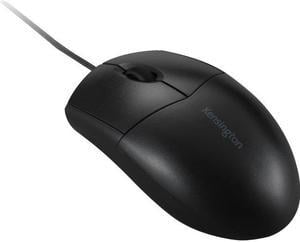
Kensington k72110us Black 1 x Wheel USB Wired Optical Mouse
Quick View
Kensington k72110us Black 1 x Wheel USB Wired Optical Mouse
  • Hand Orientation: Both Hands
  • Resolution (DPI): 1000 dpi
  • Operating System Supported: Mac OS 10.5, Mac OS 10.6, Mac OS 10.7, Mac OS 10.8, Windows 7, Windows 8, Windows
  • Model #: K72110US
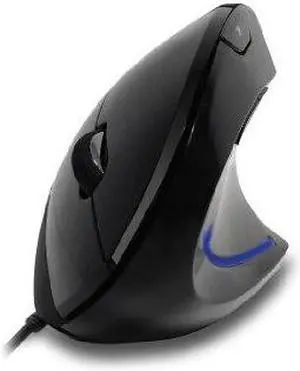
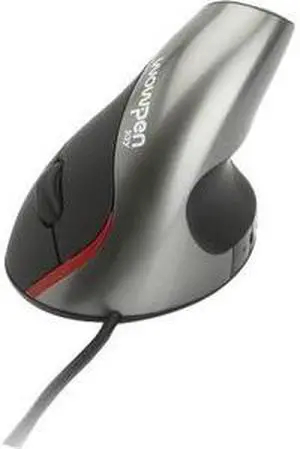
Adesso iMouseE1 Vertical illuminated Ergonomic USB mouse
Quick View
Adesso iMouseE1 Vertical illuminated Ergonomic USB mouse
  • Resolution (DPI): 1600 dpi
  • Package Contents: iMouse E1 - Vertical Ergonomic Illuminated Mouse Quick Start Guide
  • Model #: iMouse E1
Lenovo Wireless Multi-Mode Pro Mouse 6000
Quick View
Lenovo
Lenovo Wireless Multi-Mode Pro Mouse 6000
  • Brand: lenovo
  • Type: Wireless Mice
  • Model #:
ILG Comfi II Wireless Ergonomic Computer Mouse in Black
Quick View
ILG Comfi II Wireless Ergonomic Computer Mouse in Black
  • Resolution (DPI): 2000 dpi
  • Package Contents: Comfi II Wireless Ergonomic Computer Mouse in Black USB Receiver
  • Model #: EM011-BKW
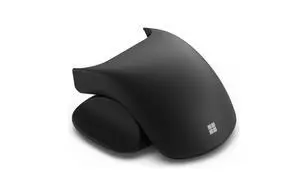
Microsoft - Surface Arc Bluetooth BlueTrack Ambidextrous Mouse - Wireless - Violet
Quick View
  •  
  • $84.49 
  • $83.00 - $84.49
Adesso iMouse W4 Mouse
Quick View
Adesso iMouse W4 Mouse
  • Resolution (DPI): 1000 dpi
  • Model #: IMOUSE W4
Lenovo Wired USB Mouse
Quick View
Lenovo Wired USB Mouse
  • Brand: lenovo
  • Model: GX30M39704
  • Color: Black
  • Type: Wired
  • Model #: GX30M39704
Lenovo Essential USB Mouse
Quick View
Lenovo
Lenovo Essential USB Mouse
  • Brand: lenovo
  • Name: Essential USB Mouse
  • Model: 4Y50R20863
  • Color: Black
  • Model #: 4Y50R20863
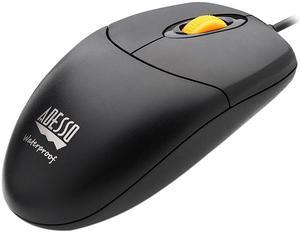
Adesso M60 Antimicrobial 2.4GHz Wireless Optical Mouse With Metal Scroll Wheel
Quick View
Adesso M60 Antimicrobial 2.4GHz Wireless Optical Mouse With Metal Scroll Wheel
  • Brand: ADESSO
  • Color: Black
  • Type: RF Wireless
  • Model #: IMOUSEM60
Adesso iMouse E7 Programmable Vertical Ergonomic Left-Handed Mouse
Quick View
  •  
  • $44.21 
HP Wired Desktop 320M Mouse
Quick View
HP
HP Wired Desktop 320M Mouse
  • Brand: HP
  • Type: Wired / Wireless
  • Tracking Method: N/A
  • Part Number: 9VA80AA#ABA
  • Model #: 9VA80AAABA
HP 125 Wired Mouse 265A9UT
Quick View
HP
HP 125 Wired Mouse 265A9UT
  • Parts: 1 Year
  • Model #: 265A9UT
Lenovo Multi-Device Wireless Mouse X9 Edition
Quick View
Lenovo
Lenovo Multi-Device Wireless Mouse X9 Edition
  • Brand: lenovo
  • Type: RF Wireless
  • Model #: 4Y51R29290
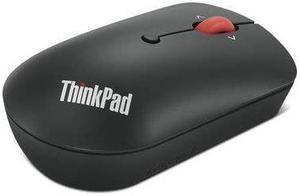
lenovo ThinkPad USB-C Wired Compact Mouse 4Y51D20850 Black 4 Buttons 1 x Wheel USB Type-C Wired Optical Mouse
Quick View
Lenovo
lenovo ThinkPad USB-C Wired Compact Mouse 4Y51D20850 Black 4 Buttons 1 x Wheel USB Type-C Wired Optical Mouse
  • Brand: lenovo
  • Name: ThinkPad USB-C Wired Compact Mouse
  • Model: 4Y51D20850
  • Color: Black
  • Model #: 4Y51D20850
R-Go HE Break ergonomic mouse - small, right, wireless
Quick View
R-Go HE Break ergonomic mouse - small, right, wireless
  • Brand: R-Go Tools
  • Name: RGOHBRSWLBL
  • Color: Black
  • Buttons: 5
  • Model #: RGOHBRSWLBL
  •  
  • $94.05 
Urban Factory ERGO EML01UF-V2 Black 3 Buttons 1 x Wheel USB Wired Optical ERGONOMIC Vertical Mouse
Quick View
Urban Factory ERGO EML01UF-V2 Black 3 Buttons 1 x Wheel USB Wired Optical ERGONOMIC Vertical Mouse
  • Hand Orientation: Left Hand
  • Resolution (DPI): 2400 dpi
  • Model #: EML01UF-V2
  •  
  • $53.89 
Urban Factory CYCLEE: Eco-Designed 2.4Ghz Wireless Mouse
Quick View
Urban Factory CYCLEE: Eco-Designed 2.4Ghz Wireless Mouse
  • Brand: Urban Factory
  • Type: see description
  • Model #: GWM24UF
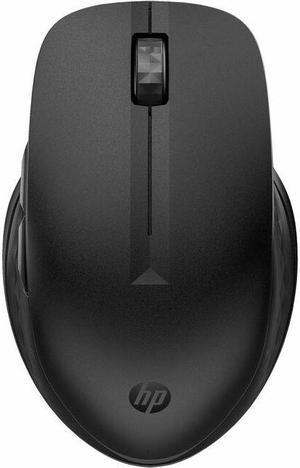
HP 515 Ultra-Fast Rechargeable Wireless Mouse
Quick View
HP
HP 515 Ultra-Fast Rechargeable Wireless Mouse

OUT OF STOCK

  • Part Number: 9C2F7AA#ABA
  • Features: HP 515 Ultra-Fast Rechargeable Wireless Mouse
  • Model #: 9C2F7AA#ABA

Considerations for Buying Computer Mice

Introduction

Like a keyboard, a computer mouse is an essential device for any workstation, even though touchscreen input is becoming more popular. However, with so many different features and types of mice available, you may be wondering which ones are essential for your staff and which ones are unneeded. Below, NeweggBusiness will go over some common considerations when purchasing computer mice.

Optical Technology

There are two major types of optical technology used in mice today, LED and laser. Neither is better than the other, as they are ideal for different types of users.

LED

An LED mouse usually costs less than a laser mouse, but may have slightly lower dots per inch (DPI) and is not as capable on shiny, black, and transparent surfaces. Sensitivity for an optical mouse typically ranges from 400 to 800 DPI, which is more than adequate for most tasks such as internet browsing, checking e-mail, or data entry.

Laser

One major advantage of a laser mouse is sensitivity, which can reach up to several thousand DPI. Also, laser mice can be used with a wider variety of surfaces than LED mice. So while an LED mouse may struggle with shiny, black, or glass surfaces, a laser mouse has no trouble. However, one downside is that laser mice typically cost more than most LED mice.

Connectivity

There are two types of connectivity for mice, wired and wireless. Users often debate over which type is superior, but to definitely declare that one is superior to the other is a difficult. Similar to the distinction between laser and LED, wired and wireless mice appeal to different types of users.

Wired

Some of the advantages of purchasing wired mice include lower cost, no worries about batteries, and no worries about wireless interference. It is the ideal option for staff that do not travel with their computers or mice in tow. If your staff do not have unused USB ports on their computers, consider equipping them with accessories such as USB hubs or Bluetooth dongles so that they can use Bluetooth mice.

Wireless

Wireless mice can potentially have issues with interference and many use batteries that need to be replaced, but does that make them inferior? Not quite, as they offer more convenience and are better suited for travellers and professionals mired by cable clutter. If you’ve decided to purchase wireless for some of your staff, then you will need to decide between RF mice and Bluetooth® mice.

  • Radio frequency (RF) – RF wireless mice require use of USB dongles that are included with the mice. Some users may not like the fact that USB dongles are required, as it uses a USB port and can be lost if not careful.
  • Bluetooth – Bluetooth mice do not require USB dongles but will require Bluetooth functionality on the computer. Another advantage of using Bluetooth mice is that they can be used with some tablets. However, some users do report that Bluetooth mice do require a little bit of time to “wakeup” after long periods of inactivity.

Size and Ergonomics

Mice can come in several sizes, with some better for laptop users and others for desktop users. Smaller mice are more convenient, especially if your users will be packing them into messenger bags or laptop cases. Desktop users that don’t expect to move their computers very much will find that larger mice are more than adequate

Alternatives

While most people are familiar with the standard mouse, there are a few alternatives that NeweggBusiness offers. Some are designed for increased ergonomics while others for precision. Here are two of the more common options.

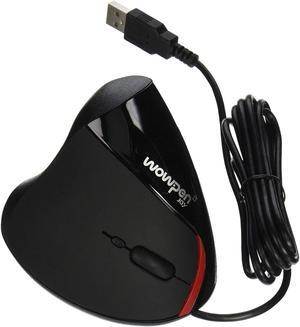
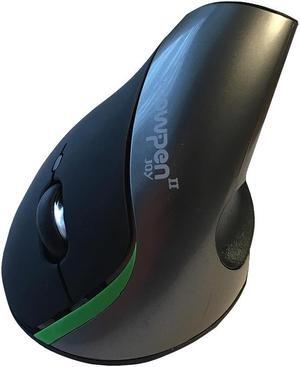
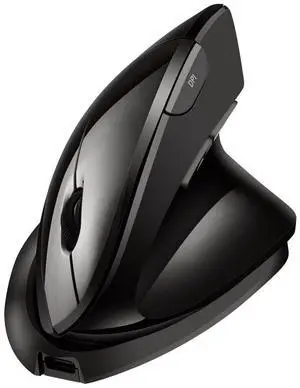
Vertical Mice

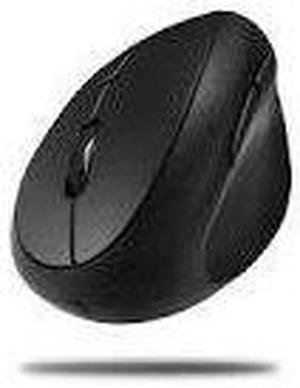
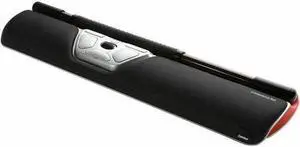
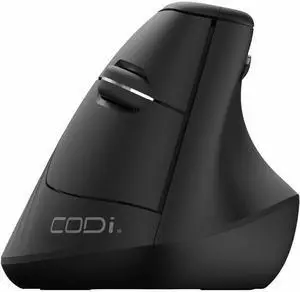
These are special types of mice that are used with your hand in a vertical position, similar to how a joystick is held. Some manufacturers assert that using a vertical mouse puts less strain on the wrist and shoulder.

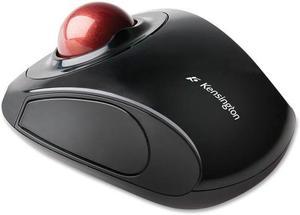
Trackball Mice

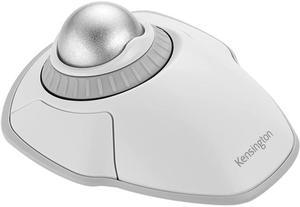
Trackball mice track movements of a ball in a socket instead of the entire mouse. The ball can be manipulated by the thumb, fingers, or palm depending on the design of the trackball mouse. Similar to vertical mice, trackball mice manufacturers state that they reduce strain and the likelihood of injury.
Final Words

Selecting mice for your staff is a process that will require you to examine how they will be used, as different users have different needs. To avoid going over your budget, buy computer mice that fit the tasks that they will be used for and not mice with loads of unneeded features.


By NeweggBusiness Staff