All Categories
Built for How Business Buys.
All Categories





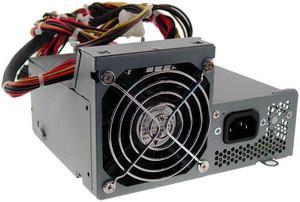
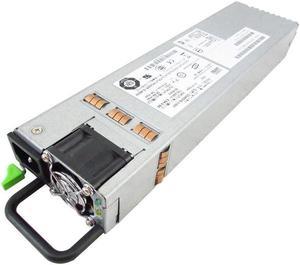
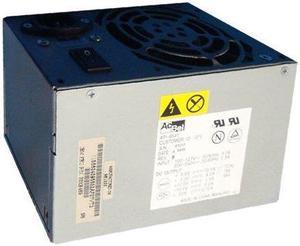
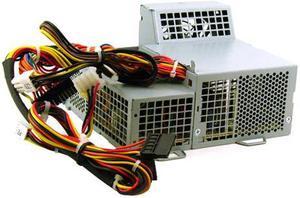
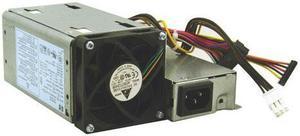
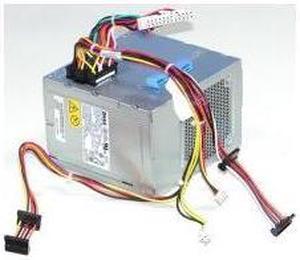
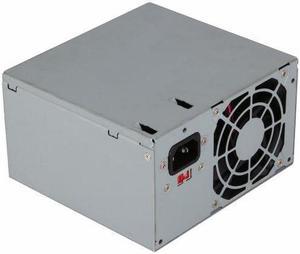
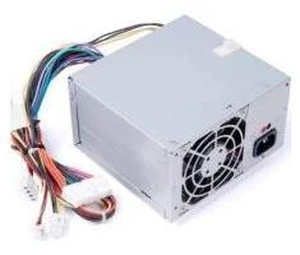
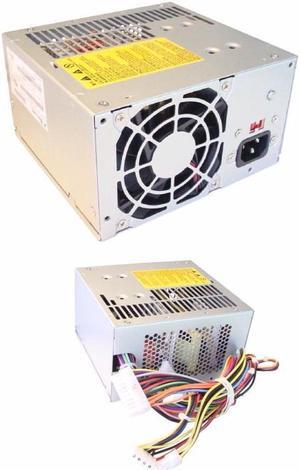
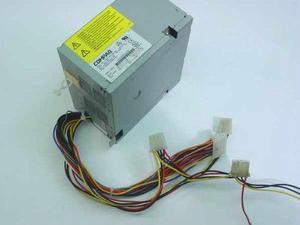
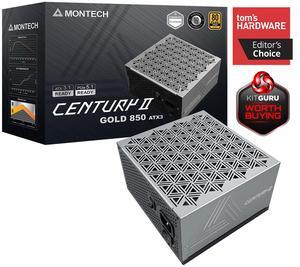
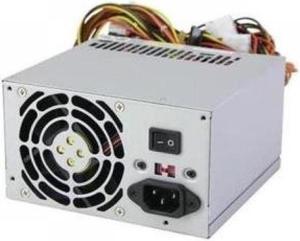
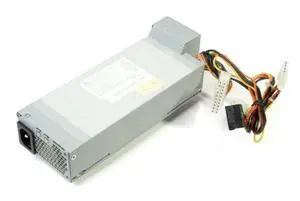
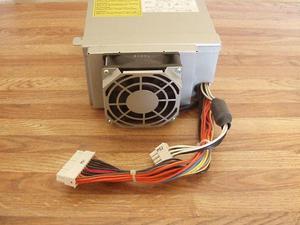
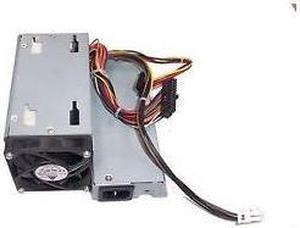
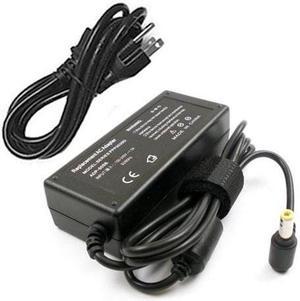
A computer power supply is one of the most crucial components in a computer, as it is responsible for providing stable and regulated power for the system. If you are shopping for a computer power supply, finding the ideal one will require you to consider several important criteria. Those criteria include the size and form factor of the case, the wattage requirement of the system, efficiency, and your internal cabling preference.
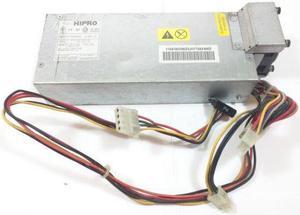
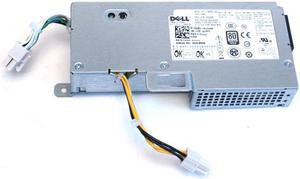
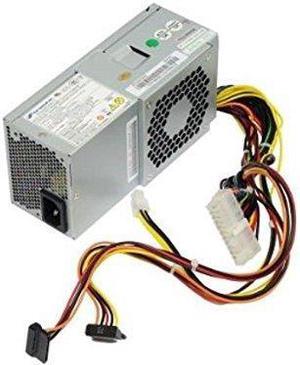
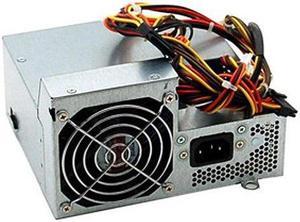
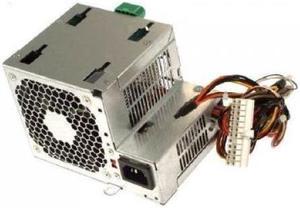
Computer power supplies are available in a variety of different sizes and form factors. It is crucial that the power supply unit (PSU) you select matches the size requirements of your case and motherboard. If you have a Mini ITX case for example, you cannot utilize a standard ATX power supply. For more information about power supply form factors, see below.
A computer power supply’s wattage rating is a measurement of how much power it can provide to the hardware. When shopping for a power supply, you need to consider how much power your computer system requires. To calculate your system’s power requirement, add up the power draw for all the components.
Start with the motherboard and processor, and then include graphics cards, system memory, storage devices, and other expansion cards. For an even better estimate, you should include USB devices, internal fans, and other accessories. Once you have your estimate, try to find a computer power supply that is capable of at least that. For a larger safety margin, you should get a PSU that is well above that minimum.
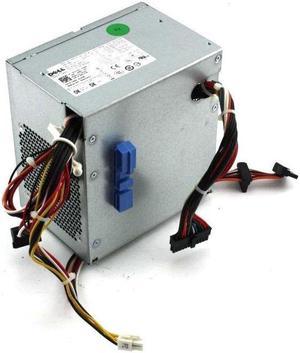
There are two cable management options for computer power supplies, modular and non-modular. Modular cabling allows you to connect and disconnect internal power cables from the power supply itself, so you can avoid having unused cables and connectors dangling inside the case. Computer power supplies that feature modular cabling typically cost more than those without it.
The efficiency of a computer power supply is a ratio of how much power it provides and how much power it draws. For instance, a power supply that provides 200 watts of power but pulls 400 watts from a power outlet has a 200/400 or 50% efficiency ratio. The more efficient your computer power supply is, the less it will cost you to operate.
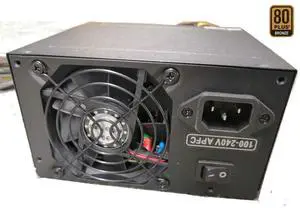
One metric you can use to gauge efficiency is what level of 80 PLUS® certification a power supply has, if it any. The different levels of 80 PLUS certification include 80 PLUS, 80 PLUS Bronze, 80 PLUS Silver, 80 PLUS Gold, 80 PLUS Platinum, and 80 PLUS Platinum. The most basic certification is 80 PLUS, which indicates an efficiency rating of at least 80%. The other certifications rank from Bronze to Titanium, with the latter being the highest attainable. If computer power supply efficiency is a big concern for you, try to find one with a high level of 80 PLUS certification.