• In Stock
  • Sold by NeweggBusiness
  • AI Ready
  • New
Brands
Show More
Price
Show More
CPU Type
CPU Socket
Show More
North Bridge
Show More
Memory Slots
Workload
Serial ATA
Show More
Sold by
Max. LAN Speed
Show More
3.5" Bays
5.25" Bays
Slim Bays
Hot-Swap Bays
Form Factor
All Top Brands
Availability
Condition
Discount
Useful Links
Customer Ratings
  • Featured Brands

    See Deals from DELLSee Deals from SupermicroSee Deals from GIGABYTESee Deals from ASRock Rack
Sort By:
View:
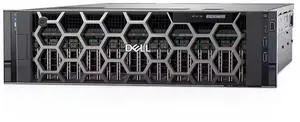
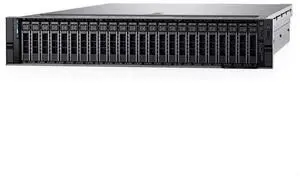
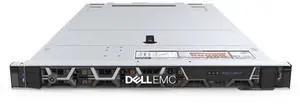
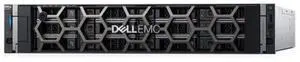
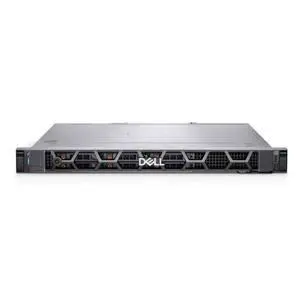
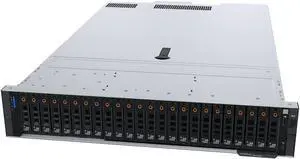
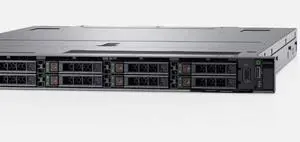
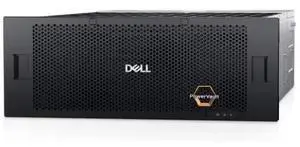
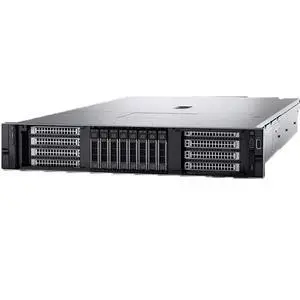
Dell 3820F (2.5 - inch / 24 - bay) barebone, single - control, no disks, dual - power supply
Quick View
DELL
Dell 3820F (2.5 - inch / 24 - bay) barebone, single - control, no disks, dual - power supply
  • Brand: Dell
  • Series: PowerEdge 3820F
  • CPU Type: None (Storage device, no CPU included)
  • CPU Socket: None (Storage device, no CPU socket)
  • Model #: 3820F20260204S67
  •  
  • $2,986.00 
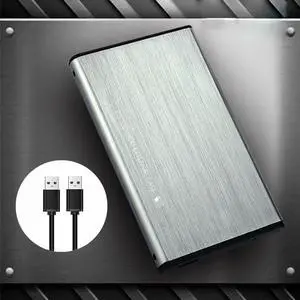
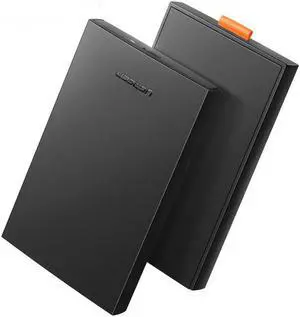
U25K3.0 2.5 inch USB 3.0 SATA HDD SSD External Hard Drive Enclosure 6TB 5Gbps Solid State Machinery Hard Disk Box Case
Quick View
  •  
  • $24.79 
  • $23.99 - $24.79
2.5 inch Notebook USB3.1 to SATA SSD External Hard Drive Enclosure Mobile Solid State Disk Box 8TB 5Gbps Supports 15mm Hard Disk Box
Quick View
  •  
  • $28.79 
  • $27.99 - $28.79
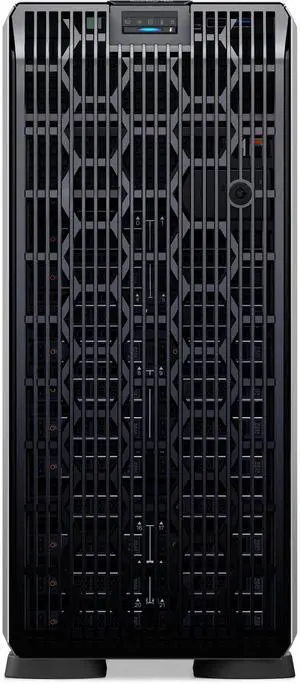
Dell T560 (8 x 3.5 - inch drives) barebone, no CPU, no internal components, no cards, no power supply
Quick View
DELL
Dell T560 (8 x 3.5 - inch drives) barebone, no CPU, no internal components, no cards, no power supply
  • Brand: Dell
  • Series: PowerEdge T560
  • CPU Type: Rack
  • CPU Socket: LGA 3647
  • Model #: T56020260203S59
  •  
  • $4,843.00 
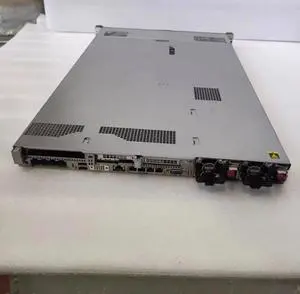
HPE DL380 Gen9 8SFF CTO Server with P440 2G RAID Controller
Quick View
HPE DL380 Gen9 8SFF CTO Server with P440 2G RAID Controller
  • Brand: Inspur
  • Series: 1U Rack Server
  • CPU Type: Intel Xeon Scalable
  • CPU Socket: Rack
  • Model #: 719064-B2120260213S118
  •  
  • $1,238.00 
CM344 2.5 inch M.2 SATA to SATA3.0 External Hard Drive Enclosure 6Gbps Hard Disk Case Support 2TB Hard Drive
Quick View
  •  
  • $35.79 
  • $34.99 - $35.79
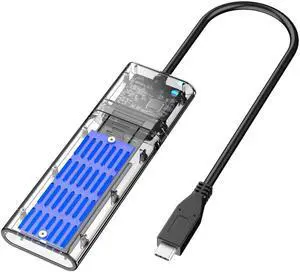
JMS578 SSD Solid State SATA M.2 NGFF External Hard Drive Enclosure USB3.1 GEN1 Transparent Mobile Hard Disk Box with Type-C Cable DM201SC
Quick View
  •  
  • $32.79 
  • $31.99 - $32.79
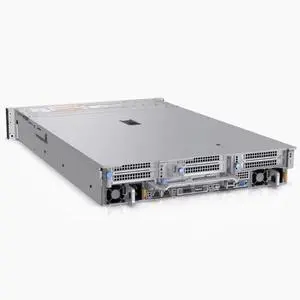
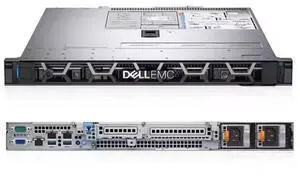
Dell R660 (8 x 2.5 - inch backplanes, low - power) barebone, no CPU, no internal components, no disks, no cards, no power supply
Quick View
DELL
Dell R660 (8 x 2.5 - inch backplanes, low - power) barebone, no CPU, no internal components, no disks, no cards, no power supply
  • Brand: Dell
  • Series: PowerEdge R660
  • CPU Type: Rack
  • CPU Socket: LGA 3647
  • Model #: R66020260202S36
  •  
  • $3,821.00 
2.5 Inch Hard Drive Enclosure HDD Case SATA to USB 3.0 Adapter External Hard Drive Enclosure for SSD Disk HDD Box Case HD 2.5'' SSD Case SATA to USB
Quick View
  •  
  • $24.79 
  • $23.99 - $24.79
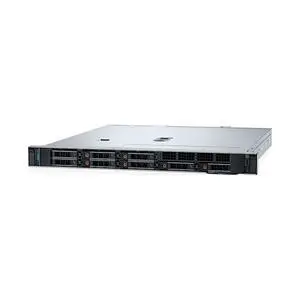
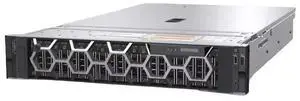
Dell R570 (12 x 3.5 - inch) barebone, no CPU, no internal components, no disks, no cards, no power supply, 3 years warranty
Quick View
DELL
Dell R570 (12 x 3.5 - inch) barebone, no CPU, no internal components, no disks, no cards, no power supply, 3 years warranty
  • Brand: Dell
  • Series: PowerEdge R570
  • CPU Type: Rack
  • CPU Socket: LGA 3647
  • Model #: R57020260202S54
  •  
  • $4,471.00 
HD003 2.5" SATA to USB 3.0 Micro B External Hard Drive Enclosure Hot-Swap SSD Hard Disk Case Box
Quick View
  •  
  • $24.79 
  • $23.99 - $24.79
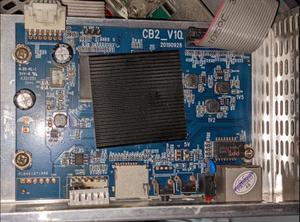
Control board for M20 M20s M21s series mini server PCBA Whatsminer
Quick View
  •  
  • $598.49 
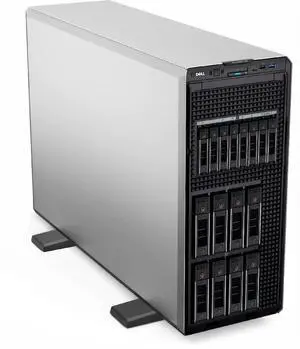
Dell T550 (2.5 - inch / 16 - bay), no CPU, no internal components, no disks, no cards, no power supply
Quick View
DELL
Dell T550 (2.5 - inch / 16 - bay), no CPU, no internal components, no disks, no cards, no power supply
  • Brand: Dell
  • Series: PowerEdge T550
  • CPU Type: Rack
  • CPU Socket: LGA 3647
  • Model #: T55020260202S33
  •  
  • $3,357.00 
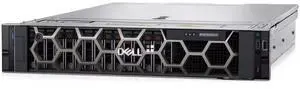
Dell R760 (12 x 3.5 - inch drives, low - power) barebone, no CPU, no internal components, no disks, no cards, no power supply
Quick View
DELL
Dell R760 (12 x 3.5 - inch drives, low - power) barebone, no CPU, no internal components, no disks, no cards, no power supply
  • Brand: Dell
  • Series: PowerEdge R760
  • CPU Type: Rack
  • CPU Socket: LGA 3647
  • Model #: R76020260202S39
  •  
  • $3,636.00 
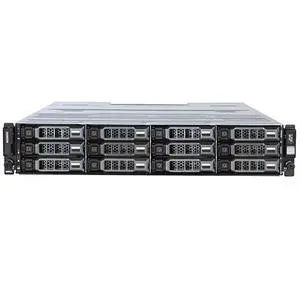
Dell MD2412 (12 x 3.5 - inch drives) barebone, dual - control, no disks, dual - power supply
Quick View
DELL
Dell MD2412 (12 x 3.5 - inch drives) barebone, dual - control, no disks, dual - power supply
  • Brand: Dell
  • Series: PowerEdge MD2412
  • CPU Type: None (Storage device, no CPU included)
  • CPU Socket: None (Storage device, no CPU socket)
  • Model #: MD241220260203S63
  •  
  • $4,471.00 

What are Barebones Server Systems?

Introduction

Barebones server systems are server kits that only include the motherboard, case, and power supply. The processor, memory, hard drives, and other components have to be purchased separately. While it is more labor intensive to manually assemble a server, barebones server systems do have advantages over purchasing a customized server from a major manufacturer.

System Components

With barebones server systems, you already have the motherboard, chassis, and power supply. The components that you need to purchase separately are the processor, memory, and hard drives among other others. Caution should be exercised when purchasing those components however, as there are differences between consumer-grade and server-grade components.

CPU

Compared to a desktop processor, a server processor will run cooler, use less power, and have other small differences that allow them to run for longer periods of time. Performance-wise, desktop and server processors are relatively similar.

Memory

Memory for servers typically support a technology known as error correction code (ECC). It is a feature that allows the memory to perform self-checks for errors without requiring action from the user or processor. ECC is important for servers, where data corruption cannot be tolerated.

Hard Drives

Because servers are designed to provide services and data for networked computers, the storage drives for that data are very important. For use with barebones server systems, enterprise-grade hard drives are recommended. And to lower the chances of losing data, the hard drive should be set up in a redundant array of independent disks (RAID) configuration.

What Type of Barebones Server System can I Get?

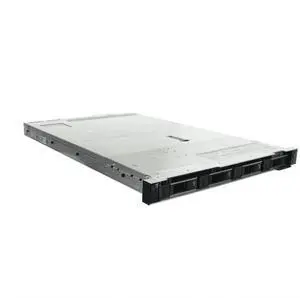
There are two types of barebone server kits, tower and rack-mounted. A barebones tower kit resembles a desktop computer while a rack-mounted server looks quite different and is installed inside a rack-mount server chassis.

They use the same hardware and the major differences are the case and motherboard. If the server will be your organization’s first, then a tower server kit is ideal. For larger organizations, rack-mounted servers will be more advantageous as they have better cable management and are more space-efficient.

Should I Assemble a Barebones Server System or Order a Customized Server?

With a barebones server kit, you can potentially have the server up and running in a much shorter amount of time than if you ordered a customized system from a manufacturer. The time it takes for a manufacturer to process an order depends on two factors. The first is the availability of the components you request, and second is the time required to assemble those components.

Also, you have much more control over the components used when you assemble the server in-house. For example, when ordering a customized server, you can dictate the size and speed of the hard drives but you usually cannot choose a specific model. With barebones server systems, you have the flexibility to choose components from whatever manufacturer you wish.
Conclusion

Ordering a customized server from a manufacturer means that they will require time to assemble the system, assuming they have all the components in stock. With a barebone server kit, you can potentially build a system in a shorter amount of time. In addition, you can have much more control over the components used when you assemble it in-house. Barebone server systems are excellent options if you or your organization’s professionals have the expertise to assemble a computer.


By NeweggBusiness Staff