All Categories
Built for How Business Buys.
All Categories







Limited time offer, ends 11/08
Limited time offer, ends 11/08
Limited time offer, ends 11/08
Limited time offer, ends 11/08
Limited time offer, ends 11/08
Limited time offer, ends 11/08
Limited time offer, ends 11/08
Limited time offer, ends 11/08
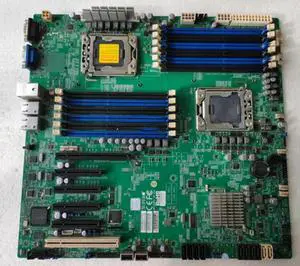
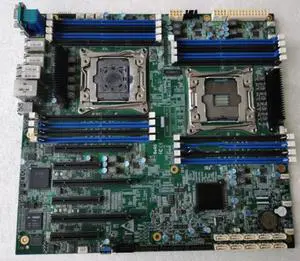
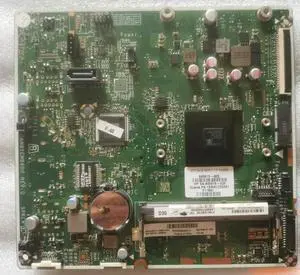
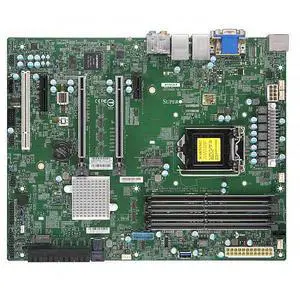
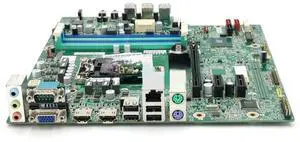
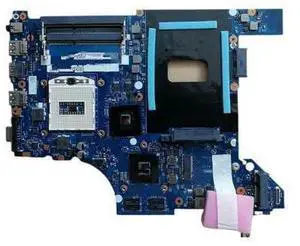
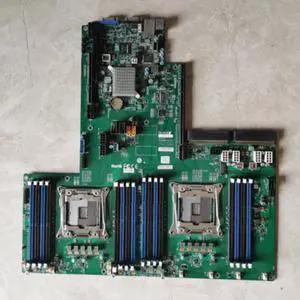
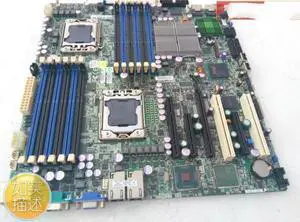
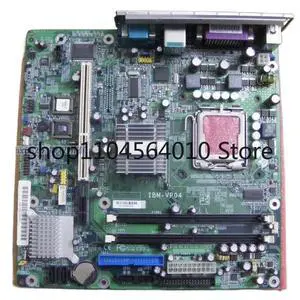
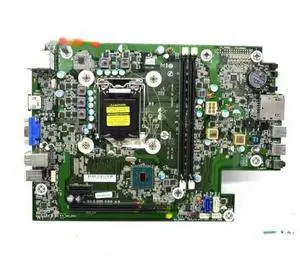
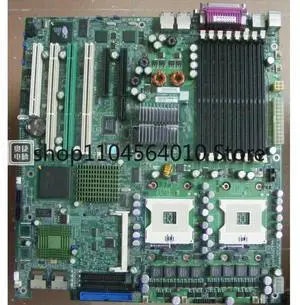
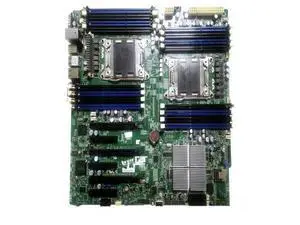
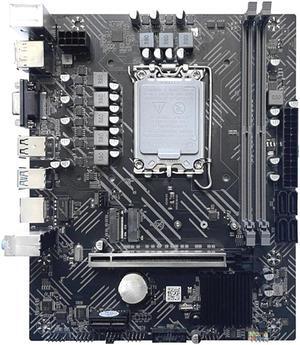
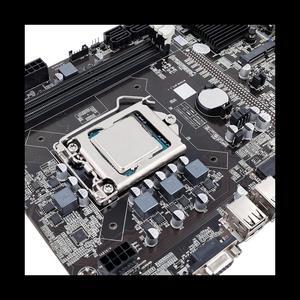
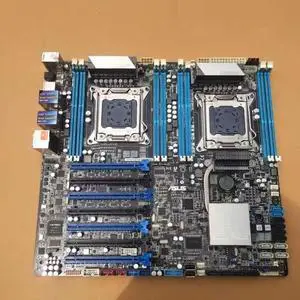
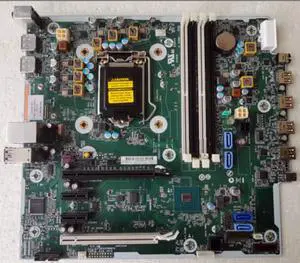
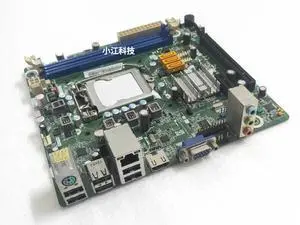
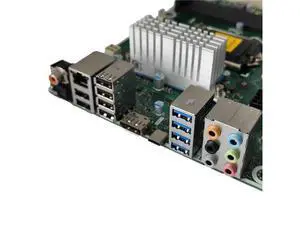
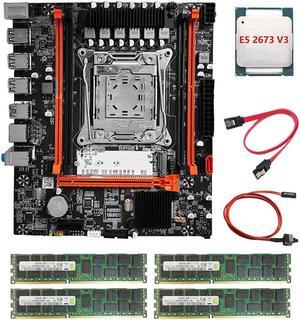
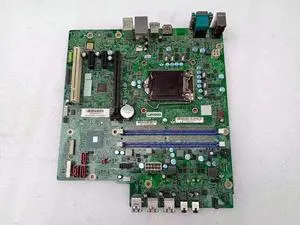
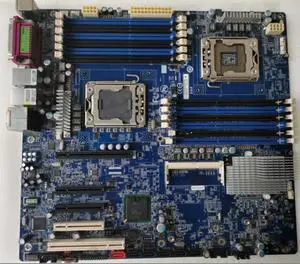
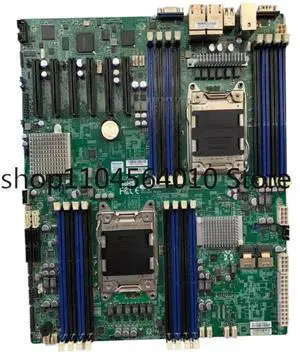
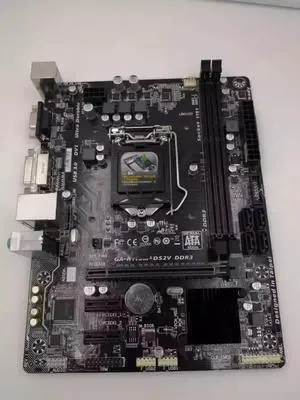
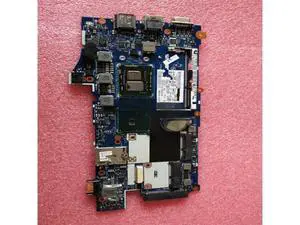
A server motherboard is an integral component that interconnects the processor, memory, storage drives, network interface cards, and other hardware. Compared to a desktop motherboard, a server motherboard is designed for long periods of continuous use with high levels of efficiency. It needs to be able to process many simultaneous requests from network computers. Because of those two requirements, server motherboards and the components they support must maintain high levels of reliability while under heavy workload.
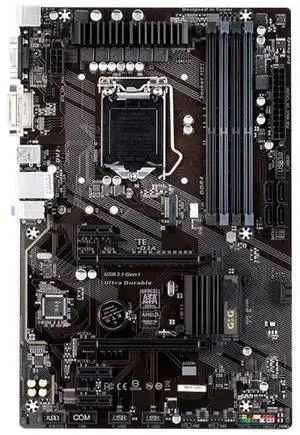
Server motherboards can be found in a variety of different form factors. While the standard (Advanced Technology eXtended) ATX form factor is common for both desktop and servers, there a few server-specific motherboard form factors. When matching a server motherboard with a case, be sure to check for form factor compatibility.
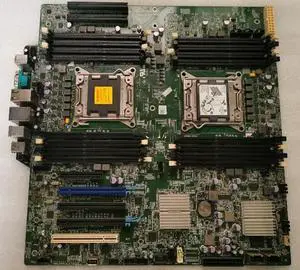
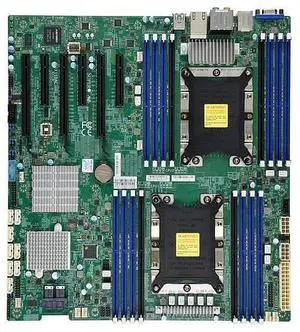
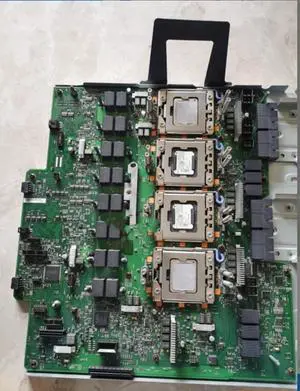
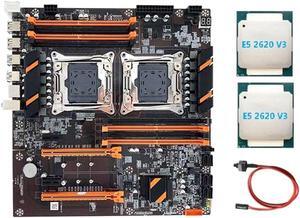
Some server motherboards support multiple processors, which allow a server to handle a greater workload. Server processors have slight differences from their desktop counterparts. A server processor will typically have more error correction features for increased reliability and are designed to run for longer periods of time at higher workloads than a desktop processor.
Servers use a special type of memory that supports a feature called error correction code (ECC), sometimes referred to as ECC memory. ECC detects and corrects many common types of errors in the memory. It is ideal for servers because data corruption for a server can lead to problems for many client computers.
Some server motherboards are compatible only with ECC memory while others can use non-ECC memory as well. However, if your server will be handling the needs of many client computers, you will want to use ECC memory.
Unlike a desktop computer, servers rarely have just one data storage drive. Most have multiple drives configured in a redundant array of independent disks (RAID) setup. A RAID setup can duplicate data across multiple drives to decrease chances of data loss or corruption. It can also fragment data across multiple drives for increased read/write performance. A server motherboard typically features RAID hardware onboard, but some IT professionals prefer to use RAID add-on cards to manage a RAID configuration.
The components in a server can potentially generate great amounts of heat, especially the processor. If the motherboard and other components are not properly cooled, they will eventually overheat. The consequences of overheating can range from lowered efficiency to catastrophic failure, depending how long the server has been overheating. In addition to ensuring that the system has adequate internal cooling, the server is in should be kept relatively cool environment. In a room with multiple servers in a densely packed configuration, you will want to carefully monitor and control the temperature.
Also sometimes referred to as add-on slots, they can be used to add a host of extra features to a server. When selecting a motherboard, you should anticipate future growth and select a server motherboard that has a more than adequate amount of expansion slots.