Brands
Show More
Price
Show More
Series
Type
Show More
Rack Height
Show More
CPU Type
Show More
Operating System
Workload
MAX Processors
Installed Memory Size
Show More
Sold by
# of Processors Installed
Max Memory Capacity
Number of Memory Slots
Hard Drive (Installed)
HDD Interface
SSD (Installed)
Raid Level
Max HDD Capacity
All Top Brands
Availability
Condition
Discount
Useful Links
Customer Ratings
  • Featured Brands

    See Deals from DELLSee Deals from SupermicroSee Deals from GIGABYTESee Deals from ASRock Rack
Sort By:
View:
Supermicro SYS-6029U-E1CR4T - 12 Bay 3.5" 2U Server - 2x Intel Xeon Platinum 8160 2.1GHz 24 Core Processors, 768GB DDR4, 9361-8i, 12x 3.5" Trays, X710, IPMI 2.0, 2x 1000 Watt PSUs,
Quick View
Supermicro
Refurbished Supermicro SYS-6029U-E1CR4T - 12 Bay 3.5" 2U Server - 2x Intel Xeon Platinum 8160 2.1GHz 24 Core Processors, 768GB DDR4, 9361-8i, 12x 3.5" Trays, X710, IPMI 2.0, 2x 1000 Watt PSUs,
  • Brand: SUPERMICRO
  • Series: CSE-829U2E1C4-R1K02-T-X11DPU
  • Rack Height: 1U
  • Redundant Hot-swap Power: Yes
  • Model #: MK-SM-SYS-6029U-12B-LFF-V28
  •  
  • $4,551.00 
Synology RS1221RP+ RackStation with 4GB RAM, 800GB (2x400GB) Synology Cache and 32TB (8 x 4TB) of Synology Enterprise Drives Fully Assembled and Tested By CustomTechSales
Quick View
Synology RS1221RP+ RackStation with 4GB RAM, 800GB (2x400GB) Synology Cache and 32TB (8 x 4TB) of Synology Enterprise Drives Fully Assembled and Tested By CustomTechSales
  • Port RJ-45: 4 x 10/100/1000M
  • Port USB: 2 x USB3.1
  • Port eSATA: 1 x eSATA II
  • HDD Interface: 8 x SATA (8 x Bay)
  • Model #: RS122R_400_04_SYTB04
  •  
  • $8,109.07 
Supermicro SYS-6029U-E1CR4T - 12 Bay 3.5" 2U Server - 2x Intel Xeon Silver 4110 2.1GHz 8 Core Processors, 32GB DDR4, 9361-8i, 12x 3.5" Trays, X710, IPMI 2.0, 2x 1000 Watt PSUs,
Quick View
Supermicro
Refurbished Supermicro SYS-6029U-E1CR4T - 12 Bay 3.5" 2U Server - 2x Intel Xeon Silver 4110 2.1GHz 8 Core Processors, 32GB DDR4, 9361-8i, 12x 3.5" Trays, X710, IPMI 2.0, 2x 1000 Watt PSUs,
  • Brand: SUPERMICRO
  • Series: CSE-829U2E1C4-R1K02-T-X11DPU
  • Rack Height: 1U
  • Redundant Hot-swap Power: Yes
  • Model #: MK-SM-SYS-6029U-12B-LFF-V2
  •  
  • $755.00 
Dell PowerEdge R650xs - 8 Bay 2.5" 1U Server - 2x Intel Xeon Silver 4314 2.4GHz 16 Core Processors, 256GB DDR4, H745, 8x 1.92TB SSDs, 5720, iDRAC9 Enterprise, 2x 1400 Watt PSUs, Bezel, Rails
Quick View
  •  
  • $10,978.00 
Supermicro SYS-5019C-WR - 4 Bay 3.5" 1U Server - 1x Intel Xeon E-2124 3.3GHz (4.5GHz Turbo) 4 Core Processor, 64GB DDR4, 9361-8i, 4x 3.5" Trays, 210i-AT, IPMI 2.0, 2x 500 Watt PSUs,
Quick View
  •  
  • $889.00 
Supermicro SYS-6018U-TR4T+ - 4 Bay 3.5" 1U Server - 2x Intel Xeon E5-2683 v4 2.1GHz 16 Core Processors, 16GB DDR4, 9361-8i, 4x 3.5" Trays, X540, IPMI 2.0, 2x 750 Watt PSUs,
Quick View
Supermicro
Refurbished Supermicro SYS-6018U-TR4T+ - 4 Bay 3.5" 1U Server - 2x Intel Xeon E5-2683 v4 2.1GHz 16 Core Processors, 16GB DDR4, 9361-8i, 4x 3.5" Trays, X540, IPMI 2.0, 2x 750 Watt PSUs,
  • Brand: SUPERMICRO
  • Series: CSE-819U + X10DRU-i+
  • Rack Height: 1U
  • Redundant Hot-swap Power: Yes
  • Model #: MK-SM-SYS-6018U-4B-LFF-V29
  •  
  • $379.00 
Dell PowerEdge R650xs - 8 Bay 2.5" 1U Server - 2x Intel Xeon Silver 4316 2.3GHz 20 Core Processors, 128GB DDR4, H745, 8x 960GB SSDs, 57412, iDRAC9 Enterprise, 2x 1400 Watt PSUs, Bezel, Rails
Quick View
  •  
  • $9,041.00 
Dell PowerEdge R650xs - 10 Bay 2.5" 1U Server - 2x Intel Xeon Gold 5317 3.0GHz 12 Core Processors, 256GB DDR4, H745, 10x Trays, 5720, iDRAC9 Enterprise, 2x 1400 Watt PSUs, Bezel, Rails
Quick View
  •  
  • $10,963.00 
Dell PowerEdge R650xs - 10 Bay 2.5" 1U Server - 2x Intel Xeon Gold 5317 3.0GHz 12 Core Processors, 128GB DDR4, H745, 10x Trays, 57412, iDRAC9 Enterprise, 2x 1400 Watt PSUs, Bezel, Rails
Quick View
  •  
  • $9,102.00 

Choosing the Right Server System

Introduction

If your organization has several computers and will continue to increase that number, you should consider purchasing server and workstation systems. They are computer systems that function as centralized resources for a network. Before shopping for a server though, there are a few basics that you need to know.

What is a Server?

A server is a computer that provides services or data to other computers, known as clients. In most network configurations, the server is the main gateway between an organization’s internal network and the internet. It can be used for a variety of purposes, from storing files to hosting Web sites. The hardware inside server and workstation systems is similar to what you would find in a desktop computer. They have the usual components such as processors, memory, and hard drives. The difference is that the components inside a server are designed for long and continuous use with little to no downtime.

Do I Need a Server?

If your organization has data that needs to be accessed by multiple users, then it will benefit from utilizing server and workstation systems. Even if a network is comprised of only two computers, a server is excellent for storing and sharing files for those two computers. And if you have mobile staff that frequently travel, they will be able to remotely access information and programs on your organization’s network through the server.

Larger organizations will probably have several servers, each performing different tasks. For example, one server could be for file sharing, one for hosting the Web site, and another for handling the e-mail needs of the staff. For larger organizations with multiple offices, having a server means that the staff will be able to easily share files across different geographic locations.

What Server Should I Get?

There are three types of server and workstation systems, tower, rack-mount, and blade. Which one you should use depends on the size of your organization’s network and the amount of traffic you expect.

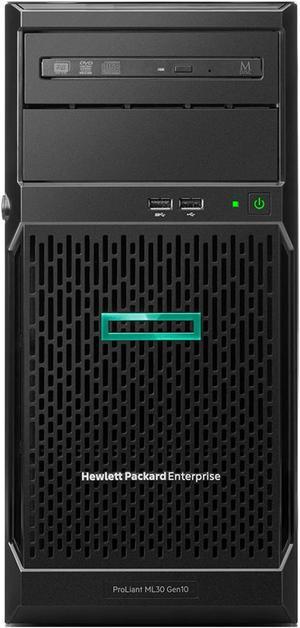
Tower

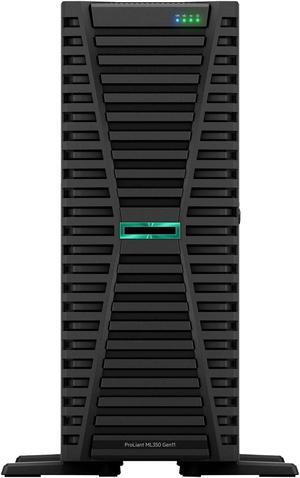
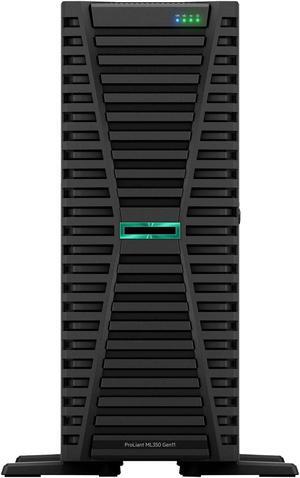
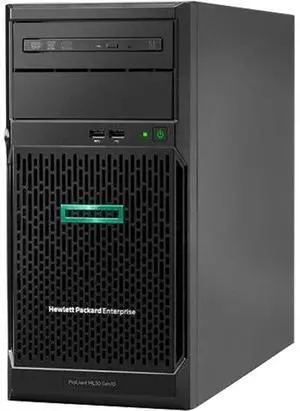
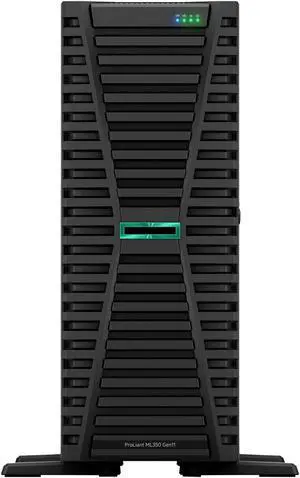
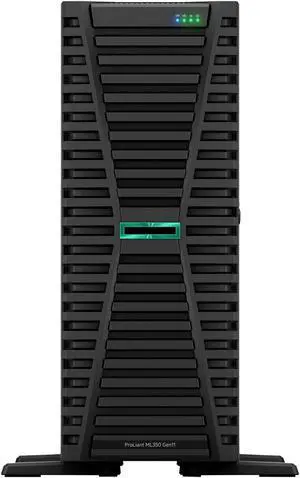
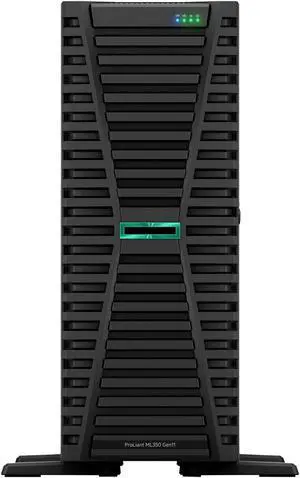
The most basic of the three, a tower server looks very similar to a desktop tower computer. One advantage of a tower server is that it does not require a great deal of space and is ideal for organizations with a small network.

The downsides of a tower system are that it has limited expandability and utilizes a fair amount of cabling. In an office with several tower server systems, this can mean a jumble of cables and a lot of space used up by peripherals and input devices.

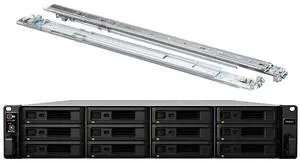
Rack-mounted

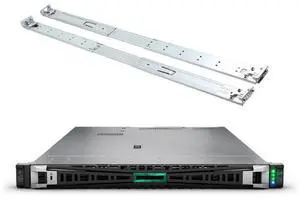
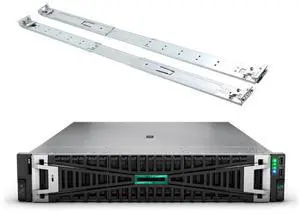
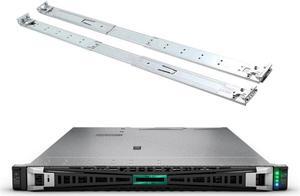
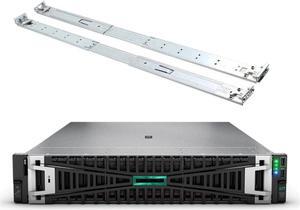
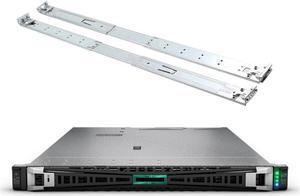
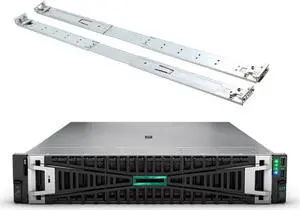
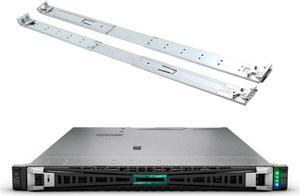
A rack-mounted server bears little resemblance to a desktop tower. It has standardized dimensions and is designed to be inserted into a rack-mount server chassis. A rack-mount chassis can hold several servers in slots, one on top of another. A rack-mount setup is much more space-efficient than a tower and it is possible to put many more servers into one space than with tower server systems. Aside from the space savings, rack-mount servers also makes cabling more manageable.

Blade

A blade server is similar to a rack-mounted workstation computer in that it also needs to be installed into an enclosure. However, a blade computer server is much more compact and space-efficient than a rack-mount, because the internal components are designed to have a low profile or be integrated onto the motherboard.
Final Words

If your organization is small but you expect to expand in the near future, then you should consider purchasing a tower server as a starting point. Once you start to reach the limitations of one server, consider your organization’s potential for future growth and see if it warrants upgrading to rack-mounted servers. If you wish to improve efficiency even more, then consider blade systems for your server and workstation computers.


By NeweggBusiness Staff