


Computer Monitor - Showing 1825 - 1848 of 2579 Products
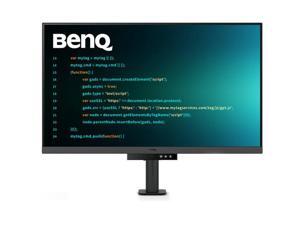
Refurbished: BenQ RD320UA 31.5" 4K+ HDR Programming Monitor with Ergo Arm 16:9, ...
- Display Colors: 1.07 Billion
- Brand: BenQ
- Cabinet Color: White
- Screen Size: 31.5"
- Response Time: 5 ms
- Built-in Speakers: N/A
- Brightness: 400 cd/m2
- Contrast Ratio: 2000:1
- Model #: RD320UA-R
- Item #: 9SIV3JSKFV3218
- Return Policy: Iconic Micro, Inc Return Policy
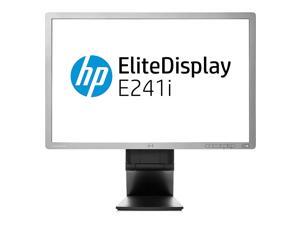

Refurbished: HP 24" 60Hz IPS Computer Monitor 8 ms (gray to gray) 72% (typical) Flat Panel ...
- Resolution: 1920 x 1200
- Refresh Rate: 60Hz
- Monitor Pixel Density: 0.27mm
- Display Colors: 16.7 Million
- Brand: HP
- Series: EliteDisplay
- Screen Size: 24"
- Response Time: 8 ms (gray to gray)
- Model #: E241i
- Item #: 9B-24-276-941
- Return Policy: 15-Day Return Policy
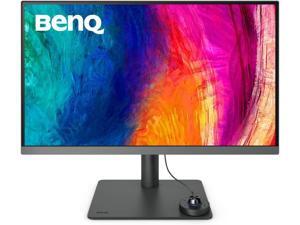
Refurbished: BenQ PD2706U 27 4K UHD (3840x2160) Computer Monitor 60Hz 5ms, 16:9 P3 ...
- Display Colors: 1.07 Billion
- Brand: BenQ
- Cabinet Color: Black
- Screen Size: 27"
- Response Time: 5 ms
- Brightness: 400 cd/m2
- Contrast Ratio: 1200:1
- Model #: PD2706U-R
- Item #: 9B-0JC-002S-002B0
- Return Policy: 15-Day Return Policy
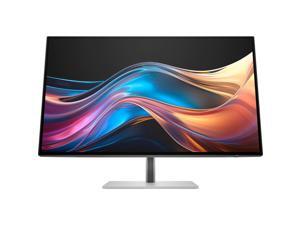
Refurbished: HP Series 7 Pro 27 Inch QHD Desktop Computer Monitor 120 Hz IPS 5ms AMD ...
- Display Colors: 1.07 Billion
- Brand: HP
- Cabinet Color: Silver
- Screen Size: 27"
- Response Time: 5 ms
- Built-in Speakers: N/A
- Brightness: 400 cd/m2
- Contrast Ratio: 2000:1
- Model #: 8J4D8AAABA
- Item #: 9SIV3JSKK12189
- Return Policy: Iconic Micro, Inc Return Policy
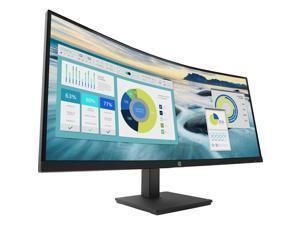
Refurbished: HP P34hc G4 34" 21:9 Curved VA Computer Monitor 5 ms Response Time, 60Hz ...
- Display Colors: 16.7 Million
- Brand: HP
- Cabinet Color: Black
- Screen Size: 34"
- Response Time: 5 ms
- Brightness: 250 cd/m2
- Contrast Ratio: 3500:1
- Model #: 21Y56AA-R
- Item #: 9B-0JC-0019-02HK5
- Return Policy: 15-Day Return Policy
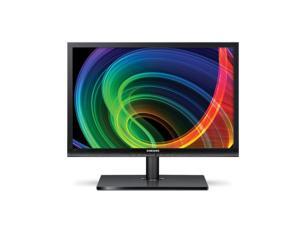

Refurbished: Samsung S24A650D 24" 650 Series LED Monitor (Stand Not Included)
- Resolution: 1920 x 1080
- Monitor Pixel Density: 0.2835mm
- Display Colors: 16.7 Million
- Brand: SAMSUNG
- Cabinet Color: Matte Black
- Screen Size: 24"
- Response Time: 8 ms
- Widescreen: Yes
- Model #: S24A650D
- Item #: 9B-24-027-400
- Return Policy: Standard Return Policy
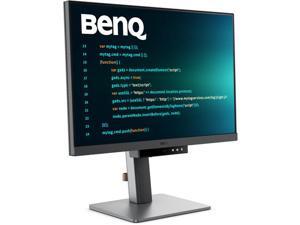
Refurbished: BenQ RD240Q 24.1 WQXGA Programming Computer Monitor 16:10, 5 ms, 300 ...
- Display Colors: 1.07 Billion
- Brand: BenQ
- Model: RD240Q
- Cabinet Color: Black
- Screen Size: 24.1"
- Response Time: 5 ms
- Built-in Speakers: N/A
- Brightness: 300 cd/m2
- Model #: RD240Q-R
- Item #: 9SIV3JSKFV3219
- Return Policy: Iconic Micro, Inc Return Policy
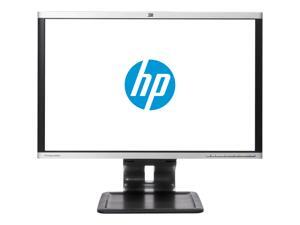
Refurbished: HP 24" 60Hz TN Computer Monitor 5 ms Flat Panel LA2405X
- Resolution: 1920 x 1200
- Refresh Rate: 60Hz
- Monitor Pixel Density: 0.27mm
- Display Colors: 16.7 Million
- Brand: HP
- Screen Size: 24"
- Response Time: 5 ms
- Widescreen: Yes
- Model #: LA2405X
- Item #: 9B-24-276-943
- Return Policy: 15-Day Return Policy
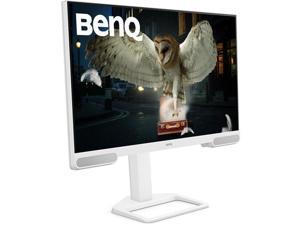
Refurbished: BenQ EW2790U 27" IPS 4K UHD (3840 x 2160) Home Entertainment Monitor, ...
- Display Colors: 1.07 Billion
- Brand: BenQ
- Model: EW2790U
- Cabinet Color: White
- Screen Size: 27"
- Response Time: 5 ms
- Built-in Speakers: N/A
- Brightness: 400 cd/m2
- Model #: EW2790U-R
- Item #: 9SIV3JSKKE2155
- Return Policy: Iconic Micro, Inc Return Policy
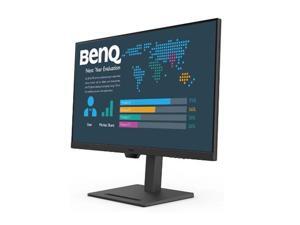
Refurbished: BenQ BL3290QT 31.5" 2K QHD Monitor 16:9, 75Hz, Contrast 1000:1, ...
- Display Colors: 1.07 Billion
- Brand: BenQ
- Model: BL3290QT
- Cabinet Color: Black
- Screen Size: 31.5"
- Response Time: 5 ms
- Built-in Speakers: N/A
- Brightness: 350 cd/m2
- Model #: BL3290QT-R
- Item #: 9B-0JC-002S-002B7
- Return Policy: 15-Day Return Policy
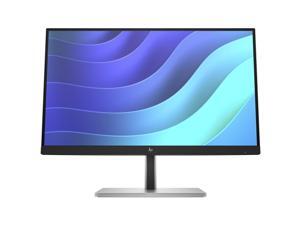
Refurbished: HP P22h G5 21.5" FHD IPS Computer Monitor 1080p Refresh Rate 5ms GtG ...
- Display Colors: 16.7 Million
- Brand: HP
- Cabinet Color: Black
- Screen Size: 21.5"
- Response Time: 5 ms
- Brightness: 250 cd/m2
- Contrast Ratio: 1000:1
- Model #: 6N4E8AA#ABA
- Item #: 9SIV3JSKCH1054
- Return Policy: Iconic Micro, Inc Return Policy
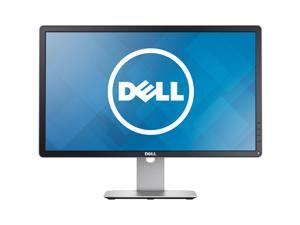

Refurbished: Dell 23" 60Hz IPS Computer Monitor 8 ms P2314H
- Resolution: 1920 x 1080
- Refresh Rate: 60Hz
- Brand: Dell
- Cabinet Color: Black
- Screen Size: 23"
- Response Time: 8 ms
- Widescreen: Yes
- Brightness: 250 cd/m2
- Model #: J7-P2314H01
- Item #: 9B-24-260-951
- Return Policy: 15-Day Return Policy
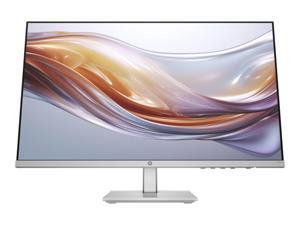
Refurbished: HP Series 5 524sh 23.8" FHD IPS Monitor 5ms 300 nits Tilt -5 to +25° Anti-glare ...
- Display Colors: 16.7 Million
- Brand: HP
- Cabinet Color: Black / Silver
- Screen Size: 23.8"
- Response Time: 5 ms
- Brightness: 300 cd/m2
- Contrast Ratio: 1500:1
- Model #: 94C19AA-R
- Item #: 9B-0JC-0019-02HN9
- Return Policy: Standard Return Policy
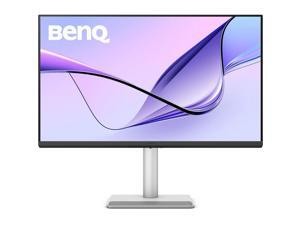
Refurbished: BenQ MA320UP 32 4K UHD IPS Monitor 1300:1 5ms USB Hub & Stereo Speakers, ...
- Display Colors: 1.07 Billion
- Brand: BenQ
- Model: MA320UP
- Cabinet Color: Gray
- Screen Size: 32"
- Response Time: 5 ms
- Built-in Speakers: N/A
- Brightness: 600 cd/m2
- Model #: MA320UP-R
- Item #: 9B-0JC-002S-002D3
- Return Policy: Standard Return Policy
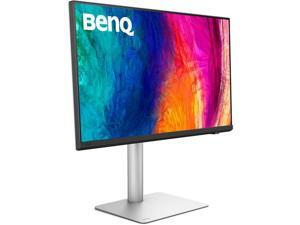
Refurbished: BenQ PD2730S 27" IPS 5K UHD (5120 x 2880) Designer Computer Monitor, 60 ...
- Display Colors: 1.07 Billion
- Brand: BenQ
- Model: PD2730S
- Cabinet Color: Gray
- Screen Size: 27"
- Response Time: 5 ms
- Built-in Speakers: N/A
- Brightness: 400 cd/m2
- Model #: PD2730S-R
- Item #: 9SIV3JSKKE2154
- Return Policy: Iconic Micro, Inc Return Policy
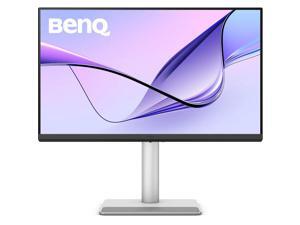
Refurbished: BenQ MA270UP 27" 4K HDR Monitor 60Hz 5ms 1200:1 16:9 400 nits HDMI ...
- Display Colors: 16.7 Million
- Brand: BenQ
- Cabinet Color: Gray
- Screen Size: 27"
- Response Time: 5 ms
- Built-in Speakers: N/A
- Brightness: 400 cd/m2
- Contrast Ratio: 1200:1
- Model #: MA270UP-R
- Item #: 9SIV3JSKRU3055
- Return Policy: Iconic Micro, Inc Return Policy
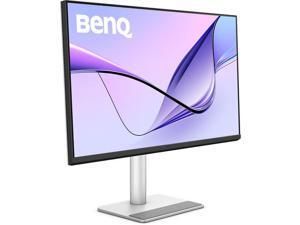
Refurbished: BenQ MA320U 32" 4K UHD IPS Computer Monitor 60Hz 5ms 1300:1 HDMI ...
- Display Colors: 1.07 Billion
- Brand: BenQ
- Cabinet Color: Gray
- Screen Size: 32"
- Response Time: 5 ms
- Brightness: 600 cd/m2
- Contrast Ratio: 1300:1
- Model #: MA320U-R
- Item #: 9B-0JC-002S-002A0
- Return Policy: 15-Day Return Policy
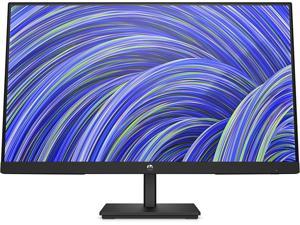
Refurbished: HP V24i G5 24" Full HD 1920x1080 Edge-Lit IPS Monitor 5ms 75 Hz HDMI VGA ...
- Display Colors: 16.7 Million
- Brand: HP
- Cabinet Color: Black
- Screen Size: 24" (23.8" Viewable)
- Response Time: 5 ms
- Built-in Speakers: Yes
- Brightness: 250 cd/m2
- Contrast Ratio: 1000:1
- Model #: 65P58AA-R
- Item #: 9SIV3JSJSS1813
- Return Policy: Iconic Micro, Inc Return Policy
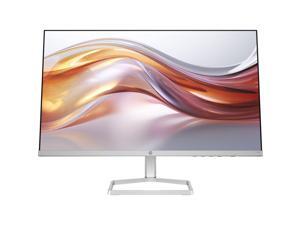
Refurbished: HP Series 5 23.8-Inch Full HD Computer Monitor 524sf 100Hz 300nits IPS Panel ...
- Display Colors: 16.7 Million
- Brand: HP
- Cabinet Color: Silver
- Screen Size: 23.8"
- Response Time: 5 ms
- Brightness: 300 cd/m2
- Contrast Ratio: 1500:1
- Model #: 94C17AAABA
- Item #: 9SIV3JSKD85971
- Return Policy: Iconic Micro, Inc Return Policy
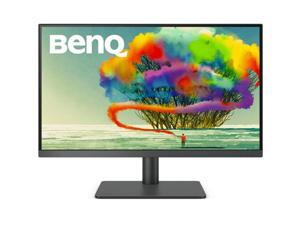
Refurbished: BenQ PD2705U 27" 3840 x 2160 4K 5ms DisplayPort, HDMI, USB Hub Built-in ...
- Display Colors: 1.07 Billion
- Brand: BenQ
- Cabinet Color: Black
- Screen Size: 27"
- Response Time: 5 ms
- Built-in Speakers: Yes
- Brightness: 350 cd/m2
- Contrast Ratio: 1000:1
- Model #: PD2705U-R
- Item #: 9B-0JC-002S-00235
- Return Policy: 15-Day Return Policy
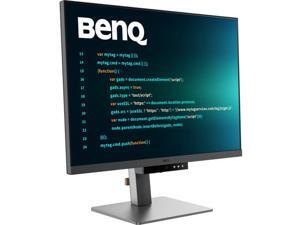
Refurbished: BenQ RD280U 28.2" UHD 4K+ HDR Programming Computer Monitor 60Hz 5ms ...
- Display Colors: 1.07 Billion
- Brand: BenQ
- Cabinet Color: Gray
- Screen Size: 28.2"
- Response Time: 5 ms
- Brightness: 400 cd/m2
- Contrast Ratio: 1200:1
- Model #: RD280U-R
- Item #: 9B-0JC-002S-002A8
- Return Policy: 15-Day Return Policy
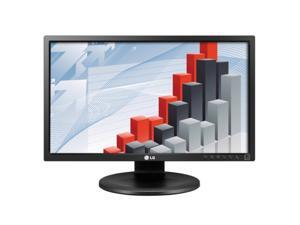

Refurbished: LG 24MB35P-B 24" LED Backlit IPS Monitor (Stand Not Included)
- Resolution: 1920 x 1080
- Monitor Pixel Density: 0.275mm
- Display Colors: 16.7 Million
- Brand: LG
- Cabinet Color: Matte Black
- Screen Size: 23.8"
- Response Time: 5 ms
- Widescreen: Yes
- Model #: 24MB35P-B
- Item #: 9B-24-026-533
- Return Policy: Standard Return Policy
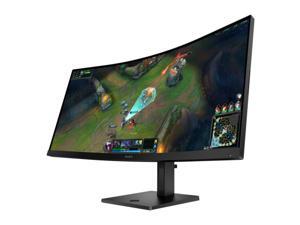
Refurbished: HP OMEN 34c G2 34" WQHD 180Hz Curved Gaming Monitor 21:9, 1ms, 1500R, 2 ...
- Refresh Rate: 180 Hz
- Brand: HP
- Model: OMEN 34c G2
- Cabinet Color: Black
- Screen Size: 34"
- Response Time: 1 ms
- Built-in Speakers: N/A
- Brightness: 400 cd/m2
- Model #: AV4C1AA-R
- Item #: 9SIV3JSKKE4960
- Return Policy: Iconic Micro, Inc Return Policy
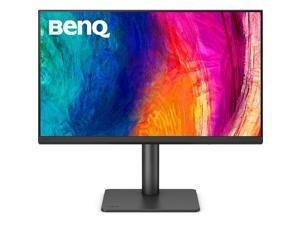
Refurbished: BenQ PD2706QN 27" QHD IPS 100Hz Monitor 1440p HDR, 5ms, 1000:1, 400 ...
- Display Colors: 16.7 Million
- Brand: BenQ
- Model: PD2706QN
- Cabinet Color: Gray
- Screen Size: 27"
- Response Time: 5 ms
- Built-in Speakers: N/A
- Brightness: 400 cd/m2
- Model #: D2706QN-R
- Item #: 9B-0JC-002S-002B3
- Return Policy: Standard Return Policy
LCD Monitor Terms Explained
Introduction
Perhaps your organization is finally ready to switch from CRT monitors to LCD monitors or just needs additional computer monitors. Either way, shopping for a new LCD monitor is a process that will require a little bit of research. You will need to learn what certain specifications mean and why they matter to your staff. To expedite the learning process, NeweggBusiness has compiled the most common technical terms that you should know.
Common LCD Monitor Terms
Resolution
It is defined as the amount of pixels a monitor can display and given as a measurement of horizontal by vertical pixels. For example, if a display as a resolution of 1920 × 1080, it means that horizontally it is 1920 pixels long and vertically it is 1080 pixels long. The higher a monitor’s resolution, the more details it can display.
Most new 22” to 27” LCD monitors have 1920 × 1080 resolutions, though some 27” monitors have 2560 × 1440 resolutions. Monitors smaller than 22” often have 1600 × 900 resolutions, which is adequate for most office tasks such as data entry and word processing.
Contrast ratio
Contrast ratio is a measurement of the difference between the lightest and darkest colors that a monitor can display. A higher contrast ratio monitor is capable of producing darker blacks and truer whites. For computer LCD monitors, contrast ratio is given as a ratio, such as 800:1 or 40,000:1.
Backlighting
In your search for a computer LCD monitor, you may see some marketed as being LED monitors, which actually is in reference to the type of backlighting used. The term was originally used to differentiate LCD monitors that used LED backlighting from LCD monitors that used cold-cathode fluorescent lamps (CCFL) backlighting.
Response Time
Defined as the time required for a pixel to change from one color to another and then back again. It is measured in milliseconds (ms), with lower response times being better. The lower a monitor’s response time, the quicker it can update the images displayed on screen.
Viewing Angles
If you have ever looked at a computer LCD monitor from an extreme angle, you may notice that the colors may not look correct. You can see this when you look at a monitor straight on and slowly move to its sides. When you do so, you will eventually notice that the colors shift and the screen darken. A monitor’s viewing angles rating describes how wide of an angle the monitor will display accurate colors. The higher a monitor’s rated viewing angles, the further away from center you can still see colors accurately.
Refresh rate
It is defined as the number of times in a second a monitor refreshes the image it displays. The higher the number, the more often the monitor refreshes the display. It is most relevant when viewing fast-changing content, such as a movie. Most computer LCD monitors have a standard 60 hertz refresh rate while some high-end monitors are marketed as having 120 hertz.
Panel Technology
There are four major types of panel technologies that are used in modern LCD monitors, which NeweggBusiness will describe below.
Twisted nematic (TN)
The most common type of flat panel monitor, a TN display typically has fast response times and lower cost compared to the other panels. Their main disadvantages include narrow viewing angles, low brightness, and poor color accuracy relative to the other three panel technologies. Because color accuracy is not as great as the other three, professionals that require accurate color reproduction should look at other panel technologies.
Vertical Alignment (VA)
Computer screens that utilize VA panel technology have better viewing angles and color accuracy than TN displays but suffer from high response times. They also tend to be more expensive than TN panels.
In-Plane Switching (IPS)
Flat screen monitors that use IPS panels can be some of the most expensive, but they have very wide viewing angles and arguably the best color accuracy. A good choice for professionals that require accurate color reproduction, such as photographers, designers, and artists.
Plane-Line Switching (PLS)
A new panel technology developed and patented by Samsung, it has the wide viewing angles and high color accuracy of an IPS monitor with even higher maximum brightness. PLS monitors are an alternative to IPS monitors, but few companies currently utilize this Samsung-patented panel technology in their computer LCD monitors.

