




Shop Computer Hardware
Featured Products See All

Intel Core Ultra 5 250KF Plus Processor 18 cores (6 P-cores + 12 E-cores) up to 5.3 GHz ...
$199 .99
Free Shipping
- Without processor graphics, discrete graphics required
- Featuring PCIe 5.0 & 4.0 support and DDR5 support
- Compatible with Intel 800 Series Chipset-based motherboards
- 125W Processor Base Power
- 30MB L2 Cache
$199 .99

ASRock SL-1000GW 1000W 80 PLUS GOLD & Cybenetics PLATINUM Full Modular Power ...
Save: $75.00 (42%)
$104 .99
Free Shipping
- 80 PLUS® GOLD Certified
- Cybenetics PLATINUM and LAMBDA A Certified
- ATX3.1 & PCIe5.1 Ready
- Fully Modular Cable Design
- Native 12V-2x6 Connector Dual Color Design
- 100% Highly Reliable Japanese Capacitors
- 135mm Striped Axial FDB Fan
- iCool Intelligent Fan Control Mode
- Built-in 5V BOOST function
- Remarkable 10-Year Warranty
Save: $75.00 (42%)
$104 .99
Intel Core i9-12900KF - Core i9 12th Gen Alder Lake 16-Core (8P+8E) 3.2 GHz LGA 1700 125W ...
$419 .99
Free Shipping
- Intel 7 Processor Base Power: 125W Maximum Turbo Power: 241W
- 30MB L3 Cache
- 14MB L2 Cache
- None Integrated Graphics
$419 .99
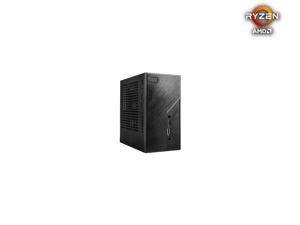
ASRock Deskmini X300W/2.5G AMD Socket AM4 AMD X300 Barebone Systems - Mini-PC (with ...
$139 .99
Free Shipping
- Supports AMD AM4 Socket CPUs (Ryzen 5000/4000/3000/2000 Series , up to 65W )
- 2 x 260Pin SO-DIMM Supports 2 x SO-DIMM DDR4 Memory, Max. 128GB AMD Ryzen 5000/4000 series 3200MHz AMD Ryzen 3000/2000 series 2933MHz
- 2.5G LAN (Dragon RTL8125BG)
$139 .99
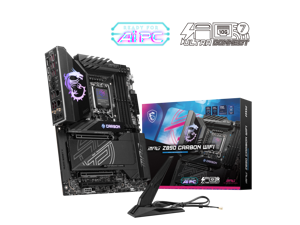

MSI MPG Z890 CARBON WIFI Motherboard, ATX - Supports Intel Core Ultra Processors (Series ...
Save: $20.00
$349 .99
Free Shipping
- Premium Thermal Design:Heavy plated heatsink with heat-pipe / high quality / 7W/mK MOSFET thermal pads / extra choke thermal pads / onboard M.2 Shield Frozr
- EZ PCIe Release: A simple press of a button to effortlessly lock or unlock the PCIe slot, simplifying the installation and removal of the graphic card.
- EZ M.2 Shield Frozr II: The new tool-less design makes installing or removing your M.2 SSD and Shield Frozr much easier
- Lightning Gen 5: The latest PCIe 5.0 solution with up to 128GB/s bandwidth for maximum transfer speed
- Latest DDR5 Memory: A huge step of DDR performance enhancement with the latest DDR memory
- Dual Thunderbolt 4 ports: Thunderbolt 4 brings thunderbolt to USB-C at true 40 Gb/s speeds, 8K display support.
- Wi-Fi 7: The latest wireless solutions with a new 320MHz channel, achieving a maximum transmission speed of 5.8Gbps.
Save: $20.00
$349 .99
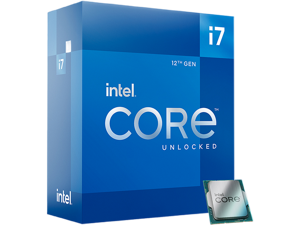
Intel Core i7-12700K - Core i7 12th Gen Alder Lake 12-Core (8P+4E) 3.6 GHz LGA 1700 125W ...
$307 .99
Free Shipping
- Intel 7 Processor Base Power: 125W Maximum Turbo Power:
- 25MB L3 Cache
- 12MB L2 Cache
- Intel UHD Graphics 770
$307 .99
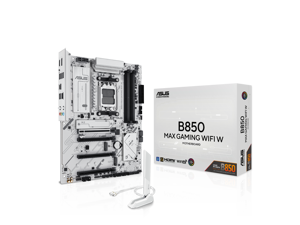

ASUS B850 MAX GAMING WIFI W - AMD AM5 ATX Motherboard, White PCB, DDR5, PCIe 5.0 ...
Save: $20.00 (10%)
$179 .99
Free Shipping
- Ready for Advanced AI PC: Designed for the future of AI computing, with the power and connectivity needed for demanding AI applications
- AMD AM5 Socket: Ready for AMD Socket AM5 for AMD Ryzen 9000 & 8000 & 7000 Series Desktop Processors
- Enhanced Power Solution: 8+2+1 phase power design, 6-layer PCB, alloy chokes and durable capacitors for stable power delivery
- Ultrafast Connectivity: Wi-Fi 6E, PCIe 5.0 x16 slot, PCIe 5.0 M.2 slots, Realtek 2.5Gb Ethernet, rear USB 10Gbps Type-A & Type-C ports, and front USB 5Gbps Type-C support
- Comprehensive Cooling: VRM and M.2 heatsinks, PCH heatsink, hybrid fan headers and Fan Xpert 2+
- DIY Friendly Design: Pre-mounted I/O shield, BIOS FlashBack, Q-Antenna, Q-Dashboard, Q-LED Core
- Unmatched Personalization: Three Addressable RGB Gen 2 headers, all configurable with ASUS-exclusive Aura Sync RGB lighting
- Renowned Software: Armoury Crate, ASUS AI Advisor, ASUS DriverHub, ASUS GlideX, ASUS MyHotkey
- CEC Tier II ready
Save: $20.00 (10%)
$179 .99
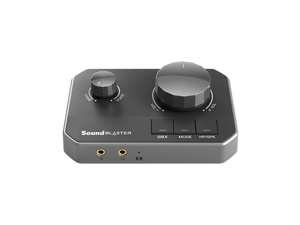
Sound Blaster G8 Hi-Res Gaming USB DAC with Dual USB Audio Mixing and Fully Customizable ...
Free Shipping
- Virtual 7.1
- GameVoice Mix
- Xamp Discrete Headphone Bi-amp
- Low output impedance 1O, up to 600O headphones
- 130 dB DNR Audio Quality
- DAC 32-bit / 384 kHz
- Dolby Digital Decoding
- SXFI Battle Mode
- Scout Mode
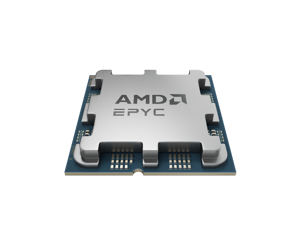

AMD EPYC 4005 (5th Gen) 4585PX 128MB L3 Cache Socket AM5 170W Processor power ...
$729 .00
Free Shipping
- Name AMD EPYC™ 4585PX
- Family EPYC
- Series EPYC 4005 Series
- Form Factor Servers
- # of CPU Cores 16
- # of Threads 32
- Max. Boost Clock Up to 5.7 GHz
- Base Clock 4.3 GHz
- L3 Cache 128 MB
- Default TDP 170W
- CPU Socket AM5
- Socket Count 1P
- PCI Express® Version PCIe® 5.0 x28
- System Memory Type DDR5
- Memory Channels 2
- System Memory Specification Up to 5600 MT/s
- Per Socket Mem BW 89.6 GB/s
- Supported Technologies AMD Infinity Guard , AMD Infinity Architecture
- PROCESSORS WITH 3D V-CACHE™ TECHNOLOGY
- OEM - Tray Pack
$729 .00
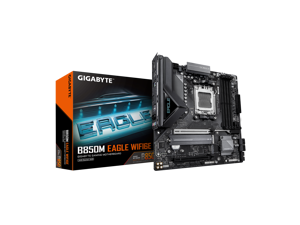

GIGABYTE B850M EAGLE WIFI6E AMD AM5 Motherboard, M-ATX, DDR5, 2x M.2, PCIe 5.0, ...
$159 .99
Free Shipping
- "AMD Socket AM5: Supports AMD Ryzen 9000 / Ryzen 8000 / Ryzen 7000 Series Processors
- DDR5 Compatible: 4*DIMMs
- Power Design: 8+2+2
- Connectivity: PCIe 5.0, 2x M.2 Slots, USB-C
- DIY Friendly: M.2 EZ-Latch, PCIe EZ-Latch, Wi-Fi EZ-Plug
- Networking: WIFI6E, 2.5GbE LAN, BT 5.3
- 5-Year Warranty"
$159 .99
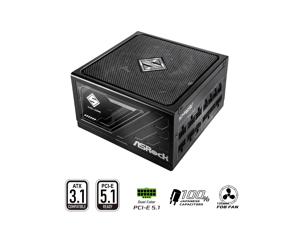
ASRock Steel Legend SL-850G 850W 80 PLUS GOLD & Cybenetics PLATINUM Full Modular ...
Save: $50.00 (38%)
$79 .99
Free Shipping
- 80 PLUS® GOLD Certified
- Cybenetics Titanium and LAMBDA A+ Certified
- ATX3.1 & PCIe5.1 Ready
- Fully Modular Cable Design
- Native 12V-2x6 Connector Dual Color Design
- 100% Highly Reliable Japanese Capacitors
- 135mm Striped Axial FDB Fan
- iCool Intelligent Fan Control Mode
- Built-in 5V BOOST function
- Remarkable 10-Year Warranty
Save: $50.00 (38%)
$79 .99
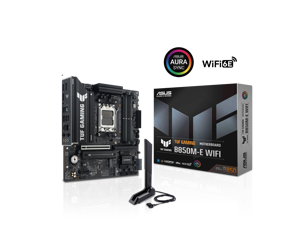
ASUS TUF GAMING B850M-E WIFI AMD B850 mATX motherboard, 8+2+1 80A DrMOS power ...
Save: $50.00 (23%)
$169 .99
Free Shipping
- Ready for Advanced AI PC: Designed for the future of AI computing, with the power and connectivity needed for demanding AI applications
- AMD AM5 Socket: Ready for AMD Socket AM5 for AMD Ryzen 9000 & 8000 & 7000 Series Desktop Processors
- Enhanced Power Solution: 8+2+1 80A DrMOS power stages, 8-layer PCB, 8+4 pin ProCool power connectors, alloy chokes and durable capacitors for stable power delivery
- Latest M.2 Support: One onboard PCIe 5.0 M.2 slot and two PCIe 4.0 M.2 slots
- Ultrafast Connectivity: Wi-Fi 6E, PCIe 5.0 x16 slot, Realtek 2.5Gb Ethernet, rear USB 10Gbps Type-C port, front USB 5Gbps Type-C connector support
- Comprehensive Cooling: Enlarged VRM heatsink, M.2 heatsink, PCH heatsink, hybrid fan headers and Fan Xpert 2+
- DIY Friendly Design: PCIe Slot Q-Release, M.2 Q-Latch, Q-LED, BIOS FlashBack and Pre-mounted I/O shield
- Unmatched Personalization: Three Addressable RGB Gen 2 headers, all configurable with ASUS-exclusive Aura Sync RGB lighting
Save: $50.00 (23%)
$169 .99
Loading Dynamic Data...
Computer Parts and Hardware Guide
Introduction
Assembling a desktop or server workstation can be an easy and straightforward process, provided that you have all the necessary computer parts. There are several advantages to building a computer in-house, including potentially lower costs and more customizability. Below, NeweggBusiness will outline various computer parts that will be needed to assemble a system.
Computer Parts
Processors
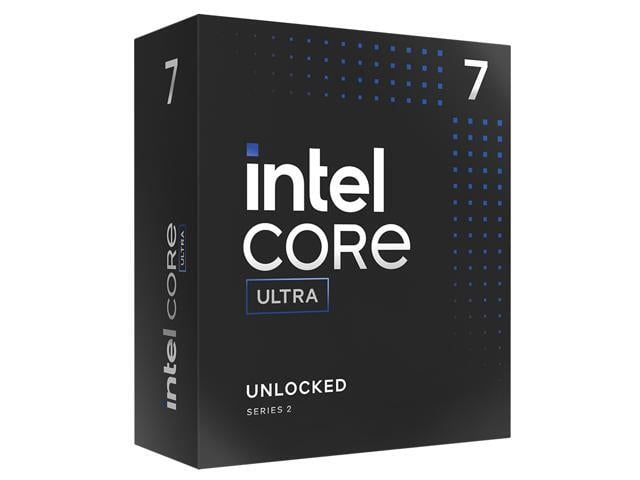
The processor directly affects overall computer performance, more than other components such as the sound card or power supply.
When selecting a processor, some important considerations include the number of cores, the clock speed of those cores, and the amount of cache memory.
Motherboards
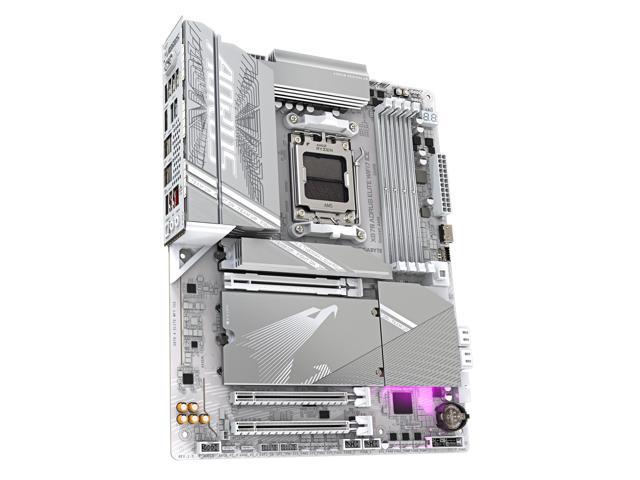
The motherboard is the component that unifies the internal hardware. You will need to ensure that the processor, memory, and other computer parts are compatible with the motherboard.
Though the motherboard can affect system performance, it can be difficult to quantify how much of an impact it has. Several important considerations include, the maximum amount of memory supported, compatible processors, data interface standards, and expansion card slots.
Random Access Memory (RAM)
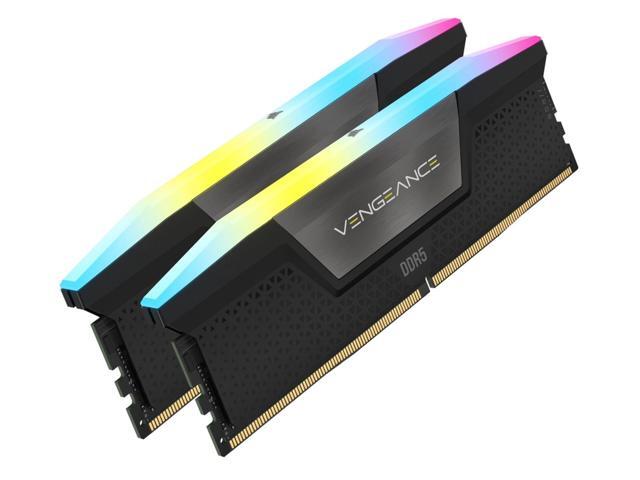
Both the amount and speed of memory are quantifiable factors that directly affect computer performance. Generally, the more memory a computer has, the better it will be able to multitask. Faster memory can speed up tasks that require data to be frequently loaded and retrieved.
Computer Cases
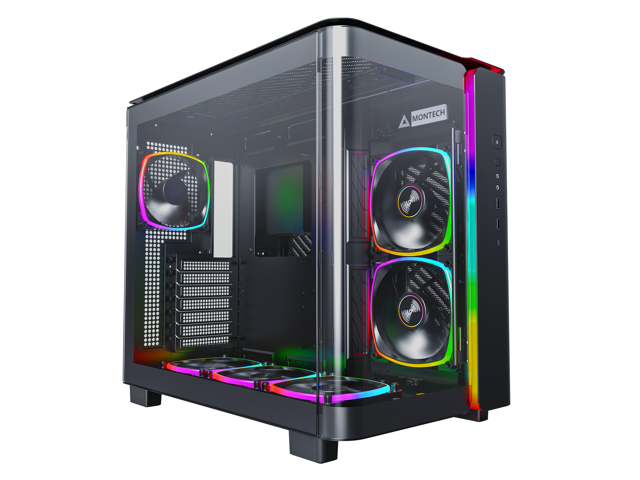
There are many different types of computer cases, from small portable ITX cases to larger E-ATX cases for servers and workstations.
When selecting a case, you should consider how and where the computer will be used. Also, determine if the case’s internal dimensions are adequate for the components that you plan to use.
Power Supply Unit (PSU)
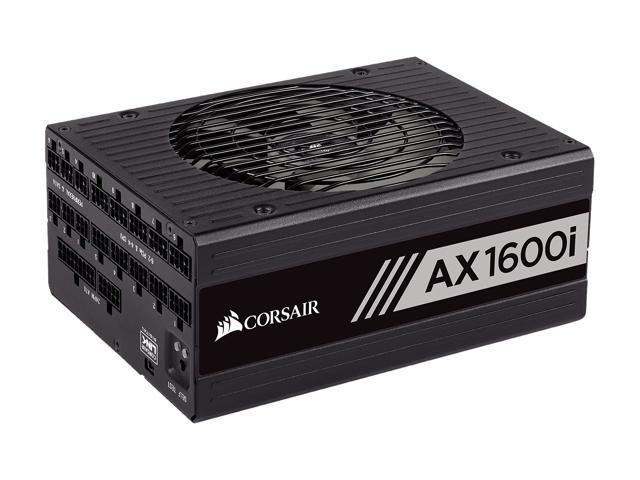
Computer power supplies are components that connect to an electrical outlet and send power to the individual computer parts. When selecting a power supply, you will need to determine if can handle the total power requirement of all the components.
To do that, add up the power loads of all the internal components and ensure that the PSU can supply at least that much power. It is recommended that you choose a power supply well above that minimum for more flexibility.
Hard Drives
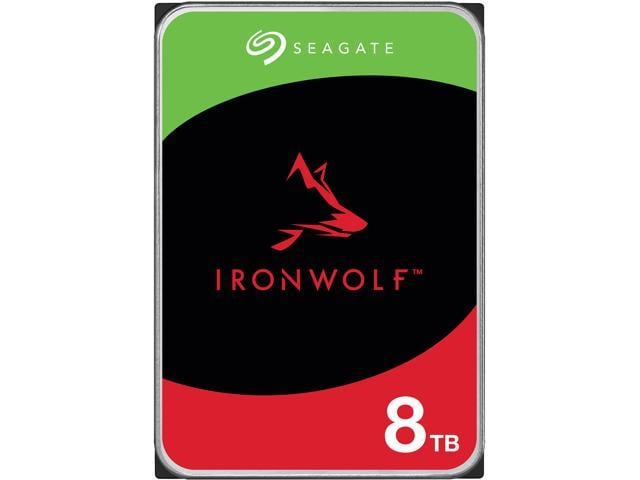
The hard drive is a data storage device that can be used to store the operating system, programs, documents, and other important files. When selecting a hard drive, ensure that it is compatible with the motherboard as well as being large and quick enough for your needs.
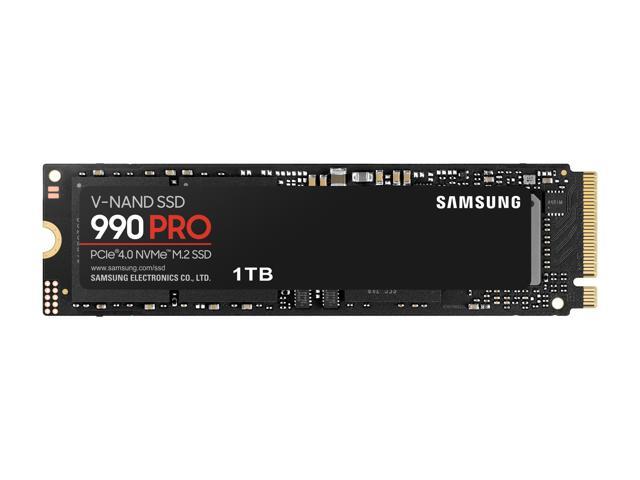
Alternatively, you can use a solid state drive for increased data transfer speeds, lower noise output, and better energy efficiency.
Video Cards
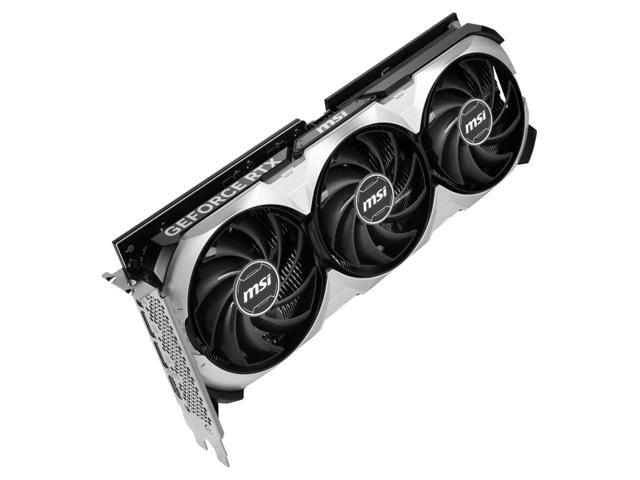
A video card is a required component, but many motherboards already have one built-in. However, some tasks may require the use of a dedicated video card even if the motherboard has onboard video capabilities. Tasks such as 3D rendering and simulation can sometimes require the use of workstation-grade video cards.
Network Adapters
While not required for the computer to be used, network connectivity is necessary for internet and local area network (LAN) access. Some motherboards have network adapters built into them, so separate adapters are not always required.
There are two main types of network adapters, internal and external. Internal network adapters utilize expansion slots while external variants are usually USB.
Sound Cards
Many desktop motherboards have sound cards built-in, allowing for audio playback without the need for a dedicated sound card. However, the quality of these built-in sound cards is generally not on par with high-end dedicated sound cards. For tasks that require high definition audio playback, dedicated sound cards are usually better than onboard solutions.
Optical Drives
An optical drive is beneficial for many uses, including backing up data, installing software, and playing multimedia content. Before shopping for an optical drive however, you should check what type of data connector the motherboard utilizes and if any are available for use.
Conclusion
If a pre-assembled desktop or server workstation is not within your budget, assembling one in-house can be a lower cost alternative. For underperforming desktop computers, upgrading individual computer parts may be more cost-effective than replacing the entire system.
