


Laptop Internal Hard Drives - Showing 97 - 120 of 600 Products


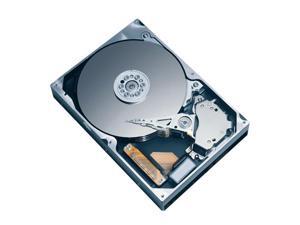
Fujitsu MHY2200BH 200GB 5400 RPM 8MB Cache SATA 1.5Gb/s 2.5" Notebook Hard Drive ...
- Average Seek Time: 12ms
- Average Write Time: 14ms
- Average Latency: 5.56ms
- Parts: 3 years limited
- Labor: 3 years limited
- Model #: MHY2200BH
- Item #: 9SIV0AHJNH7368
- Return Policy: Best Hdd Inc Return Policy
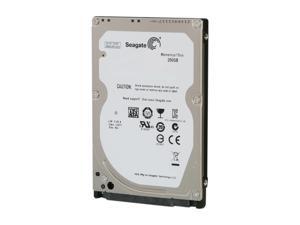

Seagate Momentus Thin ST250LT003 250GB 5400 RPM 16MB Cache SATA 3.0Gb/s 2.5" ...
- Brand: Seagate
- Series: Momentus Thin
- Capacity: 250GB
- RPM: 5400 RPM
- Form Factor: 2.5"
- Interface: SATA 3.0Gb/s
- Packaging: Bare Drive
- Cache: 16MB
- Model #: ST250LT003
- Item #: 9SIV0AH8PS7572
- Return Policy: Best Hdd Inc Return Policy
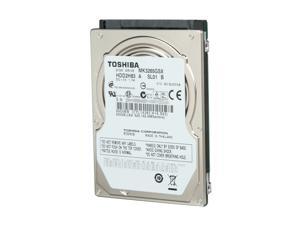
TOSHIBA MK3265GSX 320GB 5400 RPM 8MB Cache SATA 3.0Gb/s 2.5" Internal Notebook ...
- Average Seek Time: 12ms
- Parts: 3 years limited
- Labor: 3 years limited
- Model #: MK3265GSX
- Item #: 9SIV0AHJPC3306
- Return Policy: Best Hdd Inc Return Policy
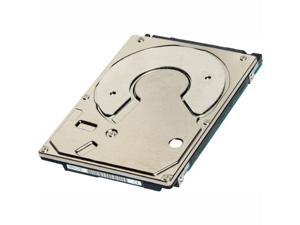
Toshiba MK2561GSYB 250 GB 2.5' Internal Hard Drive
- Parts: 3 Year Limited
- Model #: MK2561GSYB
- Item #: 9SIV0AHJP99047
- Return Policy: Best Hdd Inc Return Policy
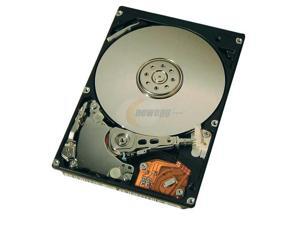
Hitachi GST DK23EA Series DK23EA-30 (08K1292) 30GB 4200 RPM 2MB Cache IDE Ultra ATA66 ...
- Average Seek Time: 13ms
- Parts: 1 year limited
- Labor: 1 year limited
- Model #: DK23EA-30
- Item #: 9SIV0AHJNM3994
- Return Policy: Best Hdd Inc Return Policy
TOSHIBA MK3001GRRB 15000 RPM 32MB Cache SAS 6Gb/s 2.5" Enterprise Hard Drive
- Brand: TOSHIBA
- RPM: 15000 RPM
- Form Factor: 2.5"
- Interface: SAS 6Gb/s
- Cache: 32MB
- Average Latency: 2ms
- Flash Memory Capacity: N/A
- Features: Up to 300GB 15K 2.5-inch Drive Faster and more efficient 6.0 Gb/s SATA interface Low Power Consumption
- Model #: MK3001GRRB
- Item #: 9SIV0AHJPC3391
- Return Policy: Best Hdd Inc Return Policy
SEAGATE St91608220As Momentus 160Gb 5400 Rpm Serial Ata150 8Mb Buffer 2.5 Inch Form ...
- Average Seek Time: 12.5ms
- Average Latency: 5.6ms
- Parts: 3 years limited
- Labor: 3 years limited
- Model #: ST91608220AS
- Item #: 9SIV0AHJPD2020
- Return Policy: Best Hdd Inc Return Policy
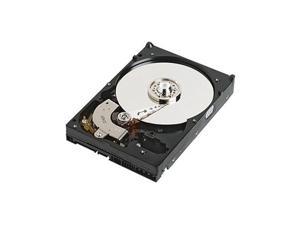

Dell 300 GB 2.5" Internal Hard Drive
- Model #: 400-AJOQ
- Item #: 9SIV0AHJNE8590
- Return Policy: Best Hdd Inc Return Policy
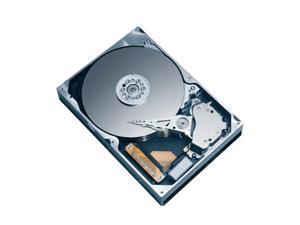
Seagate ST9120817AS 120GB 5400 RPM 8MB Cache SATA 3.0Gb/s 2.5" Internal Notebook ...
- Average Latency: 5.6ms
- Parts: 3 years limited
- Labor: 3 years limited
- Model #: ST9120817AS
- Item #: 9SIV0AHJPD1968
- Return Policy: Best Hdd Inc Return Policy
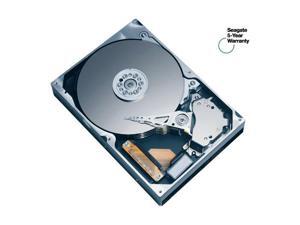
Seagate Momentus 5400.2 ST98823AS 80GB 5400 RPM 8MB Cache SATA 1.5Gb/s 2.5" ...
- Brand: Seagate
- Series: Momentus 5400.2
- Capacity: 80GB
- RPM: 5400 RPM
- Form Factor: 2.5"
- Interface: SATA 1.5Gb/s
- Packaging: Bare Drive
- Cache: 8MB
- Model #: ST98823AS
- Item #: 9SIV0AH8H55276
- Return Policy: Best Hdd Inc Return Policy
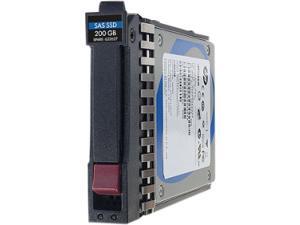

HP 200 GB 2.5" Internal Solid State Drive
- Parts: 3 Year
- Model #: 690819-B21
- Item #: 9SIV0AHJP20564
- Return Policy: Best Hdd Inc Return Policy
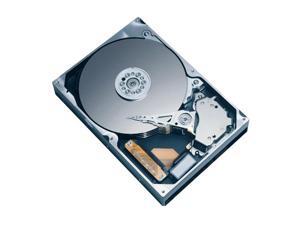
Hitachi GST Travelstar 5K160 HTS541616J9SA00 (0A28844) 160GB 5400 RPM 8MB Cache ...
- Average Seek Time: 11ms
- Parts: 1 year limited
- Labor: 1 year limited
- Model #: HTS541616J9SA00
- Item #: 9SIV0AHB254148
- Return Policy: Best Hdd Inc Return Policy
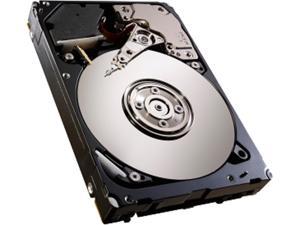
Seagate ST600MM0006 600GB 10000 RPM 64MB Cache SAS 6Gb/s 2.5" Savvio 10KRpm
- Model #: ST600MM0006
- Item #: 9SIV0AHAV27938
- Return Policy: Best Hdd Inc Return Policy
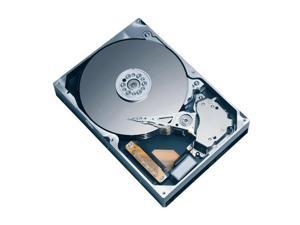
Fujitsu MHV2160BT 160GB 4200 RPM 8MB Cache SATA 1.5Gb/s 2.5" Notebook Hard Drive ...
- Average Seek Time: 12ms
- Average Write Time: 14ms
- Average Latency: 7.14ms
- Parts: 1 year limited
- Labor: 1 year limited
- Model #: MHV2160BT
- Item #: 9SIV0AHJNH7311
- Return Policy: Best Hdd Inc Return Policy
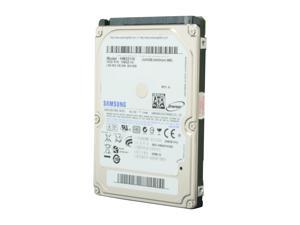

SAMSUNG Spinpoint M7E HM321HI 320GB 5400 RPM 8MB Cache SATA 3.0Gb/s 2.5" Internal ...
- Parts: 2 years limited
- Labor: 2 years limited
- Model #: HM321HI
- Item #: 9SIV0AHB254127
- Return Policy: Best Hdd Inc Return Policy
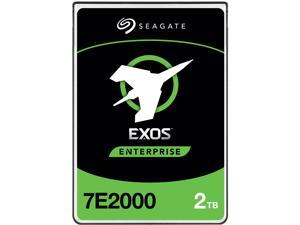
Seagate ST2000NX0343 2TB 7200 RPM 128MB Cache SAS 12Gb/s 2.5" Enterprise HDD (5xx ...
- Average Latency: 4.16ms
- Height (maximum): 15mm
- Width (maximum): 70.10mm
- Length (maximum): 100.45mm
- Model #: ST2000NX0343
- Item #: 9SIV0AHK3U6003
- Return Policy: Best Hdd Inc Return Policy
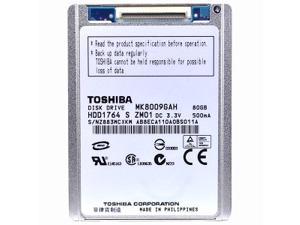
TOSHIBA MK8009GAH 80GB 4200 RPM 2MB Cache IDE Ultra ATA100 / ATA-6 1.8" Notebook ...
- Average Seek Time: 15ms
- Average Latency: 7.14ms
- Parts: 1 year limited
- Labor: 1 year limited
- Model #: MK8009GAH
- Item #: 9SIV2A9JGB6214
- Return Policy: Anand International Return Policy
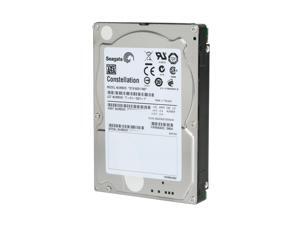
Seagate Constellation ST9160511NS 160GB 7200 RPM 32MB Cache SATA 3.0Gb/s 2.5" ...
- Parts: 3 years limited
- Labor: 3 years limited
- Model #: ST9160511NS
- Item #: 9SIV0AH8DA0609
- Return Policy: Best Hdd Inc Return Policy
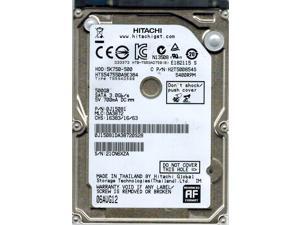
Travelstar 5K750 HTS547550A9E384 500 GB 2.5" Internal Hard Drive 0J11561
- Model #: 0J11561
- Item #: 9SIV0AHJNM4605
- Return Policy: Best Hdd Inc Return Policy
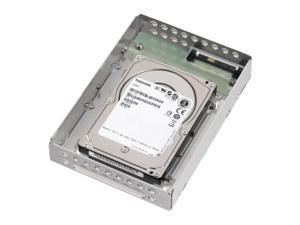
TOSHIBA MBF260LRC 600GB 10025 RPM 16MB Cache SAS 6Gb/s 2.5" Enterprise Hard Drive
- Height (maximum): 15mm
- Width (maximum): 69.85 mm
- Length (maximum): 100.45 mm
- Model #: MBF260LRC
- Item #: 9SIV0AHJPE4177
- Return Policy: Best Hdd Inc Return Policy
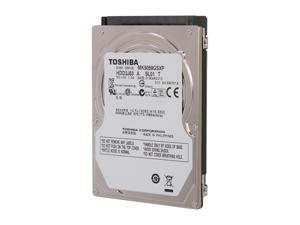
TOSHIBA MK5059GSXP 500GB 5400 RPM 8MB Cache SATA 3.0Gb/s 2.5" Internal Notebook ...
- Brand: TOSHIBA
- Capacity: 500GB
- RPM: 5400 RPM
- Form Factor: 2.5"
- Interface: SATA 3.0Gb/s
- Packaging: Bare Drive
- Cache: 8MB
- Average Seek Time: 12ms
- Model #: MK5059GSXP
- Item #: 9SIV0AHJPC3216
- Return Policy: Best Hdd Inc Return Policy
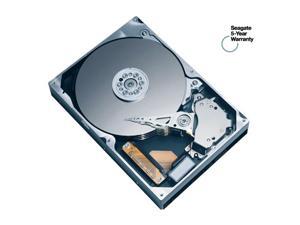
Seagate Momentus 7200.1 ST980825A 80GB 7200 RPM 8MB Cache IDE Ultra ATA100 / ATA-6 ...
- Brand: Seagate
- Series: Momentus 7200.1
- Capacity: 80GB
- RPM: 7200 RPM
- Form Factor: 2.5"
- Interface: IDE Ultra ATA100 / ATA-6
- Packaging: Bare Drive
- Cache: 8MB
- Model #: ST980825A
- Item #: 9SIV0AHBB89764
- Return Policy: Best Hdd Inc Return Policy
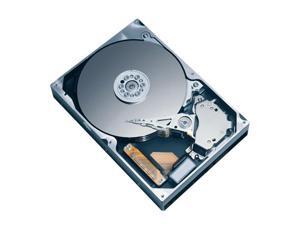
Fujitsu MHW2160BJ 160GB 7200 RPM 8MB Cache SATA 3.0Gb/s 2.5" Notebook Hard Drive ...
- Average Seek Time: 10.5ms
- Average Write Time: 12.5ms
- Average Latency: 4.17ms
- Model #: MHW2160BJ
- Item #: 9SIV0AHJNH7367
- Return Policy: Best Hdd Inc Return Policy
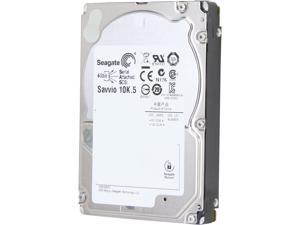
Seagate Savvio 10K.5 ST9900705SS 900GB 10000 RPM 64MB Cache SAS 6Gb/s 2.5" Internal ...
- Model #: ST9900705SS
- Item #: 9SIV0AHBBD5381
- Return Policy: Best Hdd Inc Return Policy
Common Laptop Hard Drive Questions
Introduction
The term laptop hard drive is often applied to 2.5 inch hard drives even though they are used in many types of devices and not just laptops. For instance, they can be found in entertainment devices, desktop computers, server workstations, and more. Below, NeweggBusiness answers several common questions about 2.5 inch and laptop hard drives.
Questions
What does 2.5 inch refer to?
The designation stems from the fact that the disk platters inside of the drive are traditionally 2.5 inches in diameter. The exterior of a 2.5 inch hard drive is actually 100 millimeters (length) by 69.85 millimeters (width).
Thickness can vary, though 9.5 millimeters is very common for most laptops. On the lower end of the scale, Ultrabooks™ can sometimes have hard drives as slim as 5 millimeters. Enterprise-grade hard drives can sometimes be as thick as 15 millimeters.
How do I use a 2.5 inch or laptop hard drive with a device doesn’t support that form factor?
In order to use a 2.5 inch hard drive with a device that is designed for 3.5 inch or desktop hard drives, you will need an adapter bracket. Even with the bracket however, you will still need to ensure that the connectors are compatible.
Can I use an enterprise-grade 2.5 inch hard drive with a laptop?
While some enterprise-grade hard drives and laptop hard drives have similar form factors, they typically utilize different connectors. A laptop for instance, will usually have a SATA connector—or PATA/IDE in the case of older laptops. A server-grade hard drive on the other hand, will typically have a SAS or SCSI connector.
So while a SAS hard drive may physically fit inside a laptop, it cannot be used due to connection differences.
How do I replace a laptop hard drive?
Not all laptops feature removable hard drives, so you will first need to consult the laptop’s user guide or manufacturer’s website for confirmation. If the manufacturer states that your laptop’s hard drive can be replaced, the information below can serve as a general outline.
The first step is to ensure that you have the appropriate tools. Recommended tools include a Phillips screwdriver with a relatively small head, a flat-head screwdriver, and possibly Torx® screwdrivers.
While each laptop model may have a unique design, there are some commonalities with how the hard drives can be accessed. Three of the more common laptop hard drive configurations are as follows.
- Tray-mounted
- Access panel on the underside
- Underneath the keyboard
Once you have determined how to access the laptop hard drive, you should remove the battery and unplug the laptop to avoid electrical damage or injury.

