


Featured Brands



SHOP BY Type
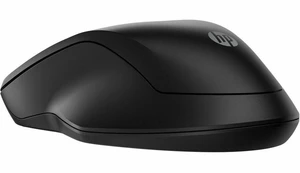
Quick View

- Brand: HP
- Name: HP 8R3U1UT#ABA
- Color: Black
- Buttons: 3
- Model #: 8R3U1UT#ABA
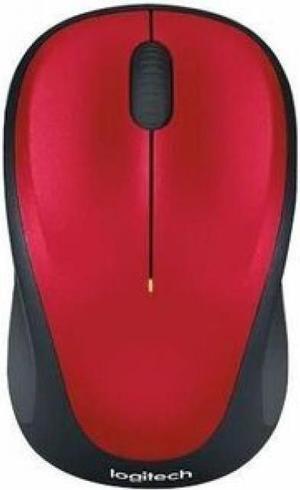
Quick View
- Brand: Logitech
- Type: see description
- Parts: 3 Year
- Model #: 910-007475
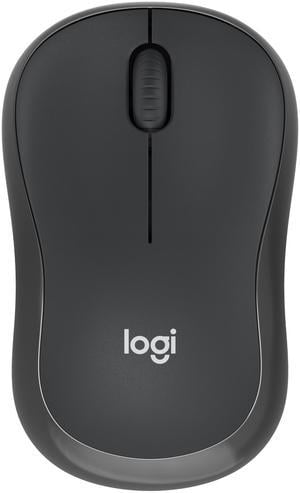
Quick View
Logitech M240 Silent Bluetooth Mouse, Wireless, Compact, Portable, Smooth Tracking, 18-Month Battery, for Windows, macOS, ChromeOS, Compatible with PC, Mac, Laptop, Tablets (Graphite)
- Brand: Logitech
- Color: Graphite
- Buttons: 3
- Scrolling Capability: 1 x Wheel
- Model #: 910-007113
- $22.99
- $16.99 –
- Save: 26%
- More options from $16.99 - $35.99
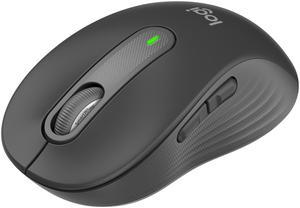
Quick View
Logitech Signature M650 Wireless Mouse - For Small to Medium Sized Hands, 2-Year Battery, Silent Clicks, Customizable Side Buttons, Bluetooth, for PC/Mac/Multi-Device/Chromebook - Graphite
- Brand: Logitech
- Color: Graphite
- Buttons: 5
- Scrolling Capability: 1 x Wheel
- Model #: 910-006250
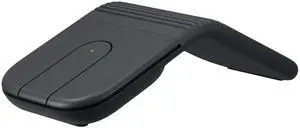
Quick View
- Brand: Logitech
- Model #: 910-007600
- $82.64 –
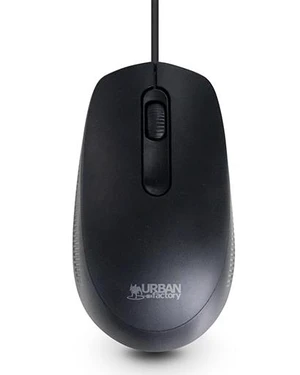
Quick View
Urban Factory Black Mouse - Optical - Cable - Black - USB Type A - 1200 dpi - 3 Button(s) - Symmetrical - CMW01UF
- Brand: Urban Factory
- Name: FREE Color Mouse
- Color: Black
- Buttons: 3
- Model #: CMW01UF
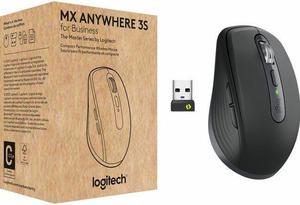
Quick View
- Brand: Logitech
- Color: Graphite
- Type: Bluetooth Wireless
- Power Supply: Rechargeable Battery
- Model #: 910-006956
- $102.99 –
- More options from $99.89 - $135.32
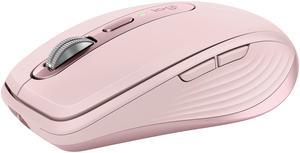
Quick View
- Brand: Logitech
- Color: Rose
- Buttons: 6
- Scrolling Capability: 1 x Wheel
- Model #: 910-006927
- $89.99
- $69.99 –
- Save: 22%
- More options from $64.90 - $163.05
Quick View
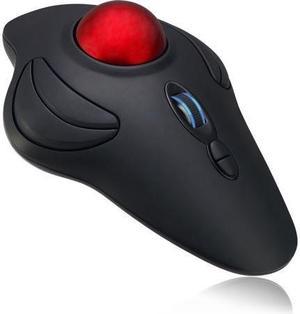
iMouse T40 - Wireless Programmable Ergonomic Trackball Mouse
- Hand Orientation: Both Hands
- Resolution (DPI): 4800 dpi
- Distance: Up to 30.0 Feet
- Operating System Supported: Windows 2000 / XP / Vista / 7 / 8 / 10
- Model #: iMouseT40
Quick View
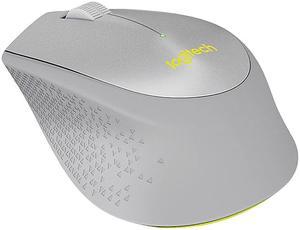
Logitech M330 Silent Plus Wireless Mouse - Certified Quiet
- Brand: Logitech
- Name: M330 SILENT PLUS
- Color: Grey
- Buttons: 3
- Model #: 910-004908
Quick View
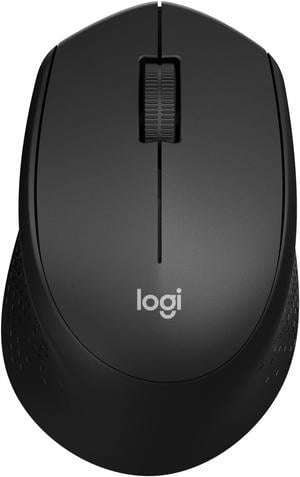
Logitech M330 SILENT Wireless Mouse, 2.4GHz with USB Receiver, Optical Tracking, Quiet & Lightweight, Long Battery Life, for PC, Mac, Laptop, Chromebook
- Brand: Logitech
- Name: M330 SILENT
- Color: Black
- Buttons: 3
- Model #: M330 PLUS RF Mouse
Quick View
Logitech MX Anywhere 3S Compact Wireless Mouse, Fast Scrolling, 8K DPI Any-Surface Tracking, Quiet Clicks, Programmable Buttons, USB C, Bluetooth, Windows PC, Linux, Chrome, Mac, Pale Grey
- Brand: Logitech
- Color: Pale Gray
- Buttons: 6
- Scrolling Capability: 1 x Wheel
- Model #: 910-006926
- $89.99
- $69.99 –
- Save: 22%
Quick View
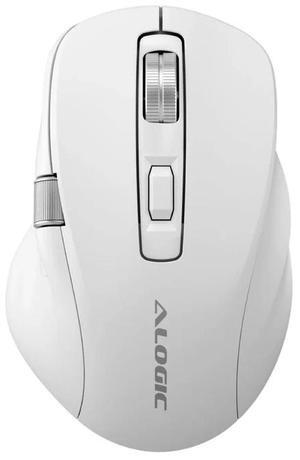
Alogic APEX Wireless Performance Mouse - Wireless - Bluetooth/Radio Frequency - 2.40 GHz - Rechargeable - White - Scroll Wheel - 7 Programmable Button(s) - Right-handed
- Color: White
- Type: Bluetooth Wireless
- Power Supply: Rechargeable Battery
- Version: White
- Model #: AMBT7KWH
- $57.99 –
Quick View
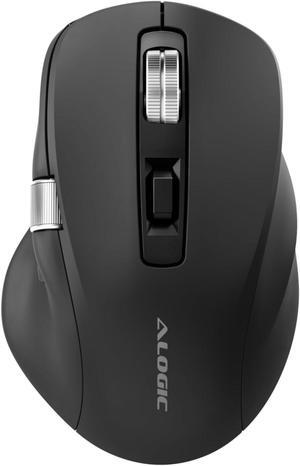
Alogic Bluetooth USB-C Rechargeable 7 Keys Programmable Mouse - Cable/Wireless - Bluetooth/Radio Frequency - 2.40 GHz - Rechargeable - Black - USB Type C - 6400 dpi - Scroll Wheel - 7 Programmable But
- Color: Black
- Type: Bluetooth Wireless
- Power Supply: Rechargeable Battery
- Version: Black
- Model #: AMBT7KBK
- $57.99 –
Quick View

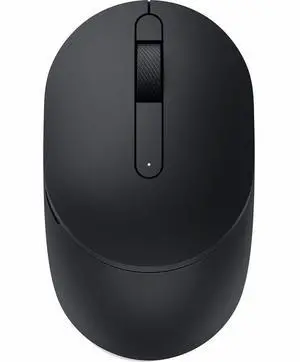
- Brand: DELL
- Color: Black
- Buttons: 3
- Interface: USB, Bluetooth
- Model #: MS355-BLK-DAO
- $37.49
- $32.99 –
- Save: 12%
- More options from $32.99 - $42.82
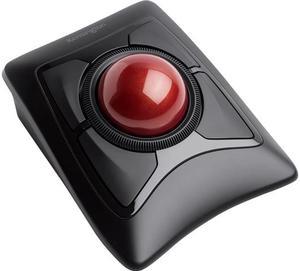
Quick View
Kensington K72359 Expert Wireless Trackball Mouse
- Brand: Kensington
- Name: Kensington Expert Mouse
- Color: Black
- Buttons: 4
- Model #: K72359WW
- $105.99 –
- More options from $103.30 - $128.71
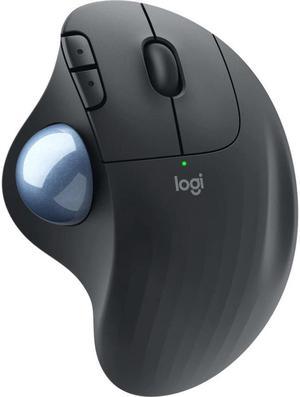
Quick View
Logitech ERGO M575 Wireless Trackball Mouse - Easy thumb control, precision and smooth tracking, ergonomic comfort design, for Windows, PC and Mac with Bluetooth and USB capabilities - Graphite
- Brand: Logitech
- Color: Graphite
- Type: Trackball
- Parts: 1 Year
- Model #: 910-006197
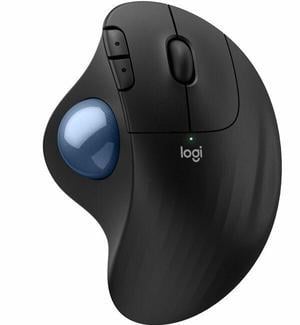
Quick View
Logitech ERGO M575s Black + Blue Ball Wireless TrackBall Wireless Trackball (Black+Blue Ball)
- Brand: Logitech
- Color: Black + Blue Ball
- Type: Wireless
- Tracking Method: TrackBall
- Model #: 910-007026
- $49.99
- $44.99 –
- Save: 10%
- More options from $43.15 - $110.95
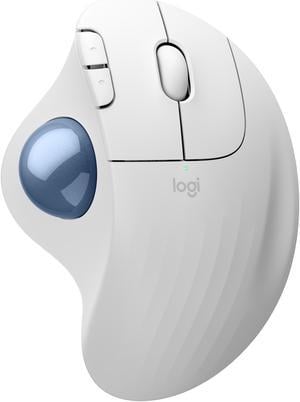
Quick View
Logitech Ergo M575S Wireless Bluetooth Trackball Mouse, Easy thumb control, precise and smooth tracking, Bluetooth and includes Logi Bolt USB receiver, PC Mac compatible, Off-White Blue Ball
- Brand: Logitech
- Color: Off-White
- Buttons: 3
- Type: Wireless
- Model #: 910-007028
- $39.92 –
Quick View
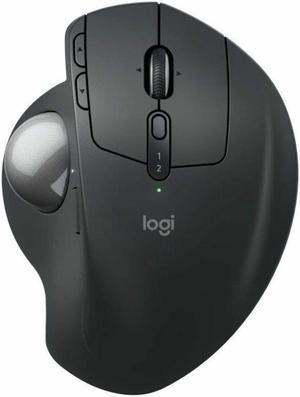
Logitech MX Ergo S Plus Advanced Wireless Trackball Mouse, USB-C Rechargeable Wireless Ergonomic Mouse With Bluetooth and Encrypted Dongle, 6 Programmable Buttons, for PC/Mac (Graphite) - Optical - Wi
- Brand: Logitech
- Color: Gray
- Type: Bluetooth Wireless
- Power Supply: Rechargeable Battery
- Model #: 910-007247
Quick View
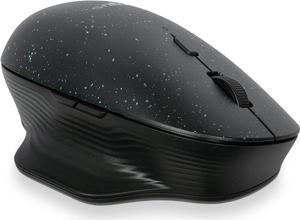
Targus ErgoFlip EcoSmart Sustainable Ambidextrous Full-Size Mouse AMB586GL
- Brand: Targus
- Color: Black
- Type: RF Wireless
- Tracking Method: BlueTrack
- Model #: AMB586GL
- $57.99
- $40.99 –
- Save: 29%
- More options from $39.96 - $42.81
Quick View
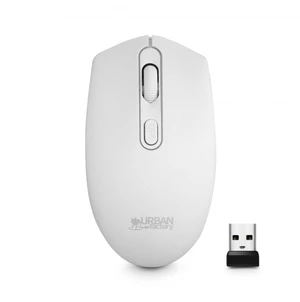
Urban Factory White Wireless Mouse - Optical - Wireless - Radio Frequency - 2.40 GHz - White - USB Type A - 1600 dpi - 4 Button(s) - Symmetrical - FCM02UF
- Brand: Urban Factory
- Name: FREE Color Mouse
- Color: White
- Buttons: 4
- Model #: FCM02UF
Quick View
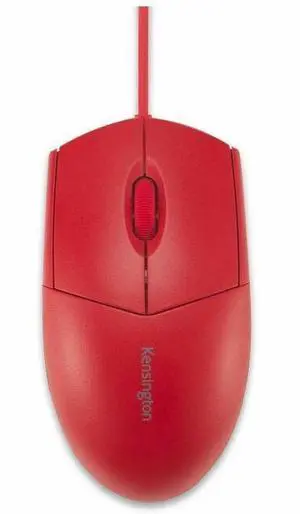
Kensington Pro Fit Wired Washable Mouse - Red - Optical - Cable - Red - USB Type A - 1600 dpi - Scroll Wheel - 3 Button(s) - Symmetrical
- Brand: Kensington
- Parts: 3 Year
- Model #: K75239US
Quick View
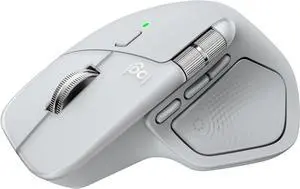
Logitech MX Master 4 for Mac - Wireless Bluetooth Mouse with Ultra-fast Scrolling, Ergo, haptic feedback, Customize vibration intensity - White Silver
- Brand: Logitech Video Collaboration
- Type: Wireless Mice
- Model #: 910-007574
- $119.99
- $109.99 –
- Save: 8%
- More options from $109.99 - $132.16
Quick View
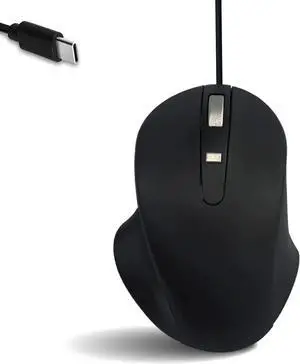
Matias M20CBB Premium USB-C PBT Computer Wired Mouse Black
- Brand: Matias
- Type: Wired
- Power Supply: Wired
- Model #:
Quick View
- Parts: 1 Year
- Model #: 910-007410
Quick View
HP 785M Ultra-Fast-Scroll USB-C Wireless Mouse, Black
- Brand: HP
- Type: Wired / Wireless
- Tracking Method: N/A
- Part Number: B8YX4AA#ABA
- Model #: B8YX4AA#ABA

Quick View
Logitech Signature M650 L Mouse - Optical - Wireless - Bluetooth/Radio Frequency - Blue - USB - 2000 dpi - Scroll Wheel - 5 Button(s) - 5 Programmable Button(s) - Large Hand/Palm Size
- Brand: Logitech
- Name: Signature M650 L
- Color: Blue
- Buttons: 5 (Left/Right-click, Back/Forward, Scroll-wheel with middle click)
- Model #: 910-006232
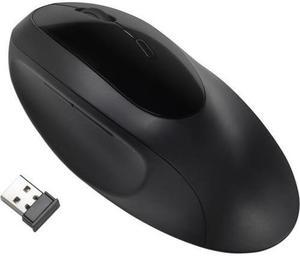
Quick View
Kensington Pro Fit Ergonomic Wireless Mouse - Black (K75404WW), 8"x6"x4"
- Resolution (DPI): 1600 dpi
- Model #: K75404WW
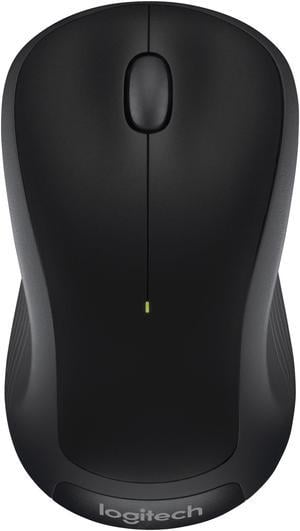
Quick View
Logitech M310 Wireless Optical Mouse, Black (910-004277)
- Brand: Logitech
- Name: M310
- Color: Black
- Buttons: 3
- Model #: 910-004277
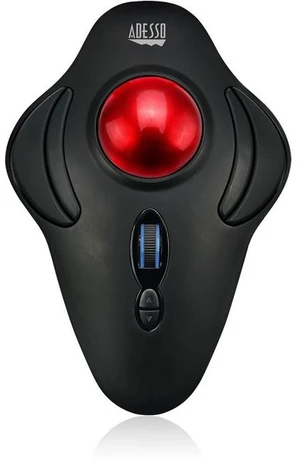
Quick View
ADESSO IMOUSEG2 ADESSO USB ERGONOMIC OPTICAL MOUSE, WITH ADJUSTABLE DPI, INTERNET NAVIGATIONAL B
- Brand: ADESSO
- Name: iMouse G2
- Color: Black
- Buttons: 6
- Model #: IMOUSEG2
Considerations for Buying Computer Mice
Introduction
Like a keyboard, a computer mouse is an essential device for any workstation, even though touchscreen input is becoming more popular. However, with so many different features and types of mice available, you may be wondering which ones are essential for your staff and which ones are unneeded. Below, NeweggBusiness will go over some common considerations when purchasing computer mice.
Optical Technology
There are two major types of optical technology used in mice today, LED and laser. Neither is better than the other, as they are ideal for different types of users.
LED
An LED mouse usually costs less than a laser mouse, but may have slightly lower dots per inch (DPI) and is not as capable on shiny, black, and transparent surfaces. Sensitivity for an optical mouse typically ranges from 400 to 800 DPI, which is more than adequate for most tasks such as internet browsing, checking e-mail, or data entry.
Laser
One major advantage of a laser mouse is sensitivity, which can reach up to several thousand DPI. Also, laser mice can be used with a wider variety of surfaces than LED mice. So while an LED mouse may struggle with shiny, black, or glass surfaces, a laser mouse has no trouble. However, one downside is that laser mice typically cost more than most LED mice.
Connectivity
There are two types of connectivity for mice, wired and wireless. Users often debate over which type is superior, but to definitely declare that one is superior to the other is a difficult. Similar to the distinction between laser and LED, wired and wireless mice appeal to different types of users.
Wired
Some of the advantages of purchasing wired mice include lower cost, no worries about batteries, and no worries about wireless interference. It is the ideal option for staff that do not travel with their computers or mice in tow. If your staff do not have unused USB ports on their computers, consider equipping them with accessories such as USB hubs or Bluetooth dongles so that they can use Bluetooth mice.
Wireless
Wireless mice can potentially have issues with interference and many use batteries that need to be replaced, but does that make them inferior? Not quite, as they offer more convenience and are better suited for travellers and professionals mired by cable clutter. If you’ve decided to purchase wireless for some of your staff, then you will need to decide between RF mice and Bluetooth® mice.
- Radio frequency (RF) – RF wireless mice require use of USB dongles that are included with the mice. Some users may not like the fact that USB dongles are required, as it uses a USB port and can be lost if not careful.
- Bluetooth – Bluetooth mice do not require USB dongles but will require Bluetooth functionality on the computer. Another advantage of using Bluetooth mice is that they can be used with some tablets. However, some users do report that Bluetooth mice do require a little bit of time to “wakeup” after long periods of inactivity.
Size and Ergonomics
Mice can come in several sizes, with some better for laptop users and others for desktop users. Smaller mice are more convenient, especially if your users will be packing them into messenger bags or laptop cases. Desktop users that don’t expect to move their computers very much will find that larger mice are more than adequate
Alternatives
While most people are familiar with the standard mouse, there are a few alternatives that NeweggBusiness offers. Some are designed for increased ergonomics while others for precision. Here are two of the more common options.
Vertical Mice
These are special types of mice that are used with your hand in a vertical position, similar to how a joystick is held. Some manufacturers assert that using a vertical mouse puts less strain on the wrist and shoulder.
Trackball Mice
Trackball mice track movements of a ball in a socket instead of the entire mouse. The ball can be manipulated by the thumb, fingers, or palm depending on the design of the trackball mouse. Similar to vertical mice, trackball mice manufacturers state that they reduce strain and the likelihood of injury.