


Network Print Servers - Showing 25 - 48 of 48 Products


DYMO LabelWriter Print Server
- Model #: KUUHM-00-B001P-2
- Item #: 9SIV36AKE31072
- Return Policy: Electronics World Return Policy
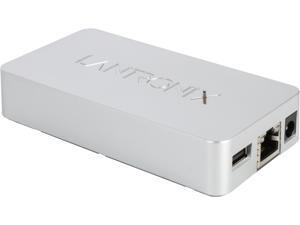
Lantronix XPS1002FC-02-S xPrintServer - Office Edition RJ45 USB 2.0
- Network Connection: RJ45
- Network Speed: 10/100Mbps
- Printer Connection: USB 2.0
- Operating Systems Supported: Windows 7, Windows 8 Mac OS X
- Dimensions: 0.91" x 2.34" x 4.50"
- Weight: 0.60 lb.
- Package Contents: (1) xPrintServer Office (1) RJ45 Ethernet cable (3 ft.) (1) Mounting bracket (4) Rubber feet (1) Universal power adapter (International) (1) Quick start guide
- Parts: Manufacturers Limited Warranty: 2 Year / Parts Only
- Model #: XPS1002FC-02-S
- Item #: 9SIV36AKE31081
- Return Policy: Electronics World Return Policy
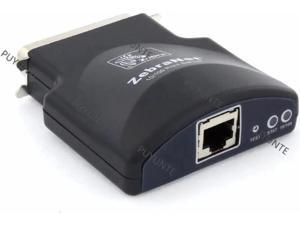
P1031031 Zebranet 10/100 External Print Server for Z4M+ Z6M+ 105SL S600 170Xi4 170Xi3 ...
- Model #: C2ZP-1209107
- Item #: 9SIVPVGKP85529
- Return Policy: ShenZhenYanXinWuLiuYouXianGongSi Return Policy
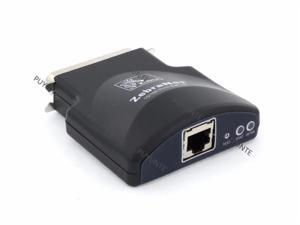
P1031031 Zebranet 10/100 External Print Server for Z4M+ Z6M+ 105SL S600 170Xi4 170Xi3 ...
- Model #: ZZL-RNU-ASD1225657
- Item #: 9SIVNW9KK28515
- Return Policy: Guang Zhou Xuan Ying Ke Ji You Xian Gong Return Policy

FainWan New Ethernet Interface Compatible with UB-E03 Ethernet Interface Print Server ...
- Model #: SFGDHJMNY
- Item #: 9SIVFTRK4V1604
- Return Policy: SWYFLY Return Policy
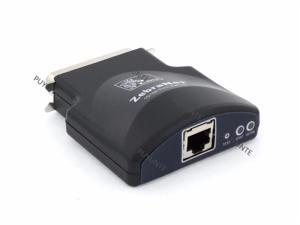
P1031031 Zebranet 10/100 External Print Server for Z4M+ Z6M+ 105SL S600 170Xi4 170Xi3 ...
- Model #: WDF-RNU-ASD1081926
- Item #: 9SIVNW9KK28494
- Return Policy: Guang Zhou Xuan Ying Ke Ji You Xian Gong Return Policy
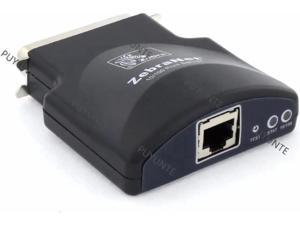
P1031031 Zebranet 10/100 External Print Server for Z4M+ Z6M+ 105SL S600 170Xi4 170Xi3 ...
- Model #: C2ZP-120680
- Item #: 9SIVPVGKP83787
- Return Policy: ShenZhenYanXinWuLiuYouXianGongSi Return Policy
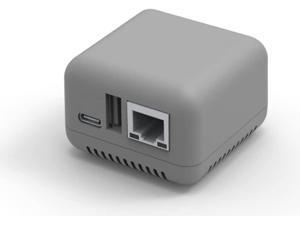
NP330 USB 2.0 Print Server Mini Network Server Support for Cable/Phone/Computer Printing ...
- Model #: 69048980296
- Item #: 9SIVRA2KNN0753
- Return Policy: Hai Kou Shi Ying Tun Dian Zi Shang Wu Yo Return Policy
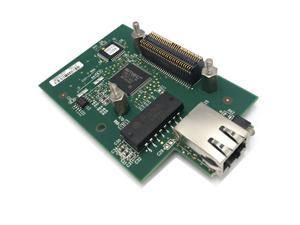
Internal Print Server Network Card for Zebra ZM400 ZM600 105SL Plus Xi4 Series Thermal ...
- Model #: 652843939766
- Item #: 9SIVSRKKUH4251
- Return Policy: SongFengQiaoMaoYiShangDian Return Policy
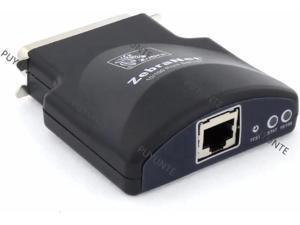
P1031031 Zebranet 10/100 External Print Server for Z4M+ Z6M+ 105SL S600 170Xi4 170Xi3 ...
- Model #: C2ZP-120873
- Item #: 9SIVPVGKP84622
- Return Policy: ShenZhenYanXinWuLiuYouXianGongSi Return Policy
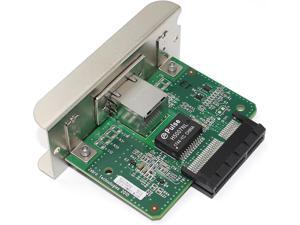
P1083320-039 Internal IPv4 Print Server for Zebra ZT610 ZT620 ZT600 Series Printers, ...
- Model #: GODSB0D9CV6G8L
- Item #: 9SIVSA1KSE3911
- Return Policy: YongLiangSHOP Return Policy
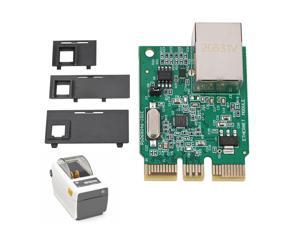
Promrmr P1080383-442 Upgrade Ethernet Module Kit Fit for Zebra ZD410 ZD420 Barcode ...
- Model #: 886336185822
- Item #: 9SIVSRKKUH4409
- Return Policy: SongFengQiaoMaoYiShangDian Return Policy
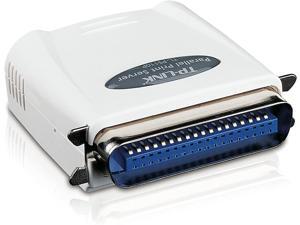

TP-LINK TL-PS110P Single Parallel Port Fast Ethernet Print Server
- Model #: FBA_TL-PS110P(UK)
- Item #: 9SIVNJVKM63930
- Return Policy: you and me Return Policy
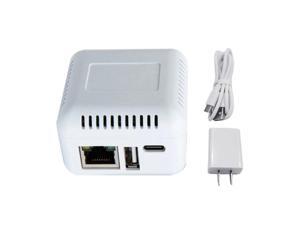
USB 2.0 Wireless Print Server Support 10/100Mb RJ45 LAN Port for Computer Phones(White)
- Model #: 231114-JX-1349
- Item #: 9SIV46PK704447
- Return Policy: Mingsheng Keji Return Policy

Wireless Print Server (NOT Plug&Play), 2 Port USB Print Server, Computer Networking Print ...
- Model #: FVDFHTY
- Item #: 9SIVFTRK4V1599
- Return Policy: SWYFLY Return Policy
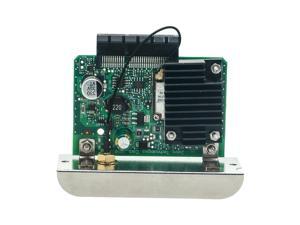
LANADO Network Card for Zebra ZT210 ZT230 ZT410 ZT420 Label Printer,Internal Ethernet ...
- Model #: 652843948645
- Item #: 9SIVSA1KSE7151
- Return Policy: YongLiangSHOP Return Policy
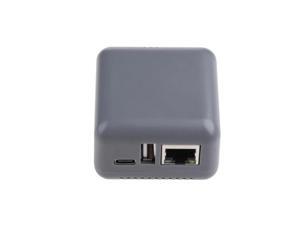
USB 2.0 Wireless Print Server Support 10/100Mb RJ45 LAN Port for Computer Phones(for grey)
- Model #: 231114-JX-1350
- Item #: 9SIV46PK704448
- Return Policy: Mingsheng Keji Return Policy
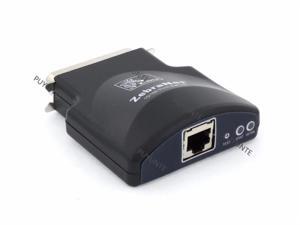
P1031031 Zebranet 10/100 External Print Server for Z4M+ Z6M+ 105SL S600 170Xi4 170Xi3 ...
- Model #: ZZL-RNU-ASD1226229
- Item #: 9SIVNW9KK28492
- Return Policy: Guang Zhou Xuan Ying Ke Ji You Xian Gong Return Policy
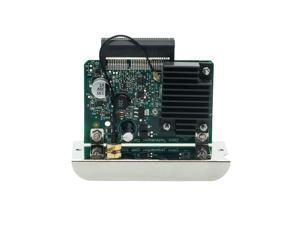
Network Card for Zebra ZT510 ZT600 ZT610 ZT411 ZT421 Label Printer,Internal Ethernet ...
- Model #: 9359014213939
- Item #: 9SIVSA1KSE7482
- Return Policy: YongLiangSHOP Return Policy
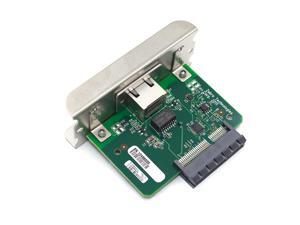
P1058930-074 Internal Printserver (Ethernet Port) for Zebra ZT410 ZT420 Thermal Printer ...
- Model #: 680952996127
- Item #: 9SIVSA1KSE7154
- Return Policy: YongLiangSHOP Return Policy
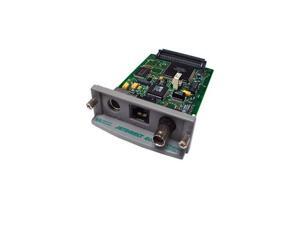

Refurbished: HP J3111-60002 Jetdirect 600N Ethernet 10 By 100Basetx Print Server Card
- Model #: J3111-60002
- Item #: 9SIV1ZS7W61020
- Return Policy: DreamHardware Return Policy

HEWLETT PACKARD ENTERPRISE R2E09A HPE SN1610Q 32GB 2P FC HBA
- Model #: R2E09A
- Item #: 9B-1A4-001K-000C6
- Return Policy: Replacement Only Return Policy
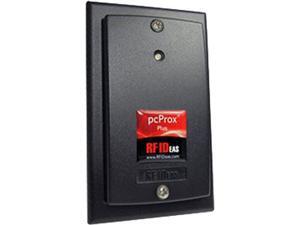
COMMON ACCESS CARD READER & ENABLEMENT KIT WITH SIPRNET READER ENABLEMENT KIT
- Model #: 497K22200
- Item #: 9B-1A4-003F-00016
- Return Policy: Standard Return Policy
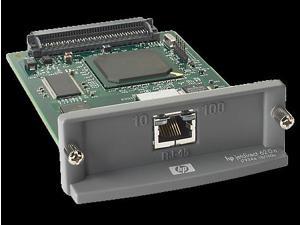
Refurbished: HP J7934G Jetdirect 620n Fast Ethernet Internal Print Server RJ45
- Network Connection: RJ45
- Network Speed: 10/100Mbps
- Protocols: TCP/IP, IPX/SPX, AppleTalk, IP Direct Mode, LPD, FTP Printing, IPP, Netware NDS, Bindery, NDPS, iPrint, Telnet, SLP, IGMP, BOOTP/DHCP, WINS, SNMP, HTTP, Auto-IP, Apple Bonjour Compatible (Mac OS 10.2.4 or higher)
- Device Management: HP Web Jetadmin, HP Easy Printer Care Software, HP Embedded Web Server
- Operating Systems Supported: Microsoft Windows 7, Windows Vista, Windows Vista x64, Windows XP Professional, Windows XP Professional x64, Windows Server 2003 (32/64 bit), Windows 2000, Mac OS 9.x, Mac OS X v 10.2 or higher, Novell NetWare 5.1 or higher, Red Hat Linux 7.x or higher, SuSE Linux 8.x or higher, HP-UX 10.20, 11.x, 11.i, Solaris 2.5 or higher (SPARC), AIX 3.2.5 or higher, MPE-iX, Citrix MetaFrame, Windows Terminal Services
- Dimensions: 5.4" x 3.5" x 1...
- Model #: J7934G
- Item #: 9B-33-310-139
- Return Policy: Replacement Only Return Policy
- 1
- 2
What is a Print Server?
Introduction
A print server is a device that can connect one or more printers directly to a computer network. Without a print server, a computer would have to share the printer with the rest of the network. An inefficient setup, as the computer needs to be turned on for the printer to be used. With a network print server, all computers can directly send print jobs to the printer. Below, you will find more information on network print servers and tips for setting up a print server.
Most print servers are wired, with only a few supporting Wi-FiTM connectivity. One advantage of a wireless print server is that you can place the printer and wireless print server anywhere you have space, as long as it is in range of the wireless network. With a wired print server, you will be limited to placing both devices near an Ethernet connection or use a longer Ethernet cable. Some print servers also offer Bluetooth® support, which allows devices to use the printer even if they do not have access to the Ethernet or Wi-Fi network.
Print Server Tips
Below are some general usage tips for print servers.
- If you already have two or more network printers, you can still benefit from connecting them to a print server. The advantage is that the print server will consolidate multiple print queues into one, and it can intelligently distribute print jobs across several printers to manage load.
- Some USB print servers also have parallel connections, which will allow you to not only keep using your older parallel-port printers, but also give them network functionality.
- Select wireless print servers have the ability to be used as wireless range extenders and repeaters. So if sections of an office are not in range of a wireless router, a print server can be used to extend the Wi-Fi network to those areas.
- Wireless print servers will also have Ethernet ports, as an Ethernet connection is required for initial setup. If your organization does not have a Wi-Fi network, you can utilize that Ethernet connection to turn the print server into a wireless access point(WAP) and broadcast the network.
- Before setting up your network print server, ensure that your printer is in working order by plugging it into a computer directly. If the computer can detect and use the printer, then you can proceed to connect the printer to the print server. If the printer is not detected, then you will have to see if there is a hardware issue with the printer before continuing. This will make troubleshooting easier if you have problems later on during setup.
- If the print server is connected to a router rather than to the computers directly, set up a static IP address for the print server in your router’s web configuration tool. Otherwise, the IP address for the print server can change, and your computers will need to be redirected to the new IP every time it updates.

