


Speaker - Showing 433 - 456 of 1116 Products
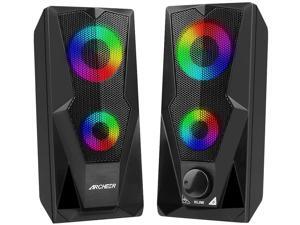
Computer Speakers Gaming RGB Speakers PC 2.0 USB Powered Stereo Volume Control with ...
- Type: Wired
- Color: Black
- Model #: M-YM-10W
- Item #: 9SIV36AKBN0487
- Return Policy: Electronics World Return Policy
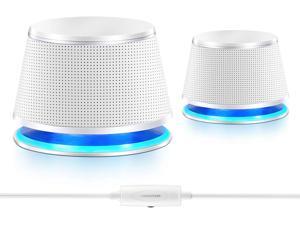
Computer Speakers, 5Wx2, Deep Bass in Small Body, Stereo 2.0 USB Powered 3.5mm Aux ...
- Model #: EL-IUDGH113
- Item #: 9SIV36AKE31500
- Return Policy: Electronics World Return Policy
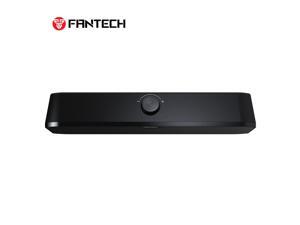
FANTECH GROOVE BAR LITE GS206 Wired Gaming Speaker, Tuned Driver, 3W*2 Speakers, ...
- Brand: FANTECH
- Series: 005_GROOVE BAR LITE GS206-05
- Type: Wired
- Model #: 005_GROOVE BAR LITE GS206-05
- Item #: 9SIVSNUKT96407
- Return Policy: FANTECH Return Policy
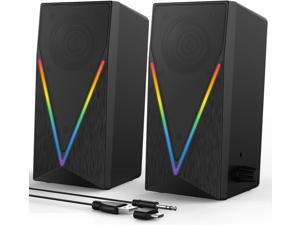
Computer Speakers, Desktop Speakers with 6 Colorful RGB Lights, Headphone Jack, ...
- Model #: EXPCOMPSPAPR248
- Item #: 9SIV9F7KKF0510
- Return Policy: Fashion Technology Return Policy
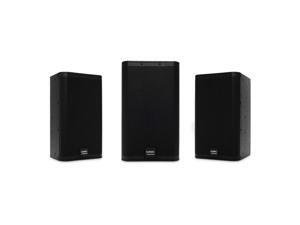
QSC E110-BK-TD Compact 10" Two-Way Passive Loudspeaker Black
- Type: Wired
- Model #: E110BK-CA
- Item #: 9SIVF9YKVY2282
- Return Policy: JescorB2B Return Policy
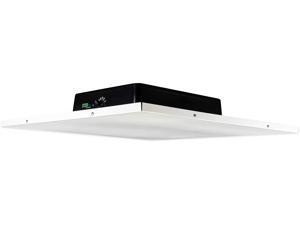
Rockville DCS8T 70V Commercial 2x2 Drop Ceiling Tile Speaker 4 Office/Business
- Type: Wired
- Model #: CELUX9791960626270
- Item #: 9SIVFTRKRT4164
- Return Policy: SWYFLY Return Policy
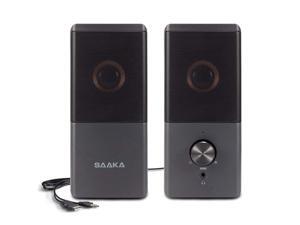
Computer Speaker, Compact Size Speaker With Headphone Jack, Enhanced Bass And ...
- Type: Wired
- Model #: FGTY0027572
- Item #: 9SIVN52KTA6953
- Return Policy: yeye Return Policy
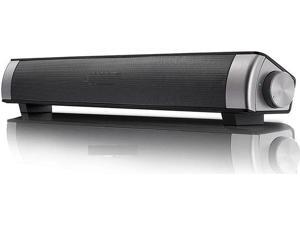
JAENFONG PC Soundbar,Wired & Wireless Bluetooth BT Computer Speakers with Remote ...
- Model #: xo-594
- Item #: 9SIVNUFKNW5778
- Return Policy: guangzhoushijiekeji Return Policy
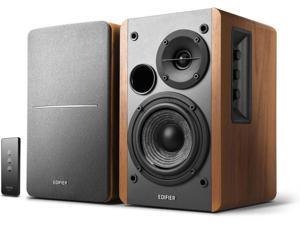
Edifier R1280T Powered Bookshelf Speakers - 2.0 Active Near Field Monitors - Studio Monitor ...
- Type: Bookshelf Speaker
- Model #: R1280T/
- Item #: 9SIVS8XKTY3559
- Return Policy: zijianmaoyigongsi Return Policy
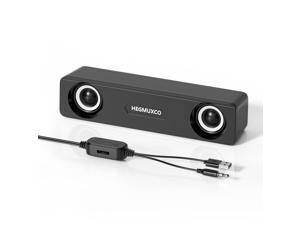
Computer Speakers for Desktop PC - 10W Wired Stereo Speakers with Volume Control Wheel, ...
- Satellite RMS Power /ea: 10 watts
- Driver: dynamic_driver
- Frequency Response: 20 KHz
- Signal to Noise Ratio(SNR): 80 decibels
- Brand: HEGMUXCO
- Part Number: HM10
- Type: Soundbar
- Color: Black
- Model #: 293651724291
- Item #: 9SIVSG5KW61681
- Return Policy: WeiErSieJiaFang Return Policy
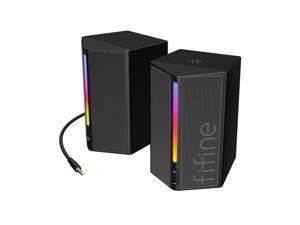
Computer Speakers, Desktop PC Speakers with Volume Control, RGB Gaming Loudspeakers ...
- Satellite RMS Power /ea: 5 watts
- Driver: dynamic_driver
- Frequency Response: 18 KHz
- Brand: FIFINE
- Series: 20
- Part Number: ALQ2407A20
- Type: 2.0ch Stereo Speaker
- Color: Black
- Model #: 236393140650
- Item #: 9SIVSG5KW61690
- Return Policy: WeiErSieJiaFang Return Policy
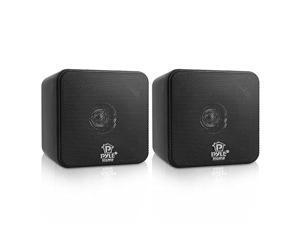
Mini Cube Bookshelf Speakers Paper Cone Driver 200 Watt Power 8 Ohm Impedance Video ...
- Model #: eUE8P-B000MCEL1K
- Item #: 9SIVS8XKTY6743
- Return Policy: zijianmaoyigongsi Return Policy
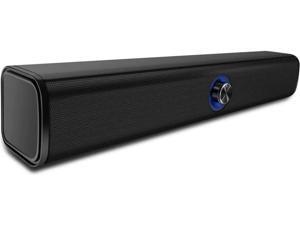
JAENFONG Computer Speaker, 20W Bluetooth Computer Speaker Built-in Dual Subwoofer, ...
- Model #: xo-598
- Item #: 9SIVNUFKNW5787
- Return Policy: guangzhoushijiekeji Return Policy
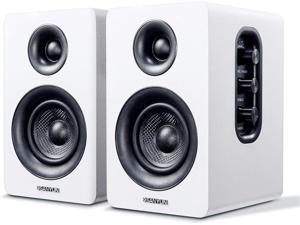
Sanyun SW208 3" Active Bluetooth 5.0 Bookshelf Speakers 60W Carbon Fiber Speaker Unit - ...
- Type: Wired with Bluetooth Wireless
- Model #: CELUX9028859862779
- Item #: 9SIV9F7KKF4652
- Return Policy: Fashion Technology Return Policy
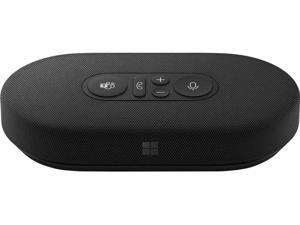
Modern USB-C Speaker, Certified for Teams, 2- Way Compact Stereo Speaker, Call Controls, ...
- Model #: 012983531627
- Item #: 9SIVS8XKTY5418
- Return Policy: zijianmaoyigongsi Return Policy
Klipsch PRO-10SW-RK 10" Rock IMG Subwoofer Granite 1063232
- Type: Wired
- Model #: 1063232-CC
- Item #: 9SIVF9YKVY2388
- Return Policy: JescorB2B Return Policy
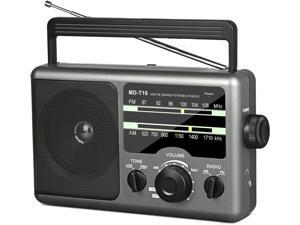
AM FM Portable Radio Battery Operated Radio by 4X D Cell Batteries Or AC Power Transistor ...
- Model #: HU-MD-T16
- Item #: 9SIVN52KP49943
- Return Policy: yeye Return Policy
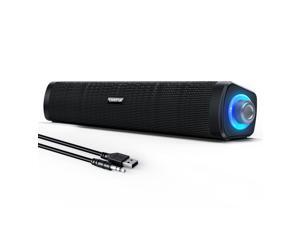
USB Computer Speakers,Computer Speakers with 3.5 mm aux,Wired USB Powered & ...
- Satellite RMS Power /ea: 6 watts
- Driver: dynamic_driver
- Frequency Response: 120 GHz
- Brand: Uakinat
- Series: 1406
- Part Number: E-1406
- Type: Multimedia
- Color: Black
- Model #: 603455082034
- Item #: 9SIVSG5KW61655
- Return Policy: WeiErSieJiaFang Return Policy
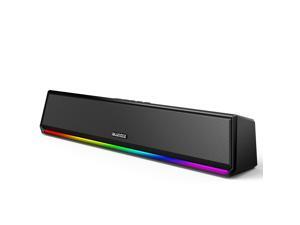
Computer Speakers for Desktop PC, Bluetooth 5.3 PC Speakers with Dynamic RGB Light, ...
- Satellite RMS Power /ea: 10 watts
- Driver: dynamic_driver
- Brand: Bluedee
- Part Number: SK200Li
- Type: Soundbar
- Color: Black
- Configuration: 2.0
- Total Power: 10 watts
- Model #: 585342744754
- Item #: 9SIVSG5KW62428
- Return Policy: WeiErSieJiaFang Return Policy
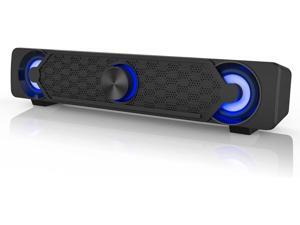
Smalody Small Computer Speakers for Desktop Gaming Monitor, PC Speakers for Desktop ...
- Model #: 889266580828863r10
- Item #: 9SIV9F7KGK0879
- Return Policy: Fashion Technology Return Policy
KEHIPI Stereo Computer Speaker, USB Powered Speaker with Sound, Loud Volume and ...
- Type: Wired
- Model #: WSP-00358
- Item #: 9SIVDTEK676847
- Return Policy: Wispa Technologies Return Policy

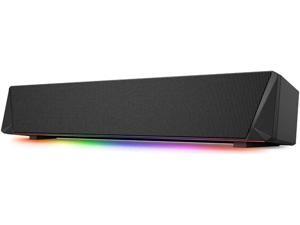
JAENFONG Gaming Computer Speaker, Dual Powerful 7W Drivers PC Soundbar, Colorful RGB ...
- Model #: xo-605
- Item #: 9SIVNUFKNW5814
- Return Policy: guangzhoushijiekeji Return Policy
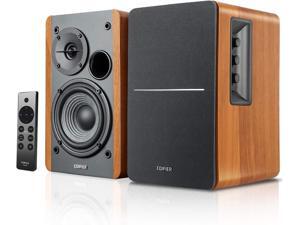
Edifier R1280DBs Active Bluetooth Bookshelf Speakers - Optical Input - 2.0 Wireless Studio ...
- Type: Bookshelf Speaker
- Model #: R1280DBs
- Item #: 9SIVS8XKTY3539
- Return Policy: zijianmaoyigongsi Return Policy
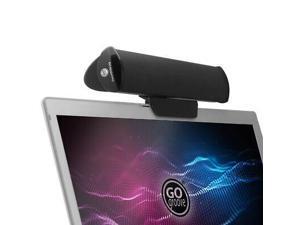
GOgroove SonaVERSE USB Speaker for Laptop Computer (Black)
- Type: Wired
- Model #: GGSVUSB100BKEW-bR
- Item #: 9SIVF9YKCH5192
- Return Policy: JescorB2B Return Policy
Tips for Shopping for Computer Speakers
Introduction
When looking at a product description for a set of computer speakers, you will often see a list of terms and specifications. They convey information such as the amount of power the speakers can output, their range of sound reproduction, and more. Below, NeweggBusiness will explain several important terms and specifications to help you get started in choosing a computer speaker system.
Number of Speakers
A computer speaker system’s configuration describes the number of speakers that it has and is shown as a two digit number separated by a decimal. For instance, 2.1 would mean a total of three speakers, one front left, one front right, and one subwoofer. A 5.1 computer speaker system has a total of six speakers, a single center speaker, two front left and right speakers, two rear left and right speakers, and a single subwoofer. Computer speakers that are listed as 5.1, 7.1, or more are considered surround sound speakers.
Power (RMS and Peak)
Power is an important metric you can use to gauge computer speaker performance. It is measured in watts and indicates the amount of power that a speaker can handle. There are two types of power ratings for speakers, RMS and peak power. RMS is the amount of power that can be continuously sent to a computer speaker without it malfunctioning or being damaged. Peak power is the maximum amount of power that it can accept in short bursts.
Generally, a higher power rating means that a speaker can be louder and clearer. If you are utilizing the speakers in a large room for a large audience and need to raise the volume, a higher power rating is beneficial. A theater room with a projector for example, may require speakers with higher power ratings.
Frequency Response
Frequency response is used to describe the range of frequencies that a speaker can reproduce and is measured in hertz (Hz). If a sound card sends a signal that is outside the speaker’s frequency response range, then the computer speaker will not be able to play it. When shopping for computer speakers, you should try to find a set that matches the frequency response of your sound card.
Signal to Noise Ratio (SNR)
The signal to noise ratio of a computer speaker is a measurement of its sound clarity. The higher the SNR is, the less background noise you will be able to hear. If a set of computer speakers have a low SNR rating, you will be able to hear a slight buzz when raising the volume.

