


Speaker - Showing 913 - 936 of 1006 Products
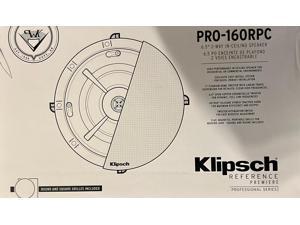
Klipsch PRO-16RC Reference Professional Series In-Ceiling Speaker, Each(1064446)
- Type: Wired
- Model #: 1064446-L3
- Item #: 9SIVF9YKVY2486
- Return Policy: JescorB2B Return Policy
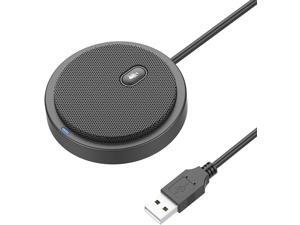
Upgraded USB Conference Microphone for Computer, 360° Omnidirectional Condenser Mic ...
- Model #: SOYE624260336015B2B
- Item #: 9SIVKCKKEZ3233
- Return Policy: Weixu Return Policy
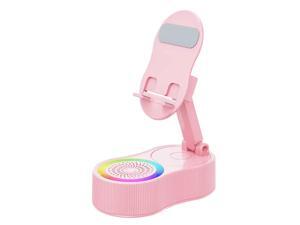
Desktop Speaker Gaming Arena Speaker W/dynamic Rgb Waves Tap Nfc Connect 1200Mah ...
- Model #: C1JG-L-324091
- Item #: 9SIVPVGKW64745
- Return Policy: ShenZhenYanXinWuLiuYouXianGongSi Return Policy
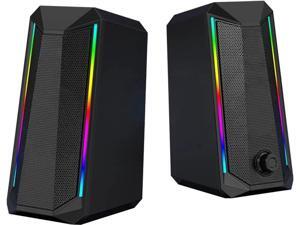
JAENFONG Computer Speakers, RGB Color LED Light-Emitting Speakers, USB2.0 Channel PC ...
- Model #: xo-603
- Item #: 9SIVNUFKNW5810
- Return Policy: guangzhoushijiekeji Return Policy
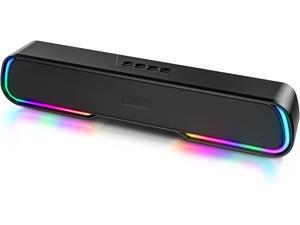
Computer Speaker Sound Bar - Wired & Wireless Bluetooth 5.0 Surround Bass Audio, Black ...
- Type: Wired
- Model #: HU-092PG680
- Item #: 9SIVN52KT99557
- Return Policy: yeye Return Policy
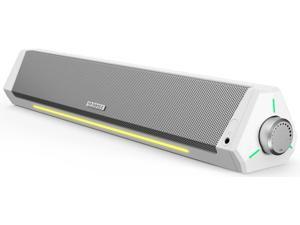
Bluedee Computer Speakers, Bluetooth Computer Soundbar, HiFi Stereo, 3.5mm Aux-in ...
- Model #: SOYE632752904017WEI
- Item #: 9SIVTDYKWB8428
- Return Policy: Voltrix Return Policy
Speaker - 14W Stereo PC Speakers, USB Powered, Compact Size with 30° Tilt Design, Volume ...
- Satellite RMS Power /ea: 14 watts
- Brand: FUNLOGY
- Type: Bookshelf
- Color: Black
- Connector Type: Auxiliary
- Total Power: 14 watts
- Dimension: 5.2 in x 2.71 in x 4.3 in
- Weight: 0.608 kilograms
- Model #: 918638206971
- Item #: 9SIVSY8KWB9100
- Return Policy: YuShuHuaYiShangHang Return Policy
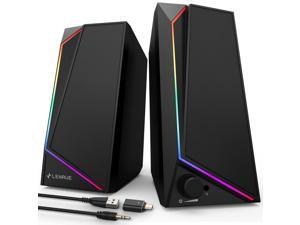
Computer Speakers, USB/USB-C Powered PC Speakers with Loud Stereo Sound, ...
- Satellite RMS Power /ea: 10 watts
- Driver: dynamic_driver
- Features: USB & AUX, USB C Adapter, Headphone Jack
- Brand: LENRUE
- Series: 1000
- Part Number: New LED Colorful
- Type: Computer Speakers
- Color: Black
- Model #: 003938899340
- Item #: 9SIVSY8KWB9101
- Return Policy: YuShuHuaYiShangHang Return Policy
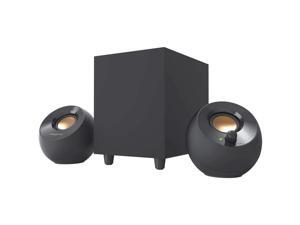
Creative Pebble Plus 2.1 USB-Powered, Desktop Speakers with Powerful Down-Firing ...
- Driver: 2.1
- Frequency Response: 100Hz - 17KHz
- Signal to Noise Ratio(SNR): 86dB
- Brand: Creative
- Series: 2.1 USB-A Speaker (Black)
- Type: Wired
- Color: Black
- Configuration: 2.1
- Model #: 51MF0480AA000-
- Item #: 9SIVPVGKW60549
- Return Policy: ShenZhenYanXinWuLiuYouXianGongSi Return Policy
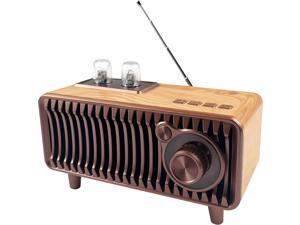
Retro Bluetooth Speaker, Vintage Radio Natural Wood Rotary FM Radio 20W Dual Speakers ...
- Model #: SOYE624260335872B2B
- Item #: 9SIVKCKKEZ3226
- Return Policy: Weixu Return Policy
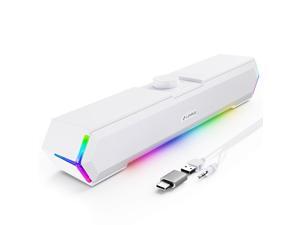
LENRUE G11 Computer Speakers for Desktop, Touch Lights PC Speakers with Surge Clear ...
- Model #: 9463718739920
- Item #: 9SIV9F7KGK0607
- Return Policy: Fashion Technology Return Policy
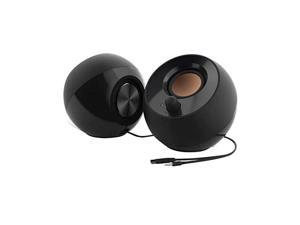
Pebble 2.0 USB-Powered Desktop Speakers with Far-Field Drivers and Passive Radiators for ...
- Satellite RMS Power /ea: 4.4 watts
- Driver: dynamic_driver
- Frequency Response: 100 hertz
- Signal to Noise Ratio(SNR): 86 decibels
- Features: USB Port
- Brand: Creative
- Part Number: 51MF1680AA000
- Type: Desktop
- Model #: 430456623337
- Item #: 9SIVSY8KWB9096
- Return Policy: YuShuHuaYiShangHang Return Policy
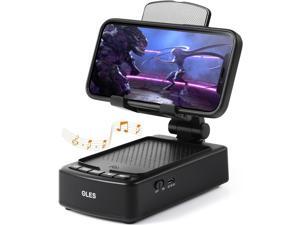
Gifts for Men, OLES Mobile Phone Stand with Bluetooth for Him Dad Women Who Want Nothing, ...
- Model #: 889266578931674r20
- Item #: 9SIV9F7KE28530
- Return Policy: Fashion Technology Return Policy
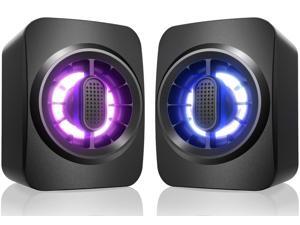
Computer Speakers,RGB PC Speakers, USB Powered 3.5mm Aux Speaker for Desktop, PC, ...
- Satellite RMS Power /ea: 6 watts
- Driver: dynamic_driver
- Frequency Response: 20 hertz
- Brand: OFFSIR
- Part Number: OFFSIR
- Type: Desktop
- Color: Black
- Configuration: 2.0
- Model #: 816164709554
- Item #: 9SIVT44KVV6153
- Return Policy: meimeiliangshipindian Return Policy
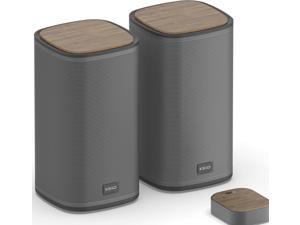
KEiiD Bluetooth Computer Speakers with Wireless Touch Control Pod for PC Laptop/Desktop ...
- Model #: C2N36391557274236
- Item #: 9SIVPMXKKZ1202
- Return Policy: LuronTeK Return Policy
KEF Ci200QL Rectangular In-Wall Uni-Q Driver Loudspeaker (Each)
- Type: Wired
- Model #: Ci200QL-N6
- Item #: 9SIVF9YKVY2626
- Return Policy: JescorB2B Return Policy
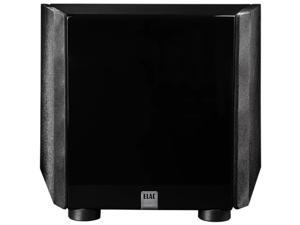
ELAC Varro Dual Reference DS1200 12" 1200W Powered Subwoofer - Gloss Black
- Type: Wired
- Model #: DS1200GB-CF
- Item #: 9SIVF9YKVY2384
- Return Policy: JescorB2B Return Policy
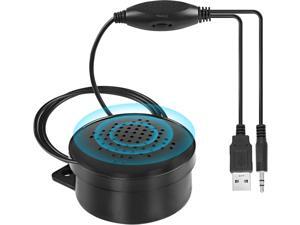
Computer Speakers for Desktop/PC, USB Powered Portable Small PC Speaker with Volume ...
- Model #: B3EW.11074
- Item #: 9SIVSSHKU47722
- Return Policy: tomorroW3 Return Policy
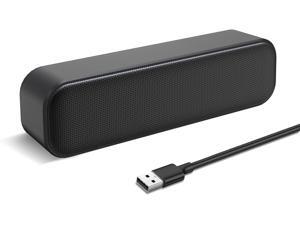
USB Computer Speaker,USB Powered Mini Soundbar Speaker,Laptop Stereo Speakers with ...
- Model #: 889266580538834r50
- Item #: 9SIVSSHKU62900
- Return Policy: tomorroW3 Return Policy
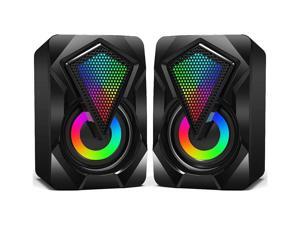
KEHIPI Computer Speakers X2 Wired PC Speaker 2.0 USB Gaming Powered Stereo Mini ...
- Type: Wired
- Model #: WSP-00193
- Item #: 9SIVDTEK659524
- Return Policy: Wispa Technologies Return Policy

Bluetooth Computer Speakers with Wireless Touch Control Pod for PC Laptop/Desktop ...
- Model #: SOYE632752904147WEI
- Item #: 9SIVRH8KRW5116
- Return Policy: qianhaimaoyi Return Policy
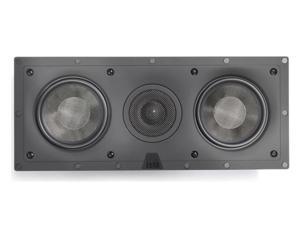
Elac IW-DC51-W Debut In-Wall Center Channel Home Theater Speaker (Each)
- Type: Wired
- Model #: IWDC51W-ML
- Item #: 9SIVF9YKVY2373
- Return Policy: JescorB2B Return Policy
Klipsch PRO-160RPW PRO Reference In-Wall Speaker (PAIR) 1063963
- Type: Wired
- Model #: 1063963-ER
- Item #: 9SIVF9YKVY2300
- Return Policy: JescorB2B Return Policy
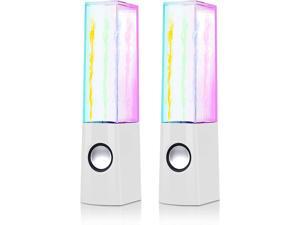
Aoboo Led Color Computer Water Speakers with Light, USB Dancing Fountain Light Show ...
- Type: Wired
- Model #: GEEKGEK941743996529
- Item #: 9SIVN52KT99972
- Return Policy: yeye Return Policy
Tips for Shopping for Computer Speakers
Introduction
When looking at a product description for a set of computer speakers, you will often see a list of terms and specifications. They convey information such as the amount of power the speakers can output, their range of sound reproduction, and more. Below, NeweggBusiness will explain several important terms and specifications to help you get started in choosing a computer speaker system.
Number of Speakers
A computer speaker system’s configuration describes the number of speakers that it has and is shown as a two digit number separated by a decimal. For instance, 2.1 would mean a total of three speakers, one front left, one front right, and one subwoofer. A 5.1 computer speaker system has a total of six speakers, a single center speaker, two front left and right speakers, two rear left and right speakers, and a single subwoofer. Computer speakers that are listed as 5.1, 7.1, or more are considered surround sound speakers.
Power (RMS and Peak)
Power is an important metric you can use to gauge computer speaker performance. It is measured in watts and indicates the amount of power that a speaker can handle. There are two types of power ratings for speakers, RMS and peak power. RMS is the amount of power that can be continuously sent to a computer speaker without it malfunctioning or being damaged. Peak power is the maximum amount of power that it can accept in short bursts.
Generally, a higher power rating means that a speaker can be louder and clearer. If you are utilizing the speakers in a large room for a large audience and need to raise the volume, a higher power rating is beneficial. A theater room with a projector for example, may require speakers with higher power ratings.
Frequency Response
Frequency response is used to describe the range of frequencies that a speaker can reproduce and is measured in hertz (Hz). If a sound card sends a signal that is outside the speaker’s frequency response range, then the computer speaker will not be able to play it. When shopping for computer speakers, you should try to find a set that matches the frequency response of your sound card.
Signal to Noise Ratio (SNR)
The signal to noise ratio of a computer speaker is a measurement of its sound clarity. The higher the SNR is, the less background noise you will be able to hear. If a set of computer speakers have a low SNR rating, you will be able to hear a slight buzz when raising the volume.

