


Tablets - Showing 217 - 240 of 529 Products


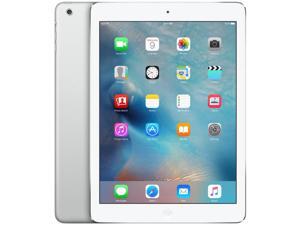
Refurbished: Apple iPad Mini 2 A1490 (WiFi + Cellular Unlocked) 16GB Silver (Grade A+)
- Brand: Apple
- Series: iPad Mini 2
- Color: Silver
- Operating System: iOS
- Screen Size: 7.9"
- Touchscreen: Touch Screen
- Built-in Storage: 16GB
- SSD: 16GB
- Model #: APPL_MINI2_UNL_16_SILV_APLUS
- Item #: 9SIV4TNK5Z7988
- Return Policy: Wireless Source Return Policy
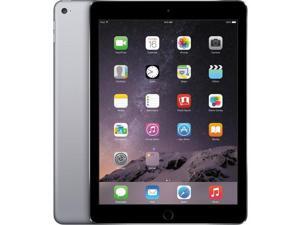
Refurbished: Apple iPad Air 2 A1567 (WiFi + Cellular Unlocked) 64GB Space Gray (Grade A)
- Touchscreen: Touch Screen
- Model #: APPL_AIR2_UNL_64_GRAY_A
- Item #: 9SIV4TNK4Y8137
- Return Policy: Wireless Source Return Policy
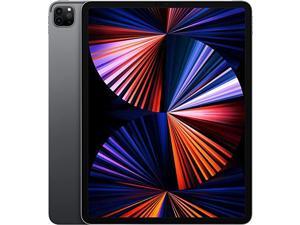
Refurbished: Apple iPad Pro 12.9" (5th Gen) A2379 (WiFi + Cellular Unlocked) 256GB Space ...
- Brand: Apple
- Series: iPad Pro 12.9" (5th Gen)
- Color: Gray
- Operating System: iOS
- Screen Size: 12.9"
- Touchscreen: Touch Screen
- Built-in Storage: 256GB
- SSD: 256GB
- Model #: APPL_PRO12.9-5_UNL_256_GRAY_B
- Item #: 9SIV4TNK5Z8033
- Return Policy: Wireless Source Return Policy
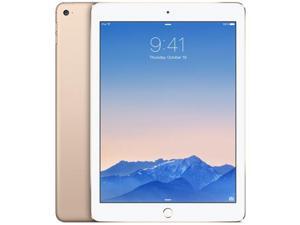
Refurbished: Apple iPad Air 2 A1566 (WiFi) 64GB Gold (Grade A+)
- Touchscreen: Touch Screen
- Model #: APPL_AIR2_WIFI_64_GOLD_APLUS
- Item #: 9SIV4TNK6G2036
- Return Policy: Wireless Source Return Policy
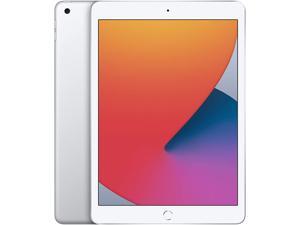
Refurbished: Apple iPad 8th Gen A2270 (WiFi) 32GB Silver (Grade A)
- Touchscreen: Touch Screen
- Model #: APPL_IPAD8_WIFI_32_SILV_A
- Item #: 9SIV4TNK574737
- Return Policy: Wireless Source Return Policy
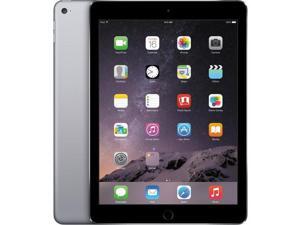
Refurbished: Apple iPad Air 2 A1567 (WiFi + Cellular Unlocked) 32GB Space Gray (Grade A+)
- Touchscreen: Touch Screen
- Model #: APPL_AIR2_UNL_32_GRAY_APLUS
- Item #: 9SIV4TNK6G2043
- Return Policy: Wireless Source Return Policy
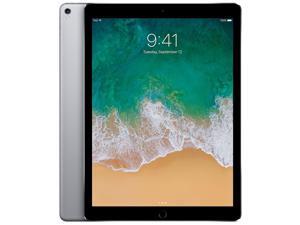
Refurbished: Apple iPad Pro 12.9 (2nd Gen) A1671 (WiFi + Cellular Unlocked) 64GB Space ...
- Touchscreen: Touch Screen
- Model #: APPL_PRO12.9-2_UNL_64_GRAY_APLUS
- Item #: 9SIV4TNK6G2197
- Return Policy: Wireless Source Return Policy
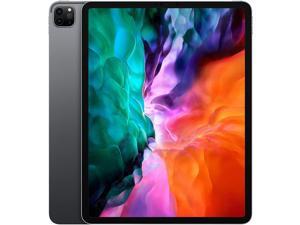
Refurbished: Apple iPad Pro 12.9 (4th Gen) A2069 (WiFi + Cellular Unlocked) 128GB Space ...
- Brand: Apple
- Series: iPad Pro 12.9" (4th Gen)
- Color: Gray
- Operating System: iOS
- Screen Size: 12.9"
- Touchscreen: Touch Screen
- Built-in Storage: 128GB
- SSD: 128GB
- Model #: APPL_PRO12.9-4_UNL_128_GRAY_APLUS
- Item #: 9SIV4TNK5Z8015
- Return Policy: Wireless Source Return Policy
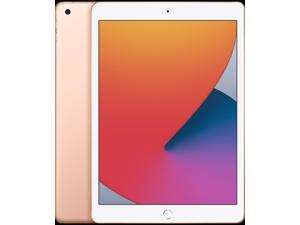
Refurbished: Apple iPad 7th Gen A2200 (WiFi + Cellular Unlocked) 32GB Gold (Grade C)
- Touchscreen: Touch Screen
- Model #: APPL_IPAD7_UNL_32_PINK_C
- Item #: 9SIV4TNK6G2094
- Return Policy: Wireless Source Return Policy
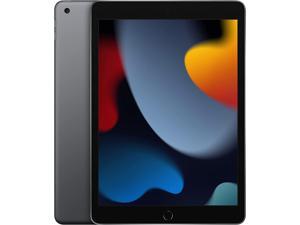
Refurbished: Apple iPad 9th Gen A2603 (WiFi + Cellular Unlocked) 64GB Space Gray (Grade C)
- Touchscreen: Touch Screen
- Model #: APPL_IPAD9_UNL_64_GRAY_C
- Item #: 9SIV4TNK4Y8251
- Return Policy: Wireless Source Return Policy
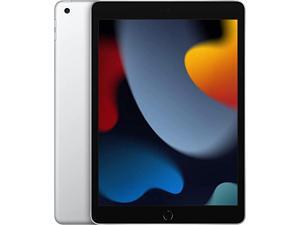
Refurbished: Apple iPad 9th Gen A2602 (WiFi) 64GB Silver (Grade C)
- Touchscreen: Touch Screen
- Model #: APPL_IPAD9_WIFI_64_SILV_C
- Item #: 9SIV4TNK4Y8279
- Return Policy: Wireless Source Return Policy
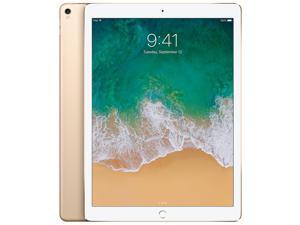
Refurbished: Apple iPad Pro 12.9" (2nd Gen) A1670 (WiFi) 256GB Gold (Grade A)
- Touchscreen: Touch Screen
- Model #: APPL_PRO12.9-2_WIFI_256_GOLD_A
- Item #: 9SIV4TNK6G2185
- Return Policy: Wireless Source Return Policy
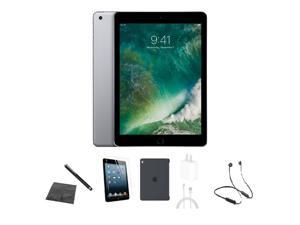
Refurbished: Apple iPad 5th Gen A1823 (WiFi + Cellular Unlocked) 32GB Space Gray Bundle w/ ...
- Touchscreen: Touch Screen
- Model #: APPL_IPAD5_UNL_32_GRAY_BUNDLEF
- Item #: 9SIV4TNK4Y8189
- Return Policy: Wireless Source Return Policy
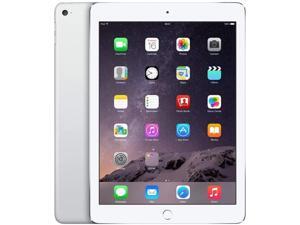
Refurbished: Apple iPad Air 2 A1566 (WiFi) 32GB Silver (Grade A+)
- Touchscreen: Touch Screen
- Model #: APPL_AIR2_WIFI_32_SILV_APLUS
- Item #: 9SIV4TNK6G2074
- Return Policy: Wireless Source Return Policy
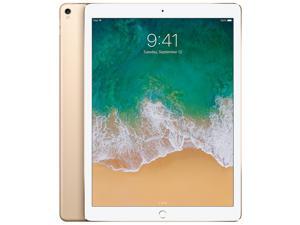
Refurbished: Apple iPad Pro 12.9" (2nd Gen) A1671 (WiFi + Cellular Unlocked) 256GB Gold ...
- Brand: Apple
- Series: iPad Pro 12.9" (2nd Gen)
- Color: Gold
- Operating System: iOS
- Screen Size: 12.9"
- Touchscreen: Touch Screen
- Built-in Storage: 256GB
- SSD: 256GB
- Model #: APPL_PRO12.9-2_UNL_256_GOLD_APLUS
- Item #: 9SIV4TNK5Z7979
- Return Policy: Wireless Source Return Policy
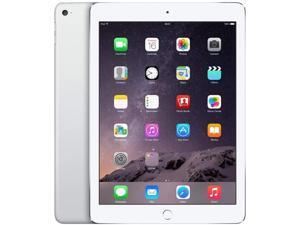
Refurbished: Apple iPad Air 2 A1567 (WiFi + Cellular Unlocked) 64GB Silver (Grade A+)
- Touchscreen: Touch Screen
- Model #: APPL_AIR2_UNL_64_SILV_APLUS
- Item #: 9SIV4TNK4Y8127
- Return Policy: Wireless Source Return Policy
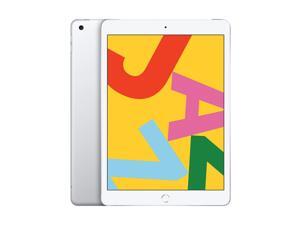
Refurbished: Apple iPad 7 A2197 (Wi-Fi Only) 10.2" Retina Display 32GB iOS - Silver
- Brand: Apple
- Model: iPad 7
- Part Number: AP.TB.F22644
- Operating System: iOS
- Screen Size: 10.2"
- Resolution: 2160 x 1620
- Webcam: Yes
- Built-in Storage: 32GB Flash Storage
- Model #: AP.TB.F22644
- Item #: 9SIV2XYKUN7743
- Return Policy: DealPlanIT Return Policy
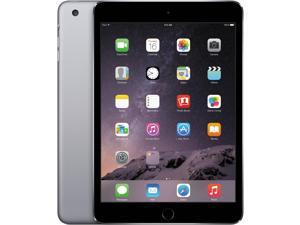
Refurbished: Apple iPad Mini 3 A1599 (WiFi) 64GB Space Gray (Grade A+)
- Touchscreen: Touch Screen
- Model #: APPL_MINI3_WIFI_64_GRAY_APLUS
- Item #: 9SIV4TNK4Y8280
- Return Policy: Wireless Source Return Policy
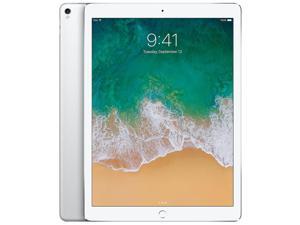
Refurbished: Apple iPad Pro 12.9 (2nd Gen) A1671 (WiFi + Cellular Unlocked) 64GB Silver ...
- Touchscreen: Touch Screen
- Model #: APPL_PRO12.9-2_UNL_64_SILV_APLUS
- Item #: 9SIV4TNK6G2181
- Return Policy: Wireless Source Return Policy
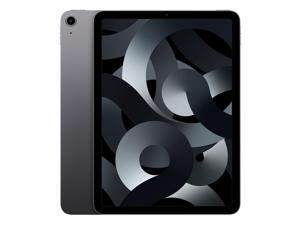
Refurbished: Apple iPad Air 5 A2589 (WiFi + Cellular Unlocked) 64GB Space Gray (Grade B)
- Brand: Apple
- Series: iPad Air 5
- Color: Gray
- Operating System: iOS
- Screen Size: 10.9"
- Touchscreen: Touch Screen
- Built-in Storage: 64GB
- SSD: 64GB
- Model #: APPL_AIR5_UNL_64_GRAY_B
- Item #: 9SIV4TNK5Z7935
- Return Policy: Wireless Source Return Policy
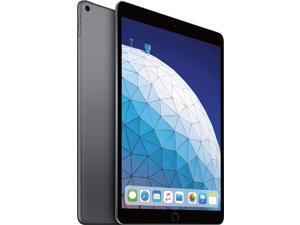
Refurbished: Apple iPad Air 3 A2152 (WiFi) 64GB Space Gray (Grade A+)
- Touchscreen: Touch Screen
- Model #: APPL_AIR3_WIFI_64_GRAY_APLUS
- Item #: 9SIV4TNK6G2064
- Return Policy: Wireless Source Return Policy
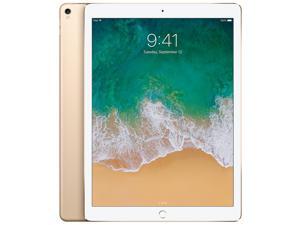
Refurbished: Apple iPad Pro 12.9" (2nd Gen) A1670 (WiFi) 256GB Gold (Grade A+)
- Touchscreen: Touch Screen
- Model #: APPL_PRO12.9-2_WIFI_256_GOLD_APLUS
- Item #: 9SIV4TNK6G2188
- Return Policy: Wireless Source Return Policy
Refurbished: Apple iPad Mini 5 A2133 (WiFi) 64GB Space Gray (Grade B)
- Touchscreen: Touch Screen
- Model #: APPL_MINI5_WIFI_64_GRAY_B
- Item #: 9SIV4TNK4Y8273
- Return Policy: Wireless Source Return Policy
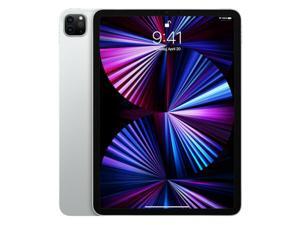
Refurbished: Apple iPad Pro 11" (2021) A2301 (WiFi + Cellular Unlocked) 128GB Silver ...
- Touchscreen: Touch Screen
- Model #: APPL_PRO11-3_UNL_128_SILV_B
- Item #: 9SIV4TNK6G2183
- Return Policy: Wireless Source Return Policy
Tablet Computer Buying Tips
Introduction
Tablet computers have grown in popularity as mobile solutions for businesses and organizations, but they have not yet fully replaced desktops and laptops. One reason for that is because they are commonly thought of as complementary devices used to check e-mail and browse the internet. However, tablets can have many more applications for businesses and organizations than those two. Below, NeweggBusiness will outline some potential applications for tablet computers.
Uses
Point-of-sale
At the retail level, tablets can be used by to complete financial transactions such as paying for orders or issuing credit back. In addition to completing cash register tasks, they can be used to track inventory and customer records.
Customer-Use
Putting a tablet computer in the hands of the customer or client can enhance their experience, which can be beneficial for organizations in the hospitality industry. For instance, restaurants can use tablets can give up-to-date and detailed menu options, while hotels can send personalized promotions to guests.
Warehouse
Tablet computers can serve as powerful and mobile warehouse management systems able to track inventory and streamline operations. By using tablets, managers can carry their inventory management software with them, rather than having that information on less mobile workstations.
Remote Staff
Remote staff such as repair technicians can benefit from tablet computers by having information, such as electrical circuit diagrams at their fingertips. In addition, dispatch and map information can be directly sent to their tablets.
Sales
For sales staff, tablet computers are powerful presentation devices that can fit naturally into one-on-one conversation. While projectors can be used to display information to large audiences, they do not fit well into all sales situations outside of a meeting room.
Presentation
Tablets can serve a variety of meeting-related purposes, including sending agendas, taking notes, or streaming presentations. They can replace the roles traditionally held by computers and paper notepads.
Considerations
There are a myriad of options available when shopping for tablets, however NeweggBusiness will provide some considerations that can aid in you in making an informed decision.
Platform
Determining which platform to use will affect your choices on screen size, storage size, and operating system.
Because it affects which apps your organization can use, this may be the most important choice.
- iPad® – The iPad has access to the Apple® App Store?, which of the three platforms has the largest number of apps with over 900,000 choices. Another strength of the iPad is that there is no design fragmentation, unlike Android™ and Windows® 8/RT.
- Android – Android uses the Google Play™ Store, which is second only to Apple’s App Store for number of apps. Unlike the iPad, there are several manufacturers of Android tablets, each with their designs. For instance, Samsung has their Galaxy line of Android tablets while Asus manufacturers their own tablets in addition to the official Google Nexus tablets.
- Windows 8 (RT) – Microsoft’s platform is the newest and has the least amount of apps, but that number is growing. There are several manufacturers that have their own Windows tablet designs in addition to the official Microsoft Surface™tablet.
Screen size
Screen size depends largely on the platform, as the iPad is only offered in 7.9 in. and 9.7 in. while Android and Windows tablets have slightly more options. Android tablets can range from 7 in. to 10 in. and Windows tablets can go up to 11.6 in. You should choose a platform before deciding on a screen size. Generally though, smaller screens are more portable and lend themselves well to tasks that require that portability.
Internet connectivity
For many tablet computers, there are two choices for internet connectivity, tablets equipped with mobile broadband in addition to Wi-Fi® or those with Wi-Fi only.
- Mobile broadband – Gives the tablet internet access as long as it has cellular network coverage or is in range of the Wi-Fi router. Tablets with mobile broadband require data plans with your wireless network provider for network coverage to work, which can be more expensive but offer much more coverage.
- Wi-Fi-only – Tablets equipped with Wi-Fi as the only connection options are limited to the range of the Wi-Fi router. However, they tend to cost less than mobile broadband versions and do not require data plans with your wireless provider.

