• In Stock
  • Sold by NeweggBusiness
  • New
Brands
Show More
Price
Show More
Resolution
Show More
WLAN
Show More
Built-in Storage
Memory
Show More
Operating System
Color
Show More
CPU Type
Show More
Processor Name
Show More
Sold by
GPU/VPU
HDMI
Bluetooth
Screen Size
Function
All Top Brands
Availability
Condition
Discount
Useful Links
Customer Ratings

SHOP BY Operating System

Sort By:
View:
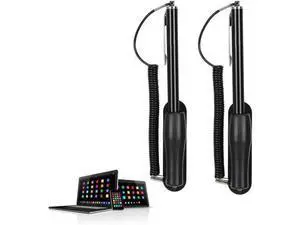
2 Pack Pen for Touch Screens Tablet Touch Pen with Chain Capacitive Touch Screen Pen Black High Sensitivity for Mobile Phone GPS Tablet Laptop
Quick View
  •  
  • $34.60 
  • $33.20 - $34.60
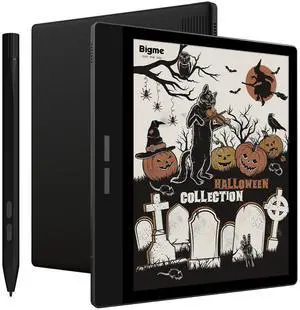
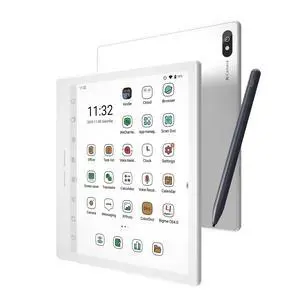
Bigme B751C Color Ebook Reader 7 Inch E-Ink Paper Tablet for Notes Taking, Reading and Writing (Case and Stylus Included)
Quick View
  •  
  • $239.99 
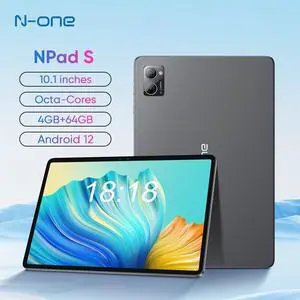
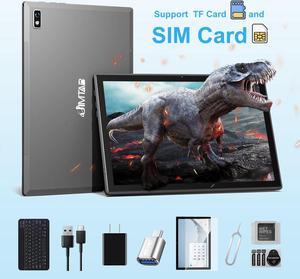
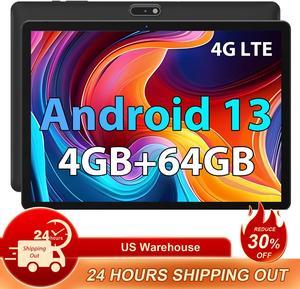
N-one Android Tablet Octa-Core MTK8183 CPU 4GB RAM 64GB ROM HD IPS Touchscreen 6H Battery Dual Camera 2.4GHz &5.0GHz WiFi Dual band
Quick View
  •  
  • $71.99 
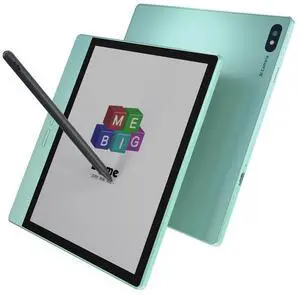
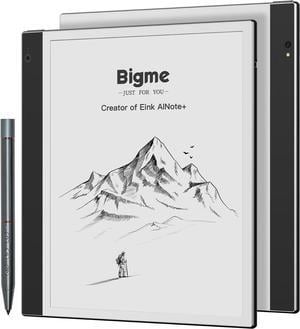
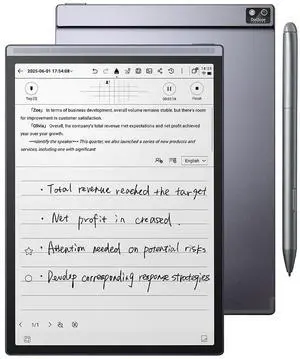
Bigme inkNote ePaper Tablet 10.3" with Smart Pen and Dual Cameras, Android 11, 6GB+128GB, E-Ink Screen
Quick View
Bigme inkNote ePaper Tablet 10.3" with Smart Pen and Dual Cameras, Android 11, 6GB+128GB, E-Ink Screen
  • Built-in Dictionary: Yes
  • Internal Memory: 128GB
  • Text: ACSM, CBR, CBZ, CHM, DJVU, DOC, DOCX, EPUB, EPUB(DRM), FB2, FB2.ZIP, HTM, HTML, MOBI, PDF, PDF (DRM), PRC, RTF, TXT
  • Image: JPEG/GIF/PNG
  • Model #: inkNote
  •  
  • $410.99 
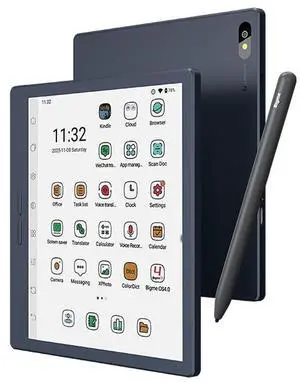
Bigme B7 Pro Color ePaper Tablet , Protable E-ink Tablet ,Ereader with 8+256GB Storage and 4G Calling Capability Blue
Quick View
Bigme B7 Pro Color ePaper Tablet , Protable E-ink Tablet ,Ereader with 8+256GB Storage and 4G Calling Capability Blue
  • Color: Aluminum Blue
  • Operating System: Android 14
  • CPU Type: Mediatek Octa-core
  • Screen Size: 7.0"
  • Model #: B7 Pro Blue
  •  
  • $399.99 
CT40XP WLAN 4G/ 32G 5 INCH 1920
Quick View
CT40XP WLAN 4G/ 32G 5 INCH 1920
  • Color: Black
  • Weight: 5.9000
  • Model #: CT40P-L0N-28R11AF
  •  
  • $2,318.49 
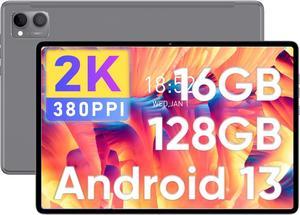
N-one Android Tablet, 10.1 Inch Android 13 Tablets, 8G(4+4) RAM 128G ROM & 1TB Expand Quad-Core Kids Tablet, WiFi 6 GPS Bluetooth with Keyboard Mouse OTG Stylus and Earbud
Quick View
  •  
  • $99.99 
  • $95.99 - $99.99
Bigme B7 Pro Color ePaper Tablet , Protable E-ink Tablet ,Ereader with 8+256GB Storage and 4G Calling Capability Green
Quick View
Bigme B7 Pro Color ePaper Tablet , Protable E-ink Tablet ,Ereader with 8+256GB Storage and 4G Calling Capability Green
  • Color: Aluminum Blue
  • Operating System: Android 14
  • CPU Type: Mediatek Octa-core
  • Screen Size: 7.0"
  • Model #: B7 Pro Green
  •  
  • $419.99 
ASUS TeK 13.3-inch Tablet Pc with Vista
Quick View
  •  
  • $1,687.99 
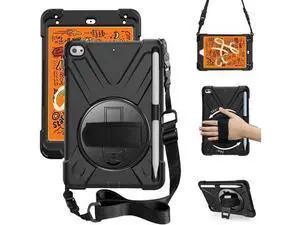
iPad Mini 4 Case,iPad Mini 5 Case with Pencil Holder,Hand Strap and Shoulder Belt Heavy Duty Shockproof Rugged Case for iPad Mini 4/5 7.9 inch (Black)
Quick View
  •  
  • $18.65 
  • $17.25 - $18.65
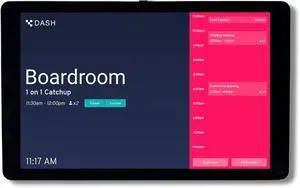
PoE Texas 8-Inch Touchscreen PoE Meeting Room Scheduler Tablet
Quick View
  •  
  • $504.99 
Bigme B7 Pro Color ePaper Tablet , Protable E-ink Tablet ,Ereader with 8+256GB Storage and 4G Calling Capability
Quick View
Bigme B7 Pro Color ePaper Tablet , Protable E-ink Tablet ,Ereader with 8+256GB Storage and 4G Calling Capability
  • Color: Aluminum Blue
  • Operating System: Android 14
  • CPU Type: Mediatek Octa-core
  • Screen Size: 7.0"
  • Model #: B7 Pro White
  •  
  • $419.99 
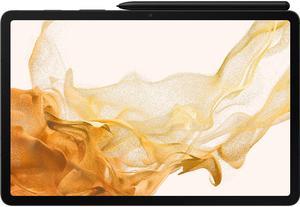
SAMSUNG Galaxy Tab S8 SM-X700NZAAXAR 8GB Memory 128GB Flash Storage 11.0" 2560 x 1600 Tablet PC Dark Gray
Quick View
SAMSUNG
SAMSUNG Galaxy Tab S8 SM-X700NZAAXAR 8GB Memory 128GB Flash Storage 11.0" 2560 x 1600 Tablet PC Dark Gray
  • Touchscreen: Touch Screen
  • Bluetooth: Yes
  • Battery: 8000 mAh
  • Dimensions (W x D x H): 9.99" x 6.51" x 0.25"
  • Model #: SM-X700NZAAXAR
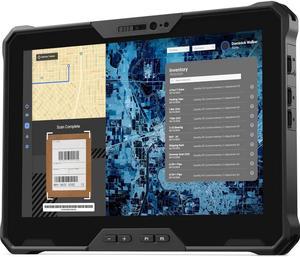
Dell Latitude 7030 Rugged Extreme | 10.1" FHD+ Fully-Rugged Tablet Intel Core i5-1240U LAN GPS 8GB 256GB SSD Windows 11 Pro
Quick View
DELL
Refurbished Dell Latitude 7030 Rugged Extreme | 10.1" FHD+ Fully-Rugged Tablet Intel Core i5-1240U LAN GPS 8GB 256GB SSD Windows 11 Pro
  • GPU/VPU: Intel Iris Xe Graphics
  • Brand: DELL
  • Series: Latitude
  • Color: Black
  • Model #: 70305-08256-LGW
  •  
  • $2,599.00 

Tablet Computer Buying Tips

Introduction

Tablet computers have grown in popularity as mobile solutions for businesses and organizations, but they have not yet fully replaced desktops and laptops. One reason for that is because they are commonly thought of as complementary devices used to check e-mail and browse the internet. However, tablets can have many more applications for businesses and organizations than those two. Below, NeweggBusiness will outline some potential applications for tablet computers.

Uses

Point-of-sale

At the retail level, tablets can be used by to complete financial transactions such as paying for orders or issuing credit back. In addition to completing cash register tasks, they can be used to track inventory and customer records.

Customer-Use

Putting a tablet computer in the hands of the customer or client can enhance their experience, which can be beneficial for organizations in the hospitality industry. For instance, restaurants can use tablets can give up-to-date and detailed menu options, while hotels can send personalized promotions to guests.

Warehouse

Tablet computers can serve as powerful and mobile warehouse management systems able to track inventory and streamline operations. By using tablets, managers can carry their inventory management software with them, rather than having that information on less mobile workstations.

Remote Staff

Remote staff such as repair technicians can benefit from tablet computers by having information, such as electrical circuit diagrams at their fingertips. In addition, dispatch and map information can be directly sent to their tablets.

Sales

For sales staff, tablet computers are powerful presentation devices that can fit naturally into one-on-one conversation. While projectors can be used to display information to large audiences, they do not fit well into all sales situations outside of a meeting room.

Presentation

Tablets can serve a variety of meeting-related purposes, including sending agendas, taking notes, or streaming presentations. They can replace the roles traditionally held by computers and paper notepads.


Considerations

There are a myriad of options available when shopping for tablets, however NeweggBusiness will provide some considerations that can aid in you in making an informed decision.

Platform

Determining which platform to use will affect your choices on screen size, storage size, and operating system.

Because it affects which apps your organization can use, this may be the most important choice.

  • iPad® – The iPad has access to the Apple® App Store?, which of the three platforms has the largest number of apps with over 900,000 choices. Another strength of the iPad is that there is no design fragmentation, unlike Android™ and Windows® 8/RT.
  • Android – Android uses the Google Play™ Store, which is second only to Apple’s App Store for number of apps. Unlike the iPad, there are several manufacturers of Android tablets, each with their designs. For instance, Samsung has their Galaxy line of Android tablets while Asus manufacturers their own tablets in addition to the official Google Nexus tablets.
  • Windows 8 (RT) – Microsoft’s platform is the newest and has the least amount of apps, but that number is growing. There are several manufacturers that have their own Windows tablet designs in addition to the official Microsoft Surface™tablet.
Screen size

Screen size depends largely on the platform, as the iPad is only offered in 7.9 in. and 9.7 in. while Android and Windows tablets have slightly more options. Android tablets can range from 7 in. to 10 in. and Windows tablets can go up to 11.6 in. You should choose a platform before deciding on a screen size. Generally though, smaller screens are more portable and lend themselves well to tasks that require that portability.

Internet connectivity

For many tablet computers, there are two choices for internet connectivity, tablets equipped with mobile broadband in addition to Wi-Fi® or those with Wi-Fi only.

  • Mobile broadband – Gives the tablet internet access as long as it has cellular network coverage or is in range of the Wi-Fi router. Tablets with mobile broadband require data plans with your wireless network provider for network coverage to work, which can be more expensive but offer much more coverage.

  • Wi-Fi-only – Tablets equipped with Wi-Fi as the only connection options are limited to the range of the Wi-Fi router. However, they tend to cost less than mobile broadband versions and do not require data plans with your wireless provider.