All Categories
Built for How Business Buys.
All Categories





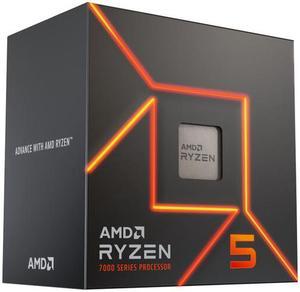
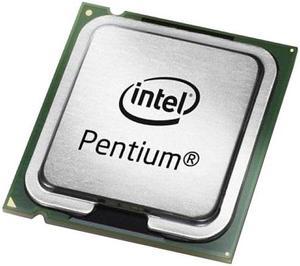
Shopping for a computer processor can require some research to find the one that best meets your demands and is within your budget. Often, such research can lead to additional questions about features and specifications. To help you in your search for a computer CPU, NeweggBusiness answers some of the most common questions that users usually have.
The number of cores that you need is largely dependent on the tasks and applications that the computer will be running. Having more than one core helps with multitasking and can improve performance if the software supports multi-core computer processors. For software that does not support multiple cores, multi-core CPUs will not provide additional performance gains.
It can vary depending on how the processor will be used. If you intend to use the processor with software that can take advantage of multiple cores, then you should prioritize core count. If you are planning to use the computer processor with applications that cannot take advantage of multiple cores, you will see more performance benefits from faster clock speeds.
An APU is a type of computer processor produced by AMD that functions as both a CPU and graphics processing unit (GPU). Intel also produces computer processors with integrated GPUs, though they are not marketed as APUs. The advantage of a computer processor with a built-in graphics accelerator is the fact that a video card is not required, which lowers costs for assembling a computer system.
A computer processor’s nm rating is a measurement of its die size. The die is a chip that is cut from a larger wafer and is measured in nanometers. The smaller a die is, the more that can be cut from a single wafer. The advantages for the manufacturer are lower production costs and higher yields. For end-users and IT professionals, the benefits of decreasing die size include lower heat production and power usage.
There are multiple levels of cache memory for a computer processor and each level has different data access speeds and capacities. The fastest is L1 cache, which is the primary cache and has the smallest storage capacity. Next is L2 memory, which is slightly slower but larger than L1 cache. L3 cache is the slowest but has the largest capacities of the three levels of cache memory.