SHOP BY CPU Type

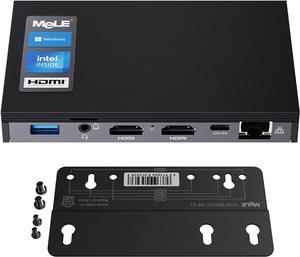
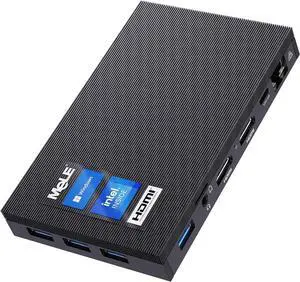
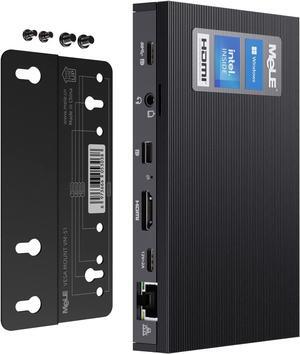
- CPU Type: Intel Celeron
- Model #: BEMELE3G97
- $439.99 –

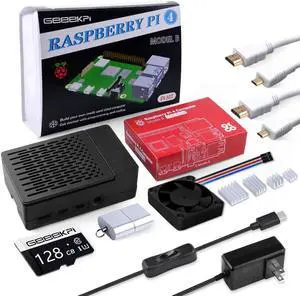
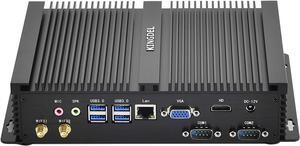
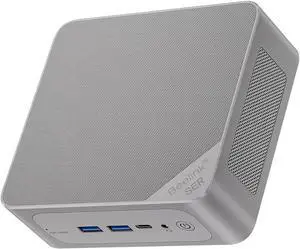
- CPU Type: Intel Celeron
- Model #: BEBeelink MINIS12
- $439.99 –

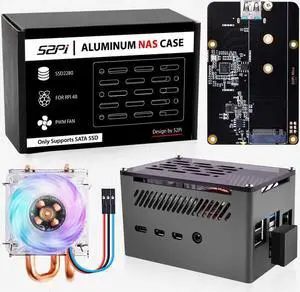
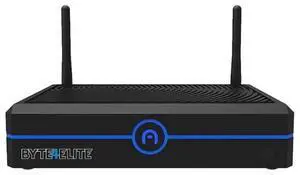
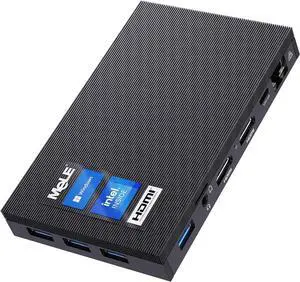
- CPU Type: Intel Celeron
- Model #: BECZ05Y8E31
- $459.99 –

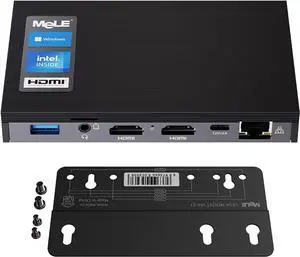
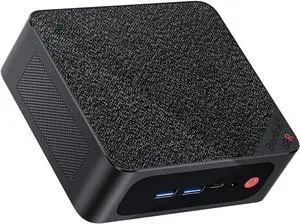
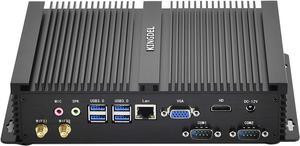
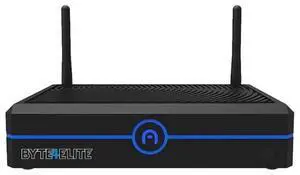
- CPU Type: Intel i5
- Model #: BEKDINPC4256
- $439.99 –

- CPU Type: Intel Celeron
- Model #: BEBeelinkSER5570016500
- $659.99 –

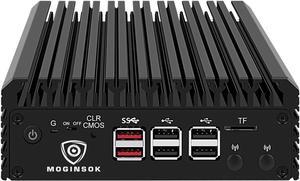
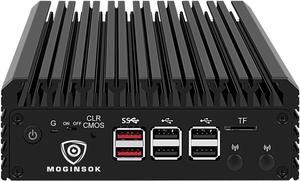
- CPU Type: Intel Celeron
- Model #: BEMOGINSOKN1008G256
- $679.99 –

- CPU Type: Intel Celeron
- Model #: BEBeelinkSER5556016500
- $549.99 –

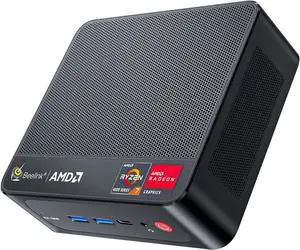
- CPU Type: AMD Ryzen 5 5500U
- Model #: BEBeelink SER5 556016500
- $549.99 –

- CPU Type: Other
- Model #: BEZ06E9WH5
- $429.00 –

- CPU Type: Intel Celeron
- Model #: BEOverclock4CN10016512
- $479.99 –

- CPU Type: Other
- Model #: BE5FG8ZTE
- $389.99 –

- Hard Drive: 512 GB SSD
- PCI Express x16: 2 x PCIe Mini-Card Connectors, 1 x SATA
- Memory slot: 2 x 240Pin
- Memory Capacity: 16
- Model #: customized NUC5I7RYH
- $949.00 –
- More options from $949.00 - $969.00

- Brand: ASUS
- Series: PN64
- CPU Socket: FCBGA1744
- Color: Eco Black
- Model #: PN64-BB3000X1TD-NL
- $403.65 –
- More options from $326.22 - $450.71

- Brand: ASUS
- Series: ExpertCenter
- Color: Black
- Integrated Graphics: AMD Radeon 840M
- Model #: PN54-BB5000ETL-A
- $693.70 –
- More options from $564.99 - $693.70

- Model #: SSG6049PE1CR36H
- $5,310.16 –

- Brand: ASUS
- Color: Black
- Integrated Graphics: Intel Arc Graphics
- Wireless LAN: Intel BE200 (Gig+)
- Model #: PN65-BB5000ETL-NL
- $689.45 –

- Brand: Intel
- Series: Vivid Canyon
- Wireless LAN: Intel® Wi-Fi 6E AX211 (Gig+)
- Bluetooth: 5.3
- Model #: NUC13VYKi7010
- $699.00 –

- Brand: ASUS
- Series: NUC 14 PRO+
- Wireless LAN: 802.11ax
- Bluetooth: Bluetooth 5.3
- Model #: RNUC14RVSU700000I1
- $889.00 –

- Bluetooth: Yes
- CPU Type: AMD Ryzen 7 3750H
- Max Memory Supported: 32GB
- Dual Channel Memory Supported: Yes
- Model #: 6976313830174
- $329.99 –
- More options from $329.99 - $599.00

- Brand: ASUS
- Series: NUC 16 PRO
- Model #: NUC16GDKU7.64G2T
- $2,255.00 –

- CPU Type: intel N95
- Model #: CMNT8PL0SUS0840
- $199.99 –

- Brand: ASUS
- Series: ROG NUC
- Wireless LAN: Intel Ethernet Controller E3100G, 2.5GbE LAN
- Bluetooth: Bluetooth 5.4
- Model #: ROG NUC AMD 5070+32+2T
- $3,099.00 –

- Brand: ASUS
- Series: Arena Canyon
- Wireless LAN: Intel® Wi-Fi 6E AX211 (Gig+)
- Bluetooth: 5.3
- Model #: ASUS NUC13ANHi7004
- $1,479.00 –
Key Considerations for Mini and Booksize Barebone PCs
Introduction
A mini PC—also sometimes referred to as a nettop PC—is a very small form factor desktop computer with smaller and lower power internal hardware. A mini PC can be useful for professionals that primarily carry out office tasks such as word processing, data entry, or internet browsing. For more information about how mini PCs are differentiated from desktop computers, see below.
Mini PC Advantages
Compact
Compared to desktop and laptop computers, mini PCs are much more compact. The smallest examples are about the same size as wireless routers while the largest are no bigger than micro ATX computer cases.
Integrated Components
To fit all the hardware into such a limited space, nettop/mini PCs integrate many components onto an already small motherboard. Gone are support for discrete sound cards, graphics accelerators, network interface cards, and large power supplies. Some models also have built-in processors, so you can save on costs by not having to purchase one separately.
Low Energy Consumption
Another benefit of nettop PCs is that they consume less power than most standard desktop systems and generate much less heat. Because they generate low amounts of heat, they do not require noisy active cooling components such as fans.
Barebone Mini PC Buying Tips
Design
Nettop PCs are available in a variety of non-standard designs and form factors. However, there are two ways that they can be oriented, vertically or horizontally. If you want to maximize desk space, you should get a mini PC that can be stood up vertically.
CPU
Some mini PCs allow you to install a desktop processor of your choice while others have embedded low-power processors. Embedded processors tend to generate less heat and use less power. Utilizing a desktop processor can drive up costs and heat generation, but will net you a more powerful computer.
Connectivity
The number of connections that a mini PC has impacts what and how many devices can be connected to it. For video output, the usual offerings are DVI, VGA, or HDMI. Other standard connectivity options include USB for external devices, 3.5mm audio output, and RJ45 for networking. More advanced mini PCs can sometimes include wireless networking, multiple video connections, and eSATA.