


Featured Brands

SHOP BY Screen Size
Quick View
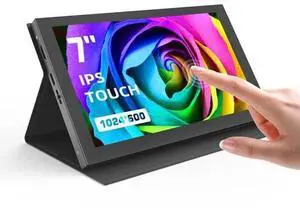
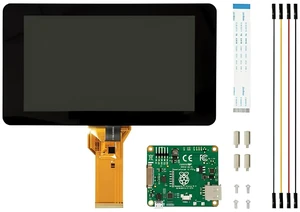
7 inch Touch Screen IPS LCD Display Mini HDMI Portable Monitor 1024x600 fr Rasp
- Model #: 389497019968
- $99.99 –
Quick View
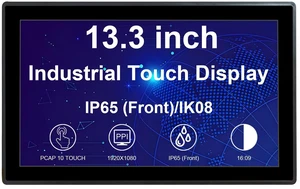
VSDISPLAY 13.3'' 1920x1080 Industrial Touch Monitor IP65 Front Waterproof
- Model #: 880395386480
- $507.99 –
Quick View
VSDISPLAY 7.84'' 1280x400 IPS Mini Monitor Stretched Bar LCD Display,Black
- Model #: 916268442448
- $131.99 –
Quick View
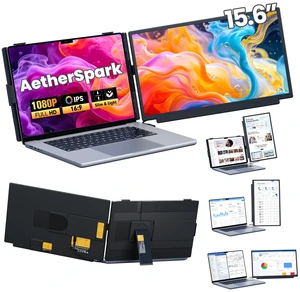
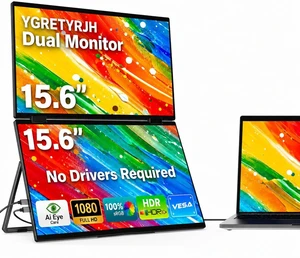
15.6" Plug & Play Portable Monitor, Second Laptop Monitor Extender
- Model #: 916268661528
- $226.99 –

Quick View

- Cabinet Color: Black
- Screen Size: 18.5"
- Resolution: 1920 x 1080
- Brightness: 350 cd/m2
- Model #: M185F02-B
- $109.99 –
Quick View
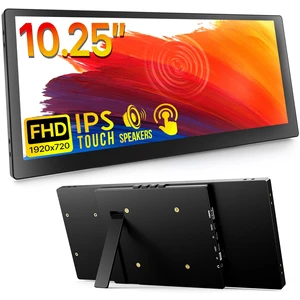
ROADOM 10.25" Mini Touchscreen Monitor, 1920x720 Stretched Bar USB-C HDMI
- Model #: 880395390159
- $212.99 –
Quick View
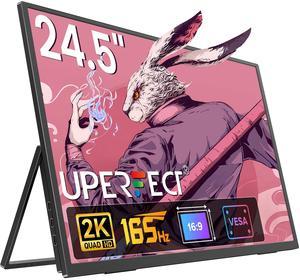
UPERFECT 24.5" 2K 165Hz Portable Monitor, QHD FreeSync IPS HDR with VESA, 180°Adjustable Stand, USB-C & HDMI, Ideal for Gaming, Travel, Laptop, Switch, Phone
- Brand: UPERFECT
- Screen Size: 24.5"
- Resolution: 2560 x 1440 (2K)
- Brightness: 300 cd/m2
- Model #: M245T01W-WJM
- $279.99 –
Quick View
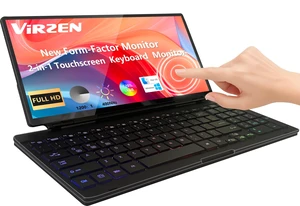
Virzen Touchscreen 12.8" Portable Monitor with Keyboard Lapdock Display
- Model #: 916268668657
- $443.99 –
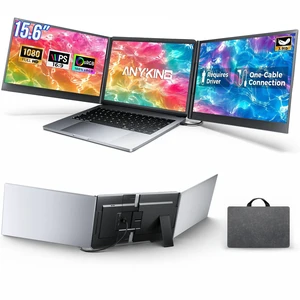
Quick View
15.6" FHD Laptop Screen Extender, One-Cable USB-C Portable Triple Monitor
- Model #: 916268664086
- $400.99 –
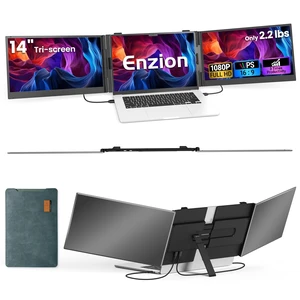
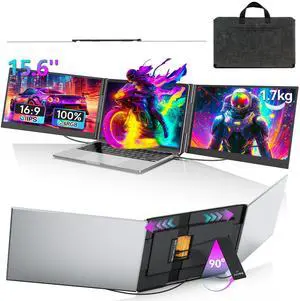
Quick View
15.6" Laptop Screen Extender, 1080P FHD IPS Triple Portable Monitor for Laptops, Ultra-Slim Travel Dual Monitor for Laptop, USB-C Plug&Play Extended Screen Compatible with Win/Mac/Android
- Brand: Laptomo
- Cabinet Color: Silver
- Screen Size: 15.6"
- Resolution: 1080 x 1920
- Model #: Laptomo-P7-1
- $199.99 –
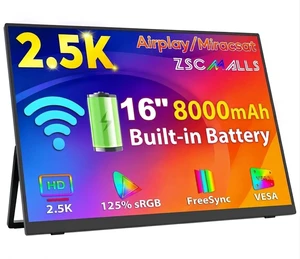
Quick View
ZSCMALLS 16" 2.5K Wireless Portable Monitor 125%sRGB for Laptop Monitor
- Model #: 617327297985
- $270.99 –

Quick View
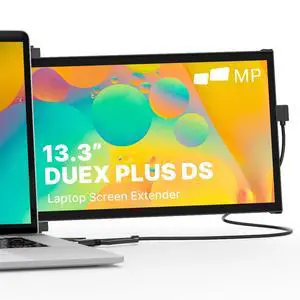
- Cabinet Color: Black
- Screen Size: 15.6"
- Touchscreen Interface: Serial/USB
- Resolution: 1920 x 1080
- Model #: M156T15-B
- $68.99 –
Quick View
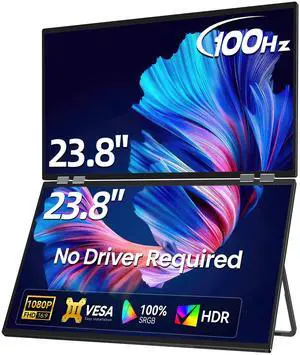
- Brand: UPERFECT
- Screen Size: 23.8"
- Resolution: 1920 x 1080
- Brightness: 300 cd/m2
- Model #: UPNEUS-M238F11W-WJM
- $429.99 –
Quick View
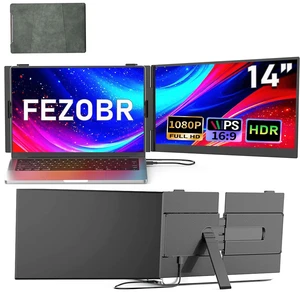
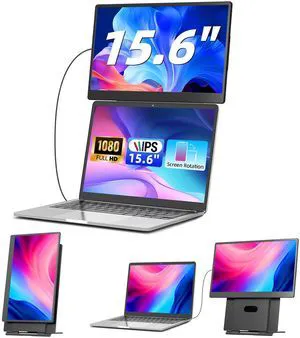
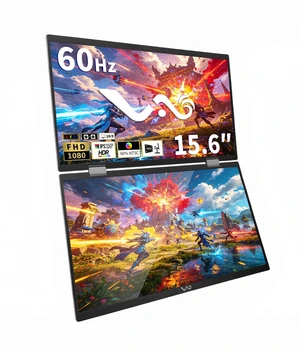
15.6" FHD 1080P Laptop Screen Extender, Portable Dual Monitor with Detachable & Height Adjustable, Plug & Play External Display Compatible with Work & Travel (BuiltinSpeakers)
- Brand: Laptomo
- Cabinet Color: Metallic Black
- Screen Size: 15.6"
- Touchscreen Interface: IPS
- Model #: Laptomo-S13-2
- $89.99 –
Quick View
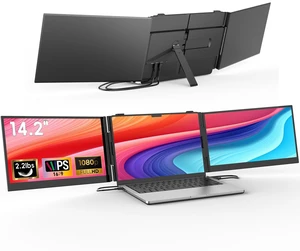
FEZOBR Laptop Screen Extender, 14.2" Ultra-Slim Triple Portable Monitor
- Model #: 916268749479
- $371.99 –
Quick View
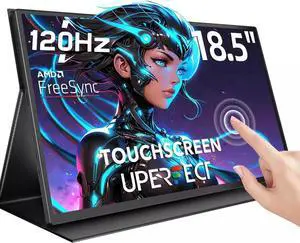
UPERFECT 18.5" 120Hz Touchscreen Portable Monitor 1080P 120Hz Gaming Monitor 1ms FreeSync Ultra Slim HDMI USB C w/VESA
- Screen Size: 18.5"
- Resolution: 1920 x 1080
- Brightness: 350 cd/m2
- Contrast Ratio: 1200:1
- Model #: M185T07W-WJM
- $179.99 –
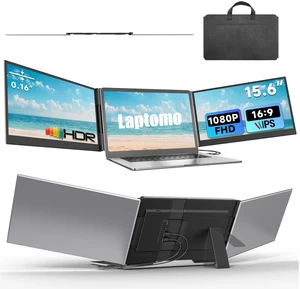
Quick View
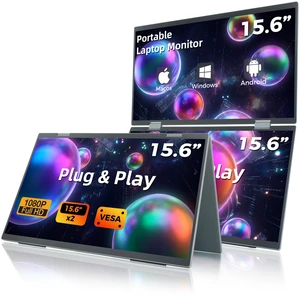
Laptop Screen Extender 15.6", 1080P FHD IPS Ultra-Slim Triple Portable Monitor for Laptop 12-17.3", Eyes Care HDR Travel Monitor, USB-C/HDMI Plug-Play Monitor Extender for macOS/Win and Phone
- Cabinet Color: Sliver
- Screen Size: 15.6"
- Touchscreen Interface: IPS
- Resolution: 1080 x 1920
- Model #: Laptomo-P7-14
- $225.99 –
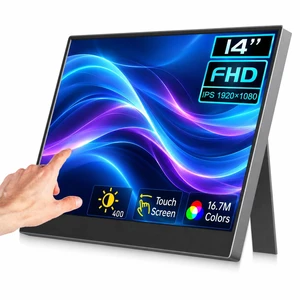
Quick View
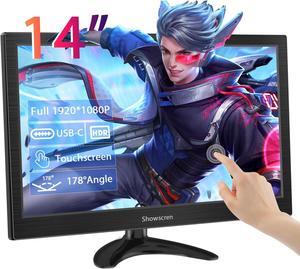
Portable Monitor Touchscreen 14 Inch 1080P Touch Screen Monitor Portable
- Model #: 916268755333
- $116.99 –
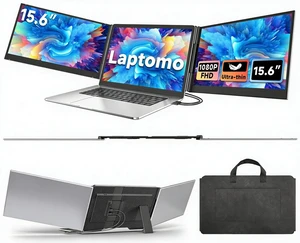
Quick View
Laptop Screen Extender 15.6", 1080P FHD Triple Portable Monitor for Laptops 13-17.3", Ultra-Slim Dual Monitor Extender for Windows/Mac/Chrome/Dex, USB-C/HDMI Plug and Play
- Cabinet Color: Sliver
- Screen Size: 15.6"
- Touchscreen Interface: IPS
- Resolution: 1080 x 1920
- Model #: Laptomo-P7-17
- $219.99 –
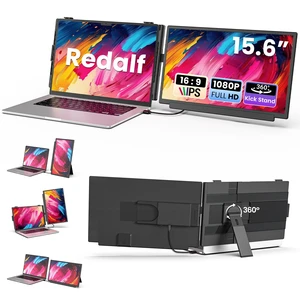
Quick View
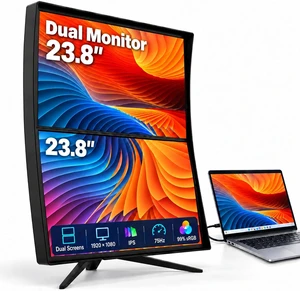
23.8" Dual Monitor for Laptop, Stacked Screen Extender 1080P FHD IPS 99% sRGB 75Hz, Height/Pivot/Swivel/Tilt Adjustable, 2×USB-C 2×HDMI, Built-in Speakers, Second Monitor for Laptop PC Windows Mac
- Screen Size: 23.8"
- Model #: DWOPRECHEN238DM
- $499.95 –
Quick View
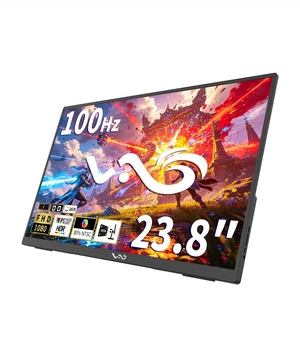
LB M24 23.8 Inch Portable Monitor 100Hz 1080P FHD IPS External Screen
- Model #: 617327278281
- $316.99 –
Questions to Ask When Buying a Touch Screen Monitor
Introduction
In recent years, touch screen monitors have become more prevalent than ever. They have always been popular for point of sale computers and specialized workstations, but now are also more widely used with desktops and laptops for general office tasks. Microsoft® Windows® 8 furthers this trend by being much more touch-compatible than any other Windows operating system ever before. However, shopping for a touch screen monitor for a desktop or laptop computer will require you to a bit more selective than shopping for a non-touchscreen monitor.
As with shopping for a conventional monitor, some core considerations include: resolution, price, size, and panel type. The resolution of a monitor will determine the how much detail it is able to display, and you should aim for a 1920 × 1080 monitor if your budget allows. You should also consider what type of panel technology a touch screen monitor uses, as it can affect color accuracy, response time, and viewing angles.
The most common panel technologies for touchscreen monitors are: twisted nematic (TN), vertical alignment (VA), and in-plane-switching (IPS). Twisted nematic (TN) is the most common LCD monitor panel technology due to its low cost but has narrower viewing angles and less color accuracy than other panel technologies. VA and IPS panels offer superior viewing angles and color accuracy, but are more expensive. If you expect that the touch screen monitor will be used by a single user looking at it straight on, then a TN panel will be just fine. However, if it is going to be constantly viewed from the sides then you will need to look for a VA or IPS display.
When shopping for a non-touchscreen monitor, the importance of the stand is often downplayed and the focus is more on the display. For touch screen monitors though, the stand plays a central role. Because users will be touching the monitor with varying amounts of force, the stand will need to be sturdy enough to hold the monitor in place. Also, it needs to offer a large amount of adjustability for customizable ergonomics.
A touch screen monitor relies on its stand being both adjustable and also sturdy.
If your organization plans to use a touchscreen monitor with Windows 8, one of the most important considerations will be Windows 8 certification. Why does it matter? Because Windows 8 allows for greater touch input than any other desktop operating system before it and some inputs will require hardware functionality that not all touch screen monitors are capable of. Only touch screen monitors that meet Microsoft’s stringent hardware requirements are certified.
A touch screen monitor that is not Windows 8 certified will not be able to take full advantage of Windows 8’s touch-input features. For instance, a touch screen monitor with a large bezel surrounding the screen will not meet Windows 8 certification requirements because the bezel may interfere with edge to edge swiping motions. There are also more obscure requirements such as a touch screen monitor’s digitizer being human interface device (HID) complaint, which ensures that no software drivers are needed for the touchscreen functionality to work.
Touch screen monitors are more popular than ever, and new operating systems continue to integrate touch functionality into their designs. So if you are shopping for a touch screen monitor, not only should you consider the basic criteria such as resolution, price, size but also additional criteria such as panel type, and adjustability.