All Categories
Built for How Business Buys.
All Categories


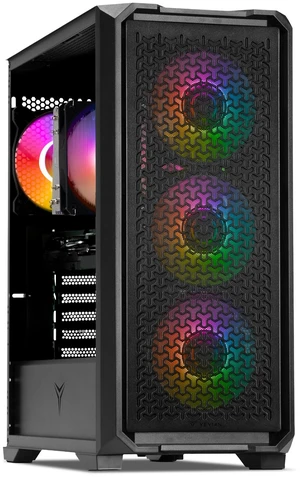

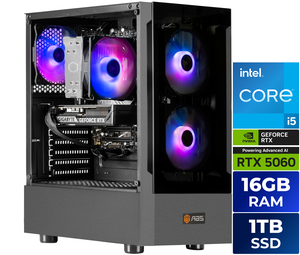

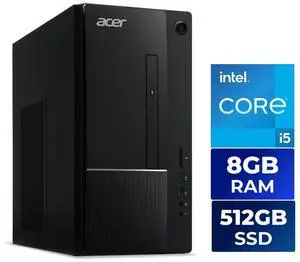
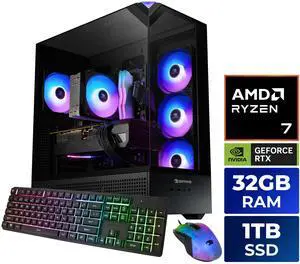
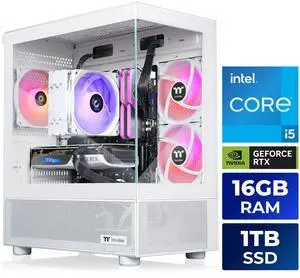
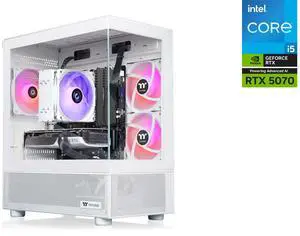
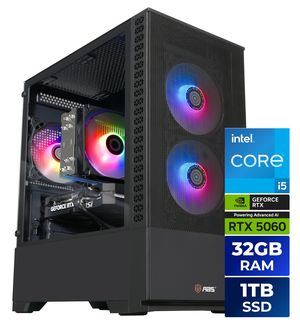
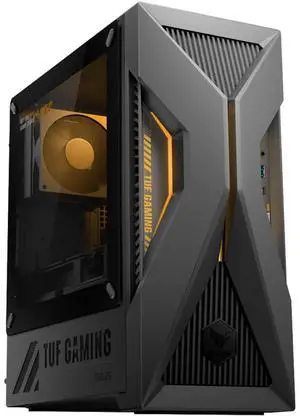
OUT OF STOCK
You’re in the right place at NeweggBusiness. Call an Account Executive (888) 482-6678 for help with a quantity order for desktop PCs. If you’re a procurement officer shopping for computers, look for product uniformity. You’re probably doing this already at the behest of your IT managers. When they’re the same or similar, office PCs are easier to fix, upgrade, and maintain as a collective. Anything that saves time for IT means value for the company.
Practicality equates to value for business types. Despite the popularity of tablets and stylish laptops, the venerable desktop pc remains the most popular computing device for getting work done. What it lacks in mobility, it makes up for in price-to-performance value, easy upgrades and maintenance, and reliability. That value, and FPS-obsessed gamers, are why the “desktop PC extinction” never actually happens.
As with any finished product, a lower price tag means more modest components inside. Higher priced workstation PCs have large storage drives (or faster solid state drives), more powerful CPUs, come equipped with more system memory, and may have a discrete graphics card or two. The types that scale best are probably the cheapest workstation-class desktops, which cost less because they ship with room on the motherboard for expansion. They have free PCI-e and DIMM slots for adding components and upgrades later.
Commoditization of mainstream business PCs and components has delivered progressively cheap computer prices for the consumer market. This gradual downtrend in PC prices characterizes the past five or seven years. However, a recent spike in component costs—nonvolatile memory chips, or NAND, used in RAM modules and SSD drives—bumped up prices into a holding pattern. A smartphone boom in developing countries has made the NAND market fickle; a larger portion of the available fabrications are pre-allocated for orders by OEM handset manufacturers.
Think about additional products you need for using a PC. Whether you are adding headcount or refreshing an old system, consider monitors, monitor stands, keyboard and mouse, Windows CALs, and other accessories. When you order PCs for business, large orders tend to get a little more wiggle room on pricing. That’s where account executive support can help you. Order big and leverage.
Companies do routinely build high-end workstations for cost savings and customization options. For low-to midrange computers, it doesn’t make business sense to assemble from parts, usually. Many IT pro contend that the value of building a run-of-the-mill office system doesn’t add up when you figure in time costs. Plus, many finished OEM systems bundle in Windows 10 Pro, which adds value when you buy a desktop PC as a finished product. You also benefit from manufacturer support on the whole PC instead of part-by-part—that is convenient when managing a whole bunch of computers.
If you’re buying Windows PCs in large quantity, the big three OEMs are your likely go-to for brand choice for your order.
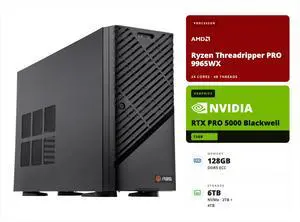
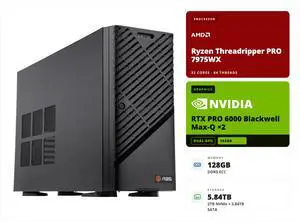
ABS PCs are the Newegg house brand. ABS is actually the egg to the chicken, the “old” egg behind Newegg you might say. Company founder Fred Chang started ABS in Southern California, east of Los Angeles near the present-day Newegg HQ, assembling and selling finished PCs into business and enthusiast markets. He built up a great supply line for computer parts and components, invested in warehousing, logistics, and an e-commerce website—and that’s how Newegg.com was born.
That’s a matter of opinion and we’d like to hear your take if you’ve managed PCs for work. E-mail [email protected]. Report which brand you use or have used, number of endpoints, and rate the manufacturer support on a scale of zero to 10 (highest). Give us a couple of sentences explaining your rating. We’ll post a nice graphic once there’s enough data.