


Desktop Internal Hard Drives - Showing 2377 - 2400 of 3933 Products


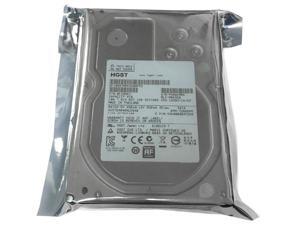
Refurbished: HGST HUS724040ALE640 4TB 64MB Cache 7200RPM SATA 6Gb/s 3.5" Internal ...
- Model #: 72a-085208000112996
- Item #: 9SIV02B95X9657
- Return Policy: goHardDrive Wholesale Return Policy
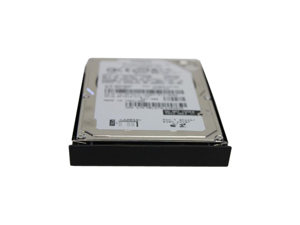

Refurbished: P2364 60GB 5400RPM IDE 2.5Inch Dell Hard Drive
- Model #: P2364
- Item #: 9SIV1W87PX0842
- Return Policy: The Best Part Inc. Return Policy
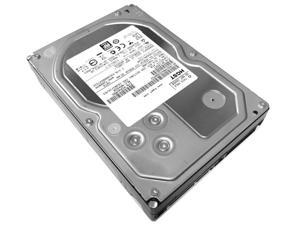
Refurbished: HGST Ultrastar 7K4000 4TB 64MB Cache 7200RPM 3.5" Enterprise HDD ...
- Model #: 720-595423000173604
- Item #: 9SIV02B95X9591
- Return Policy: goHardDrive Wholesale Return Policy
Refurbished: Dell TMN2K 250 GB Hard Drive - 3.5" Internal - SATA (SATA/150)
- Model #: TMN2K
- Item #: 9SIV1W8AWF6135
- Return Policy: The Best Part Inc. Return Policy
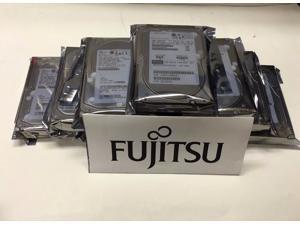
Refurbished: MBA3073RC Fujitsu 73.5GB 15K SAS 16M 3.5" Hard Drive
- Model #: MBA3073RC -
- Item #: 9SIV173KED0384
- Return Policy: Digitzy Return Policy
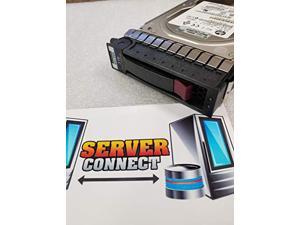
Refurbished: MB3000FBUCN HPE 3TB 7.2K 6G LFF SAS Hard Drive
- Model #: MB3000FBUCNNew
- Item #: 9SIV173KEJ8526
- Return Policy: Digitzy Return Policy
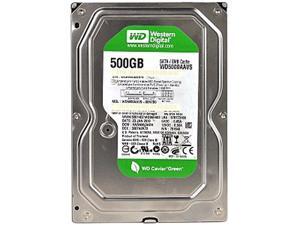

Refurbished: Western Digital AV-GP WD5000AVVS 500GB 8MB Cache SATA 3.0Gb/s 3.5" ...
- Model #: WD5000AVVS
- Item #: 9SIV02B32Z8760
- Return Policy: goHardDrive Wholesale Return Policy
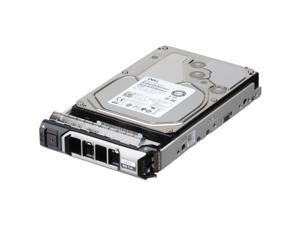
Refurbished: Dell 8TB 7.2K 512e 6Gbps SATA 3.5 HDD MG06ACA CPO (9X09C-CP3)
- Brand: Dell
- Capacity: 8TB
- Interface: SATA
- Model #: 011110122643
- Item #: 9SIV1MCKW18705
- Return Policy: xByte Technologies Return Policy
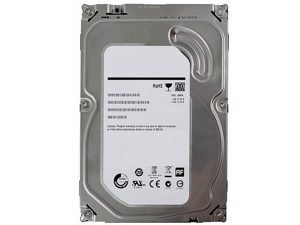
Refurbished: 2G325 DELL 18GB 10000RPM 68PIN SCSI HARD DRIVE
- Model #: 2G325
- Item #: 9SIV1W8AWG1589
- Return Policy: The Best Part Inc. Return Policy
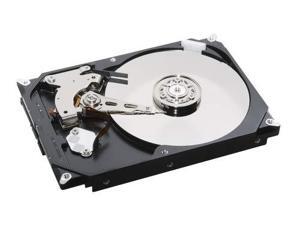
Refurbished: ST600MP0005-HPE 600GB 15K 12G SAS SFF SC Hard Drive
- Model #: ST600MP0005-HPNew
- Item #: 9SIV173KEJ8579
- Return Policy: Digitzy Return Policy
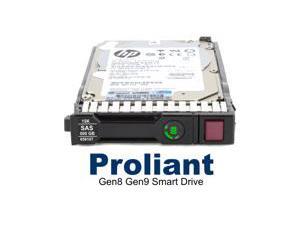
Refurbished: 765452-002 HP G8-G10 2-TB 12G 7.2K 2.5 SAS Hard Drive
- NAND Flash Memory Type: SLC
- Model #: 765452-002
- Item #: 9SIV173JS38244
- Return Policy: Digitzy Return Policy
Refurbished: 695507-002 HPE 2TB 7.2K 6G LFF SAS M6612 Hard Drive
- Model #: 695507-002New
- Item #: 9SIV173KEJ8566
- Return Policy: Digitzy Return Policy
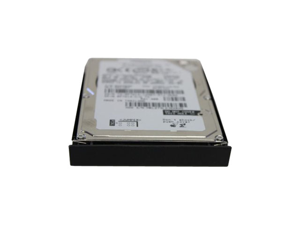
Refurbished: T5369 30GB 4200RPM IDE 2.5Inch Dell Hard Drive
- Model #: T5369
- Item #: 9SIV1W8AWG1550
- Return Policy: The Best Part Inc. Return Policy
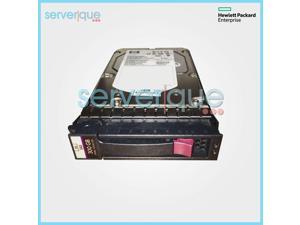
Refurbished: 431944-B21 HP 300GB 3G S-P SAS 15K RPM 3.5" LFF Hot Plug Hard Drive ...
- Part Number: 431944-B21
- Parts: 30 Days
- Labor: 30 Days
- Model #: 431944-B21-REF
- Item #: 9SIV173KED0408
- Return Policy: Digitzy Return Policy
Refurbished: 516810-003 HPE 600GB 15K 6G LFF SAS Hard Drive
- Model #: 516810-003New
- Item #: 9SIV173KEJ8532
- Return Policy: Digitzy Return Policy
Refurbished: 37L5719 IBM 13.5GB 7200RPM 3.5INCH EIDE HARD DRIVE
- Model #: 37L5719
- Item #: 9SIV1W8AWG1548
- Return Policy: The Best Part Inc. Return Policy
Refurbished: Dell 600GB 10K 512n 12Gbps SAS 2.5 HDD Ultrastar C10K1800 CPO ...
- Brand: Dell
- Capacity: 600GB
- Interface: SAS
- Model #: 011110115959
- Item #: 9SIV1MCKV27244
- Return Policy: xByte Technologies Return Policy
Refurbished: 632085-003 HPE 1TB 7.2K 6G MDL SFF SATA QR Hard Drive
- Model #: 632085-003New
- Item #: 9SIV173KEJ8594
- Return Policy: Digitzy Return Policy
Refurbished: 375870-B21 HPE 72GB 15K SP LFF SAS Hard Drive
- Model #: 375870-B21New
- Item #: 9SIV173KEJ8534
- Return Policy: Digitzy Return Policy
Refurbished: MB0500GCEHE HPE 500GB 7.2K 6G MDL LFF SATA SC Hard Drive
- Model #: MB0500GCEHENew
- Item #: 9SIV173KEJ8550
- Return Policy: Digitzy Return Policy
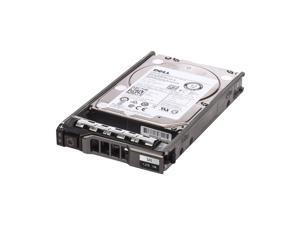
Refurbished: WXPCX 1.2TB 10000RPM SAS 2.5Inch Dell Hard Drive
- Part Number: WXPCX
- Parts: 30 Days
- Labor: 30 Days
- Model #: WXPCX
- Item #: 9SIV16GKNT7909
- Return Policy: ATP Warehouse Return Policy
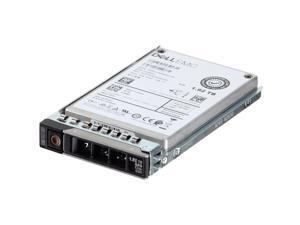
Refurbished: Dell 1.92TB 12Gbps SAS RI TLC 2.5 SSD PM1633a (400-AQNO) (400-AQNO)
- Model #: 011110649799
- Item #: 9SIV1MCC8M6029
- Return Policy: xByte Technologies Return Policy
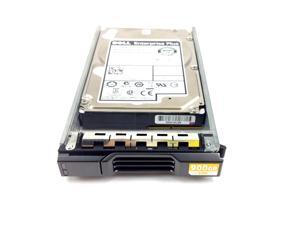
Refurbished: DELL ENTERPRISE PLUS 900GB 10K.6 6GBPS SAS 2.5'' HARD DRIVE
- Model #: GKY31
- Item #: 9SIV16G89V6889
- Return Policy: ATP Warehouse Return Policy
Refurbished: 872295-002 HPE 4TB 7.2K 6G LFF SATA SC Hard Drive
- Model #: 872295-002New
- Item #: 9SIV173KEJ8567
- Return Policy: Digitzy Return Policy
What You Need to Know About Desktop Hard Disk Drives
Introduction
Though SSDs are becoming increasingly more popular, hard disk drives (HDD) are still essential internal data storage solutions for users that prioritize storage capacity over speed. Compared to hard disk drives, SSDs cost more per gigabyte and have smaller storage capacities. A commonly used configuration is to have a solid state drive as the primary drive and a desktop hard disk drive as the secondary drive. Below, NeweggBusiness answers several common questions about desktop hard disk drives.
What does interface type mean?
A hard disk drive must be connected to a motherboard via data cable in order to function as a system drive. The type of data cable that a hard drive supports can affect both system compatibility and data transfer speeds. This is often referred to as connection or interface type, and it is an important factor when shopping for a HDD.
For desktop hard disk drives, one of the most commonly used interface types is SATA. There have been several revisions for the SATA standard and the two most recent are SATA 3 Gbps and SATA 6 Gbps. They are often stylized as SATA II and SATA III respectively.
What is seek time?
In order for data to be retrieved or written onto the hard disk, a read/write head must move to the correct position on the disk. This is not an instantaneous process and the time required for the head to move into position is referred to as seek time, which is rated in milliseconds.
Is it possible to use a desktop hard disk drive as an external HDD?
Adapting a desktop hard disk drive for external use is possible, though additional hard drive accessories are usually required. Three commonly used methods include, using an SATA to External SATA (eSATA™) cable, hard drive enclosure, or a hard disk drive dock.
What is the purpose of a hard disk drive’s S.M.A.R.T. feature?
Short for Self-mentoring, Analysis, and Reporting Technology, S.M.A.R.T. is a feature that allows hard disk drives to monitor and report on reliability indicators. This is done so that potential problems can be anticipated. To view the S.M.A.R.T. status of a hard disk drive, you will need to use a reporting tool.

