


Desktop Internal Hard Drives - Showing 2377 - 2400 of 3911 Products


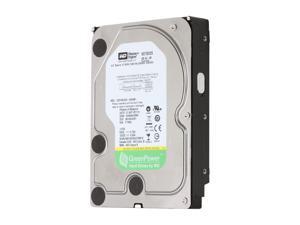

Refurbished: WD AV-GP WD15EVDS-FR 1.5TB 32MB Cache SATA 3.0Gb/s 3.5" Internal Hard ...
- Model #: WD15EVDS-FR
- Item #: 9SIV16GAPC3702
- Return Policy: ATP Warehouse Return Policy
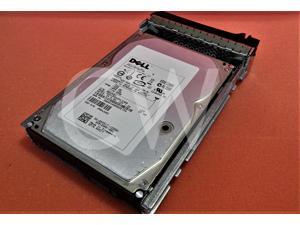

Refurbished: XX517 Dell HUS154545VLS300 450GB 15K RPM 3Gb/s 3.5" SAS SERVER HDD ...
- Model #: XX517-0XX517-HUS154545VLS300-dell-refatp
- Item #: 9SIV16GKCW2523
- Return Policy: ATP Warehouse Return Policy
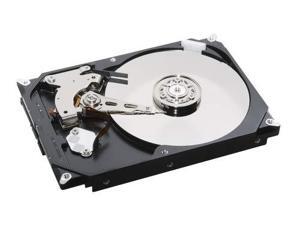
Refurbished: MB0500EBZQA HPE 500GB 7.2K 3G LFF SATA Hard Drive
- Model #: MB0500EBZQANew
- Item #: 9SIV173KEJ8592
- Return Policy: Digitzy Return Policy
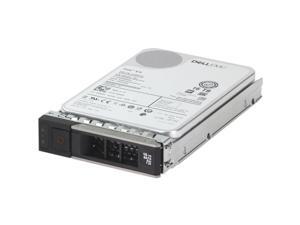
Refurbished: Dell 16TB 7.2K 512e 6Gbps SATA 3.5 HDD Exos X16 (39XRY)
- Brand: Dell
- Model: ST16000NM005G
- Capacity: 16TB
- Model #: 011110879912
- Item #: 9SIV1MCKGT6214
- Return Policy: xByte Technologies Return Policy
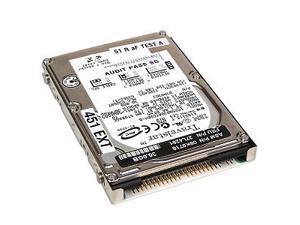
Refurbished: IBM ThinkPad A3 30Gb 2.5" Hard Disk Drive
- Model #: 27L4291
- Item #: 9SIV1W8JJW9798
- Return Policy: The Best Part Inc. Return Policy
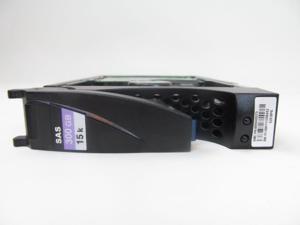
Refurbished: Dell Jv1Hp 300Gb, 15K Rpm, 6Gbps Sas Hard Disk Drive
- Model #: JV1HP
- Item #: 9SIV1W8JKC2686
- Return Policy: The Best Part Inc. Return Policy
Refurbished: 632085-003 HPE 1TB 7.2K 6G MDL SFF SATA QR Hard Drive
- Model #: 632085-003New
- Item #: 9SIV173KEJ8594
- Return Policy: Digitzy Return Policy
Refurbished: 872295-002 HPE 4TB 7.2K 6G LFF SATA SC Hard Drive
- Model #: 872295-002New
- Item #: 9SIV173KEJ8567
- Return Policy: Digitzy Return Policy
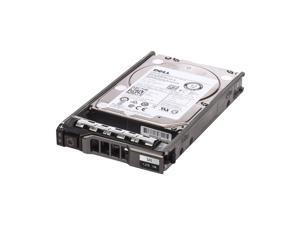
Refurbished: WXPCX 1.2TB 10000RPM SAS 2.5Inch Dell Hard Drive
- Part Number: WXPCX
- Parts: 30 Days
- Labor: 30 Days
- Model #: WXPCX
- Item #: 9SIV16GKNT7909
- Return Policy: ATP Warehouse Return Policy
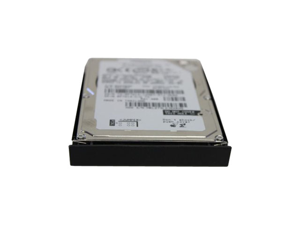
Refurbished: T5369 30GB 4200RPM IDE 2.5Inch Dell Hard Drive
- Model #: T5369
- Item #: 9SIV1W8AWG1550
- Return Policy: The Best Part Inc. Return Policy
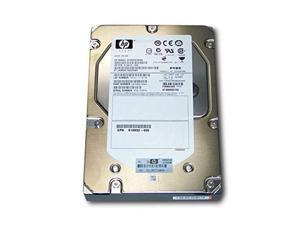
Refurbished: 516810-003 HPE 600GB 15K 6G LFF SAS Hard Drive
- Model #: 516810-003New
- Item #: 9SIV173KEJ8532
- Return Policy: Digitzy Return Policy
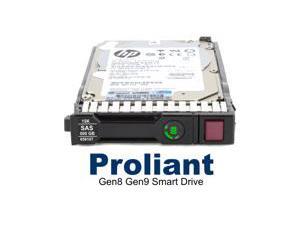
Refurbished: 765452-002 HP G8-G10 2-TB 12G 7.2K 2.5 SAS Hard Drive
- NAND Flash Memory Type: SLC
- Model #: 765452-002
- Item #: 9SIV173JS38244
- Return Policy: Digitzy Return Policy
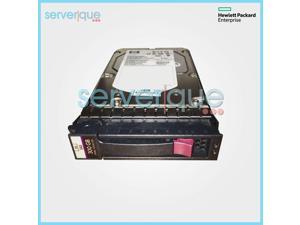
Refurbished: 431944-B21 HP 300GB 3G S-P SAS 15K RPM 3.5" LFF Hot Plug Hard Drive ...
- Part Number: 431944-B21
- Parts: 30 Days
- Labor: 30 Days
- Model #: 431944-B21-REF
- Item #: 9SIV173KED0408
- Return Policy: Digitzy Return Policy
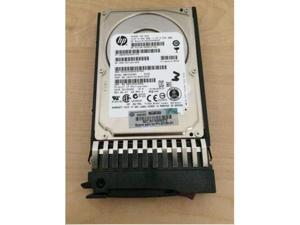
Refurbished: 375870-B21 HPE 72GB 15K SP LFF SAS Hard Drive
- Model #: 375870-B21New
- Item #: 9SIV173KEJ8534
- Return Policy: Digitzy Return Policy
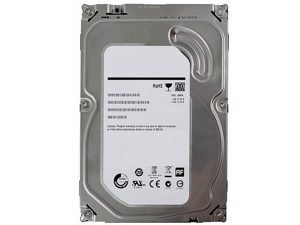
Refurbished: 37L5719 IBM 13.5GB 7200RPM 3.5INCH EIDE HARD DRIVE
- Model #: 37L5719
- Item #: 9SIV1W8AWG1548
- Return Policy: The Best Part Inc. Return Policy
Refurbished: MB0500GCEHE HPE 500GB 7.2K 6G MDL LFF SATA SC Hard Drive
- Model #: MB0500GCEHENew
- Item #: 9SIV173KEJ8550
- Return Policy: Digitzy Return Policy
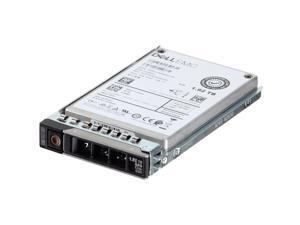
Refurbished: Dell 1.92TB 12Gbps SAS RI TLC 2.5 SSD PM1633a (400-AQNO) (400-AQNO)
- Model #: 011110649799
- Item #: 9SIV1MCC8M6029
- Return Policy: xByte Technologies Return Policy
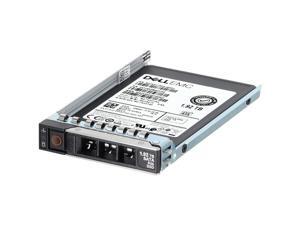
Refurbished: Dell 36GB 15K 2.5" SAS Hard Drive
- Model #: 011110042910
- Item #: 9SIV1MCKD49738
- Return Policy: xByte Technologies Return Policy
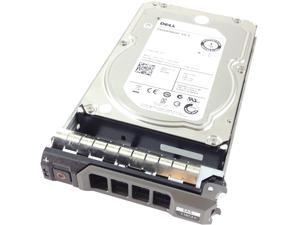
Refurbished: Dell FNW88 1TB 7200 RPM Nearline SAS 6Gb/s 3.5" Hard Drive
- Model #: FNW88
- Item #: 9SIV16GKNU0855
- Return Policy: ATP Warehouse Return Policy
Refurbished: 695507-002 HPE 2TB 7.2K 6G LFF SAS M6612 Hard Drive
- Model #: 695507-002New
- Item #: 9SIV173KEJ8566
- Return Policy: Digitzy Return Policy
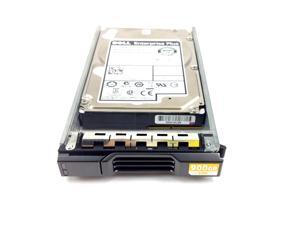
Refurbished: DELL ENTERPRISE PLUS 900GB 10K.6 6GBPS SAS 2.5'' HARD DRIVE
- Model #: GKY31
- Item #: 9SIV16G89V6889
- Return Policy: ATP Warehouse Return Policy
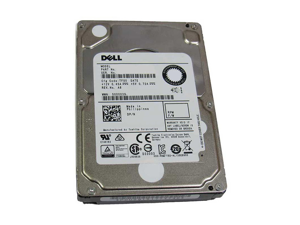
Refurbished: KX791 DELL 60GB 5400RPM 2.5-INCH HARD DRIVE FOR LATITUDE D620
- Model #: KX791
- Item #: 9SIV1W8AWG1446
- Return Policy: The Best Part Inc. Return Policy
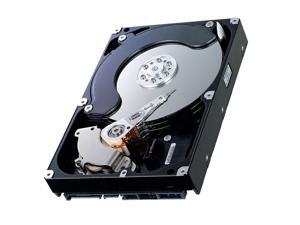
Refurbished: WD Caviar 250 GB Internal HDD - 3.5" - WD2500BB - ATA-100 -
- Model #: WD2500BB-22GUA0
- Item #: 9SIV1W8JJW8932
- Return Policy: The Best Part Inc. Return Policy
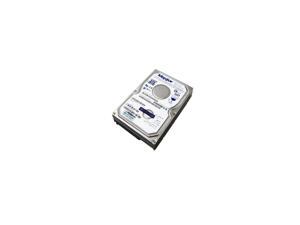
Refurbished: 6Y080M0-42773A MAXTOR 80GB 7200RPM 3.5-INCH SATA 8MB HARD DRIVE
- Model #: 6Y080M0-42773A
- Item #: 9SIV1W8AWF6398
- Return Policy: The Best Part Inc. Return Policy
What You Need to Know About Desktop Hard Disk Drives
Introduction
Though SSDs are becoming increasingly more popular, hard disk drives (HDD) are still essential internal data storage solutions for users that prioritize storage capacity over speed. Compared to hard disk drives, SSDs cost more per gigabyte and have smaller storage capacities. A commonly used configuration is to have a solid state drive as the primary drive and a desktop hard disk drive as the secondary drive. Below, NeweggBusiness answers several common questions about desktop hard disk drives.
What does interface type mean?
A hard disk drive must be connected to a motherboard via data cable in order to function as a system drive. The type of data cable that a hard drive supports can affect both system compatibility and data transfer speeds. This is often referred to as connection or interface type, and it is an important factor when shopping for a HDD.
For desktop hard disk drives, one of the most commonly used interface types is SATA. There have been several revisions for the SATA standard and the two most recent are SATA 3 Gbps and SATA 6 Gbps. They are often stylized as SATA II and SATA III respectively.
What is seek time?
In order for data to be retrieved or written onto the hard disk, a read/write head must move to the correct position on the disk. This is not an instantaneous process and the time required for the head to move into position is referred to as seek time, which is rated in milliseconds.
Is it possible to use a desktop hard disk drive as an external HDD?
Adapting a desktop hard disk drive for external use is possible, though additional hard drive accessories are usually required. Three commonly used methods include, using an SATA to External SATA (eSATA™) cable, hard drive enclosure, or a hard disk drive dock.
What is the purpose of a hard disk drive’s S.M.A.R.T. feature?
Short for Self-mentoring, Analysis, and Reporting Technology, S.M.A.R.T. is a feature that allows hard disk drives to monitor and report on reliability indicators. This is done so that potential problems can be anticipated. To view the S.M.A.R.T. status of a hard disk drive, you will need to use a reporting tool.

