


Desktop Internal Hard Drives - Showing 49 - 72 of 3895 Products


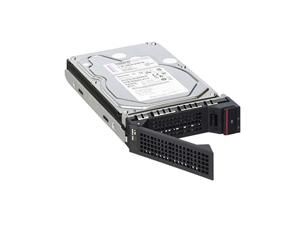

Lenovo 1 TB Hard Drive 3.5" Internal SATA SATA/600 - Hot Swappable 4XB7A97045
- Brand: Lenovo
- Model #: 4XB7A97045
- Item #: 9SIV1DSKSP6141
- Return Policy: NothingButSavings Return Policy
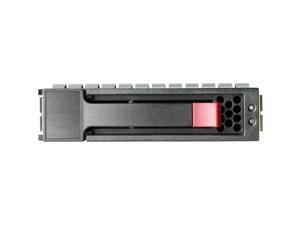
HPE 1.80TB 2.5" SAS 10000rpm Internal Hard Drive R0Q56A
- NAND Flash Memory Type: Others
- Model #: R0Q56A
- Item #: 9SIV173KEC9408
- Return Policy: Digitzy Return Policy
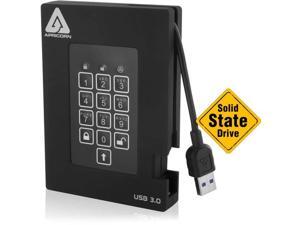
Apricorn Aegis Padlock A25-3PL256-S512F 512 GB External Solid State Drive
- Model #: A25-3PL256-S512F
- Item #: 9B-1Z4-0050-00002
- Return Policy: Standard Return Policy
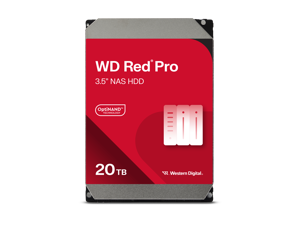

Western Digital 20TB WD Red Pro NAS Internal Hard Drive HDD - 7200 RPM, SATA 6 Gb/s, CMR, ...
- Brand: Western Digital
- Series: Red Pro
- Capacity: 20TB
- RPM: 7200 RPM
- Interface: SATA 6.0Gb/s
- Form Factor: 3.5"
- Cache: 512MB
- Recording Technology: CMR
- Model #: WD202KFGX
- Item #: 9B-22-234-583
- Return Policy: Standard Return Policy
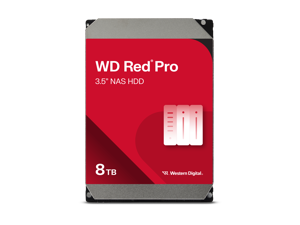
WD Red Pro WD8005FFBX 8TB 7200 RPM 256MB Cache SATA 6.0Gb/s 3.5" Internal Hard Drive ...
- Brand: WD
- Series: Red Pro
- Capacity: 8TB
- RPM: 7200 RPM
- Interface: SATA 6.0Gb/s
- Form Factor: 3.5"
- Cache: 256MB
- Recording Technology: CMR
- Model #: WD8005FFBX
- Item #: 9B-1Z4-0002-01PE5
- Return Policy: Standard Return Policy
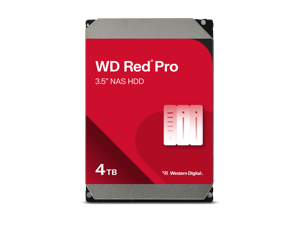
WD RED PRO 4TB SATA 3.5INCH, 256MB
- Brand: WD
- Series: Red Pro
- Capacity: 4TB
- RPM: 7200 RPM
- Interface: SATA 6.0Gb/s
- Form Factor: 3.5"
- Cache: 256MB
- Recording Technology: CMR
- Model #: WD4005FFBX
- Item #: 9B-1Z4-0002-01PE4
- Return Policy: Standard Return Policy
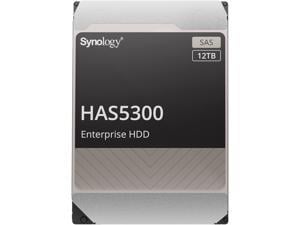
Synology HAS5300-12T 12TB 7200 RPM 256MB Cache SAS 12Gb/s 3.5" Internal Hard Drive
- Brand: Synology
- Capacity: 12TB
- RPM: 7200 RPM
- Interface: SAS 12Gb/s
- Form Factor: 3.5"
- Cache: 256MB
- Usage: For NAS systems
- Model #: HAS5300-12T
- Item #: 9B-22-108-776
- Return Policy: Standard Return Policy
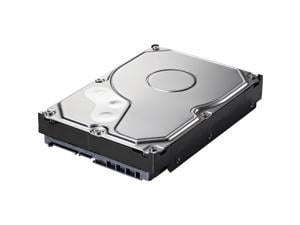
BUFFALO 2 TB Spare Replacement NAS Hard Drive for DriveStation Quad OP-HD2.0QH
- Brand: BUFFALO
- Capacity: 2TB
- Interface: SATA
- Features: Hard Drive
- Model #: OP-HD2.0QH
- Item #: 9B-1Z4-003F-00006
- Return Policy: Standard Return Policy
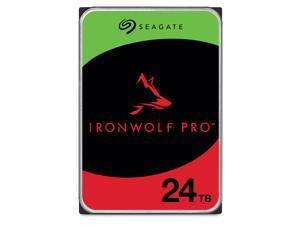

Seagate IronWolf Pro ST24000NT002 24TB 7200 RPM 512MB Cache SATA 6.0Gb/s 3.5" ...
- Brand: Seagate
- Series: IronWolf Pro
- Capacity: 24TB
- RPM: 7200 RPM
- Interface: SATA 6.0Gb/s
- Form Factor: 3.5"
- Cache: 512MB
- Recording Technology: CMR
- Model #: ST24000NT002
- Item #: 9B-22-185-104
- Return Policy: Standard Return Policy

Seagate IronWolf Pro ST32000NT000 32TB 7200 RPM 512MB Cache SATA 6.0Gb/s 3.5" ...
- Brand: Seagate
- Series: IronWolf Pro
- Capacity: 32TB
- RPM: 7200 RPM
- Interface: SATA 6.0Gb/s
- Form Factor: 3.5"
- Cache: 512MB
- Recording Technology: CMR
- Model #: ST32000NT000
- Item #: 9B-22-185-118
- Return Policy: Standard Return Policy
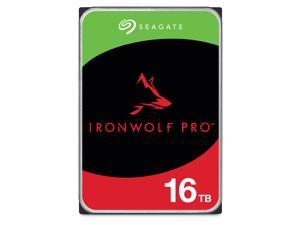
Seagate IronWolf Pro ST16000NT001 16TB 7200 RPM 256MB Cache 3.5" Internal Hard Drive - ...
- Brand: Seagate
- Series: IronWolf Pro
- Capacity: 16TB
- RPM: 7200 RPM
- Interface: SATA 6.0Gb/s
- Form Factor: 3.5"
- Packaging: Bare Drive
- Cache: 256MB
- Model #: ST16000NT001
- Item #: 9B-22-185-073
- Return Policy: Standard Return Policy
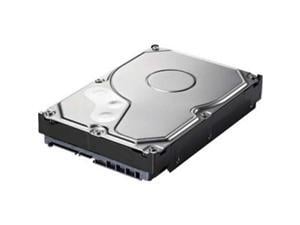
BUFFALO 4TB Replcement HD TeraStation Model OP-HD4.0BST-3Y
- Brand: BUFFALO
- Capacity: 4TB
- Features: Replacement 4 TB Hard Drive for TeraStation 1200D & 1400D families and LinkStation 220D & 420D families only
- Model #: OP-HD4.0BST-3Y
- Item #: 9B-22-165-665
- Return Policy: Standard Return Policy
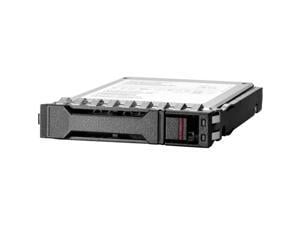
HPE 300 GB Hard Drive 2.5" Internal SAS 12Gb/s SAS P40430B21
- Model #: P40430B21
- Item #: 9B-1Z4-00J6-005C4
- Return Policy: Manufacturer Only Return Policy
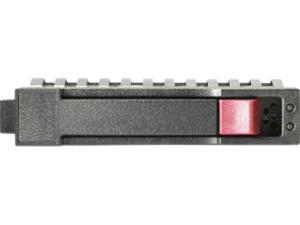
HP 4TB 6G SATA 3.5in NHP MDL HDD
- Brand: HP
- Capacity: 4TB
- RPM: 7200 RPM
- Interface: SATA 6.0Gb/s
- Form Factor: 3.5"
- Packaging: Bare Drive
- Average Latency: 6Gb/s
- NAND Flash Memory Type: Hard Drive
- Model #: 801888-B21
- Item #: 9SIV173KEC9243
- Return Policy: Digitzy Return Policy
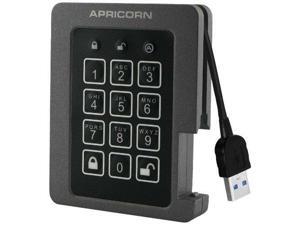
Apricorn Aegis Padlock ASSD-3PL256-480F 480 GB External Solid State Drive
- Model #: ASSD-3PL256-480F
- Item #: 9B-1Z4-0050-00001
- Return Policy: Standard Return Policy
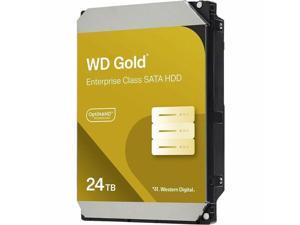
WD Gold WD242KRYZ 24 TB Hard Drive - 3.5" Internal - SATA (SATA/600) - Conventional ...
- Brand: WD
- Series: Gold
- Capacity: 24TB
- RPM: 7200 RPM
- Interface: SATA 6.0Gb/s
- Form Factor: 3.5"
- Cache: 512MB
- Features: Built For Demanding Use Cases Customize your business’s storage mix to fit your specific needs with hard drives in capacities of up to 26TB1, engineered for demanding applications with a read-write workload rating of up to 550TB2 per year. Enhanced Reliability With a five-year limited warranty3 supporting up to 2.5M hours MTBF4, WD Gold hard drives deliver enhanced levels of dependability and durability. Protection and Performance Boost ArmorCache™ technology (available in 22TB and above) is a Western Digital-only feature that provides enterprise power loss protection of your data in write-cache enabled (WCE) mode while increasing performance in write-cache disabled (WCD) mode....
- Model #: WD242KRYZ
- Item #: 9B-1Z4-0002-01PU4
- Return Policy: Standard Return Policy
Lenovo - Hard drive - simple-swap - 2 TB - removable - 3.5" - SATA 6Gb/s - 7200 rpm - for ...
- Model #: 4XB7A77446
- Item #: 9SIV009JZP6460
- Return Policy: Antonline.com Return Policy
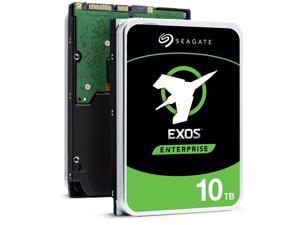
Seagate Exos X16 10TB 7200 RPM SATA 6Gb/s 3.5-Inch Enterprise Hard Drive ...
- Brand: Seagate
- Series: Exos X16
- Capacity: 10TB
- RPM: 7200 RPM
- Interface: SATA 6.0Gb/s
- Form Factor: 3.5"
- Packaging: Bare Drive
- Cache: 256MB
- Model #: ST10000NM001G
- Item #: 9SIV126K9J7323
- Return Policy: Brute Networks Return Policy
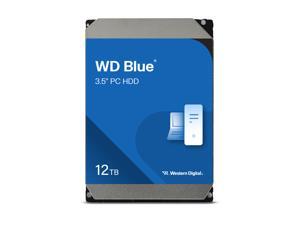
WD Blue WD120EAGZ 12TB 7200 RPM 512MB Cache SATA 6.0Gb/s 3.5" Internal Hard Drive
- Brand: WD
- Series: Blue
- Capacity: 12TB
- RPM: 7200 RPM
- Interface: SATA 6.0Gb/s
- Form Factor: 3.5"
- Cache: 512MB
- Recording Technology: CMR
- Model #: WD120EAGZ
- Item #: 9SIV1DSKSP6117
- Return Policy: NothingButSavings Return Policy
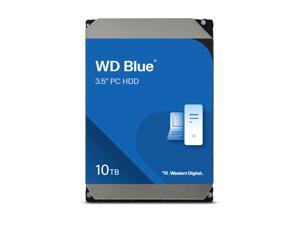
WD Blue WD100EAGZ 10TB 7200 RPM 512MB Cache SATA 6.0Gb/s 3.5" Internal Hard Drive
- Brand: WD
- Series: Blue
- Capacity: 10TB
- RPM: 7200 RPM
- Interface: SATA 6.0Gb/s
- Form Factor: 3.5"
- Cache: 512MB
- Recording Technology: CMR
- Model #: WD100EAGZ
- Item #: 9SIV009KRM6265
- Return Policy: Antonline.com Return Policy
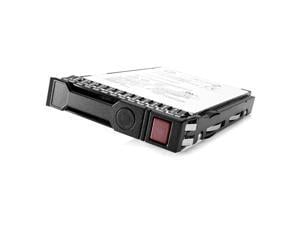

HPE 861754-B21 6TB 3.5" SAS 7200rpm Internal Hard Drive
- Brand: HPE
- Interface: SAS 12Gb/s
- Usage: For Enterprise Storage
- Parts: 1 Year
- Model #: 861754-B21
- Item #: 9SIV009DSR6667
- Return Policy: Antonline.com Return Policy
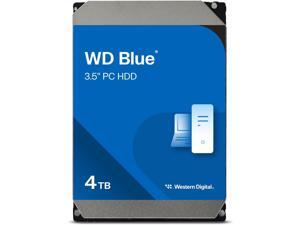
WD Blue 4TB Desktop Hard Disk Drive - 5400 RPM SATA 6Gb/s 128MB Cache 3.5 Inch - ...
- Brand: Western Digital
- Series: Blue
- Capacity: 4TB
- RPM: 5400 RPM
- Interface: SATA 6.0Gb/s
- Form Factor: 3.5"
- Cache: 128MB
- Recording Technology: CMR
- Model #: WD40EZZX
- Item #: 9SIA4N9KWJ0019
- Return Policy: Platinum Micro Inc. Hard Drives Return Policy
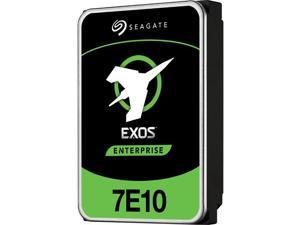
Seagate Exos 7E10 ST2000NM001B 2 TB Hard Drive Internal SAS 12Gb/s SAS
- NAND Flash Memory Type: SLC
- Parts: 5 Year
- Model #: ST2000NM001B
- Item #: 9SIV126K9J7349
- Return Policy: Brute Networks Return Policy
HPE ISS BTO 833928-B21 4TB 12G SAS 7.2K 3.5 MDLLP HDD
- Brand: HPE ISS BTO
- Capacity: 4TB
- RPM: 7200 RPM
- Interface: SAS 12Gb/s
- Form Factor: 3.5"
- NAND Flash Memory Type: Hard Drive
- Model #: 833928-B21
- Item #: 9SIV009J5E5015
- Return Policy: Antonline.com Return Policy
What You Need to Know About Desktop Hard Disk Drives
Introduction
Though SSDs are becoming increasingly more popular, hard disk drives (HDD) are still essential internal data storage solutions for users that prioritize storage capacity over speed. Compared to hard disk drives, SSDs cost more per gigabyte and have smaller storage capacities. A commonly used configuration is to have a solid state drive as the primary drive and a desktop hard disk drive as the secondary drive. Below, NeweggBusiness answers several common questions about desktop hard disk drives.
What does interface type mean?
A hard disk drive must be connected to a motherboard via data cable in order to function as a system drive. The type of data cable that a hard drive supports can affect both system compatibility and data transfer speeds. This is often referred to as connection or interface type, and it is an important factor when shopping for a HDD.
For desktop hard disk drives, one of the most commonly used interface types is SATA. There have been several revisions for the SATA standard and the two most recent are SATA 3 Gbps and SATA 6 Gbps. They are often stylized as SATA II and SATA III respectively.
What is seek time?
In order for data to be retrieved or written onto the hard disk, a read/write head must move to the correct position on the disk. This is not an instantaneous process and the time required for the head to move into position is referred to as seek time, which is rated in milliseconds.
Is it possible to use a desktop hard disk drive as an external HDD?
Adapting a desktop hard disk drive for external use is possible, though additional hard drive accessories are usually required. Three commonly used methods include, using an SATA to External SATA (eSATA™) cable, hard drive enclosure, or a hard disk drive dock.
What is the purpose of a hard disk drive’s S.M.A.R.T. feature?
Short for Self-mentoring, Analysis, and Reporting Technology, S.M.A.R.T. is a feature that allows hard disk drives to monitor and report on reliability indicators. This is done so that potential problems can be anticipated. To view the S.M.A.R.T. status of a hard disk drive, you will need to use a reporting tool.

