


Desktop Internal Hard Drives - Showing 1201 - 1224 of 3931 Products


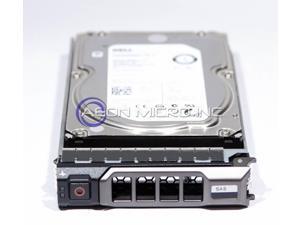

55H49 DELL 3TB 7.2K SAS 3.5 HDD 6Gbps
- Model #: 39f-293763000262485
- Item #: 9SIV16G89S5772
- Return Policy: ATP Warehouse Return Policy
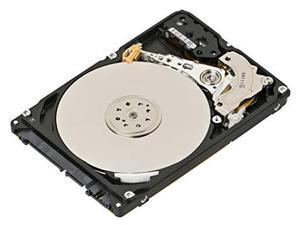
Hewlett Packard Enterprise 1.8TB SAS Hard Drive 10K RPM, 791034-B21
- Model #: 791055-001New
- Item #: 9SIV173KEJ8466
- Return Policy: Digitzy Return Policy
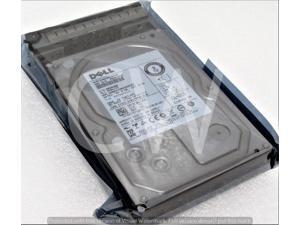
WTJVY HUS724020ALS640 Dell 2TB 7200RPM 6Gbps NL HS 3.5"SAS HDD Hard Drive W/0 HRS
- Model #: WTJVY-0WTJVY-HUS724020ALS640-dell-atp
- Item #: 9SIV16GKCK7507
- Return Policy: ATP Warehouse Return Policy
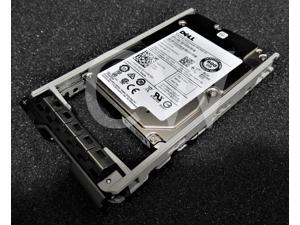
0V5300 V5300 Dell ST600MP0005 600GB 15K RPM 6Gb/s 2.5" SAS SERVER HDD Hard Drive
- Model #: V5300-0V5300-ST600MP0005-dell-new-atp
- Item #: 9SIV16GKCT7858
- Return Policy: ATP Warehouse Return Policy
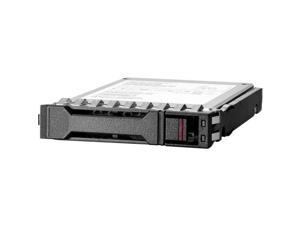
HPE PM893 480GB 2.5" SATA/600 Internal Solid State Drive P44007B21
- Model #: P44007B21
- Item #: 9SIV173KEC9256
- Return Policy: Digitzy Return Policy
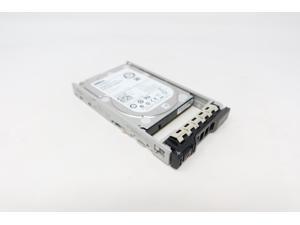
Dell 043PCJ 480GB SAS 2.5" 12G MLC MU SSD Solid State Drive PX05SVB048Y
- Model #: 43PCJ-PX05SVB048Y-dell-atp-gen13
- Item #: 9SIV16GKCK7126
- Return Policy: ATP Warehouse Return Policy
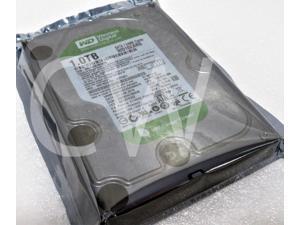

WD10EARS Western Digital GREEN 1TB 5400RPM 3Gbps 3.5" SATA HDD Hard Drive
- Model #: WD10EARS-22Y5B1-wd-new-atp
- Item #: 9SIV16GKCT7799
- Return Policy: ATP Warehouse Return Policy
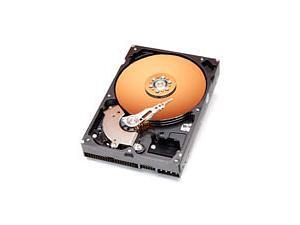
Hard Drives
- Parts: 1 year limited
- Labor: 1 year limited
- Model #: 91366U4
- Item #: 9SIV1W87N61928
- Return Policy: The Best Part Inc. Return Policy
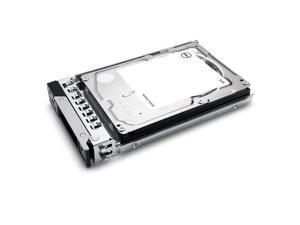
Dell 161-BCBX 2.4TB SAS 12Gbps 10KRPM 512e 2.5in ISE Hot-Plug Hard Drive
- Type: Control Module
- Model #: 161-BCBX
- Item #: 9SIV173KEC7773
- Return Policy: Digitzy Return Policy
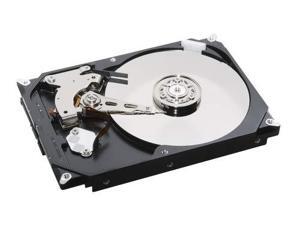
79-00000523-SAS HPE Tray for MSA2000 LFF SAS HDD
- Model #: 79-00000523-SASNew
- Item #: 9SIV173KEJ8435
- Return Policy: Digitzy Return Policy
WF12F Dell 1TB 7.2K 2.5 SATA w/F830C
- Model #: 7EDIQ-00-B01BK-1
- Item #: 9SIV16G9P09515
- Return Policy: ATP Warehouse Return Policy
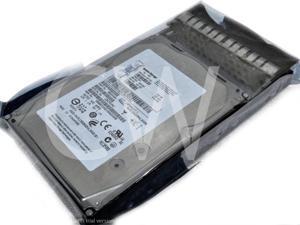
49Y1937 49Y1901 49Y1928 IBM 600GB 15K RPM 6Gb/s 3.5" SAS SERVER HDD Hard Drive
- Model #: 49Y1937-49Y1901-49Y1928-HUS156060VLS600
- Item #: 9SIV16GKCK8003
- Return Policy: ATP Warehouse Return Policy
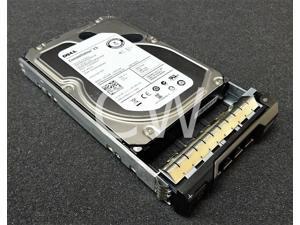
67TMT 067TMT Dell ST2000NM0001 2TB 7.2K RPM 6Gb/s 3.5" SAS SERVER HDD Hard Drive
- Model #: 67TMT-067TMT-ST2000NM0001-dell-new-atp
- Item #: 9SIV16GKCK8477
- Return Policy: ATP Warehouse Return Policy
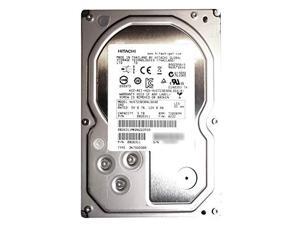
HPE HGST 3TB HUS723030ALS640 0B26311 7.2K 6Gbps SAS 3.5" LFF
- Model #: 0B26311New
- Item #: 9SIV173KEJ8391
- Return Policy: Digitzy Return Policy
Hewlett Packard Enterprise 862128-001 Internal Hard Drive 3.5" 1000 GB Serial ATA III HDD
- Model #: 861691-B21New
- Item #: 9SIV173KEJ8398
- Return Policy: Digitzy Return Policy
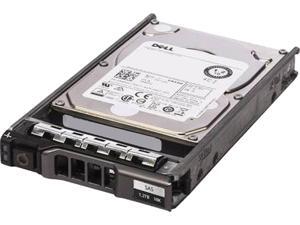
Dell 400-AJQD 1.2TB 10000 RPM SAS 12Gb/s 2.5" Internal Hard Drive
- Model #: 400-AJQD
- Item #: 9SIV173KEJ7597
- Return Policy: Digitzy Return Policy
DG072A4951 HPE 72GB 10K 3G SP SFF SAS Hard Drive
- Model #: DG072A4951New
- Item #: 9SIV173KEJ8445
- Return Policy: Digitzy Return Policy
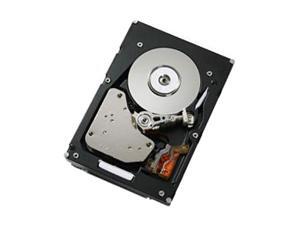
IBM 49Y1856 300 GB 3.5" Internal Hard Drive
- Brand: IBM
- Capacity: 300GB
- RPM: 15000 RPM
- Interface: SAS 6Gb/s
- Form Factor: 3.5"
- Packaging: Bare Drive
- Average Latency: 6Gb/s
- Usage: Ideal for Servers
- Model #: 49Y1856
- Item #: 9SIV173KEJ8288
- Return Policy: Digitzy Return Policy
744995-001 HPE 300GB 15K 12G SFF SAS SC Hard Drive
- Model #: 744995-001New
- Item #: 9SIV173KEJ8395
- Return Policy: Digitzy Return Policy
X7NC4 Dell Compellent 2.4TB 10K SAS 12Gbps 2.5" 4Kn HDD 0X7NC4 ST2400MM0159 New
- Type: Other
- Model #: NC4
- Item #: 9SIV173KEC7358
- Return Policy: Digitzy Return Policy
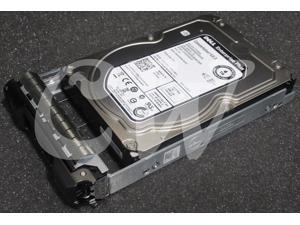
DRMYH ST4000NM0023 Dell ENTERPRISE 4TB 7.2K 6Gbps 128MB 3.5" SAS HDD Hard Drive
- Model #: DRMYH-0DRMYH-ST4000NM0023-dell-atp
- Item #: 9SIV16GKCK8628
- Return Policy: ATP Warehouse Return Policy
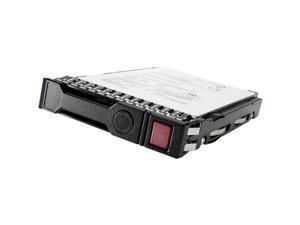
HPE 14 TB Hard Drive 3.5" Internal SAS 12Gb/s SAS P09153K21
- Model #: P09153K21
- Item #: 9SIV173KEC9188
- Return Policy: Digitzy Return Policy
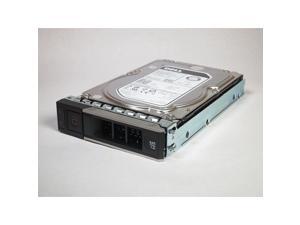
1TB 7.2K RPM SATA 6GBPS 512N
- NAND Flash Memory Type: SLC
- Model #: 400-ATJJ
- Item #: 9SIV173KEJ7613
- Return Policy: Digitzy Return Policy

TOSHIBA MQ01ABD050 5400 RPM 8MB Cache SATA 3.0Gb/s 2.5" Internal Notebook Hard ...
- Brand: TOSHIBA
- RPM: 5400 RPM
- Interface: SATA 3.0Gb/s
- Form Factor: 2.5"
- Cache: 8MB
- Average Seek Time: 12ms
- Average Latency: 5.55ms
- Features: Toshiba Storage Device Division offers a line of 5,400 RPM 2.5-inch HDDs in a new slim design optimized for industry-leading storage applications. The advanced MQ01ABDxxx targets markets such as portable multimedia and gaming notebooks, mobile workstations and other capacity-hungry applications like external HDDs. With its compact size and best-in class specifications, the SATA MQ01ABDxxx series is the perfect choice for use in devices where a combination of sleek form factor and high capacity capabilities are essential. As with all Toshiba HDDs, the complete series is halogen-free and RoHS compatible, therefore, exceptionally environmentally friendly....
- Model #: MQ01ABD050
- Item #: 9SIV16GK246921
- Return Policy: ATP Warehouse Return Policy
What You Need to Know About Desktop Hard Disk Drives
Introduction
Though SSDs are becoming increasingly more popular, hard disk drives (HDD) are still essential internal data storage solutions for users that prioritize storage capacity over speed. Compared to hard disk drives, SSDs cost more per gigabyte and have smaller storage capacities. A commonly used configuration is to have a solid state drive as the primary drive and a desktop hard disk drive as the secondary drive. Below, NeweggBusiness answers several common questions about desktop hard disk drives.
What does interface type mean?
A hard disk drive must be connected to a motherboard via data cable in order to function as a system drive. The type of data cable that a hard drive supports can affect both system compatibility and data transfer speeds. This is often referred to as connection or interface type, and it is an important factor when shopping for a HDD.
For desktop hard disk drives, one of the most commonly used interface types is SATA. There have been several revisions for the SATA standard and the two most recent are SATA 3 Gbps and SATA 6 Gbps. They are often stylized as SATA II and SATA III respectively.
What is seek time?
In order for data to be retrieved or written onto the hard disk, a read/write head must move to the correct position on the disk. This is not an instantaneous process and the time required for the head to move into position is referred to as seek time, which is rated in milliseconds.
Is it possible to use a desktop hard disk drive as an external HDD?
Adapting a desktop hard disk drive for external use is possible, though additional hard drive accessories are usually required. Three commonly used methods include, using an SATA to External SATA (eSATA™) cable, hard drive enclosure, or a hard disk drive dock.
What is the purpose of a hard disk drive’s S.M.A.R.T. feature?
Short for Self-mentoring, Analysis, and Reporting Technology, S.M.A.R.T. is a feature that allows hard disk drives to monitor and report on reliability indicators. This is done so that potential problems can be anticipated. To view the S.M.A.R.T. status of a hard disk drive, you will need to use a reporting tool.

