


Keyboard - Showing 2185 - 2208 of 7025 Products


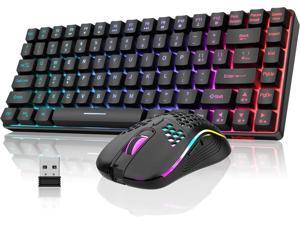
RedThunder K84 Wireless Keyboard and Mouse Combo, Rainbow Backlit Rechargeable ...
- Model #: Lan127382372808317
- Item #: 9SIVNUDKKR5075
- Return Policy: DigitalFlash Return Policy
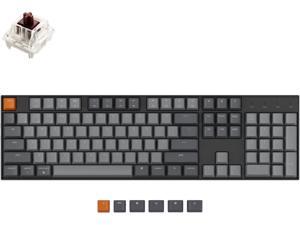
Keychron K10 Full Size Layout White LED Backlit Hot-Swappable Mechanical Keyboard for Mac ...
- Model #: 427528889472LUXGENDGANG
- Item #: 9SIVSTVKVD0162
- Return Policy: Yongxian Pan Business Co., Limited Return Policy
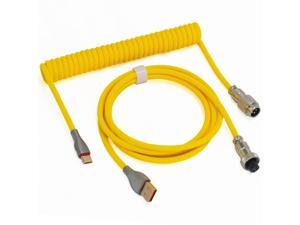
Braided Keyboard Cables 1.5m Coiled Type-C to USB A with Detachable Aviator Connector.for ...
- Model #: 427528887782LUXGENDGANG
- Item #: 9SIVSTVKVE8571
- Return Policy: Yongxian Pan Business Co., Limited Return Policy
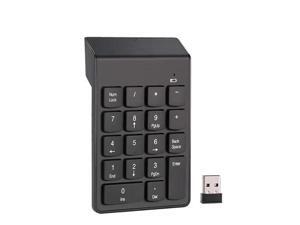
K1 Wireless Numeric Keypad 2.4G, Chocolate Keys, External Number Pad for Finance & ...
- Model #: BZ59-Z0408-89
- Item #: 9SIVTERKX63288
- Return Policy: Zyngear Return Policy

Shin'yu Mea - A mechanical-themed keyboard accessory for 2D anime-themed plush toys, ...
- Model #: YC5KU.26326.140
- Item #: 9SIVSMNKUH2870
- Return Policy: nonstop_7 Return Policy
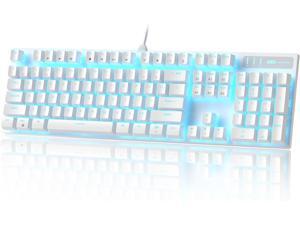
MageGee Mechanical Gaming Keyboard, Wired USB Adjustable Backlight Keyboard, New ...
- Model #: Lan134382372808386
- Item #: 9SIVNUDKKR5102
- Return Policy: DigitalFlash Return Policy
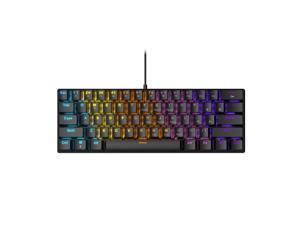
BD61 Wired Mechanical Keyboard - Red Axis, Blue Axis, Tea Axis Mixed-Glow Gaming 61-Key ...
- Model #: YC5KU.2631066
- Item #: 9SIVSMNKTJ6359
- Return Policy: nonstop_7 Return Policy
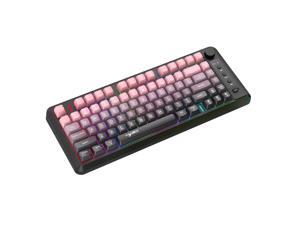
Three-mode Bluetooth wireless film keyboard with dual colors, 81 keys, rechargeable, ...
- Model #: YC5KU.26415.98
- Item #: 9SIVSMNKVC9770
- Return Policy: nonstop_7 Return Policy
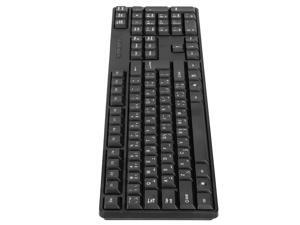
USB Wired Office Keyboard, 104 Keys Full Size Black Computer Keyboards Ergonomic Design ...
- Model #: 680952045757
- Item #: 9SIVSRKKUH1122
- Return Policy: SongFengQiaoMaoYiShangDian Return Policy
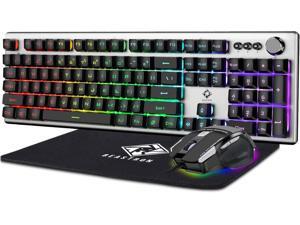
Beastron RGB Backlit Gaming Keyboard with Mouse Combo and Mouse pad, Multimedia ...
- Model #: R1129R290253746828
- Item #: 9SIVR5HKMJ7763
- Return Policy: TrustBasket Return Policy
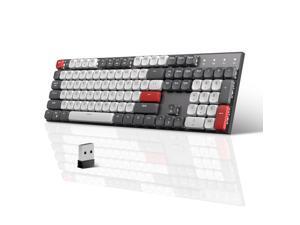
MageGee Wireless Mechanical Keyboard Moon104 RGB Backlight Triple Mode ...
- Keyboard Interface: USB-C
- Design Style: Classic
- Keyboard Color: Grey Black/Brown Switches
- Brand: Magegee
- Name: MageGee Wireless Mechanical Keyboard Moon104
- Type: USB-C
- Buttons: 104
- Normal Keys: 104
- Model #: 771999052202
- Item #: 9SIVSAXKX24148
- Return Policy: LONGYANCHUANGYI Return Policy
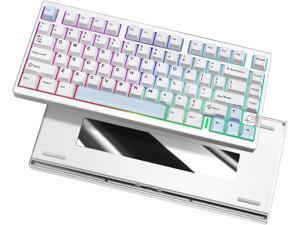
YUNZII AL75 PRO 75% Wireless Mechanical Gaming Keyboard,Full Aluminum ...
- Model #: BZ59-4021
- Item #: 9SIVTERKX58234
- Return Policy: Zyngear Return Policy
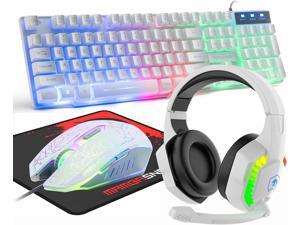
Wired Gaming Keyboard and Mouse Headset Combo,Rainbow LED Backlit Wired ...
- Model #: Lan31382372807495
- Item #: 9SIVNUDKKR4876
- Return Policy: DigitalFlash Return Policy
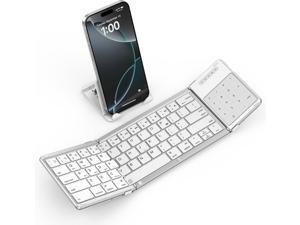
SODI Foldable Keyboard with Touchpad, Portable Wireless Keyboard for Mac with Stand ...
- Model #: R244R290253737970
- Item #: 9SIVR5HKMJ5449
- Return Policy: TrustBasket Return Policy
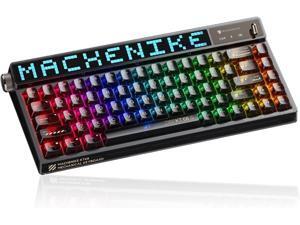
Machenike KT68 Pro Wireless Compact Mechanical Gaming Keyboard, Customizable LED ...
- Model #: YUMCAKB0DKG4JKY7
- Item #: 9SIVPVGKP81996
- Return Policy: ShenZhenYanXinWuLiuYouXianGongSi Return Policy
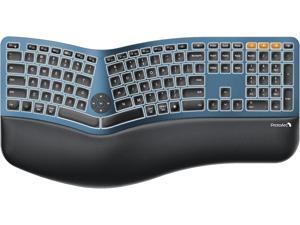
ProtoArc Backlit Bluetooth Ergonomic Keyboard, EK01 Plus Full Size Wireless Split Keyboard ...
- Model #: 427528884552LUXGENDGANG
- Item #: 9SIVSTVKVE7671
- Return Policy: Yongxian Pan Business Co., Limited Return Policy
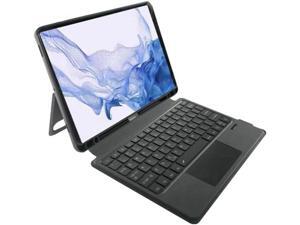
keyboard Suitable for 12.4 inches S9/S10
- Model #: C5YJ-H0429-31
- Item #: 9SIVSW2KWD1347
- Return Policy: QinQinDACANshop Return Policy
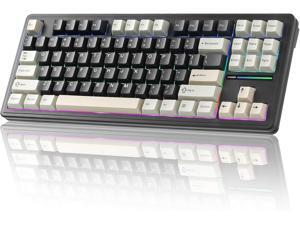
YUNZII YZ87 Gasket Mechanical Keyboard,TKL Wireless Hot Swappable with 5-Layer ...
- Model #: 427528890782LUXGENDGANG
- Item #: 9SIVSTVKVD0508
- Return Policy: Yongxian Pan Business Co., Limited Return Policy
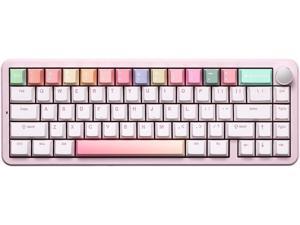
YUNZII B68 Wireless Mechanical Keyboard,Tri-Mode BT5.0/2.4GHz/USB-C,Cute PBT ...
- Model #: BZ59-4029
- Item #: 9SIVTERKX60615
- Return Policy: Zyngear Return Policy
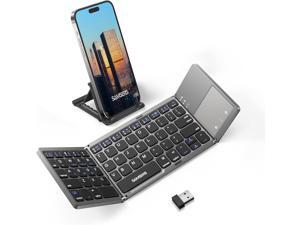
Samsers Multi-Device Foldable Bluetooth Keyboard with Touchpad Rechargeable ...
- Model #: STARWELL276367419698Lan
- Item #: 9SIVNJ2KR08744
- Return Policy: DianLan Return Policy
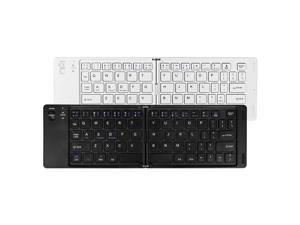
B028 Foldable Mini Bluetooth Keyboard 2-Fold, Rechargeable, Quiet Office, Universal for 3 ...
- Model #: BZ59-Z0408-87
- Item #: 9SIVTERKX61852
- Return Policy: Zyngear Return Policy
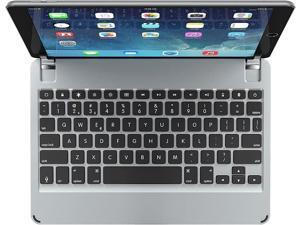
Brydge 10.5 Keyboard for iPad Air (2019) | Aluminum Bluetooth 4.2 Keyboard with Backlit Keys ...
- Model #: 427528886167LUXGENDGANG
- Item #: 9SIVSTVKVE8340
- Return Policy: Yongxian Pan Business Co., Limited Return Policy
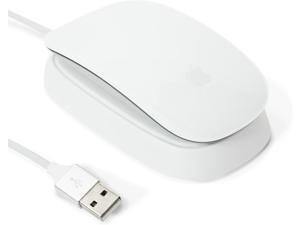
Charging Station Compatible with Apple Magic Mouse 2 - White - Perfect Accessories | Usable ...
- Model #: Lan209382372809079
- Item #: 9SIVNUDKKR5244
- Return Policy: DigitalFlash Return Policy
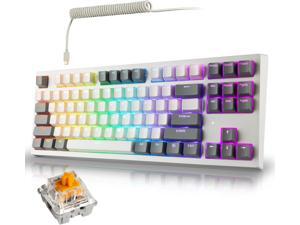
TECWARE Phantom+ Elite 87 Key RGB Mechanical Gaming Keyboard | 3 Mode Wireless ...
- Model #: 427528890911LUXGENDGANG
- Item #: 9SIVSTVKVD0503
- Return Policy: Yongxian Pan Business Co., Limited Return Policy
Computer Keyboard Buying Tips
Introduction
Your staff may sometimes be at their workstations for hours on end, which means that they will need to have ergonomic computer keyboards that are adequate for the tasks that they will be performing. Purchasing keyboards with features that your staff will not utilize is not good use of your budget however, and you should try to find a balance between price and features. Below, NeweggBusiness will outline some considerations so that you can decide if they will be of value to your staff.
Connectivity
Keyboards can be connected to computers in one of two ways, wired or wireless. In terms of cost, wired keyboards can be found at much lower prices than wireless keyboards; however wireless keyboards can be used in situations where using wired keyboards would not be practical. Generally, most desktop workstations for completing general office tasks do not require wireless keyboards except in rare cases.
Wired computer keyboards have several advantages over wireless keyboards, including better responsiveness, not requiring additional software, and no need for batteries. Wireless keyboards on the other hand, decrease cable clutter and can be used with media center computers. If the computer will be used from a distance, a wireless keyboard is better than using a wired keyboard with long extension cables.
In addition to computers, keyboards can also be used with tablets to give them laptop-like functionality. For use with tablets, a keyboard will need Bluetooth® functionality, as tablets typically lack support for USB keyboards. Bluetooth keyboards can also be used with laptops and desktops, but they will need to have support for Bluetooth.
Layout
A standard Windows® compatible QWERTY computer keyboard has a 104-key layout, but there are specialized keyboards with additional keys or altered key placement. For example, a standard full-sized QWERTY keyboard will typically have a number pad to the right side of the keyboard but other layouts may drop the number pad in favor of slimmer dimensions.
Then there are multimedia keyboards and gaming keyboards that have programmable buttons, program-specific keys, and more. A standard Windows QWERTY keyboard is more than sufficient for most office tasks, and specialized keyboards are only needed for workstations that will be used for tasks that require those extra keys and functionality.
Ergonomics
Ergonomics are a very important consideration when selecting keyboards to use with your organization’s computers, as poor ergonomics can result in wrist injuries. To alleviate concerns about ergonomics, keyboard manufacturers have designed and market keyboards with comfortable ergonomics in mind. These keyboards typically have designs that split the QWERTY pattern in half and angle them so that the wrist is not bent when typing. Another approach that manufacturers may take to improve ergonomics is including wrist rests, which are often detachable. Ergonomic keyboards are usually more expensive but can reduce injury, so you may want to consider equipping workstations with them if their users will be typing for very long periods of time.

