


Keyboard - Showing 2233 - 2256 of 7237 Products


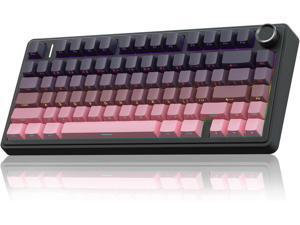
AULA F75 Pro Wireless Mechanical Keyboard,75% Gasket Hot Swappable Custom ...
- Model #: YUMCAKB0DS7JXKYD
- Item #: 9SIVSKUKUR3470
- Return Policy: GeDuoJiaJiBaiHuo Return Policy
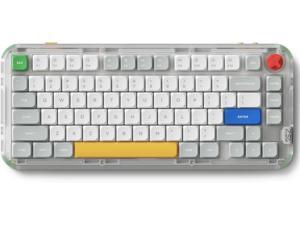
NuPhy Kick75 Wireless Low Profile Mechanical Keyboard with Volume Knob,75% Hot ...
- Model #: YUMCAKB0DZMYT6CM
- Item #: 9SIVSKUKUR3869
- Return Policy: GeDuoJiaJiBaiHuo Return Policy
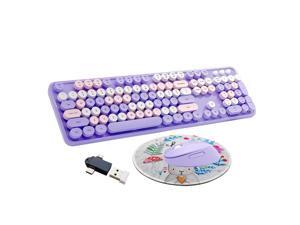
Zell Wireless Keyboard And Mouse Combo, Ergonomic Cute Retro Typewriter Full Size Colorful ...
- Model #: ZE-US01-1116247
- Item #: 9SIVNXAKX01424
- Return Policy: Dong Guan Shi Qing Yi Shang Mao You Xian Return Policy
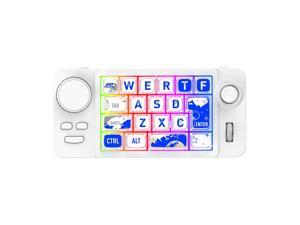
Tri-Modes Mini Macropad 19 Keys Mechanical Hot Swap Keyboard Wireless 2.4G BT ...
- Model #: C22J-L-414089
- Item #: 9SIVP88KV54890
- Return Policy: XuanPin Return Policy
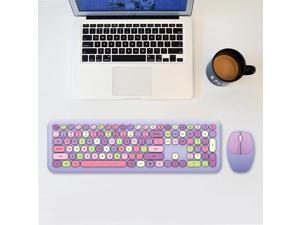
MOFii 666 110-Keys Color Lipstick Wireless Keyboard And Mouse Set Punk Keyboard Office ...
- Keyboard Color: Purple
- Type: Wireless
- Model #: B17503YNJ=TBD0572120901C
- Item #: 9SIVSKUKUV3281
- Return Policy: GeDuoJiaJiBaiHuo Return Policy
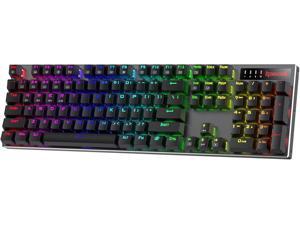
K556 PRO Upgraded Wireless RGB Gaming Keyboard, BT/2.4Ghz Tri-Mode Aluminum ...
- Model #: SJFTRPWKBMY2234
- Item #: 9SIVPY9KXH8507
- Return Policy: ShuShiJiashop Return Policy
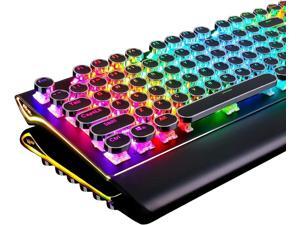
S108 Typewriter Keyboard, Retro Mechanical Gaming Keyboard Wired 108 Keys with RGB ...
- Model #: SJFTRPWKBMY2276
- Item #: 9SIVPY9KXH8902
- Return Policy: ShuShiJiashop Return Policy
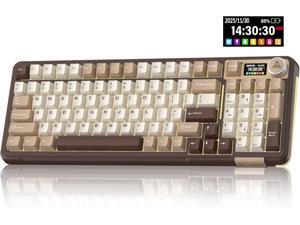
A99 Pro Mechanical Keyboard with LCD Screen & Metal Knob, Wireless Gaming Keyboard with ...
- Model #: SJFTRPWKBMY2277
- Item #: 9SIVPY9KXH8906
- Return Policy: ShuShiJiashop Return Policy
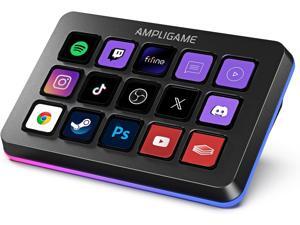
FIFINE AmpliGame Stream Controller with 15 Macro Keys, Streaming Keyboard with Trigger ...
- Model #: SJFTRPWKBMY2260
- Item #: 9SIVPY9KXH8928
- Return Policy: ShuShiJiashop Return Policy
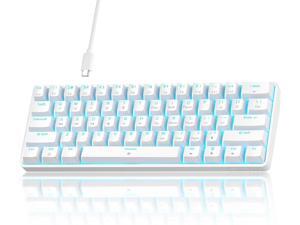
TMKB 60% Mechanical Gaming Keyboard, Red Linear Switch, LED Backlight, Anti-Ghosting, ...
- Model #: SJFTRPWKBMY2293
- Item #: 9SIVPY9KXH8926
- Return Policy: ShuShiJiashop Return Policy
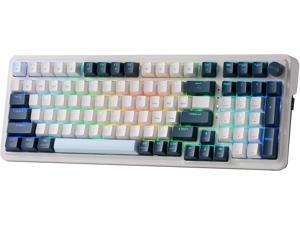
K686 PRO 98 Keys Wireless Gasket RGB Gaming Keyboard, 3-Mode Win/Mac Mechanical ...
- Model #: SJFTRPWKBMY2263
- Item #: 9SIVPY9KXH8893
- Return Policy: ShuShiJiashop Return Policy
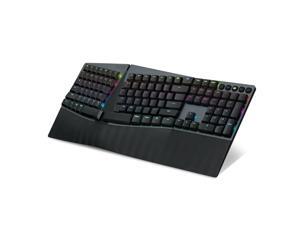
Perixx PERIBOARD-835BR Wireless Ergonomic Mechanical Keyboard - RGB Backlit - ...
- Model #: 9430159894136
- Item #: 9SIVNXAKW53050
- Return Policy: Dong Guan Shi Qing Yi Shang Mao You Xian Return Policy
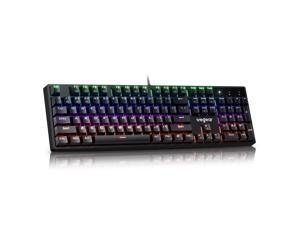
Mechanical Gaming Keyboard with Blue Switch, 104-Key Full Size RGB Backlit Wired ...
- Model #: 215202197841
- Item #: 9SIVTHGKXW9851
- Return Policy: Denikyyer Return Policy
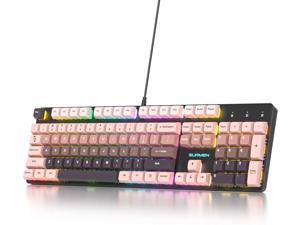
surmen Wired Mechanical Keyboard Full-Size,104-Key RGB Thocky Keyboard with Number ...
- Model #: R564252927820821
- Item #: 9SIVRZDKSU3137
- Return Policy: Qixingitech Return Policy
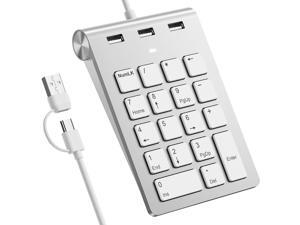
Wired Numeric Keypad USB-C & USB-A - 18 Keys Number Pad with 3 USB 2.0 Port, 15° Ergonomic ...
- Design Style: Modern
- Keyboard Color: Black
- Brand: Lenovo
- Tracking Method: TouchPad
- Mouse Color: Black
- Hand Orientation: Right
- System Requirement: 1 PS/2 Port; CD-ROM Drive
- Dimensions: 20'
- Model #: 907235672544
- Item #: 9SIVSC0KX20894
- Return Policy: DuoDuoShangHang Return Policy
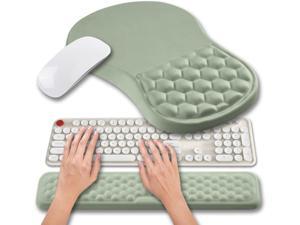
Hokafenle 2 in 1 Ergonomic Mouse Pad Wrist Support & Wrist Rest for Computer Keyboard Set, ...
- Model #: 427528888888LUXGENDGANG
- Item #: 9SIVSTVKVC9938
- Return Policy: Yongxian Pan Business Co., Limited Return Policy
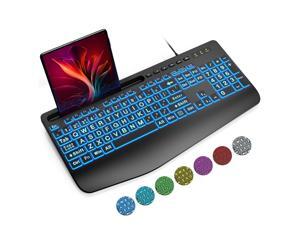
Large Print Backlit Keyboard, Wired USB Computer Keyboards with 7-Colors Backlight, Wrist ...
- Keyboard Interface: USB Type-C
- Design Style: Modern
- Keyboard Color: Black
- Brand: Lenovo
- Type: Wireless
- Mouse Interface: USB
- Tracking Method: TouchPad
- Buttons: 2
- Model #: 379011480264
- Item #: 9SIVSS4KX08041
- Return Policy: YiManYunDongZhuangBeiSHOP Return Policy
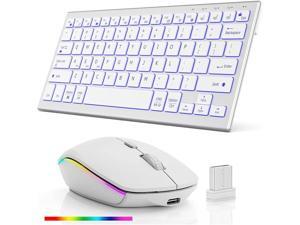
Wireless Bluetooth Keyboard and Mouse Combo - RGB Backlit,Multi-Device Rechargeable & ...
- Model #: C5YJ-H0429-15
- Item #: 9SIVSW2KWD1361
- Return Policy: QinQinDACANshop Return Policy
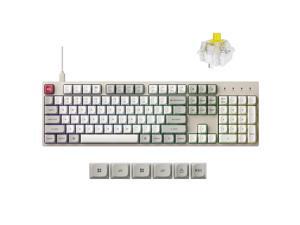
C2 Pro Wired Mechanical Keyboard with 8K Hz Polling Rate, Full Size Custom RGB Backlit ...
- Keyboard Interface: Type-C wired
- Design Style: Classic
- Keyboard Color: Banana Switch
- Brand: Keychron
- Name: Wired Computer Keyboard
- Type: Type-C wired
- Buttons: 104
- Normal Keys: 104
- Model #: 910129862092
- Item #: 9SIVSKTKXB0016
- Return Policy: xiuhuishangmao Return Policy
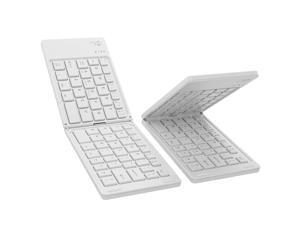
riwezox Foldable Wireless Bluetooth Keyboard, Pocket-Sized Travel Folding Keyboard for ...
- Model #: 671336658694
- Item #: 9SIV9F7KKF1082
- Return Policy: Fashion Technology Return Policy
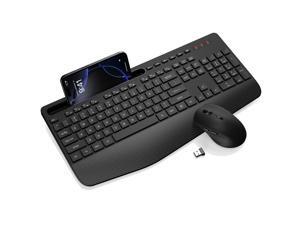
Wireless Keyboard and Mouse Combo - Full-Sized Ergonomic Keyboard with Wrist Rest, ...
- Design Style: Modern
- Keyboard Color: Black
- Brand: Lenovo
- Type: Wireless
- Tracking Method: TouchPad
- Mouse Color: Black
- Normal Keys: 104
- Model #: 184035998128
- Item #: 9SIVSS4KX06133
- Return Policy: YiManYunDongZhuangBeiSHOP Return Policy
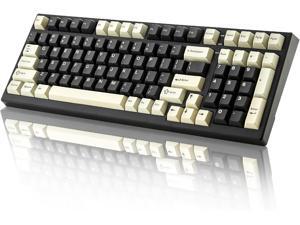
YUNZII YZ98 Gasket Mechanical Keyboard,99 Key Hot Swappable BT5.0/2.4G/USB-C ...
- Model #: BZ59-4031
- Item #: 9SIVTERKX58989
- Return Policy: Zyngear Return Policy
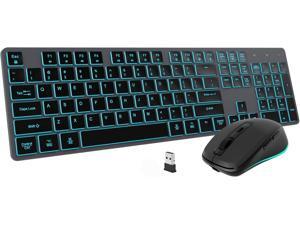
Backlit Wireless Keyboard and Mouse Combo, Rechargeable Quiet 2.4G Cordless USB Slim ...
- Model #: 427528889311LUXGENDGANG
- Item #: 9SIVSTVKVC9972
- Return Policy: Yongxian Pan Business Co., Limited Return Policy
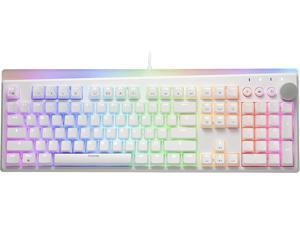
i-rocks K71M RGB Mechanical Gaming Keyboard with Media Control Knob, Switches (Brown), ...
- Model #: 427528891031LUXGENDGANG
- Item #: 9SIVSTVKVD0497
- Return Policy: Yongxian Pan Business Co., Limited Return Policy
Computer Keyboard Buying Tips
Introduction
Your staff may sometimes be at their workstations for hours on end, which means that they will need to have ergonomic computer keyboards that are adequate for the tasks that they will be performing. Purchasing keyboards with features that your staff will not utilize is not good use of your budget however, and you should try to find a balance between price and features. Below, NeweggBusiness will outline some considerations so that you can decide if they will be of value to your staff.
Connectivity
Keyboards can be connected to computers in one of two ways, wired or wireless. In terms of cost, wired keyboards can be found at much lower prices than wireless keyboards; however wireless keyboards can be used in situations where using wired keyboards would not be practical. Generally, most desktop workstations for completing general office tasks do not require wireless keyboards except in rare cases.
Wired computer keyboards have several advantages over wireless keyboards, including better responsiveness, not requiring additional software, and no need for batteries. Wireless keyboards on the other hand, decrease cable clutter and can be used with media center computers. If the computer will be used from a distance, a wireless keyboard is better than using a wired keyboard with long extension cables.
In addition to computers, keyboards can also be used with tablets to give them laptop-like functionality. For use with tablets, a keyboard will need Bluetooth® functionality, as tablets typically lack support for USB keyboards. Bluetooth keyboards can also be used with laptops and desktops, but they will need to have support for Bluetooth.
Layout
A standard Windows® compatible QWERTY computer keyboard has a 104-key layout, but there are specialized keyboards with additional keys or altered key placement. For example, a standard full-sized QWERTY keyboard will typically have a number pad to the right side of the keyboard but other layouts may drop the number pad in favor of slimmer dimensions.
Then there are multimedia keyboards and gaming keyboards that have programmable buttons, program-specific keys, and more. A standard Windows QWERTY keyboard is more than sufficient for most office tasks, and specialized keyboards are only needed for workstations that will be used for tasks that require those extra keys and functionality.
Ergonomics
Ergonomics are a very important consideration when selecting keyboards to use with your organization’s computers, as poor ergonomics can result in wrist injuries. To alleviate concerns about ergonomics, keyboard manufacturers have designed and market keyboards with comfortable ergonomics in mind. These keyboards typically have designs that split the QWERTY pattern in half and angle them so that the wrist is not bent when typing. Another approach that manufacturers may take to improve ergonomics is including wrist rests, which are often detachable. Ergonomic keyboards are usually more expensive but can reduce injury, so you may want to consider equipping workstations with them if their users will be typing for very long periods of time.

