


Keyboard - Showing 2329 - 2352 of 7245 Products


Hagibis Keyboard Cleaning Brush Computer Earphone Cleaning tools Keyboard Cleaner ...
- Model #: Q-Q-00055
- Item #: 9SIVP88KMW0285
- Return Policy: XuanPin Return Policy

SAVITA Mechanical Keyboard Switch Puller Set, Keycap Remover Kit Keyboard Cleaner Tool ...
- Model #: WB09WK2HDMS
- Item #: 9SIVP88KMW1268
- Return Policy: XuanPin Return Policy
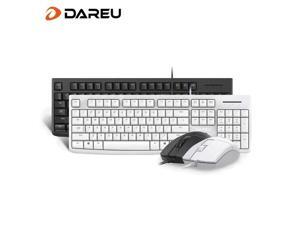
LK185T Dareu Ergonomic Design, Cool Exterior Waterproof104 Keys USB Wired Keyboard ...
- Type: Wired
- Model #: DULK185TW
- Item #: 9SIVPVGKP82604
- Return Policy: ShenZhenYanXinWuLiuYouXianGongSi Return Policy
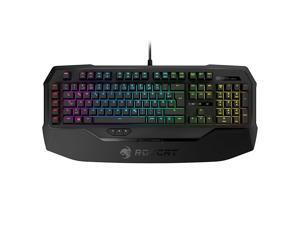
ROCCAT Ryos MK FX Mechanical Gaming Keyboard With Per-key RGB Illumination, Brown ...
- Model #: 1BFZL72I
- Item #: 9SIVPVGKP82876
- Return Policy: ShenZhenYanXinWuLiuYouXianGongSi Return Policy
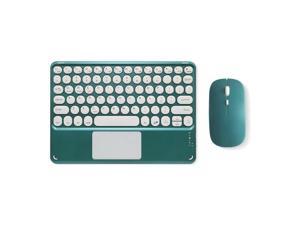
Round key touch Bluetooth keyboard is suitable for iPad tablet, iPhone 17 mobile phone, ...
- Model #: WB3EW-1222-107
- Item #: 9SIVSSHKU19923
- Return Policy: tomorroW3 Return Policy
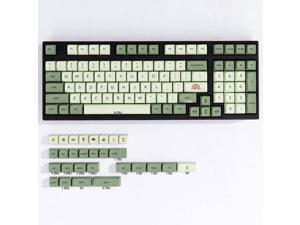
mintcaps Matcha Green PBT Keycaps Set 124 Keys XDA Profile Cute Keycaps Custom ...
- Model #: 427528899105LUXGENDGANG
- Item #: 9SIVSTVKVD1958
- Return Policy: Yongxian Pan Business Co., Limited Return Policy
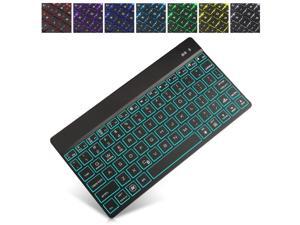
Wireless Bluetooth Keyboard for iPad Pro 12.9 / 11 / 10.5 / 9.7 inch / iPrd Mini 1 2 3 4 5 - 7 Color ...
- Keyboard Color: Black
- Key Switch: Black Cherry MX
- Model #: 85Y360G-400
- Item #: 9SIVMSMKNS0002
- Return Policy: BEYOND Return Policy
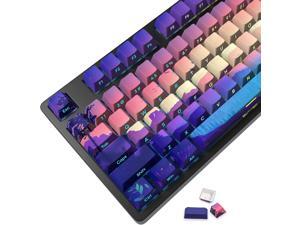
JSJT PBT Keycaps-Side Printed Translucent Keycap,Multi-Coloured Style Shine Through ...
- Model #: 427528887799LUXGENDGANG
- Item #: 9SIVSTVKVE8575
- Return Policy: Yongxian Pan Business Co., Limited Return Policy
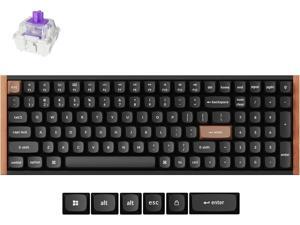
Keychron K4 HE 96% Compact Hall Effect Wireless Mechanical Keyboard with Number Pad, ...
- Model #: R48R290253736010
- Item #: 9SIVR5HKMJ4899
- Return Policy: TrustBasket Return Policy
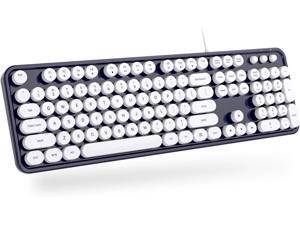
Wired Keyboard, 104 Keys Full-Sized Typewriter Keyboards, USB Plug and Play Office ...
- Model #: 427528884521LUXGENDGANG
- Item #: 9SIVSTVKVE7659
- Return Policy: Yongxian Pan Business Co., Limited Return Policy
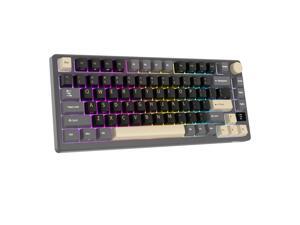

RK ROYAL KLUDGE M75 Mechanical Keyboard 2.4GHz/Bluetooth/USB-C Wired Gaming ...
- Keyboard Interface: USB Type-C
- Design Style: Ergonomic
- Keyboard Color: Black
- Brand: RK Royal Kludge
- Name: Mechanical Keyboard
- Type: 2.4 GHz / Bluetooth / Wired
- Normal Keys: 81
- Function Keys: 14
- Model #: RKM75-Phantom-K Silver
- Item #: 9SIVHFHK7S9133
- Return Policy: RK ROYAL KLUDGE Return Policy

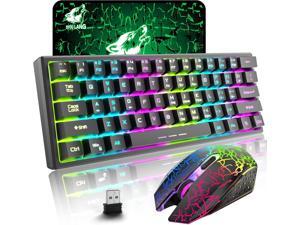
ZIYOU LANG T61 Wireless Gaming Keyboard and Mouse Combo with Ergonomic 61 Key ...
- Model #: 427528895763LUXGENDGANG
- Item #: 9SIVSTVKVD1224
- Return Policy: Yongxian Pan Business Co., Limited Return Policy
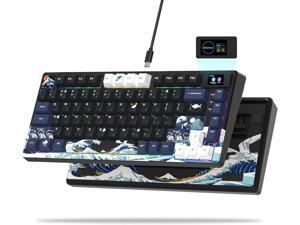
Womier S-K80 75% Keyboard with Color Multimedia Display Mechanical Gaming Keyboard, ...
- Model #: YUMCAKB0C9ZJHQHM
- Item #: 9SIVS8XKTY7746
- Return Policy: zijianmaoyigongsi Return Policy
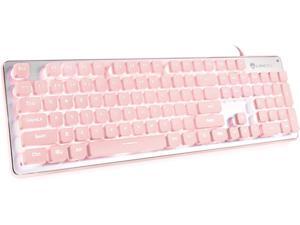
LANGTU Computer Keyboard, Backlit LED Pink for Office, All-Metal Panel USB Wired ...
- Model #: 427528898450LUXGENDGANG
- Item #: 9SIVSTVKVD1945
- Return Policy: Yongxian Pan Business Co., Limited Return Policy
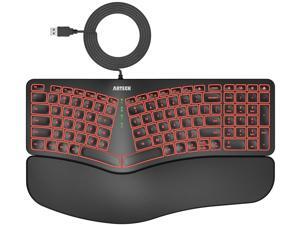
Ergonomic USB Wired Keyboard with Cushioned Wrist & Palm Rest, Backlit 7 Colors & ...
- Keyboard Interface: USB Wired
- Design Style: Modern
- Keyboard Color: Multicoloured
- Brand: Arteck
- Name: Wired Computer Keyboard
- Type: USB Wired
- Buttons: 104
- Normal Keys: 104
- Model #: 536003697658
- Item #: 9SIVSKTKXA9784
- Return Policy: xiuhuishangmao Return Policy
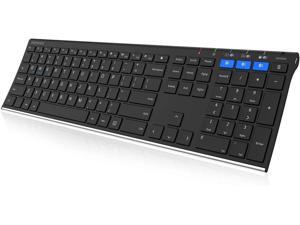
Arteck HB192 Universal Bluetooth Keyboard Multi-Device Stainless Steel Full Size Wireless ...
- Model #: Lan126382372808300
- Item #: 9SIVNUDKKR5071
- Return Policy: DigitalFlash Return Policy
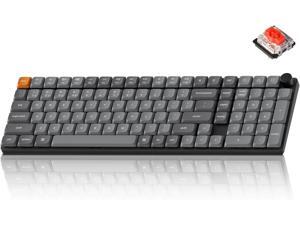
Keychron K17 Max 96% Layout QMK/Launcher Ultra-Slim Wireless/Type-C Wired Mechanical ...
- Model #: 427528881988LUXGENDGANG
- Item #: 9SIVSTVKVA2523
- Return Policy: Yongxian Pan Business Co., Limited Return Policy
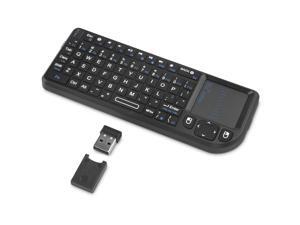
Rii Mini Bluetooth Keyboard,2.4G Handheld Wirelesss Protable Backlit Keyboard with ...
- Model #: 477915917509
- Item #: 9SIVT3PKVR6415
- Return Policy: HangZhouQianChengSHOP Return Policy
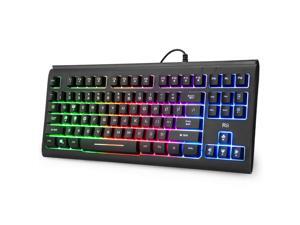
Computer Keyboard, Wired USB Compact Keyboard with RGB Backlit,Silent Keystroke for ...
- Keyboard Interface: USB Type-C
- Design Style: Modern
- Keyboard Color: Black
- Brand: Lenovo
- Type: Wireless
- Mouse Interface: USB
- Tracking Method: TouchPad
- Buttons: 2
- Model #: 344990347435
- Item #: 9SIVSC0KWW5240
- Return Policy: DuoDuoShangHang Return Policy
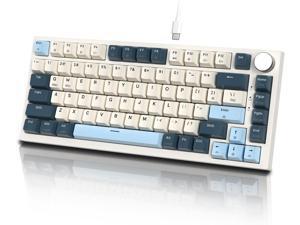
ATTACK SHARK K85 Rapid Trigger 75% Wired Mechanical Gaming Keyboard Gasket with Hot ...
- Model #: 427528900467LUXGENDGANG
- Item #: 9SIVSTVKVE6422
- Return Policy: Yongxian Pan Business Co., Limited Return Policy
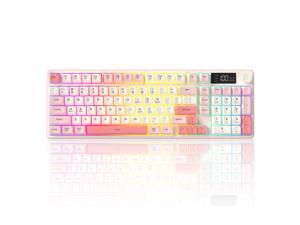
Wireless Keyboard, Quiet Keyboard for Work, Creamy Keyboard with Number Pad, RGB ...
- Design Style: Modern
- Keyboard Color: Black
- Brand: Lenovo
- Tracking Method: TouchPad
- Mouse Color: Black
- Function Keys: 1
- Hand Orientation: Right
- Model #: 769589580754
- Item #: 9SIVSS4KWK6603
- Return Policy: YiManYunDongZhuangBeiSHOP Return Policy
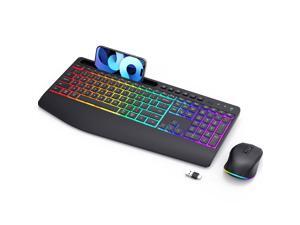
Wireless Keyboard and Mouse Combo - Dual System RGB Backlit Mouse and Keyboard,2.4G ...
- Model #: 7067026937447
- Item #: 9SIVTDYKWD3171
- Return Policy: Voltrix Return Policy
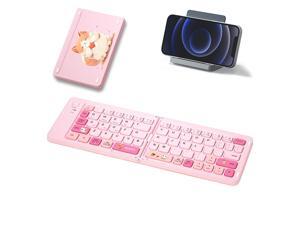
Foldable Compact Keyboard, Portable Bluetooth Keyboard with, Pocket-Sized Wireless ...
- Keyboard Interface: USB Type-C
- Design Style: Modern
- Keyboard Color: Black
- Brand: Lenovo
- Type: Wireless
- Mouse Interface: USB
- Tracking Method: TouchPad
- Mouse Color: Black
- Model #: 583887270799
- Item #: 9SIVT2UKWX0602
- Return Policy: CaiYouYouBaiHuoSHOP Return Policy
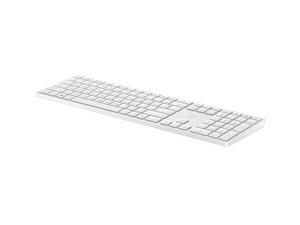

HP 450 Programmable Wireless Keyboard
- Model #: 4R184AA#ABL-SD
- Item #: 9SIVF9YKPU9412
- Return Policy: JescorB2B Return Policy
Computer Keyboard Buying Tips
Introduction
Your staff may sometimes be at their workstations for hours on end, which means that they will need to have ergonomic computer keyboards that are adequate for the tasks that they will be performing. Purchasing keyboards with features that your staff will not utilize is not good use of your budget however, and you should try to find a balance between price and features. Below, NeweggBusiness will outline some considerations so that you can decide if they will be of value to your staff.
Connectivity
Keyboards can be connected to computers in one of two ways, wired or wireless. In terms of cost, wired keyboards can be found at much lower prices than wireless keyboards; however wireless keyboards can be used in situations where using wired keyboards would not be practical. Generally, most desktop workstations for completing general office tasks do not require wireless keyboards except in rare cases.
Wired computer keyboards have several advantages over wireless keyboards, including better responsiveness, not requiring additional software, and no need for batteries. Wireless keyboards on the other hand, decrease cable clutter and can be used with media center computers. If the computer will be used from a distance, a wireless keyboard is better than using a wired keyboard with long extension cables.
In addition to computers, keyboards can also be used with tablets to give them laptop-like functionality. For use with tablets, a keyboard will need Bluetooth® functionality, as tablets typically lack support for USB keyboards. Bluetooth keyboards can also be used with laptops and desktops, but they will need to have support for Bluetooth.
Layout
A standard Windows® compatible QWERTY computer keyboard has a 104-key layout, but there are specialized keyboards with additional keys or altered key placement. For example, a standard full-sized QWERTY keyboard will typically have a number pad to the right side of the keyboard but other layouts may drop the number pad in favor of slimmer dimensions.
Then there are multimedia keyboards and gaming keyboards that have programmable buttons, program-specific keys, and more. A standard Windows QWERTY keyboard is more than sufficient for most office tasks, and specialized keyboards are only needed for workstations that will be used for tasks that require those extra keys and functionality.
Ergonomics
Ergonomics are a very important consideration when selecting keyboards to use with your organization’s computers, as poor ergonomics can result in wrist injuries. To alleviate concerns about ergonomics, keyboard manufacturers have designed and market keyboards with comfortable ergonomics in mind. These keyboards typically have designs that split the QWERTY pattern in half and angle them so that the wrist is not bent when typing. Another approach that manufacturers may take to improve ergonomics is including wrist rests, which are often detachable. Ergonomic keyboards are usually more expensive but can reduce injury, so you may want to consider equipping workstations with them if their users will be typing for very long periods of time.

