


Keyboard - Showing 2353 - 2376 of 6202 Products


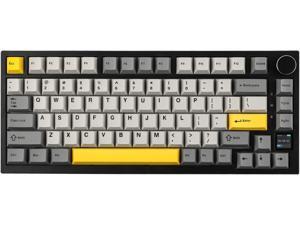
EPOMAKER Ajazz AK820 Pro 75% Mechanical Keyboard, Gasket-Mounted Gaming Keyboard ...
- Model #: kolitt6483125335693
- Item #: 9SIVM7DKHY1841
- Return Policy: EnYZME Return Policy
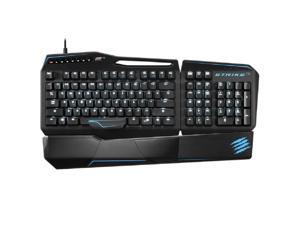
S.T.R.I.K.E.Te Tournament Edition Mechanical Gaming Keyboard For ...
- Model #: 7-9C00MHTF1OC
- Item #: 9SIVPVGKRK1349
- Return Policy: ShenZhenYanXinWuLiuYouXianGongSi Return Policy
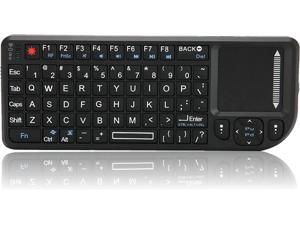
Wireless Mini Keyboard,Neutral Founctional, Keyboard,Touchpad Threeinone ...
- Model #: WB08ZS8J9XZ
- Item #: 9SIVM7DKRD2805
- Return Policy: EnYZME Return Policy
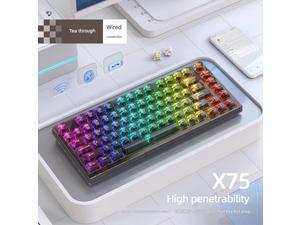
75% Keyboard X75 82 Keys DIY Wired Wireless 2.4G BT 3 Mode Transparent Hot Swappable ...
- Model #: C22J-L-415001
- Item #: 9SIVP88KV79752
- Return Policy: XuanPin Return Policy
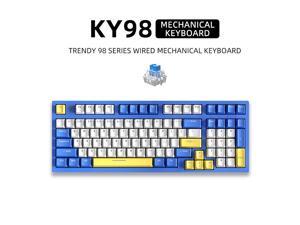
KY98 Wired E-sports Mechanical Keyboard with Mixed Lighting, Customizable ...
- Model #: YC5KU.2631170
- Item #: 9SIVSMNKTJ5660
- Return Policy: nonstop_7 Return Policy
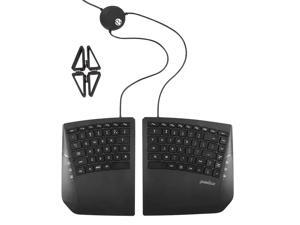
PB524 Ergonomic Split Keyboard True Split Design, Wired, Relieve Wrist Strain, for ...
- Model #: BZ59-Z0421-11
- Item #: 9SIVM7DKVW1932
- Return Policy: EnYZME Return Policy
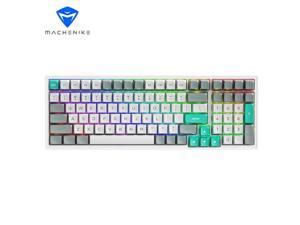
MACHENIKE CK600 Gaming Keyboard, Tri-mode Dynamic RGB Ambient Light, 3000mAh ...
- Type: Hybrid Wired & Wireless
- Model #: MACHENIKE CK600 Marrs Brown
- Item #: 9SIVPVGKP82018
- Return Policy: ShenZhenYanXinWuLiuYouXianGongSi Return Policy
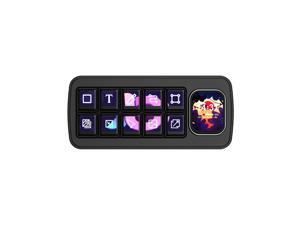
MK10 Multi-Functional AI Voice Control Panel, Onboard 10x0.85inch Mechanical LCD Macro ...
- Model #: C22J-L-414095
- Item #: 9SIVP88KV54913
- Return Policy: XuanPin Return Policy
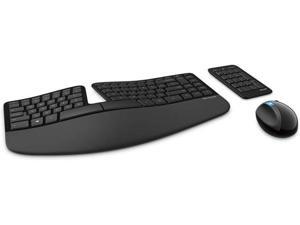

Microsoft Sculpt Ergonomic Wireless Desktop Keyboard and Wireless Mouse L5V-00001
- Model #: YUMKB07Y44T3CD
- Item #: 9SIVP88KN60001
- Return Policy: XuanPin Return Policy

Roccat Vulcan 100 AIMO RGB Mechanical Gaming Keyboard
- Brand: ROCCAT
- Type: Office Products
- Model #: ROC12411BN
- Item #: 9SIVPVGKP82775
- Return Policy: ShenZhenYanXinWuLiuYouXianGongSi Return Policy
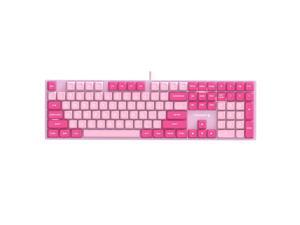
CHERRY KC200 MX Wired Mechanical Keyboard, 108 keys, Candy Color, PBT Keycaps, ...
- Keyboard Color: Black
- Type: Wired
- Model #: 17 KC 200 MX Pink Tea Switch Wired
- Item #: 9SIVMWBKVJ9078
- Return Policy: STELLAR Return Policy
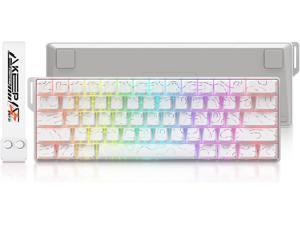
DAREU COOL60 60% Hall Effect Gaming Keyboard with Magnetic Switch, SOCD, 0.01mm ...
- Model #: R922R290253744756
- Item #: 9SIVR5HKMJ7345
- Return Policy: TrustBasket Return Policy

3 in 1 Wireless Bluetooth Keyboard Super Slim Touchpad Twice Foldable Keypad ...
- Model #: BK033
- Item #: 9SIV9F7KE28319
- Return Policy: Fashion Technology Return Policy
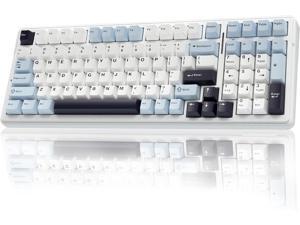
AULA F99 Wireless Mechanical Keyboard, Hot Swappable Custom Keyboard,Pre-lubed ...
- Model #: 427528879725LUXGENDGANG
- Item #: 9SIVSTVKVA1316
- Return Policy: Yongxian Pan Business Co., Limited Return Policy
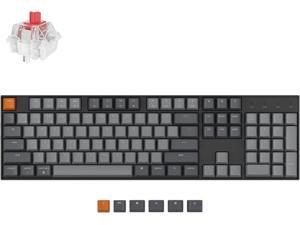
Keychron K10 Full Size 104 Keys Bluetooth Wireless/USB Wired Mechanical Gaming Keyboard ...
- Model #: 427528901273LUXGENDGANG
- Item #: 9SIVSTVKVE6884
- Return Policy: Yongxian Pan Business Co., Limited Return Policy
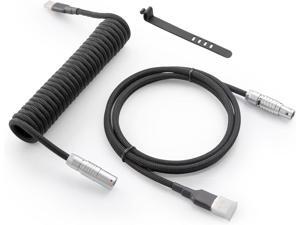
GUNMJO Pro Custom Coiled USB C Cable for Gaming Keyboard, Double-Sleeved Mechanical ...
- Model #: 427528883357LUXGENDGANG
- Item #: 9SIVSTVKVE6845
- Return Policy: Yongxian Pan Business Co., Limited Return Policy
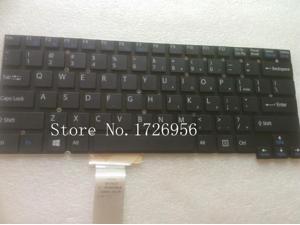
Genuine US Laptop Keyboard for Vaio SVT 14 SVT-14 SVT14 SVT14112CXS SVT14113CXS ...
- Model #: ywc-2358076
- Item #: 9SIVNUFKKN1565
- Return Policy: guangzhoushijiekeji Return Policy
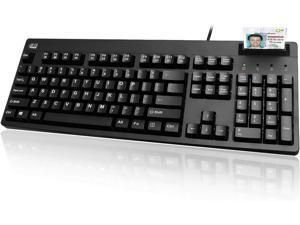
ADESSO EasyTouch 630SB-TAA Smart Card Reader Keyboard with Large Print Keys, Made in ...
- Model #: R447R290253740000
- Item #: 9SIVR5HKMJ6106
- Return Policy: TrustBasket Return Policy
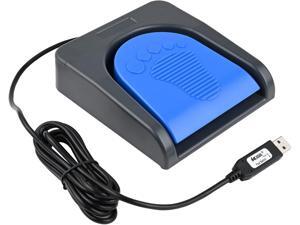
iKKEGOL Upgraded USB Single Foot Pedal Switch Control One Key Footswitch Program ...
- Model #: 427528886662LUXGENDGANG
- Item #: 9SIVSTVKVE8311
- Return Policy: Yongxian Pan Business Co., Limited Return Policy
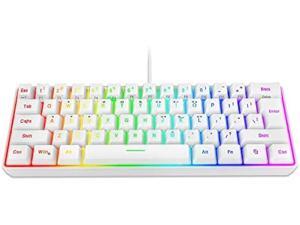
Snpurdiri 60% Wired Gaming Keyboard, 61 Keys RGB Backlit Wrist Rest Ultra-Compact Mini ...
- Model #: PCMART968662885451
- Item #: 9SIVDVYK5D7871
- Return Policy: PCPLUS Return Policy
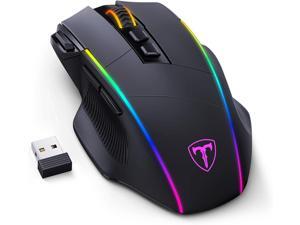
RisoPhy Wireless Gaming Mouse,Tri-Mode 2.4G/USB-C/Bluetoothy, Up to ...
- Model #: Lan188382372808874
- Item #: 9SIVNUDKKR5263
- Return Policy: DigitalFlash Return Policy
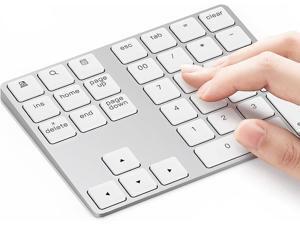
Bluetooth Number Pad, Aluminum Rechargeable Wireless Numeric Keypad Slim 34-Keys ...
- Keyboard Color: White
- Type: Bluetooth Wireless
- Model #: 95Y360G-O4
- Item #: 9SIVMSMKNR7440
- Return Policy: BEYOND Return Policy
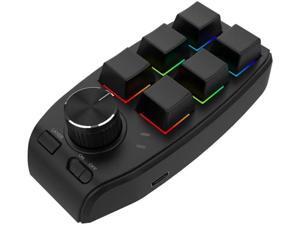
JAENFONG Bluetooth Wireless RGB Custom Mechanical Keyboard 6 Keys 1 Knob ...
- Model #: JAENFONG-RGB
- Item #: 9SIVNU6KKE8085
- Return Policy: tongshanxianqianzengcom Return Policy
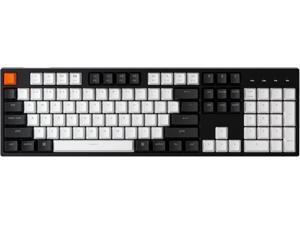
Keychron C2 Full Size Wired Mechanical Keyboard for Mac, Hot-swappable, Gateron G Pro ...
- Model #: 427528878582LUXGENDGANG
- Item #: 9SIVSTVKVA0734
- Return Policy: Yongxian Pan Business Co., Limited Return Policy
Computer Keyboard Buying Tips
Introduction
Your staff may sometimes be at their workstations for hours on end, which means that they will need to have ergonomic computer keyboards that are adequate for the tasks that they will be performing. Purchasing keyboards with features that your staff will not utilize is not good use of your budget however, and you should try to find a balance between price and features. Below, NeweggBusiness will outline some considerations so that you can decide if they will be of value to your staff.
Connectivity
Keyboards can be connected to computers in one of two ways, wired or wireless. In terms of cost, wired keyboards can be found at much lower prices than wireless keyboards; however wireless keyboards can be used in situations where using wired keyboards would not be practical. Generally, most desktop workstations for completing general office tasks do not require wireless keyboards except in rare cases.
Wired computer keyboards have several advantages over wireless keyboards, including better responsiveness, not requiring additional software, and no need for batteries. Wireless keyboards on the other hand, decrease cable clutter and can be used with media center computers. If the computer will be used from a distance, a wireless keyboard is better than using a wired keyboard with long extension cables.
In addition to computers, keyboards can also be used with tablets to give them laptop-like functionality. For use with tablets, a keyboard will need Bluetooth® functionality, as tablets typically lack support for USB keyboards. Bluetooth keyboards can also be used with laptops and desktops, but they will need to have support for Bluetooth.
Layout
A standard Windows® compatible QWERTY computer keyboard has a 104-key layout, but there are specialized keyboards with additional keys or altered key placement. For example, a standard full-sized QWERTY keyboard will typically have a number pad to the right side of the keyboard but other layouts may drop the number pad in favor of slimmer dimensions.
Then there are multimedia keyboards and gaming keyboards that have programmable buttons, program-specific keys, and more. A standard Windows QWERTY keyboard is more than sufficient for most office tasks, and specialized keyboards are only needed for workstations that will be used for tasks that require those extra keys and functionality.
Ergonomics
Ergonomics are a very important consideration when selecting keyboards to use with your organization’s computers, as poor ergonomics can result in wrist injuries. To alleviate concerns about ergonomics, keyboard manufacturers have designed and market keyboards with comfortable ergonomics in mind. These keyboards typically have designs that split the QWERTY pattern in half and angle them so that the wrist is not bent when typing. Another approach that manufacturers may take to improve ergonomics is including wrist rests, which are often detachable. Ergonomic keyboards are usually more expensive but can reduce injury, so you may want to consider equipping workstations with them if their users will be typing for very long periods of time.

