


Keyboard - Showing 1921 - 1944 of 7216 Products


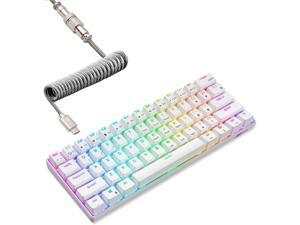
RK ROYAL KLUDGE RK61 60% Mechanical Keyboard with Coiled Cable, ...
- Model #: SOYE641257976597WEI
- Item #: 9SIVTGBKZX0020
- Return Policy: Zeorillniky Return Policy
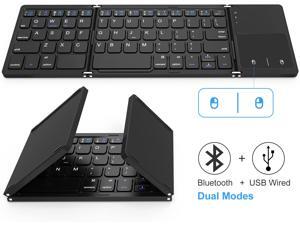
Foldable Bluetooth Keyboard, Jelly Comb Dual Mode Bluetooth & USB Wired Rechargable ...
- Design Style: Ergonomic
- Keyboard Color: Black
- Features: TOUCHPAD WITH MOUSE: You can control your device without a mouse with the left and right button of the touchpad. Very convenient and mini size for the user. Note: Touchpad feature is not compatible with iOS devices FOLDABLE DESIGN: Extremely thin and foldable keyboard can be a perfect gift for anyone who often travel or on a business trip. It allows you to operate your mobile devices on the go. Write fast, easy and error-free! It is also a good choice for editors DUAL CONNECTION MODES : You can connect the keyboard with your device via Bluetooth or USB cable. Your device will prioritize to recognize the USB wired mode when you connect at the same time. When you remove the usb cable, the keyboard will automatically switch to bluetooth mode WIDE COMPATIBILITY: With Bluetooth 3.0 technology, the fol...
- Model #: BY-KBK04-1
- Item #: 9SIVN52KT98626
- Return Policy: yeye Return Policy
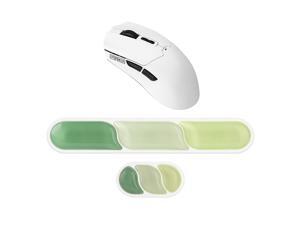
Click Lite Wireless Gaming Mouse+CloudGel Wrist Rest for Keyboard and Mouse
- Model #: HYH-20260625-C7CC-510
- Item #: 9SIVTU0M085297
- Return Policy: Areninolly Return Policy
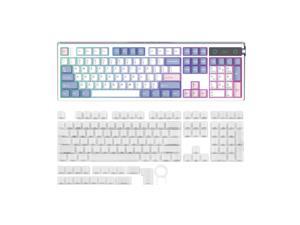
TH108 PRO Full Size Mechanical Keyboard with Screen & Knob+Frost Jelly Keycaps Set - 126 ...
- Model #: HYH-20260625-C7CC-359
- Item #: 9SIVTU0M084825
- Return Policy: Areninolly Return Policy
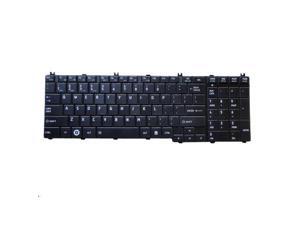
replacement keyboard for Toshiba Satellite L650 L650D L655 L655D L670 L670D L675
- Model #: keyboard-QZ31
- Item #: 9SIVH72K700041
- Return Policy: keyboardmall Return Policy
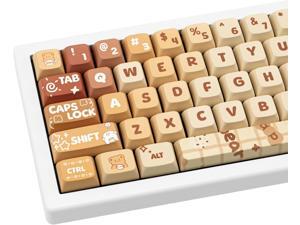
Cute PBT Keycaps 133 Keys Caramel Bear Theme Keycap Dye Sublimation XDA Profile Key ...
- Model #: R415R290253739684
- Item #: 9SIVR5HKMJ6143
- Return Policy: TrustBasket Return Policy
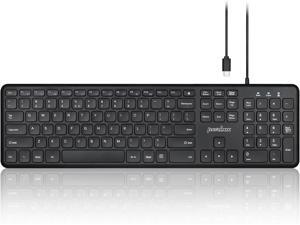
Perixx PERIBOARD-210C Wired Full-Size USB C Keyboard with Quiet Scissor Keys - ...
- Model #: BZ59-Z0420-33
- Item #: 9SIVTERKX61861
- Return Policy: Zyngear Return Policy
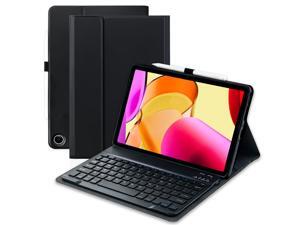
Keyboard Case for Amazon Fire Max 11 11.0-inch (13th Generation,2023 ...
- Model #: 014622583788
- Item #: 9SIVSY8KX32565
- Return Policy: YuShuHuaYiShangHang Return Policy
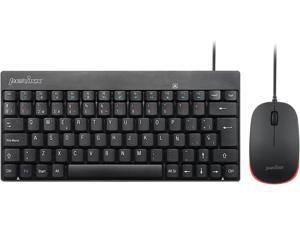
Perixx PERIDUO-212 ES Teclado y ratón pequeños con Cable, 12 Teclas Multimedia, Negro, ...
- Model #: STARWELL276367420304Lan
- Item #: 9SIVNJ2KR08814
- Return Policy: DianLan Return Policy
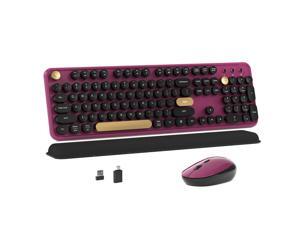
Colorful Wireless Computer Keyboard and Mouse Combo with Round Typewriter Keycaps, ...
- Design Style: Modern
- Keyboard Color: Black
- Brand: Lenovo
- Type: Wireless
- Mouse Color: Black
- Normal Keys: 104
- Distance: 30 feet
- Hand Orientation: Right
- Model #: 265836087599
- Item #: 9SIVTHGKXU9952
- Return Policy: Denikyyer Return Policy
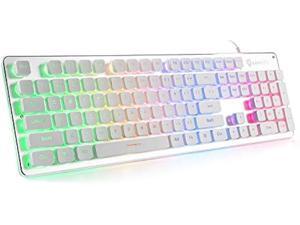
LANGTU Membrane Gaming Keyboard, Rainbow LED Backlit Quiet Keyboard for Office, USB ...
- Model #: PCMART968662885505
- Item #: 9SIVDVYK5D7891
- Return Policy: PCPLUS Return Policy
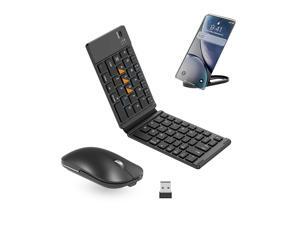
Foldable Keyboard and Mouse, Folding Bluetooth Keyboard Mouse Combo, ...
- Keyboard Color: Black
- Brand: Lenovo
- Type: Wireless
- Mouse Color: Black
- Normal Keys: 104
- Distance: 30 feet
- System Requirement: 1 PS/2 Port; CD-ROM Drive
- Dimensions: 20'
- Model #: 960961034211
- Item #: 9SIVTAJKYN5581
- Return Policy: "Deal Mall" Return Policy
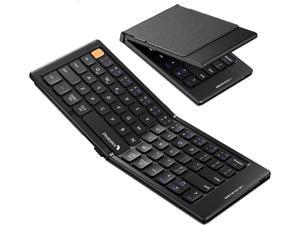
ProtoArc Foldable Compact Keyboard, XK04 Portable Bluetooth Keyboard with PU Leather ...
- Model #: R79252927816084
- Item #: 9SIVT44KVU7130
- Return Policy: meimeiliangshipindian Return Policy
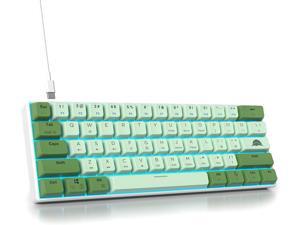
60 Percent Gaming Keyboard Green Matcha Keyboard 61 Keys Wired Mechanical Keyboard ...
- Model #: R1163252927826748
- Item #: 9SIVTE0KWC8710
- Return Policy: Nexbyte Return Policy
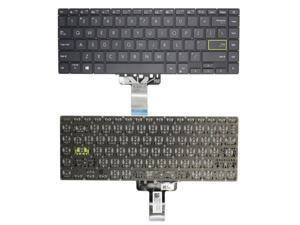
US Keyboard for ASUS V4050 V4050JF V4050EA V4050FA V4050EP V4050JP
- Model #: ZP0626ZP.20263937
- Item #: 9SIVTTKM075595
- Return Policy: Roamfiter Return Policy
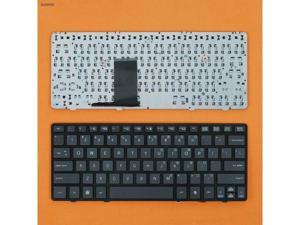
Replacement Keyboard for HP 2560P BLACK FRAME BLACK US
- Model #: ZP0626ZP.20264460
- Item #: 9SIVTTKM076178
- Return Policy: Roamfiter Return Policy
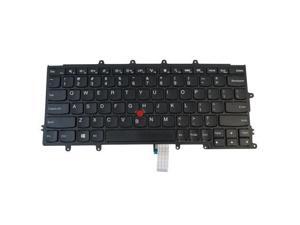
replacement keyboard for Lenovo ThinkPad X230S X240 X240S X250 X260 Non-Backlit ...
- Model #: ZP0626ZP.20264529
- Item #: 9SIVTTKM076865
- Return Policy: Roamfiter Return Policy
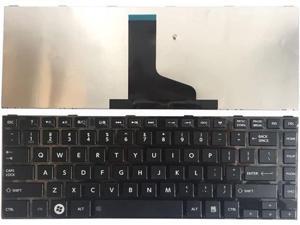
US Keyboard for Toshiba PN: AEBY3U00110-US 9Z.N7SSQ.001 NSK-TU0SQ 01
- Model #: ZP0626ZP.20263874
- Item #: 9SIVTTKM074715
- Return Policy: Roamfiter Return Policy
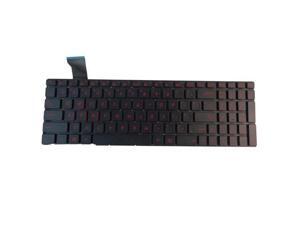
replacement keyboard for Asus ROG GL552VL GL552VW GL552VX GL552JX Backlit US
- Model #: ZP0626ZP.20263382
- Item #: 9SIVTTKM073553
- Return Policy: Roamfiter Return Policy
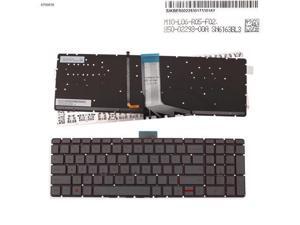
US Keyboard for hp Envy x360 m6-w000 m6-w015dx/w100/w103dx Backlit Red Printing
- Model #: ZP0626ZP.20263828
- Item #: 9SIVTTKM074356
- Return Policy: Roamfiter Return Policy
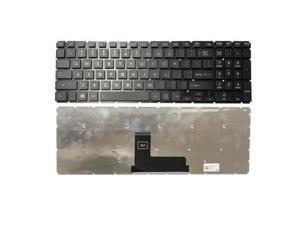
Laptop US keyboard For Toshiba Satellite C55-C5390 C55-C5162 C55-C5300
- Model #: ZP0626ZP.20264138
- Item #: 9SIVTTKM076180
- Return Policy: Roamfiter Return Policy
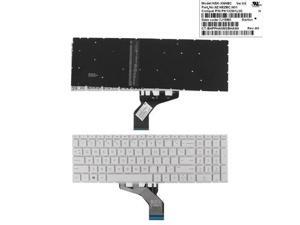
US keyboard for HP Pavilion 15-DA 250 255 G7 Gen7 WHITE ( backlit Small Enter )
- Model #: ZP0626ZP.20265229
- Item #: 9SIVTTKM077412
- Return Policy: Roamfiter Return Policy
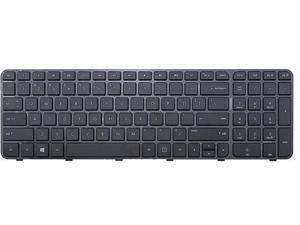
US Keyboard for HP 697452-001 699497-001 R36 673613-001 681800-001 684650-001
- Model #: ZP0626ZP.20263858
- Item #: 9SIVTTKM075025
- Return Policy: Roamfiter Return Policy
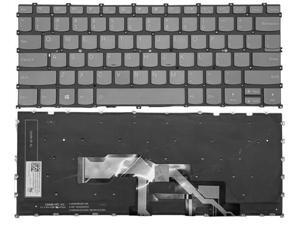
US KEYBOARD for LENOVO IDEAPAD S540-13API S540-13ARE S540-13IML LED QWERTY
- Model #: ZP0626ZP.20263797
- Item #: 9SIVTTKM074696
- Return Policy: Roamfiter Return Policy
Computer Keyboard Buying Tips
Introduction
Your staff may sometimes be at their workstations for hours on end, which means that they will need to have ergonomic computer keyboards that are adequate for the tasks that they will be performing. Purchasing keyboards with features that your staff will not utilize is not good use of your budget however, and you should try to find a balance between price and features. Below, NeweggBusiness will outline some considerations so that you can decide if they will be of value to your staff.
Connectivity
Keyboards can be connected to computers in one of two ways, wired or wireless. In terms of cost, wired keyboards can be found at much lower prices than wireless keyboards; however wireless keyboards can be used in situations where using wired keyboards would not be practical. Generally, most desktop workstations for completing general office tasks do not require wireless keyboards except in rare cases.
Wired computer keyboards have several advantages over wireless keyboards, including better responsiveness, not requiring additional software, and no need for batteries. Wireless keyboards on the other hand, decrease cable clutter and can be used with media center computers. If the computer will be used from a distance, a wireless keyboard is better than using a wired keyboard with long extension cables.
In addition to computers, keyboards can also be used with tablets to give them laptop-like functionality. For use with tablets, a keyboard will need Bluetooth® functionality, as tablets typically lack support for USB keyboards. Bluetooth keyboards can also be used with laptops and desktops, but they will need to have support for Bluetooth.
Layout
A standard Windows® compatible QWERTY computer keyboard has a 104-key layout, but there are specialized keyboards with additional keys or altered key placement. For example, a standard full-sized QWERTY keyboard will typically have a number pad to the right side of the keyboard but other layouts may drop the number pad in favor of slimmer dimensions.
Then there are multimedia keyboards and gaming keyboards that have programmable buttons, program-specific keys, and more. A standard Windows QWERTY keyboard is more than sufficient for most office tasks, and specialized keyboards are only needed for workstations that will be used for tasks that require those extra keys and functionality.
Ergonomics
Ergonomics are a very important consideration when selecting keyboards to use with your organization’s computers, as poor ergonomics can result in wrist injuries. To alleviate concerns about ergonomics, keyboard manufacturers have designed and market keyboards with comfortable ergonomics in mind. These keyboards typically have designs that split the QWERTY pattern in half and angle them so that the wrist is not bent when typing. Another approach that manufacturers may take to improve ergonomics is including wrist rests, which are often detachable. Ergonomic keyboards are usually more expensive but can reduce injury, so you may want to consider equipping workstations with them if their users will be typing for very long periods of time.

