


Laptop Internal Hard Drives - Showing 73 - 96 of 600 Products


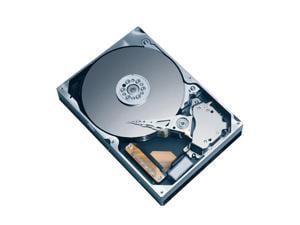

Seagate Momentus 7200.2 ST980813AS 80GB 7200 RPM 8MB Cache SATA 3.0Gb/s 2.5" ...
- Average Latency: 4.17ms
- Parts: 3 years limited
- Labor: 3 years limited
- Model #: ST980813AS
- Item #: 9SIV0AH5VV8730
- Return Policy: Best Hdd Inc Return Policy
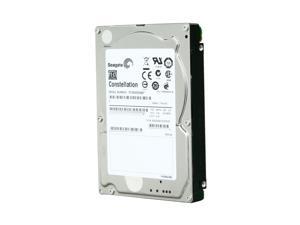
Seagate Constellation ST9500530NS 500GB 7200 RPM 32MB Cache SATA 3.0Gb/s 2.5" ...
- Average Latency: 4.16ms
- Parts: 2 yrs
- Labor: 2 yrs
- Model #: ST9500530NS
- Item #: 9SIV0AHBM89427
- Return Policy: Best Hdd Inc Return Policy


Seagate Samsung Spinpoint M9T ST2000LM003 2TB 5400 RPM 32MB Cache SATA 6.0Gb/s ...
- Brand: Seagate Samsung
- Series: Spinpoint M9T
- Capacity: 2TB
- RPM: 5400 RPM
- Form Factor: 2.5"
- Interface: SATA 6.0Gb/s
- Packaging: Bare Drive
- Cache: 32MB
- Model #: ST2000LM003
- Item #: 9SIV0AH8P55571
- Return Policy: Best Hdd Inc Return Policy
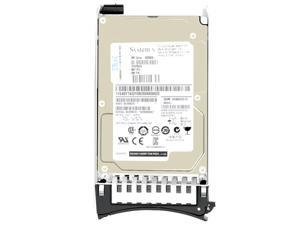
IBM 90Y8878 - 300GB 2.5" SAS 10K 6Gb/s HS Hard Drive
- NAND Flash Memory Type: MLC
- Usage: Ideal for Servers
- Model #: 90Y8878
- Item #: 9SIV0AHJNB4507
- Return Policy: Best Hdd Inc Return Policy

Hitachi GST Travelstar 5K500.B HTS545050B9A300 (0A57915) 500GB 5400 RPM 8MB Cache ...
- Average Seek Time: 12ms
- Average Latency: 5.5ms
- Parts: 3 years limited
- Labor: 3 years limited
- Model #: 0A57915
- Item #: 9SIV0AH8P76698
- Return Policy: Best Hdd Inc Return Policy

HP 637981-001 2Tb 7200Rpm Fata Hard Drive With Tray For Eva M6412A
- Model #: 637981-001
- Item #: 9SIV0AHJJC6347
- Return Policy: Best Hdd Inc Return Policy
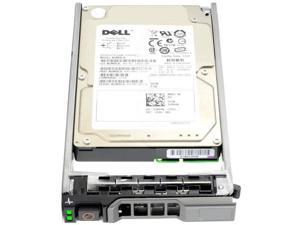

DELL 740Y7 300Gb 10000Rpm Sas6Gbits 16Mb Buffer 2.5Inch Hard Disk Drive With Trayfor ...
- Model #: 740Y7
- Item #: 9SIV0AHJNC6094
- Return Policy: Best Hdd Inc Return Policy
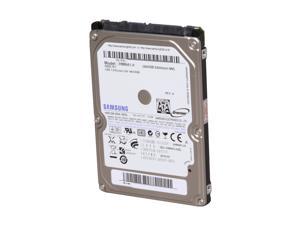
SAMSUNG Spinpoint M7E HM641JI 640GB 5400 RPM 8MB Cache SATA 3.0Gb/s 2.5" Internal ...
- Brand: SAMSUNG
- Series: Spinpoint M7E
- Capacity: 640GB
- RPM: 5400 RPM
- Form Factor: 2.5"
- Interface: SATA 3.0Gb/s
- Packaging: Bare Drive
- Cache: 8MB
- Model #: HM641JI
- Item #: 9SIV0AHB0W2533
- Return Policy: Best Hdd Inc Return Policy
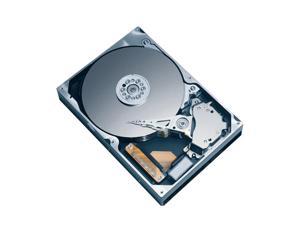
Seagate ST9320320AS 320GB 5400 RPM 8MB Cache SATA 3.0Gb/s 2.5" Notebook Hard Drive ...
- Average Latency: 5.6ms
- Parts: 5 years limited
- Labor: 5 years limited
- Model #: ST9320320AS
- Item #: 9SIV0AHJK57116
- Return Policy: Best Hdd Inc Return Policy

Seagate ST1000LM035 1TB 5400 RPM 128MB Cache SATA 6.0Gb/s 2.5" Internal Notebook ...
- Brand: Seagate
- Capacity: 1TB
- RPM: 5400 RPM
- Form Factor: 2.5"
- Interface: SATA 6.0Gb/s
- Cache: 128MB
- Average Seek Time: 13ms
- Features: Thin size. Huge storage. Amazing value. - Seagate's highest-capacity thin 7mm laptop drives at 1TB and 2TB - Best cost per TB and cost per millimeter for thin mobile/laptop customers - Light in weight to support portable computers - Enables drop-in 2TB capacity transition without the weight of traditional laptop drives - Stores up to 200,000 photos, 250,000 songs or 124 hours of high-definition video - Standard SATA 6Gb/s interface for easy integration into existing mobile/laptop designs - Easy deployment for laptop upgrades while enabling the small 7mm form factor system design Best-Fit Applications - Traditional laptops - Convertible and detachable sto...
- Model #: ST1000LM035
- Item #: 9SIV16GK1Z9869
- Return Policy: ATP Warehouse Return Policy
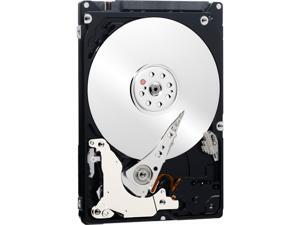
Seagate Momentus ST9500424AS 500GB 7200 RPM 16MB Cache SATA 3.0Gb/s 2.5" Internal ...
- Brand: Seagate
- Series: Momentus
- Capacity: 500GB
- RPM: 7200 RPM
- Form Factor: 2.5"
- Interface: SATA 3.0Gb/s
- Cache: 16MB
- Average Seek Time: 11ms
- Model #: ST9500424AS
- Item #: 9SIV0AH8GE7989
- Return Policy: Best Hdd Inc Return Policy
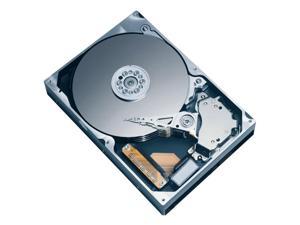
Seagate ST980811AS-RK 80GB 5400 RPM 8MB Cache SATA 1.5Gb/s 2.5" Notebook Hard ...
- Average Seek Time: 11ms
- Average Write Time: 13ms
- Average Latency: 5.6ms
- Parts: 3 years limited
- Labor: 3 years limited
- Model #: ST980811AS-RK
- Item #: 9SIV0AHBBD1169
- Return Policy: Best Hdd Inc Return Policy
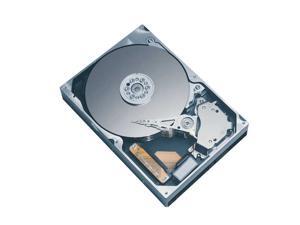
TOSHIBA MK2006GAL 20GB 4200 RPM 2MB Cache IDE Ultra ATA100 / ATA-6 1.8" Notebook ...
- Average Seek Time: 15ms
- Average Latency: 7.14ms
- Parts: 1 year limited
- Labor: 1 year limited
- Model #: MK2006GAL
- Item #: 9SIV0AHJP98429
- Return Policy: Best Hdd Inc Return Policy
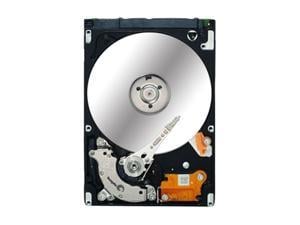
Seagate EE25.2 Series ST940818AM 40GB 5400 RPM 8MB Cache PATA 2.5" Rugged Class ...
- Average Latency: 5.6ms
- Parts: 3 years limited
- Labor: 3 years limited
- Model #: ST940818AM
- Item #: 9SIV0AHJJS8052
- Return Policy: Best Hdd Inc Return Policy
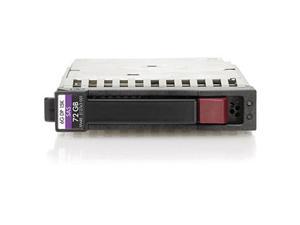
HP Enterprise 512545-B21 72GB 15000 RPM SAS 6Gb/s 2.5" SFF Internal Hard Drive
- Average Seek Time: 2.58ms
- Model #: 512545-B21
- Item #: 9SIV0AHJNU6805
- Return Policy: Best Hdd Inc Return Policy
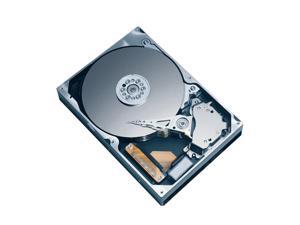
TOSHIBA MK1252GSX 120GB 5400 RPM 8MB Cache SATA 3.0Gb/s 2.5" Notebook Hard Drive ...
- Average Seek Time: 12ms
- Parts: 3 years limited
- Labor: 3 years limited
- Model #: MK1252GSX
- Item #: 9SIV0AHJPE3516
- Return Policy: Best Hdd Inc Return Policy
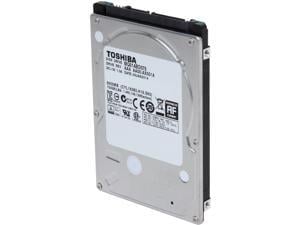
TOSHIBA MQ01ABD075 750GB 5400 RPM 8MB Cache SATA 3.0Gb/s 2.5" Internal Notebook ...
- Brand: TOSHIBA
- Capacity: 750GB
- RPM: 5400 RPM
- Form Factor: 2.5"
- Interface: SATA 3.0Gb/s
- Cache: 8MB
- Average Seek Time: 12ms
- Flash Memory Capacity: N/A
- Model #: MQ01ABD075
- Item #: 9SIV0AHJPC3155
- Return Policy: Best Hdd Inc Return Policy
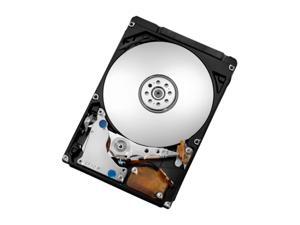
HGST Travelstar 0J26053 320 GB 2.5-inch Internal Hard Drive - SATA - 7200 - 32 MB Buffer
- Model #: 0J26053
- Item #: 9SIV0AHDV35324
- Return Policy: Best Hdd Inc Return Policy
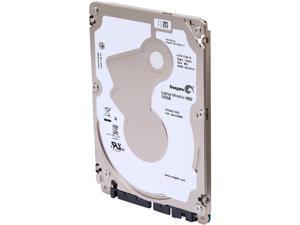
Seagate ST500LT032 500GB 5400 RPM 16MB Cache SATA 6.0Gb/s 2.5" Ultrathin Internal ...
- Brand: Seagate
- Capacity: 500GB
- RPM: 5400 RPM
- Form Factor: 2.5"
- Interface: SATA 6.0Gb/s
- Packaging: Bare Drive
- Cache: 16MB
- Average Seek Time: <13ms
- Model #: ST500LT032
- Item #: 9SIV0AHACE0729
- Return Policy: Best Hdd Inc Return Policy
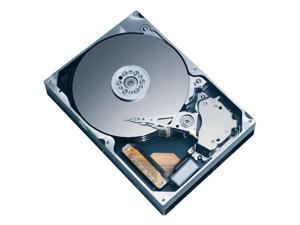
TOSHIBA MK1652GSX(HDD2H03) 160GB 5400 RPM 8MB Cache SATA 1.5Gb/s 2.5" Internal ...
- Average Seek Time: 12ms
- Parts: 1 year limited
- Labor: 1 year limited
- Model #: MK1652GSX
- Item #: 9SIV0AHJPE3232
- Return Policy: Best Hdd Inc Return Policy

SAMSUNG Spinpoint M7 HM250HI 250GB 5400 RPM 8MB Cache SATA 3.0Gb/s 2.5" Notebook ...
- Average Seek Time: 12ms
- Average Latency: 5.6ms
- Parts: 1 year limited
- Labor: 1 year limited
- Model #: HM250HI
- Item #: 9SIV0AHJHY4080
- Return Policy: Best Hdd Inc Return Policy
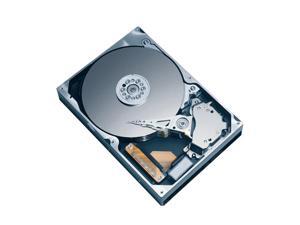
Seagate Momentus 7200.3 ST980411AS 80GB 7200 RPM 16MB Cache SATA 3.0Gb/s 2.5" ...
- Average Latency: 4.17ms
- Parts: 3 years limited
- Labor: 3 years limited
- Model #: ST980411AS
- Item #: 9SIV0AHBZ90461
- Return Policy: Best Hdd Inc Return Policy
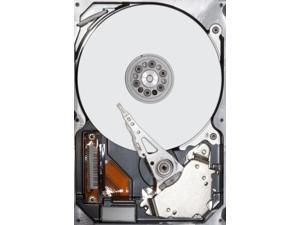
HGST HUC109090CSS600 - HGST 900GB 2.5" SAS 10K 6Gb/s Hard Drive
- Brand: HGST
- RPM: 10000 RPM
- Form Factor: 2.5"
- Interface: SAS
- Cache: 64MB
- Average Latency: 6Gb/s
- Flash Memory Capacity: N/A
- Model #: HUC109090CSS600
- Item #: 9SIV0AHJNM3797
- Return Policy: Best Hdd Inc Return Policy
Dell YJ0GR - 300GB 2.5" SAS 10K 6Gb/s HS Hard Drive
- Usage: Ideal for Servers
- Model #: YJ0GR
- Item #: 9SIV0AHJNH6881
- Return Policy: Best Hdd Inc Return Policy
Common Laptop Hard Drive Questions
Introduction
The term laptop hard drive is often applied to 2.5 inch hard drives even though they are used in many types of devices and not just laptops. For instance, they can be found in entertainment devices, desktop computers, server workstations, and more. Below, NeweggBusiness answers several common questions about 2.5 inch and laptop hard drives.
Questions
What does 2.5 inch refer to?
The designation stems from the fact that the disk platters inside of the drive are traditionally 2.5 inches in diameter. The exterior of a 2.5 inch hard drive is actually 100 millimeters (length) by 69.85 millimeters (width).
Thickness can vary, though 9.5 millimeters is very common for most laptops. On the lower end of the scale, Ultrabooks™ can sometimes have hard drives as slim as 5 millimeters. Enterprise-grade hard drives can sometimes be as thick as 15 millimeters.
How do I use a 2.5 inch or laptop hard drive with a device doesn’t support that form factor?
In order to use a 2.5 inch hard drive with a device that is designed for 3.5 inch or desktop hard drives, you will need an adapter bracket. Even with the bracket however, you will still need to ensure that the connectors are compatible.
Can I use an enterprise-grade 2.5 inch hard drive with a laptop?
While some enterprise-grade hard drives and laptop hard drives have similar form factors, they typically utilize different connectors. A laptop for instance, will usually have a SATA connector—or PATA/IDE in the case of older laptops. A server-grade hard drive on the other hand, will typically have a SAS or SCSI connector.
So while a SAS hard drive may physically fit inside a laptop, it cannot be used due to connection differences.
How do I replace a laptop hard drive?
Not all laptops feature removable hard drives, so you will first need to consult the laptop’s user guide or manufacturer’s website for confirmation. If the manufacturer states that your laptop’s hard drive can be replaced, the information below can serve as a general outline.
The first step is to ensure that you have the appropriate tools. Recommended tools include a Phillips screwdriver with a relatively small head, a flat-head screwdriver, and possibly Torx® screwdrivers.
While each laptop model may have a unique design, there are some commonalities with how the hard drives can be accessed. Three of the more common laptop hard drive configurations are as follows.
- Tray-mounted
- Access panel on the underside
- Underneath the keyboard
Once you have determined how to access the laptop hard drive, you should remove the battery and unplug the laptop to avoid electrical damage or injury.

