


Mouse - Showing 2257 - 2280 of 70479 Products



48''W Kitchen Shelves with Large Storage Capacity, Waterproof and Rust-Resistant Metal ...
- Model #: C5YM-S528-205
- Item #: 9SIVTN0KYH7325
- Return Policy: Cuicuiqintoy Return Policy
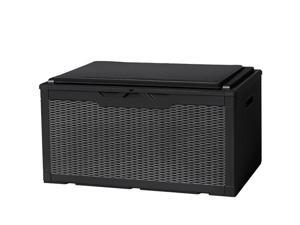
Flamaker Deck Box with Cushion 98 Gallon Waterproof Resin Storage Box with Air Rod Indoor ...
- Model #: C6TY-H05140167
- Item #: 9SIVTDWKX83401
- Return Policy: Yerllnikret Return Policy

Tribesigns Farmhouse Dining Table, 47 Inch Round Dinner Table for 4, Rustic Round Dining ...
- Model #: C6TY-H0515-1708
- Item #: 9SIVTDWKX66423
- Return Policy: Yerllnikret Return Policy
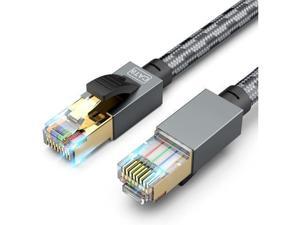
SNANSHI 150 ft Ethernet Cable, CAT 8 Heavy Duty 26AWG Nylon Braided High Speed Cat8 ...
- Model #: C5YM-S520-625
- Item #: 9SIVTMDKYH1439
- Return Policy: Micnoieruntlr Return Policy
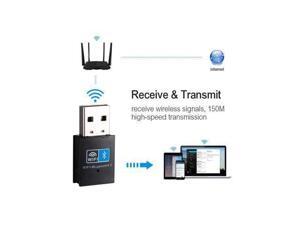
USB WiFi Adapter 150Mbps Wi-Fi Bluetooth Adapter For PC Ethernet WiFi Dongle 2.4G Network ...
- Model #: C53R-Z-521.1074
- Item #: 9SIVS8XKXK6535
- Return Policy: zijianmaoyigongsi Return Policy
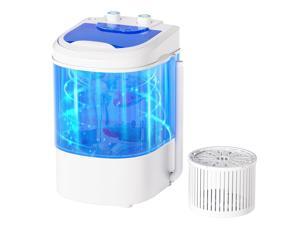
Mini Portable Washing Machine, Single Tub Compact Laundry with Spin Cycle, 6.6LBS ...
- Model #: C5YM-S528-40
- Item #: 9SIVTN0KYH6911
- Return Policy: Cuicuiqintoy Return Policy
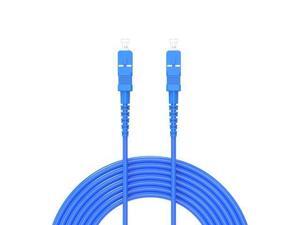
30Meters, SC to SC, Armored Single Mode Simplex Fiber Optic Cables SC-SC Patch Cord ...
- Model #: C53R-Z-529-1520
- Item #: 9SIVS8XKXY6000
- Return Policy: zijianmaoyigongsi Return Policy
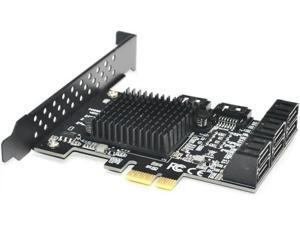
Ruth's sister 88SE9215 Chip 8 Ports SATA 3.0 To Pcie Expansion Card PCI Express SATA ...
- Model #: C5YJ-S527-1571
- Item #: 9SIVSW2KXS6236
- Return Policy: QinQinDACANshop Return Policy
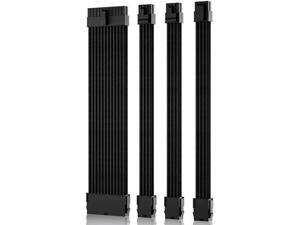
Power Supply Sleeved Cable, Extension PC Kit, 18AWG 24Pin ATX / 8 (4+4) Pin EPS / 8 (6+2) Pin ...
- Model #: C53R-Z-521.267
- Item #: 9SIVS8XKXK8764
- Return Policy: zijianmaoyigongsi Return Policy
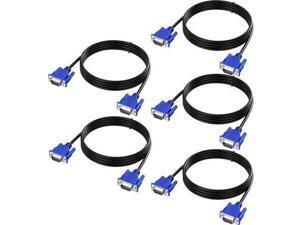
VGA Cable 5 Feet 5-Pack, Male VGA to VGA Male Monitor Computer Cable Adapter Cord HD15 ...
- Model #: C5YJ-S527-2791
- Item #: 9SIVSW2KXT8050
- Return Policy: QinQinDACANshop Return Policy
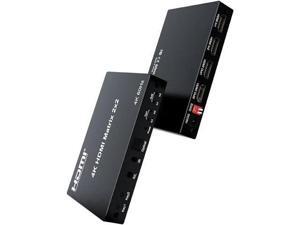
2x2 HDMI Matrix, HDMI Matrix Switch Splitter 2 in 2 Out with Remote Control, Support UHD HDR ...
- Model #: C53R-Z-521.670
- Item #: 9SIVS8XKXK7729
- Return Policy: zijianmaoyigongsi Return Policy
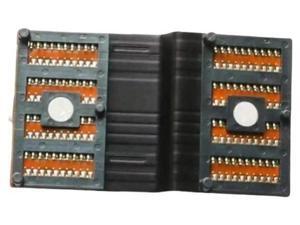
FOR 03VC0C FOR M15 M17 R2 VGA Flex Cable CN-03VC0C 3VC0C EDQ 51 71
- Model #: C5YJ-S527-1882
- Item #: 9SIVSW2KXS6934
- Return Policy: QinQinDACANshop Return Policy
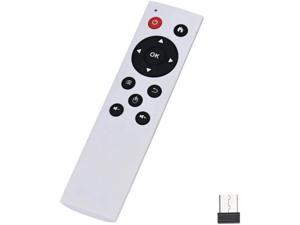
Aomoproing Suppion 2.4G Wireless Air Mouse Keyboard Remote Control Smart For Pc Tv ...
- Model #: oo-1004
- Item #: 9SIVN51KJY0227
- Return Policy: fanlihui2025 Return Policy
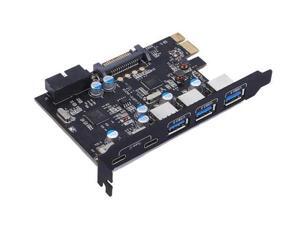
PCI Express Card to 3 PORTS USB 3.0 2 PORTS USB3.1 Type C Internal USB 3.0 20PIN 7 Ports ...
- Model #: C53R-Z-521.1735
- Item #: 9SIVS8XKXK4007
- Return Policy: zijianmaoyigongsi Return Policy
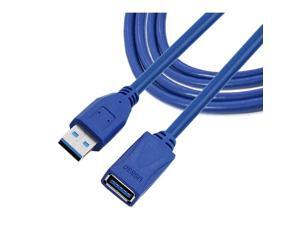
1.5M USB 3.0 Male to Female Extension Cable High-Speed 5GBps Data Transfer for ...
- Model #: C53R-M-527-281
- Item #: 9SIVS8XKXU5363
- Return Policy: zijianmaoyigongsi Return Policy

Tribesigns Round Coffee Table, 32" Circle Coffee Table for Living Room, Modern 2-Tier Wood ...
- Model #: C6TY-H0515-1278
- Item #: 9SIVTDWKX67996
- Return Policy: Yerllnikret Return Policy
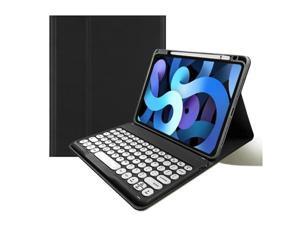
kaitesi Keyboard Case for iPad Pro 13 inch M4, Round Key Colour Detachable Bluetooth ...
- Model #: C5YM-S520-1499
- Item #: 9SIVTMDKYH4868
- Return Policy: Micnoieruntlr Return Policy
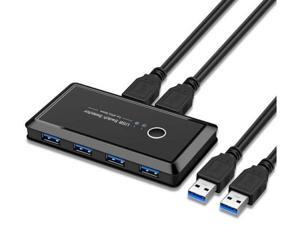
USB Sharing Switch for 2 Computers Sharing 4 USB 3.0 Ports, KVM Switches Adapter Hub for PC, ...
- Model #: C5YJ-S527-2225
- Item #: 9SIVSW2KY05091
- Return Policy: QinQinDACANshop Return Policy
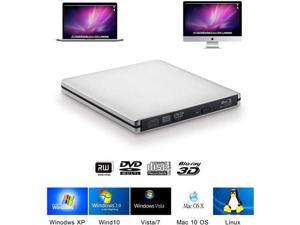
CENULIN Blu-ray Burner USB3.0 External Optical Drive DVD Player Aluminum Blu Ray Writer ...
- Model #: C5YM-S520-677
- Item #: 9SIVTMDKYH1939
- Return Policy: Micnoieruntlr Return Policy
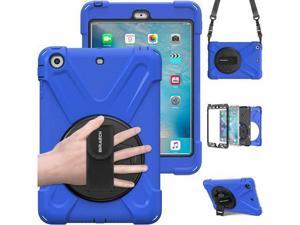
Case for iPad mini 1/2/3,Heavy Duty [Shock Proof for Kids Cover], with 360 Degrees Rotating ...
- Model #: C53R-Z-529-1119
- Item #: 9SIVS8XKXY5542
- Return Policy: zijianmaoyigongsi Return Policy
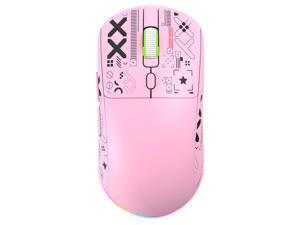
JAYSUING 3 Modes Wireless Mouse with Wired Wireless BT, Chargeable Ergonomic Gaming ...
- Brand: JAYSUING
- Buttons: 1
- Scrolling Capability: adjustable
- Interface: ethernet
- Type: ethernet
- Tracking Method: as described as specification
- Hand Orientation: Right
- Parts: manufacturer warranty for 90 day
- Model #: 2515612
- Item #: 9SIVRP1KUG4374
- Return Policy: lixiaoli Return Policy

ROWHY 148'' Sectional Cloud Couch with 2 Ottomans, Oversized 4 Seat Sleeper Sofa with 2 ...
- Model #: C6TY-H0515-769
- Item #: 9SIVTDWKX69701
- Return Policy: Yerllnikret Return Policy
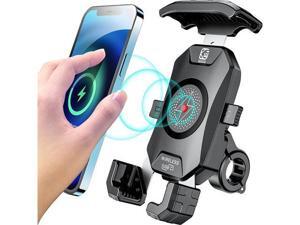
KEWIG Waterproof Motorcycle Phone Mount Qi 15W Wireless & USB C 20W Fast Chargeing Port ...
- Model #: C5YM-S520-230
- Item #: 9SIVTMDKYH0672
- Return Policy: Micnoieruntlr Return Policy
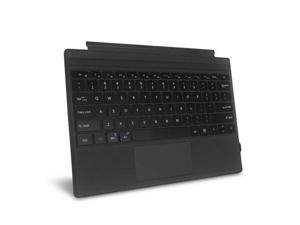
Fintie Type Cover for Microsoft Surface Pro 7 Plus/Pro 7 / Pro 6 / Pro 5 / Pro 4 / Pro 3, Ultrathin ...
- Model #: C5YM-S520-2055
- Item #: 9SIVTMDKYH6552
- Return Policy: Micnoieruntlr Return Policy
Considerations for Buying Computer Mice
Introduction
Like a keyboard, a computer mouse is an essential device for any workstation, even though touchscreen input is becoming more popular. However, with so many different features and types of mice available, you may be wondering which ones are essential for your staff and which ones are unneeded. Below, NeweggBusiness will go over some common considerations when purchasing computer mice.
Optical Technology
There are two major types of optical technology used in mice today, LED and laser. Neither is better than the other, as they are ideal for different types of users.
LED
An LED mouse usually costs less than a laser mouse, but may have slightly lower dots per inch (DPI) and is not as capable on shiny, black, and transparent surfaces. Sensitivity for an optical mouse typically ranges from 400 to 800 DPI, which is more than adequate for most tasks such as internet browsing, checking e-mail, or data entry.
Laser
One major advantage of a laser mouse is sensitivity, which can reach up to several thousand DPI. Also, laser mice can be used with a wider variety of surfaces than LED mice. So while an LED mouse may struggle with shiny, black, or glass surfaces, a laser mouse has no trouble. However, one downside is that laser mice typically cost more than most LED mice.
Connectivity
There are two types of connectivity for mice, wired and wireless. Users often debate over which type is superior, but to definitely declare that one is superior to the other is a difficult. Similar to the distinction between laser and LED, wired and wireless mice appeal to different types of users.
Wired
Some of the advantages of purchasing wired mice include lower cost, no worries about batteries, and no worries about wireless interference. It is the ideal option for staff that do not travel with their computers or mice in tow. If your staff do not have unused USB ports on their computers, consider equipping them with accessories such as USB hubs or Bluetooth dongles so that they can use Bluetooth mice.
Wireless
Wireless mice can potentially have issues with interference and many use batteries that need to be replaced, but does that make them inferior? Not quite, as they offer more convenience and are better suited for travellers and professionals mired by cable clutter. If you’ve decided to purchase wireless for some of your staff, then you will need to decide between RF mice and Bluetooth® mice.
- Radio frequency (RF) – RF wireless mice require use of USB dongles that are included with the mice. Some users may not like the fact that USB dongles are required, as it uses a USB port and can be lost if not careful.
- Bluetooth – Bluetooth mice do not require USB dongles but will require Bluetooth functionality on the computer. Another advantage of using Bluetooth mice is that they can be used with some tablets. However, some users do report that Bluetooth mice do require a little bit of time to “wakeup” after long periods of inactivity.
Size and Ergonomics
Mice can come in several sizes, with some better for laptop users and others for desktop users. Smaller mice are more convenient, especially if your users will be packing them into messenger bags or laptop cases. Desktop users that don’t expect to move their computers very much will find that larger mice are more than adequate
Alternatives
While most people are familiar with the standard mouse, there are a few alternatives that NeweggBusiness offers. Some are designed for increased ergonomics while others for precision. Here are two of the more common options.
Vertical Mice
These are special types of mice that are used with your hand in a vertical position, similar to how a joystick is held. Some manufacturers assert that using a vertical mouse puts less strain on the wrist and shoulder.
Trackball Mice
Trackball mice track movements of a ball in a socket instead of the entire mouse. The ball can be manipulated by the thumb, fingers, or palm depending on the design of the trackball mouse. Similar to vertical mice, trackball mice manufacturers state that they reduce strain and the likelihood of injury.

