


Mouse - Showing 2329 - 2352 of 62282 Products


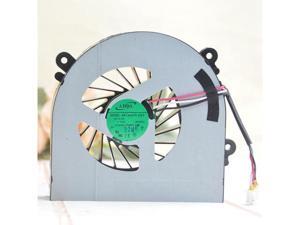
AB7905HX-DE3 For ADDA W370ET W150ER DC 5V 0.4A 3-wire laptop cooling Fan
- Model #: B3EW.0427210
- Item #: 9SIVTKAKYF2013
- Return Policy: Fenlliker Return Policy
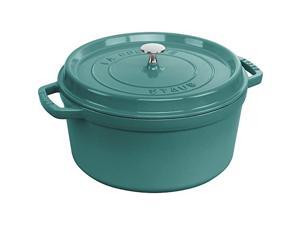
Staub Cast Iron 7-qt Round Cocotte - Turquoise
- Model #: JC40E0521.149
- Item #: 9SIVRH8KXH0340
- Return Policy: qianhaimaoyi Return Policy
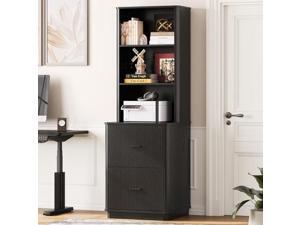
ONBRILL 71" Tall Fluted Bookcase with 2 File Drawers, Curved Design Display Bookshelf with ...
- Model #: JC40E.0520.15
- Item #: 9SIVRH8KXC7907
- Return Policy: qianhaimaoyi Return Policy
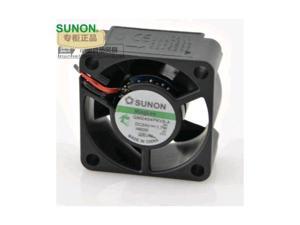
SUNON GM2404PKVX-A 4020 1.7W 24V inverter fan cooling fan 10pcs\/lot
- Model #: C5JS-Z05143843
- Item #: 9SIVSKVKX73593
- Return Policy: JuWeiWangLuo Return Policy
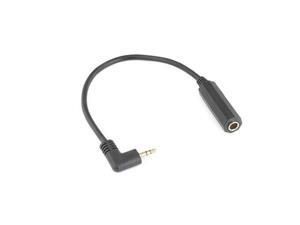
FOR Gold plated Microphone Adapter 3.5MM Male Elbow 90 To 6.35mm Female Audio Adapter ...
- Model #: JC40E.0515.1378
- Item #: 9SIVRH8KXE0679
- Return Policy: qianhaimaoyi Return Policy
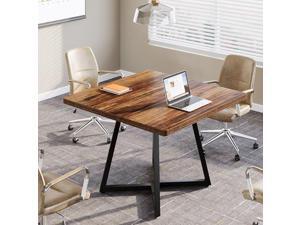
Tribesigns 31.5" Square Conference Table, Industrial Office Meeting Table for 4 People, ...
- Model #: C6TY-H0515-1188
- Item #: 9SIVTDWKX68370
- Return Policy: Yerllnikret Return Policy
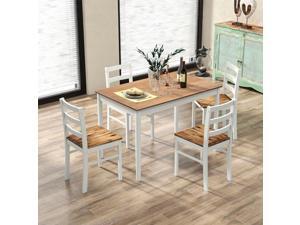
COSTWAY Dining Table Set for 4, Wood Kitchen Table Chairs Set with Rubber Wood Legs, ...
- Model #: JC40E-0521-2755
- Item #: 9SIVRH8KXG0007
- Return Policy: qianhaimaoyi Return Policy
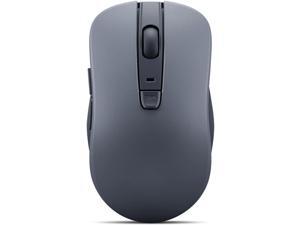
Bluetooth Silent Mouse (WL300) - 5 Button Computer Mouse with Silent Left & Right Click ...
- Type: Bluetooth / 2.4GHz / Wired
- Model #: B0CSPJP35MC3FG
- Item #: 9SIVTE0KWE7865
- Return Policy: Nexbyte Return Policy

6 ft Arch Backdrop Stand Wedding Arch Frame Stable Metal Background Stand with Square ...
- Model #: YC5KU.265261659
- Item #: 9SIVSMNKXU5938
- Return Policy: nonstop_7 Return Policy
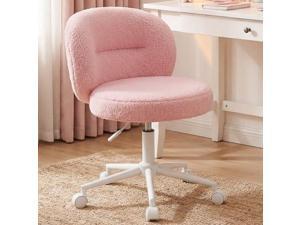
Homkdom Vanity Chair with Wheels, Pink Desk Chairs with Round Back, Height Adjustable & ...
- Model #: C6TY-H0515-349
- Item #: 9SIVTDWKX70693
- Return Policy: Yerllnikret Return Policy
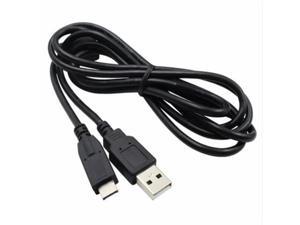
FOR For DMC-FZ40 DMC-FZ45 DMC-FZ100 CAMERA USB DATA CABLE LEAD
- Model #: C5KU.0420759
- Item #: 9SIVSMNKVH7351
- Return Policy: nonstop_7 Return Policy
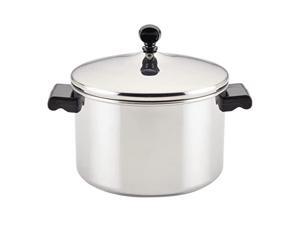
Farberware Classic Stainless Steel 4-Quart Covered Saucepot - - Silver
- Model #: JC40E.0520.870
- Item #: 9SIVRH8KXC5977
- Return Policy: qianhaimaoyi Return Policy
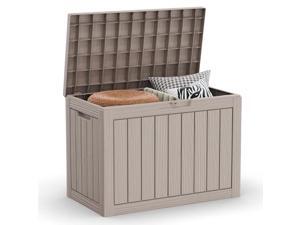
45 Gallon Outdoor Deck Box, Lockable Waterproof Outdoor Storage Boxes For Garden ...
- Model #: JC40E-0525-263
- Item #: 9SIVRH8KY08530
- Return Policy: qianhaimaoyi Return Policy
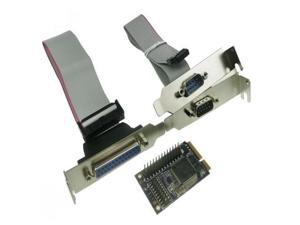
MINI PCI-e adapter to RS232 serial and parallel transfer COM mini pcie parallel printer port ...
- Model #: C5JS-Z05220269
- Item #: 9SIVSKVKXR3792
- Return Policy: JuWeiWangLuo Return Policy
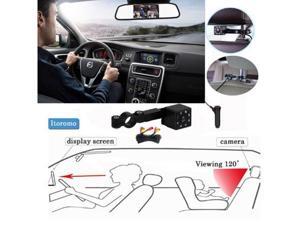
Adjustable Baby Car Mirror Car Back Seat Safety View Rear Ward Facing Car Interior Baby Kids ...
- Model #: YC5KU05150120
- Item #: 9SIVSMNKXF3053
- Return Policy: nonstop_7 Return Policy
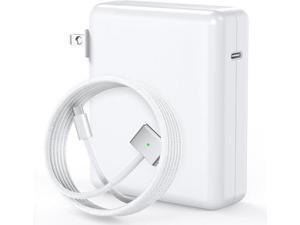
140W Charger for MacBook Pro 16/14 inch Mac Air 15/13 inch Original Quality 2021-2025 ...
- Model #: YC5KU.265261285
- Item #: 9SIVSMNKXU8504
- Return Policy: nonstop_7 Return Policy
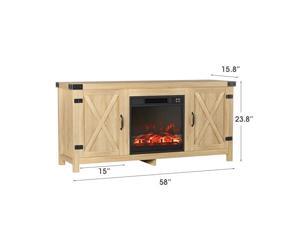
JUMMICO Fireplace TV Stand, Farmhouse Entertainment Center with Fireplace and Shelves, ...
- Model #: C6TY-H05140676
- Item #: 9SIVTDWKX78389
- Return Policy: Yerllnikret Return Policy
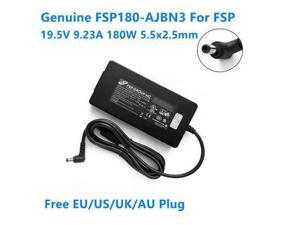
OIAGLH 19.5V 9.23A 180W FSP180-AJBN3 Power Supply AC Adapter For XNE15E19 MAG-15 ...
- Model #: C43K-0420-4967
- Item #: 9SIVRKBKW86455
- Return Policy: sunpengshop Return Policy
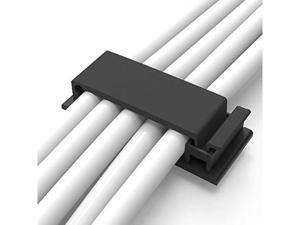
Cable Clips with Strong Self-Adhesive, XIAOXI Multipurpose Wire Clamps for Cable ...
- Model #: C32P.0420565
- Item #: 9SIVPXNKVH9578
- Return Policy: yinyueshengdianzishangwuyouxiangongsi Return Policy
Suitable for KDT-6303 touch glass panel protective screen
- Model #: C5JS-Z0520-1234
- Item #: 9SIVSKVKXP2892
- Return Policy: JuWeiWangLuo Return Policy
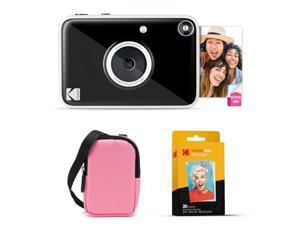
Kodak Printomatic+ Instant Print Digital Camera Starter Bundle + Carrying Case (Pink) + Zink ...
- Model #: JC40E.0520.1745
- Item #: 9SIVRH8KXE0711
- Return Policy: qianhaimaoyi Return Policy
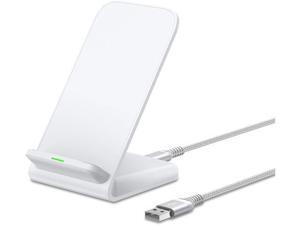
Pixel Fast Wireless Charger 15W Wireless Charging Stand for Google Pixel 9a 9 Pro XL 8a 8 Pro ...
- Model #: C75J*OYJ*G1*0610-582
- Item #: 9SIVTNBKYU6626
- Return Policy: Stoerllyer Return Policy

COSTWAY 360 Rotating Jewelry Armoire Cabinet, Standing Jewelry Organizer w/Full-Length ...
- Model #: JC40E-0521-1841
- Item #: 9SIVRH8KXG2867
- Return Policy: qianhaimaoyi Return Policy
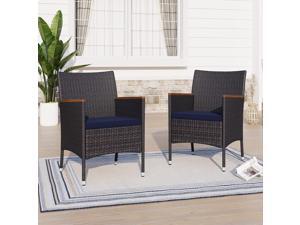
Rattan Patio Chairs Set of 2, 2 Pcs Wicker Outdoor Dining Chairs with Seat Cushions & Wood ...
- Model #: WC5TJ.0611.397
- Item #: 9SIVSSHKYX7680
- Return Policy: tomorroW3 Return Policy
Considerations for Buying Computer Mice
Introduction
Like a keyboard, a computer mouse is an essential device for any workstation, even though touchscreen input is becoming more popular. However, with so many different features and types of mice available, you may be wondering which ones are essential for your staff and which ones are unneeded. Below, NeweggBusiness will go over some common considerations when purchasing computer mice.
Optical Technology
There are two major types of optical technology used in mice today, LED and laser. Neither is better than the other, as they are ideal for different types of users.
LED
An LED mouse usually costs less than a laser mouse, but may have slightly lower dots per inch (DPI) and is not as capable on shiny, black, and transparent surfaces. Sensitivity for an optical mouse typically ranges from 400 to 800 DPI, which is more than adequate for most tasks such as internet browsing, checking e-mail, or data entry.
Laser
One major advantage of a laser mouse is sensitivity, which can reach up to several thousand DPI. Also, laser mice can be used with a wider variety of surfaces than LED mice. So while an LED mouse may struggle with shiny, black, or glass surfaces, a laser mouse has no trouble. However, one downside is that laser mice typically cost more than most LED mice.
Connectivity
There are two types of connectivity for mice, wired and wireless. Users often debate over which type is superior, but to definitely declare that one is superior to the other is a difficult. Similar to the distinction between laser and LED, wired and wireless mice appeal to different types of users.
Wired
Some of the advantages of purchasing wired mice include lower cost, no worries about batteries, and no worries about wireless interference. It is the ideal option for staff that do not travel with their computers or mice in tow. If your staff do not have unused USB ports on their computers, consider equipping them with accessories such as USB hubs or Bluetooth dongles so that they can use Bluetooth mice.
Wireless
Wireless mice can potentially have issues with interference and many use batteries that need to be replaced, but does that make them inferior? Not quite, as they offer more convenience and are better suited for travellers and professionals mired by cable clutter. If you’ve decided to purchase wireless for some of your staff, then you will need to decide between RF mice and Bluetooth® mice.
- Radio frequency (RF) – RF wireless mice require use of USB dongles that are included with the mice. Some users may not like the fact that USB dongles are required, as it uses a USB port and can be lost if not careful.
- Bluetooth – Bluetooth mice do not require USB dongles but will require Bluetooth functionality on the computer. Another advantage of using Bluetooth mice is that they can be used with some tablets. However, some users do report that Bluetooth mice do require a little bit of time to “wakeup” after long periods of inactivity.
Size and Ergonomics
Mice can come in several sizes, with some better for laptop users and others for desktop users. Smaller mice are more convenient, especially if your users will be packing them into messenger bags or laptop cases. Desktop users that don’t expect to move their computers very much will find that larger mice are more than adequate
Alternatives
While most people are familiar with the standard mouse, there are a few alternatives that NeweggBusiness offers. Some are designed for increased ergonomics while others for precision. Here are two of the more common options.
Vertical Mice
These are special types of mice that are used with your hand in a vertical position, similar to how a joystick is held. Some manufacturers assert that using a vertical mouse puts less strain on the wrist and shoulder.
Trackball Mice
Trackball mice track movements of a ball in a socket instead of the entire mouse. The ball can be manipulated by the thumb, fingers, or palm depending on the design of the trackball mouse. Similar to vertical mice, trackball mice manufacturers state that they reduce strain and the likelihood of injury.

