


RAID Enclosure / Subsystems - Showing 49 - 72 of 73 Products



Refurbished: 462975-001 HP 512MB P-SERIES CACHE UPGRADE -NEW BULK
- Model #: 168-811360000330915
- Item #: 9SIV2GPJ2U9973
- Return Policy: ITS Distribution Return Policy
Refurbished: 726821-B21 HP Controller Smart Array 12GBSAS 726823-001 P440/4GB FBWC ...
- Model #: ad3-894052000252739
- Item #: 9SIV2GPG3J1355
- Return Policy: ITS Distribution Return Policy
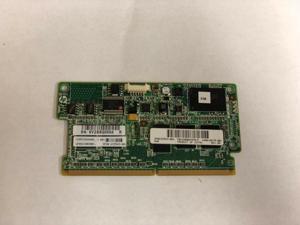
Refurbished: HP 633543-0012GB FBWC CACHE MEMORY 610675-001
- Model #: 998355540800
- Item #: 9SIV2GPE0G6321
- Return Policy: ITS Distribution Return Policy
Refurbished: AP844A HP 6Gb SAS IO controller module 592262-001 AP844B
- Model #: 2e4-191717000272681
- Item #: 9SIV2GPAZD5376
- Return Policy: ITS Distribution Return Policy
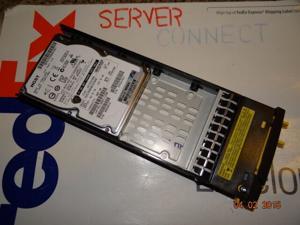
Refurbished: HP M6710 697389-001 QR496A 900GB 6G SAS 10K SFF 2.5 WITH TRAY
- Model #: b62-189784000331327
- Item #: 9SIV2GPCB78618
- Return Policy: ITS Distribution Return Policy
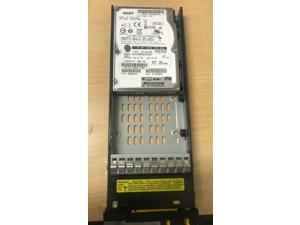
Refurbished: QR496A HP M6710 900GB 6G SAS 10K 2.5in HDD 697389-001 702505-001 ...
- Model #: 88b-642846000223269
- Item #: 9SIV2GPCB78612
- Return Policy: ITS Distribution Return Policy
Refurbished: HP 013224-002 512MB BATTERY BACKED WRITE CACHE (BBWC) MEMORY ...
- Model #: 4fe-291330000254193
- Item #: 9SIV2GPJ2U9957
- Return Policy: ITS Distribution Return Policy
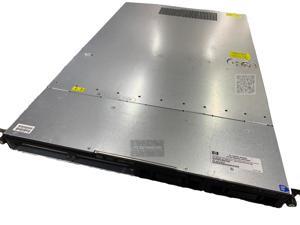
Refurbished: HP StorageWorks P4000 G2 1-node Network Storage Server (BV875A)
- Model #: BV875A REF
- Item #: 9SIV2GPJHV2270
- Return Policy: ITS Distribution Return Policy
Refurbished: 462975-001 - HP 512MB CACHE MEMORY FOR P212 P411 P410MB
- Model #: 1fb-731325000111962
- Item #: 9SIV2GPJ2U9966
- Return Policy: ITS Distribution Return Policy
Refurbished: HP AP844A P2000 Lff Drive Enclosure I/o Module - 592262-001, AP844B
- Model #: 62c-318949000162524
- Item #: 9SIV2GPAZD5374
- Return Policy: ITS Distribution Return Policy
Refurbished: HP M6710 702505-001 900GB 6G SAS 10K SFF 2.5 WITH TRAY 5697-1288 ...
- Model #: f44-169511000251902
- Item #: 9SIV2GPCB78611
- Return Policy: ITS Distribution Return Policy
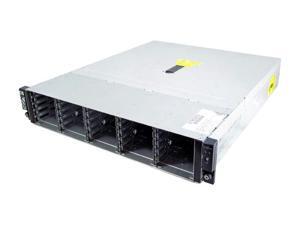
Refurbished: HP StorageWorks D2700 AJ941A RAID 6 with ADG (Advanced Data ...
- Brand: HP
- Series: StorageWorks D2700
- Drive: SAS & SATA
- RAID Levels: RAID 6 with ADG (Advanced Data Guarding) RAID 5 (Distributed Data Guarding) RAID 1 + 0 (Mirroring and Striping) RAID 1 (Mirroring) RAID 0 (Striping)
- 2.5" Drive Bays: 25
- OS Supported: Microsoft Windows 2003, 2008 (x86 & x64) NetWare 6.5/OES Red Hat Enterprise Linux 4, 5, & 6 (x64 & x86) Red Hat & SLES XenSource Solaris 10 x64 SUSE Linux Enterprise Server 10, 11 (x64 & x86) VMware ESX 3.5.0 & 4.0 XenSource Windows Hyper V
- Power Supply: 2
- Features: The HP D2700 Disk Enclosure with 6 Gb SAS host connectivity. The D2700 is a 2U direct attach, external storage solution designed for small to medium size deployments or remote locations. These enclosures deliver industry-leading availability, storage density, and upgradeability to meet cus...
- Model #: AJ941A
- Item #: 9SIV2GPK6Y9720
- Return Policy: ITS Distribution Return Policy
Refurbished: HP QR496A M6710 900GB 6G SAS 10K 2.5IN HDD - 697389-001, 702505-001
- Model #: hp qr496a refurbishe
- Item #: 9SIV2GPG5S9826
- Return Policy: ITS Distribution Return Policy
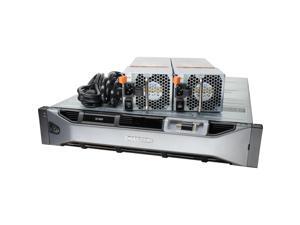

Refurbished: Dell EMC Compellent SC400 Storage Expansion Array 8x 8TB SAS
- Brand: DELL
- Type: Rack
- Rack Height: 2U
- Hard Drive (Installed): 10x 8TB 7.2K SAS 4Kn
- Max HDD Capacity: 12x 3.5 Drive Bays
- Model #: 000000051223
- Item #: 9SIV1MCKKX9841
- Return Policy: xByte Technologies Return Policy
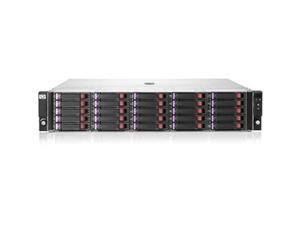
Refurbished: HPE QK770A D2700 DAS Hard Drive Array
- Electrical Outlet Plug Type: DAS Storage System
- Model #: QK770A
- Item #: 9SIV1JDKC62406
- Return Policy: Avanti Data Products Return Policy
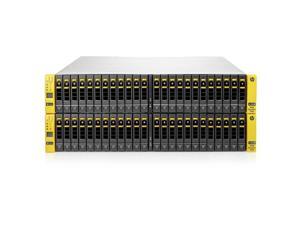
Refurbished: HPE C8R37A 3PAR StoreServ 7450 4-node Base
- Brand: HPE
- Color: Multicolor
- Model #: C8R37A
- Item #: 9SIV1JDB8S7067
- Return Policy: Avanti Data Products Return Policy
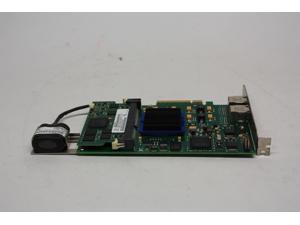
Refurbished: DELL 0DV94N 0DV94N DELL COMPELLENT RAID CONTROLLER PCI-E 512MB ...
- Model #: 0DV94N
- Item #: 9SIV1JD7AM8875
- Return Policy: Avanti Data Products Return Policy
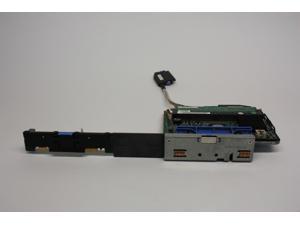
Refurbished: DELL POWEREDGE PERC 5I SAS RAID CONTROLLER CARD 256MB / 0TU005 / ...
- Model #: 0TU005
- Item #: 9SIV1JD7AM8358
- Return Policy: Avanti Data Products Return Policy
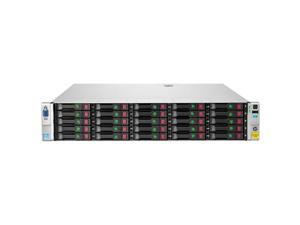
Refurbished: HPE B7E27A StoreVirtual 4730 600GB SAS Storage
- Model #: B7E27A
- Item #: 9SIV1JDB8S7040
- Return Policy: Avanti Data Products Return Policy
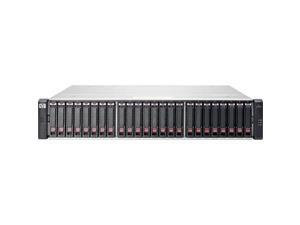
Refurbished: HPE C8S55A MSA 2040 SAS Dual Controller SFF Storage (C8S55A)
- Model #: C8S55A
- Item #: 9SIV1JDKC56321
- Return Policy: Avanti Data Products Return Policy
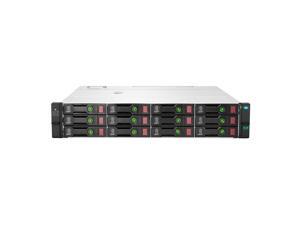
Refurbished: HPE 763850-B21 BladeSystem c7000 Blade Server Case
- Model #: 763850-B21
- Item #: 9SIV1JDKC62710
- Return Policy: Avanti Data Products Return Policy
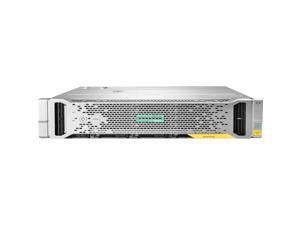
Refurbished: HPE N9X16A StoreVirtual 3200 4-port 1GbE iSCSI SFF Storage
- Model #: N9X16A
- Item #: 9SIV1JDKC56370
- Return Policy: Avanti Data Products Return Policy
Refurbished: 872389-002 HPE 1.92TB SAS 12G RI SFF SC DS SSD
- Model #: 872389-002
- Item #: 9SIVMNFKT43523
- Return Policy: haoyuzeshang Return Policy
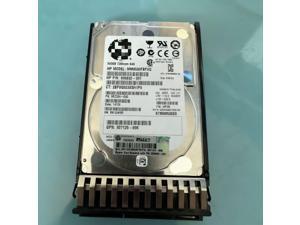
Refurbished: For 508009-001 500G 7.2K SAS 2.5 507610-B21 G7 Server
- Model #: MUOSN
- Item #: 9SIV2M3KM86550
- Return Policy: I TECH Return Policy
Guide to RAID Storage
Introduction
So what is an external RAID enclosure? It is a device that allows you to set up a RAID array using internal hard drives or solid state drives. Some home and small-office users may have internal RAID arrays for desktops, but larger organizations that require high levels of performance and scalability will find more utility from external RAID enclosures.
Benefits of External RAID Enclosures
A RAID enclosure is similar to an external hard drive enclosure, except it is larger to accommodate multiple hard drives and designed for RAID configurations. Compared to software RAID solutions, which are typically managed by the operating system, external RAID enclosures have several advantages.
Hot-Swap Support
Many USB and eSATA RAID enclosures support a feature known as hot swapping, which allows users to remove and replace hard drives with no need to power down the device. External RAID enclosures also typically have easily accessible drive bays. This allows for quicker drive switching, which can save professionals time.
No Extra Load on CPU
Software RAID arrays require CPU cycles in order to operate, which lower overall system performance. In contrast, hardware-based RAID configurations such as external enclosures and RAID controller cards have their own built-in processing units. As a result, they do not detract from overall system performance.
Drive Cloning
In addition to having RAID capabilities, many enclosures also support drive cloning. This allows users to duplicate all the contents of a drive, including hidden and in-use files. It is more in-depth than copying and pasting the contents, as the resulting drive is an exact clone.
SAS Support
One downside of a software-managed RAID array is that few desktop motherboards support enterprise-grade drives such as Serial Attached SCSI (SAS) hard drives. With a hardware RAID solution such as an external RAID enclosure, you can add support for SAS enterprise-grade hard drives and solid state drives.

