


Server Barebones - Showing 169 - 192 of 681 Products


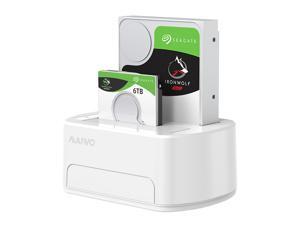
Dual-bay USB 3.0 to SATA Hard Drive Docking Station Hard Disk Enclosure External Case for ...
- Model #: HT-ID444-1912232
- Item #: 9SIVM7DKRK7433
- Return Policy: EnYZME Return Policy
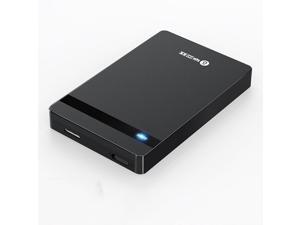
YP6 2.5 inch HDD SSD Hard Drive Enclosure USB 3.0 to SATA External Hard Disk Case Hard Drive ...
- Model #: HT-ID444-1609546
- Item #: 9SIVM7DKRK7431
- Return Policy: EnYZME Return Policy
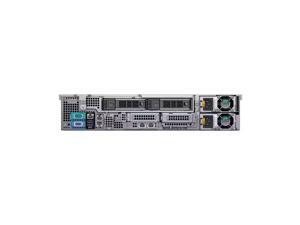

Dell R540 (3.5 - inch/12 - bay) barebone, no CPU, 1 heatsink, 0G, no disks, no cards, no power ...
- Model #: R54020260130S014
- Item #: 9SIVRG2KT28236
- Return Policy: Hebei XG Technology Return Policy
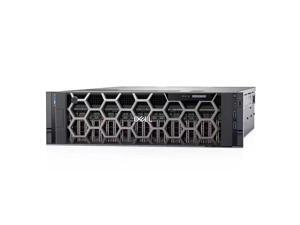
R940 (24 - bay), with 2 heatsinks, no internal components, no disks, no cards, no power supply ...
- Model #: R94020260129S02
- Item #: 9SIVRG2KT28199
- Return Policy: Hebei XG Technology Return Policy
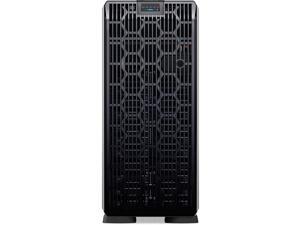
Dell T560 (8 x 3.5 - inch drives) barebone, no CPU, no internal components, no cards, no power ...
- Brand: Dell
- Series: PowerEdge T560
- CPU Type: Rack
- CPU Socket: LGA 3647
- Model #: T56020260203S59
- Item #: 9SIVRG2KT28317
- Return Policy: Hebei XG Technology Return Policy
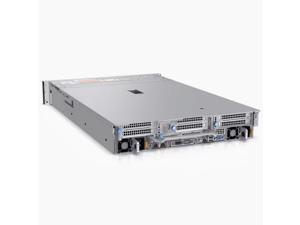
Dell R750XS (3.5 - inch/8 - disks) barebone, no CPU, no internal components, no disks, no ...
- Model #: R750XS20260129S28
- Item #: 9SIVRG2KT28245
- Return Policy: Hebei XG Technology Return Policy
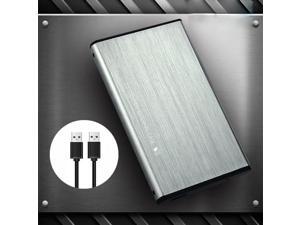
U25K3.0 2.5 inch USB 3.0 SATA HDD SSD External Hard Drive Enclosure 6TB 5Gbps Solid State ...
- Model #: HT-ID444-1726594
- Item #: 9SIVM7DKRK7200
- Return Policy: EnYZME Return Policy
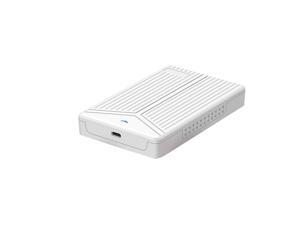
2.5 inch Notebook USB3.1 to SATA SSD External Hard Drive Enclosure Mobile Solid State Disk ...
- Model #: HT-ID444-1739530
- Item #: 9SIVM7DKRK7410
- Return Policy: EnYZME Return Policy
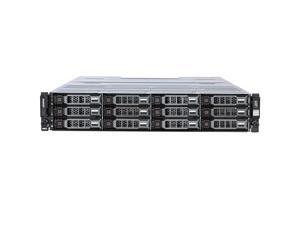
Dell 3820F (2.5 - inch / 24 - bay) barebone, single - control, no disks, dual - power supply
- Brand: Dell
- Series: PowerEdge 3820F
- CPU Type: None (Storage device, no CPU included)
- CPU Socket: None (Storage device, no CPU socket)
- Model #: 3820F20260204S67
- Item #: 9SIVRG2KT28343
- Return Policy: Hebei XG Technology Return Policy
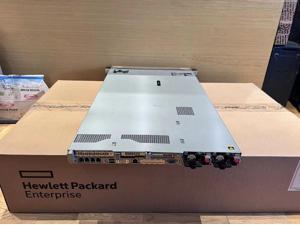
HPE DL380 Gen10+ 8SFF CTO Server, P408i-a RAID, I350-T4 OCP3 Network Adapter
- Brand: Inspur
- Series: 1U Rack Server
- CPU Type: Intel Xeon Scalable
- CPU Socket: Rack
- Model #: P05172-B2120260213S119
- Item #: 9SIVRG2KT28360
- Return Policy: Hebei XG Technology Return Policy
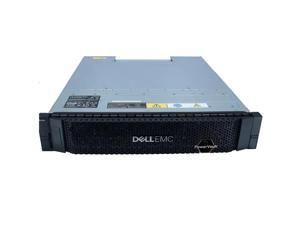
Dell ME4084 (3.5 - inch / 84 - bay) barebone, dual - control, dual - power supply, rails, FC
- Brand: Dell
- Series: PowerEdge ME4084
- CPU Type: None (Storage device, no CPU included)
- CPU Socket: None (Storage device, no CPU socket)
- Model #: ME408420260204S71
- Item #: 9SIVRG2KT28315
- Return Policy: Hebei XG Technology Return Policy
2.5 inch USB 3.0 SATA HDD SSD Hard Drive Enclosure 5Gbps 2T External Case for 2.5 inch SATA ...
- Model #: HT-ID444-1584613
- Item #: 9SIVM7DKRK7449
- Return Policy: EnYZME Return Policy
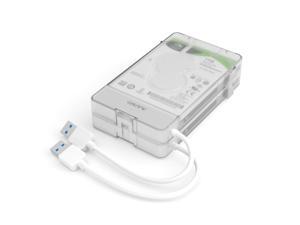
2.5" Hard Drive Enclosure Dual-bay USB 3.0 to SATA External Hard Drive Disk Case for ...
- Model #: HT-ID444-1912194
- Item #: 9SIVM7DKRK7422
- Return Policy: EnYZME Return Policy
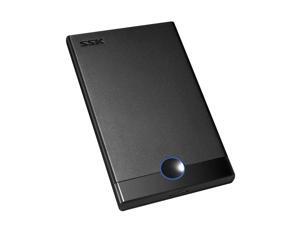
SHE090 2.5" USB3.0 to SATA HDD SSD External Hard Drive Enclosure 450mb/s Hard Disk Case ...
- Model #: HT-ID444-1836686
- Item #: 9SIVM7DKRK7420
- Return Policy: EnYZME Return Policy
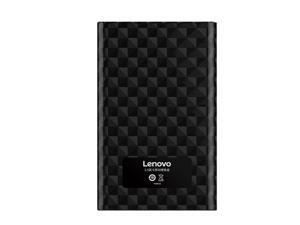
2.5inch SATA3.0 Hard Drive Enclosure 5Gbps SATA to Micro USB HDD SSD Case External Hard ...
- Model #: HT-ID444-1618503
- Item #: 9SIVM7DKRK7406
- Return Policy: EnYZME Return Policy
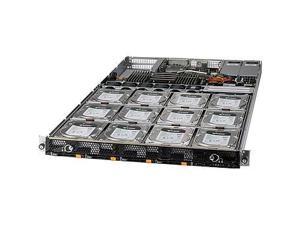
ASG-1014S-ACR12N4H Storage 1U Barebone Single EPYC 7003/7002 Series Processors
- Model #: TGM-ASG-1014S-ACR12N4H
- Item #: 9SIVSYTKUR9335
- Return Policy: SuZhouLiYuanLiXinBaiHuo Return Policy
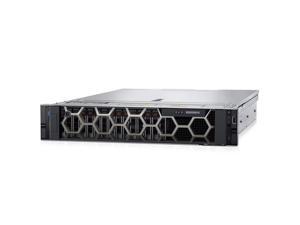
Dell R550 (3.5 - inch/8 - disks) barebone, no CPU, no internal components, no disks, no cards, ...
- Model #: R55020260129S19
- Item #: 9SIVRG2KT28206
- Return Policy: Hebei XG Technology Return Policy
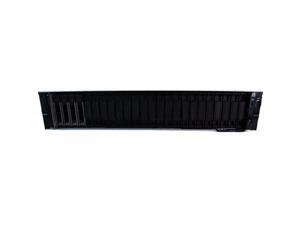
Dell R770 (16 x 2.5 - inch) barebone, no CPU, no internal components, no disks, no cards, no ...
- Brand: Dell
- Series: PowerEdge R770
- CPU Type: Rack
- CPU Socket: LGA 3647
- Model #: R77020260202S52
- Item #: 9SIVRG2KT28242
- Return Policy: Hebei XG Technology Return Policy
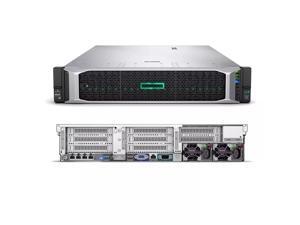
HPE DL360 Gen10 8SFF NC CTO Server, P408i-a RAID Controller, 366FLR Network Adapter
- Brand: Inspur
- Series: 1U Rack Server
- CPU Type: Intel Xeon Scalable
- CPU Socket: Rack
- Model #: P19766-B2120260213S117
- Item #: 9SIVRG2KT28329
- Return Policy: Hebei XG Technology Return Policy
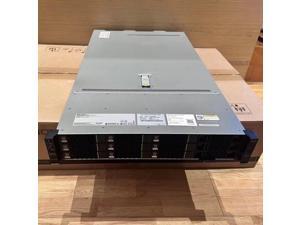
xFusion - 2288HV5 Server, 8 * 3.5 - inch drive bays, integrated dual - Gigabit and dual - 10 - ...
- Brand: Inspur
- Series: 2U Rack Server
- CPU Type: Intel Xeon Scalable
- CPU Socket: Rack
- Model #: 2288HV6520260213S114
- Item #: 9SIVRG2KT28341
- Return Policy: Hebei XG Technology Return Policy

Hard Drive Bracket 3.5'' to 2.5'' SSD Caddy HDD Bay Bracket 8cm Fan Bay Converter Hard Drive ...
- Model #: HT-ID444-1646113
- Item #: 9SIVPVGKMH7850
- Return Policy: ShenZhenYanXinWuLiuYouXianGongSi Return Policy
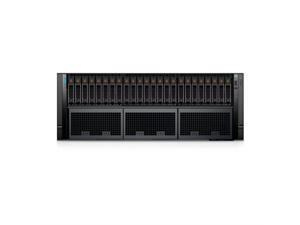
Dell R960 (32 x 2.5 - inch backplanes) barebone, no CPU, no internal components, no disks, ...
- Brand: Dell
- Series: PowerEdge R960
- CPU Type: Rack
- CPU Socket: LGA 3647
- Model #: R96020260202S50
- Item #: 9SIVRG2KT28209
- Return Policy: Hebei XG Technology Return Policy
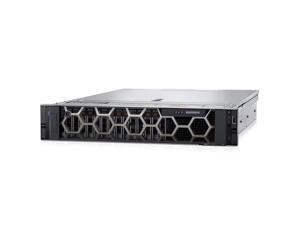
Dell R550 (2.5 - inch/16 - disks) barebone, no CPU, no internal components, no disks, no ...
- Model #: R55020260129S20
- Item #: 9SIVRG2KT28222
- Return Policy: Hebei XG Technology Return Policy
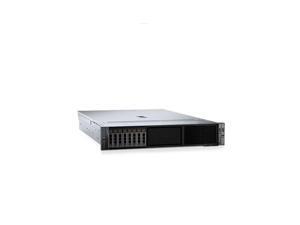
Dell R760 (24 x 2.5 - inch drives, low - power) barebone, no CPU, no internal components, no ...
- Brand: Dell
- Series: PowerEdge R760
- CPU Type: Rack
- CPU Socket: LGA 3647
- Model #: R76020260202S41
- Item #: 9SIVRG2KT28221
- Return Policy: Hebei XG Technology Return Policy
What are Barebones Server Systems?
Introduction
Barebones server systems are server kits that only include the motherboard, case, and power supply. The processor, memory, hard drives, and other components have to be purchased separately. While it is more labor intensive to manually assemble a server, barebones server systems do have advantages over purchasing a customized server from a major manufacturer.
System Components
With barebones server systems, you already have the motherboard, chassis, and power supply. The components that you need to purchase separately are the processor, memory, and hard drives among other others. Caution should be exercised when purchasing those components however, as there are differences between consumer-grade and server-grade components.
CPU
Compared to a desktop processor, a server processor will run cooler, use less power, and have other small differences that allow them to run for longer periods of time. Performance-wise, desktop and server processors are relatively similar.
Memory
Memory for servers typically support a technology known as error correction code (ECC). It is a feature that allows the memory to perform self-checks for errors without requiring action from the user or processor. ECC is important for servers, where data corruption cannot be tolerated.
Hard Drives
Because servers are designed to provide services and data for networked computers, the storage drives for that data are very important. For use with barebones server systems, enterprise-grade hard drives are recommended. And to lower the chances of losing data, the hard drive should be set up in a redundant array of independent disks (RAID) configuration.
What Type of Barebones Server System can I Get?
There are two types of barebone server kits, tower and rack-mounted. A barebones tower kit resembles a desktop computer while a rack-mounted server looks quite different and is installed inside a rack-mount server chassis.
They use the same hardware and the major differences are the case and motherboard. If the server will be your organization’s first, then a tower server kit is ideal. For larger organizations, rack-mounted servers will be more advantageous as they have better cable management and are more space-efficient.
Should I Assemble a Barebones Server System or Order a Customized Server?
With a barebones server kit, you can potentially have the server up and running in a much shorter amount of time than if you ordered a customized system from a manufacturer. The time it takes for a manufacturer to process an order depends on two factors. The first is the availability of the components you request, and second is the time required to assemble those components.
Also, you have much more control over the components used when you assemble the server in-house. For example, when ordering a customized server, you can dictate the size and speed of the hard drives but you usually cannot choose a specific model. With barebones server systems, you have the flexibility to choose components from whatever manufacturer you wish.

